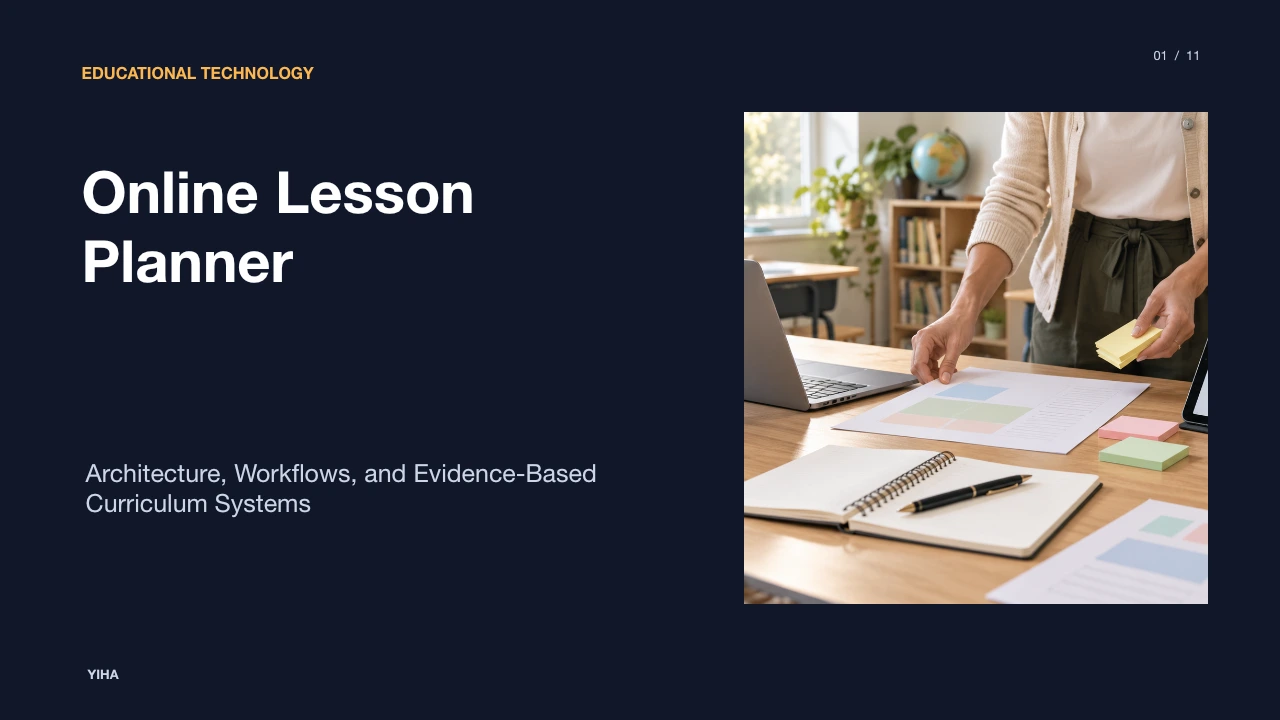
Online Lesson Planner
A comprehensive examination of online lesson planners, covering the shift from physical planbooks to cloud databases, automated curriculum alignment, dynamic schedule management, AI drafting, and enterprise rollout considerations.
Free download · 4.9 MB11 editable slides · PowerPoint format
Download the editable PPTX
PPTX · 4.9 MB · 11 editable slides · Free to edit and reuse with attribution to Yiha.ai
View every slide
Use ← →, Home/End, or swipe on mobile
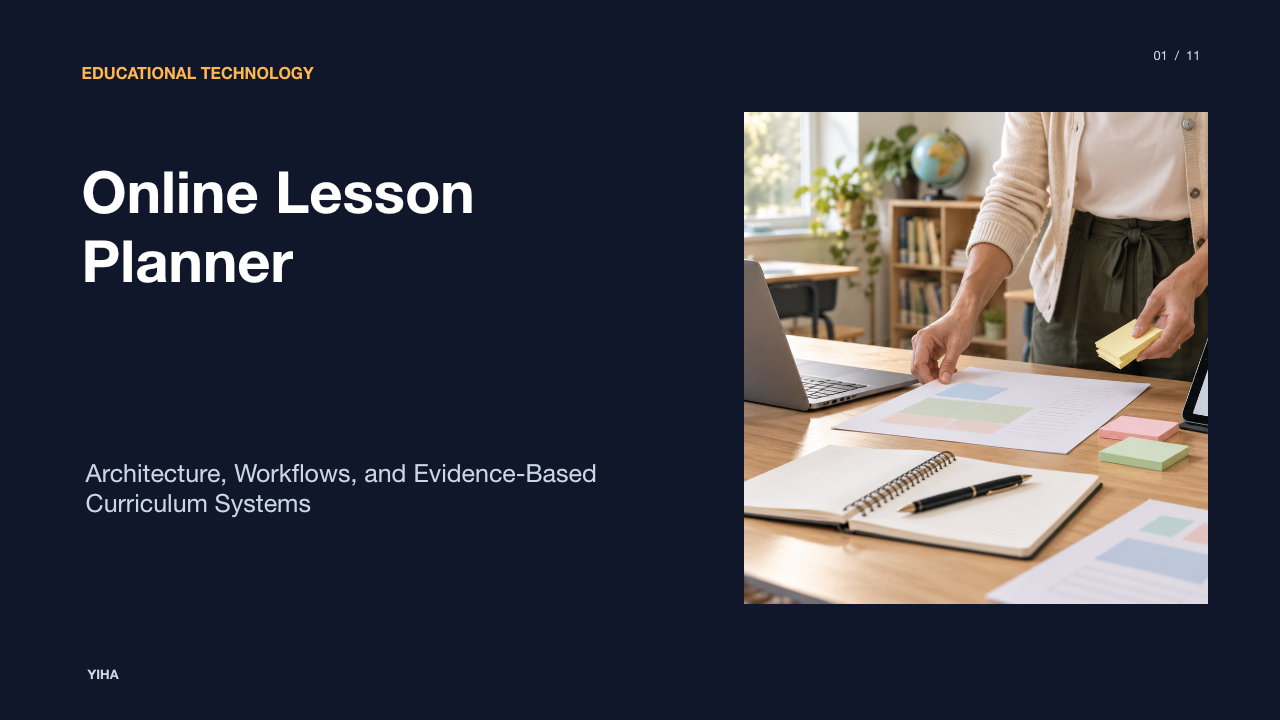
Instructional planning represents the core architecture of formal education, transforming state benchmarks, pedagogical theory, and student diagnostic data into concrete classroom experiences. Historically anchored in physical paper planbooks, the discipline of lesson design has undergone a technological transition toward networked cloud environments. Modern online lesson planners are no longer simple digital equivalents of ruled notebooks; they serve as integrated relational data systems connecting curriculum frameworks, instructional schedules, assessment records, and collaborative workflows. Understanding how these tools operate from technical foundations to district-level governance is essential for instructional leaders seeking sustainable curriculum design.
From Paper Planbooks to Cloud-Based Instructional Design
For generations, teachers recorded daily outlines across paper planbooks structured into fixed grid cells. While tactile and immediate, physical notebooks presented inherent logistical bottlenecks. A single unexpected assembly, weather cancellation, or instructional delay required manual erasure or margin annotations across subsequent days. Furthermore, physical records isolated lesson design to the individual teacher's desk, preventing seamless collaboration with co-teachers, instructional coaches, and substitute personnel.
The development of cloud-based instructional software addressed these physical constraints by moving lesson artifacts into networked databases. As documented in 6 best online lesson planners for teachers in 2026 | Jotform Blog, cloud-based platforms ensure instructional plans remain accessible from any web browser across multiple hardware endpoints without local installation requirements. This architecture eliminates device dependency, enabling educators to design curriculum materials in school workspaces, home environments, or mobile settings.
Simultaneously, platforms such as Online Teacher Planner & AI Tools for Teachers allow teachers to import timetables directly, moving schedules dynamically across days, weeks, and terms. When unplanned interruptions occur, digital scheduling engines can bump entire sequences forward automatically. However, shifting to the cloud introduces infrastructure dependencies: digital workflows require reliable connectivity and system availability, prompting some modern applications to implement hybrid offline caching mechanisms alongside centralized cloud synchronization.
Core Components and Data Structures of Digital Planners
At a systems level, an online lesson planner operates as a relational database that models the instructional calendar against educational entities. The root of this system is the timetable hierarchy, which defines academic years, grading terms, recurring day cycles (such as traditional Monday-Friday cycles, block schedules, or multi-week rotations), and daily period slots. Platforms like Online Teacher Planner: Lessons, Gradebook & Attendance | EMStudio demonstrate how advanced systems accommodate diverse scheduling structures, including A/B alternating schedules, rolling eight-day rotations, and regional holiday calendars spanning dozens of countries.
Within this chronological framework, individual lesson entries function as structured containers rather than open-ended text documents. A standard digital lesson record typically includes:
- Modular objective fields defining targeted learning intentions and success criteria;
- Instructional delivery blocks segmented by instructional stage (warm-up hooks, direct instruction, collaborative group work, independent practice, and exit closures);
- Standards alignment tags linking the entry to broader competency hierarchies;
- Digital asset repositories hosting embedded slide decks, external web references, rubrics, and printable worksheets.
Unifying these entities into an integrated data structure prevents data silos. As highlighted in Online Teacher Planner: Lessons, Gradebook & Attendance | EMStudio, integrating lesson plans with gradebooks and attendance rosters ensures that an instructional entry linked to a learning standard directly informs curriculum coverage dashboards without duplicate record-keeping.
Automated Standards Mapping and Curriculum Alignment
One of the most labor-intensive aspects of paper-based instructional design is verifying compliance with state, national, and district performance standards. Digital planning platforms resolve this challenge through indexed standards databases embedded directly within planning interfaces. Instead of manually cross-referencing printed state documents, educators can query frameworks such as Common Core, Next Generation Science Standards, or regional requirements during drafting.
According to 6 best online lesson planners for teachers in 2026 | Jotform Blog, platforms like Planbook, PlanbookEdu, and Common Planner incorporate built-in standards databases that let educators tag specific benchmarks directly to individual lesson modules. This tagging establishes a clear chain of instructional custody, generating coverage maps that identify which standards have been thoroughly instructed and which remain unaddressed.
Nevertheless, automated mapping tools present distinct limitations that require educator vigilance. As observed in AI Lesson Plan Generator | Online lesson planner, automated software and AI generators can suggest or tag standards, but verifying true pedagogical alignment to local district requirements demands professional human analysis. Algorithmic matching often relies on superficial keyword correlations rather than deep cognitive alignment, risking superficial compliance if educators do not critically evaluate how daily activities realize specified standards.
Empirical Evidence on Teacher Workload and Productivity
Teacher retention and instructional efficacy correlate strongly with manageable administrative workloads. Planning instructional activities requires sustained cognitive effort; when compounded by repetitive clerical formatting, it contributes to professional burnout. Digital planning platforms are primarily adopted to compress the administrative time required for curriculum preparation.
Platforms highlighted by Welcome to Lesson Planner focus specifically on mitigating administrative compliance burdens, streamlining scheduling routines so that teachers can direct greater energy toward active classroom instruction and student mentorship. Similarly, commentary in Free Online Lesson Planner for Teachers emphasizes that digital tools achieve optimal efficiency when utilized during designated preparation blocks to organize hands-on, active learning experiences rather than generating redundant paperwork.
However, productivity gains are contingent upon system usability. When digital platforms introduce complex interfaces, rigid form inputs, or steep learning curves, they can inadvertently create initial time deficits. Empirical productivity dividends typically emerge only after educators master core navigation and establish reusable unit repositories across consecutive academic terms.
Managing Dynamic Pacing and Real-Time Instruction
Classroom pacing rarely unfolds exactly as scheduled. Formative student assessments, assembly interruptions, inclement weather closures, and varying comprehension rates necessitate frequent adjustments to pacing guides. In traditional static planners, adjustments demand widespread rewriting across multiple weeks.
Modern digital planners address pacing adjustments through dynamic shift functions. As detailed in Online Teacher Planner: Lessons, Gradebook & Attendance | EMStudio, teachers can reorganize unit roadmaps across week, month, and year horizons, allowing specific lessons to shift seamlessly when school events intervene. Digital lesson engines maintain underlying objective links while updating scheduled delivery dates across the calendar.
Furthermore, educators increasingly utilize digital planners as active instructional cockpits during classroom delivery. By consolidating presentation slides, discussion prompts, student accommodations, and formative rubrics into a unified daily dashboard, teachers can run classroom sequences directly from their planning screens. As noted in Free Online Lesson Planner for Teachers, maintaining this digital coordination during preparation hours ensures that dynamic adjustments support hands-on student engagement rather than administrative distraction during class time.
Algorithmic Assistance and Differentiated Lesson Drafting
Recent developments in educational software incorporate generative artificial intelligence directly into the lesson drafting workflow. Rather than authoring every activity outline from scratch, educators can input specific parameters to generate multi-part instructional sequences in seconds. As detailed in AI Lesson Plan Generator | Online lesson planner, these tools allow teachers to define grade levels, specific conceptual topics, lesson durations, and targeted student needs to produce complete classroom-ready drafts featuring warm-up hooks, direct instruction notes, guided practice activities, and assessment prompts.
Algorithmic tools demonstrate particular utility in generating tiered differentiation strategies. Teachers can request tailored scaffolding for English Language Learners, enrichment extensions for advanced students, and targeted modifications for students with Individualized Education Programs (IEPs) or 504 plans. As documented in Lesson Plan Prompt Generator — Free Online Tool | SurePrompts, incorporating explicit classroom constraints including class size, period length, and specific standards codes into prompt structures enables AI engines to allocate realistic minute-by-minute schedules and produce tailored assessment rubrics.
Despite these efficiencies, algorithmic generation introduces significant professional risks. Automated engines can hallucinate pedagogical strategies, invent non-existent curriculum citations, or suggest developmentally inappropriate timing. Consequently, machine-generated lesson plans must function exclusively as initial baseline drafts, requiring comprehensive educator review and professional adaptation prior to implementation.
Specialized Planners Versus General Productivity Suites
School leaders and individual educators frequently debate whether to invest in purpose-built lesson planning applications or repurpose ubiquitous productivity software such as Google Docs, Google Sheets, or Notion. Each paradigm embodies distinct functional trade-offs.
As examined in 6 best online lesson planners for teachers in 2026 | Jotform Blog, purpose-built platforms like Planbook provide dedicated weekly schedule grids, integrated standards libraries, and automated schedule bumping out of the box. However, they can impose rigid formatting constraints. Conversely, general platforms like Jotform or Notion provide extensive layout customization and workflow flexibility, but require teachers to manually design and maintain databases, formulas, and calendar schedules from scratch.
- Dedicated Planners (e.g., PlanbookEdu, Planbook): Immediate out-of-the-box readiness, integrated standards, automated schedule cascading; limited structural flexibility.
- General Productivity Suites (e.g., Google Workspace, Notion): High organizational customization, zero dedicated licensing fees if already provisioned; substantial setup overhead, absence of native standards tracking.
- Hybrid Relational Systems (e.g., EMStudio): Multi-database linkages between curriculum, grading, and attendance; higher initial configuration commitment.
As concluded in Free Online Lesson Planner for Teachers, educators must weigh the time required to build and maintain custom workspace architectures against the structural constraints of specialized planning tools.
Structural Limitations, Privacy Risks, and Tool Fatigue
Despite their functional advantages, cloud-based lesson planners introduce critical operational vulnerabilities that schools must navigate. Chief among these is data governance and statutory privacy compliance. Because modern planners increasingly integrate lesson outlines with student rosters, IEP accommodations, and assessment marks, platforms must comply strictly with legal frameworks.
As outlined in Online Teacher Planner: Lessons, Gradebook & Attendance | EMStudio, systems handling connected student rosters and performance data must align with established standards such as the Family Educational Rights and Privacy Act (FERPA), the Children's Online Privacy Protection Act (COPPA), and the General Data Protection Regulation (GDPR). Storing sensitive special education accommodations or behavioral interventions within unsecured third-party planning tools risks regulatory violations.
Operational risks also include proprietary platform lock-in and educator cognitive fatigue. When schools change digital platforms, exporting years of structured lesson history often yields flattened PDF files or unformatted text rather than reusable database objects. Furthermore, introducing feature-heavy platforms without adequate training generates cognitive fatigue, prompting teachers to abandon digital tools in favor of unmonitored local documents, as warned in Free Online Lesson Planner for Teachers.
School-Wide Implementation and Collaborative Systems
Maximizing the pedagogical return on digital planning requires moving beyond isolated teacher subscriptions toward coherent departmental and institutional implementations. When deployed across an entire school or district, online lesson planners transform individual planning into shared curriculum repositories that enhance collective teacher efficacy.
Collaborative systems such as Common Planner and Jotform Workflows demonstrate how institutional platforms facilitate horizontal and vertical alignment. As documented in 6 best online lesson planners for teachers in 2026 | Jotform Blog, enterprise tools enable shared workspace co-planning, department-head oversight, and administrative sign-off routing directly within the planning software. This centralized visibility replaces chaotic email chains and shared drives with transparent curriculum tracking.
Successful institutional deployment requires structured rollout protocols:
- Standardized Curriculum Architecture: Establish agreed-upon lesson templates and taxonomy across grade-level teams.
- Collaborative Co-Planning Rituals: Dedicate professional learning community (PLC) time to co-authoring modular units in shared planbooks, as highlighted by AI Powered Teacher Planner | Common Planner.
- Administrative Feedback Loops: Use planner visibility to support non-punitive coaching, monitor pacing across campuses, and ensure equitable standards coverage without imposing burdensome compliance checks.
By treating the digital lesson planner as an enterprise curriculum infrastructure rather than an administrative compliance chore, school systems build durable institutional knowledge that supports sustained pedagogical excellence.
Research sources
- 6 best online lesson planners for teachers in 2026 | Jotform Blog · www.jotform.com
- Free Online Lesson Planner for Teachers · www.theschoolhouse.org
- Online Teacher Planner & AI Tools for Teachers · teacherplanner.ai
- Online Teacher Planner: Lessons, Gradebook & Attendance | EMStudio · emstudio.pro
- AI Lesson Plan Generator | Online lesson planner · www.101planners.com
- Welcome to Lesson Planner · lessonplanner.online
- Lesson Plan Prompt Generator — Free Online Tool | SurePrompts · sureprompts.com
- AI Powered Teacher Planner | Common Planner · www.commonplanner.com
- Lesson Planners â Plan Smarter, Teach Better · lessonplanners.org