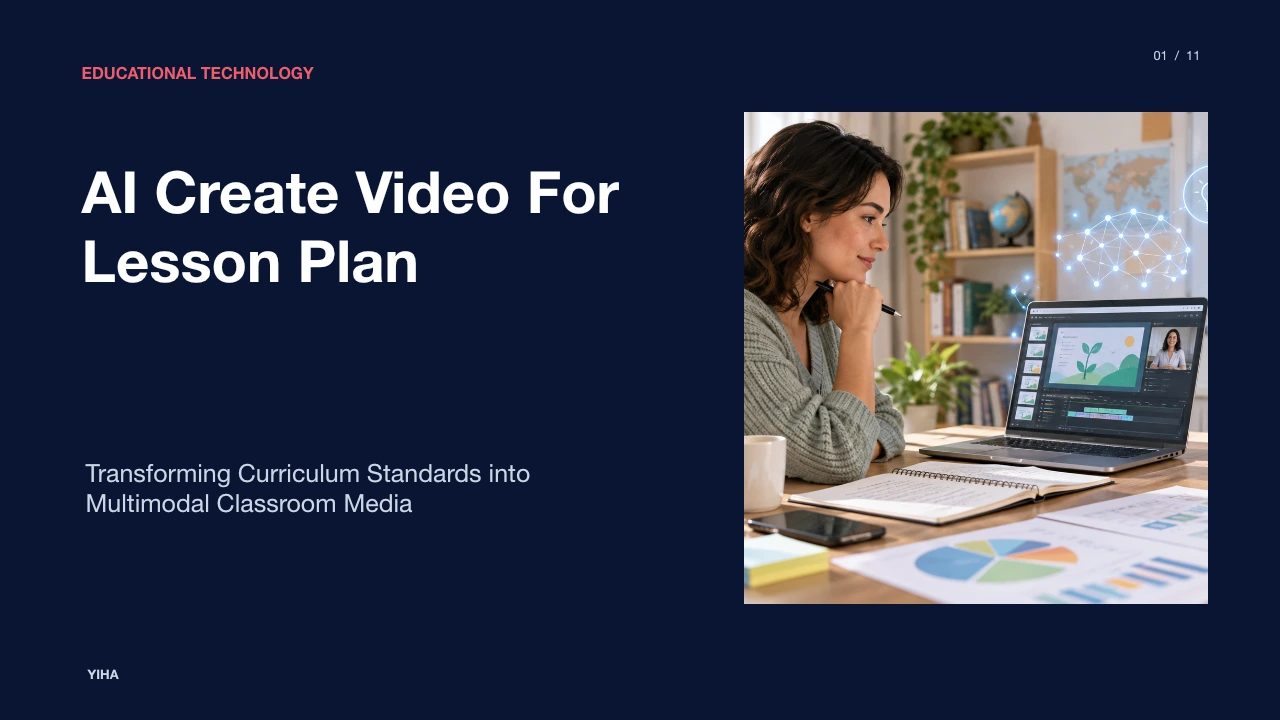
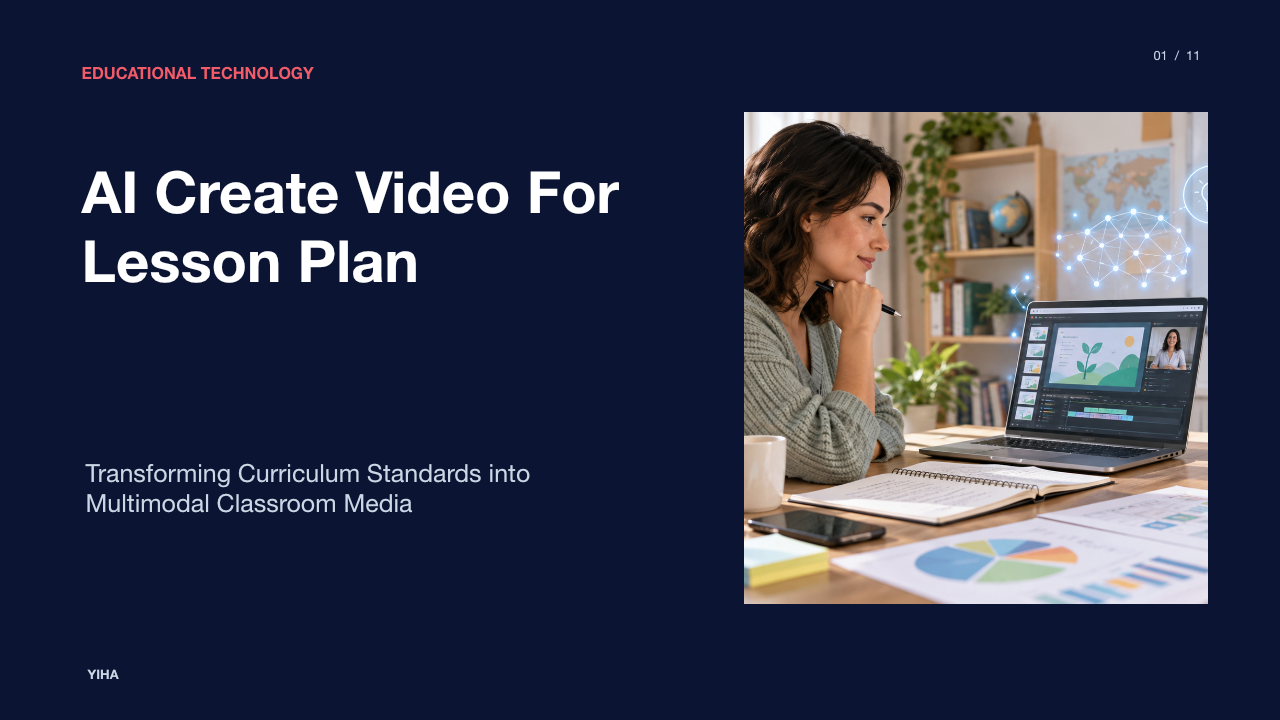
AI Create Video For Lesson Plan
A comprehensive pedagogical guide examining how educators translate curriculum standards into structured prompts, generate synthetic instructional videos, and uphold classroom privacy compliance.
Free download · 4.9 MB11 editable slides · PowerPoint format
Download the editable PPTX
PPTX · 4.9 MB · 11 editable slides · Free to edit and reuse with attribution to Yiha.ai
View every slide
Use ← →, Home/End, or swipe on mobile
Traditional lesson preparation often separates written instructional outlines from the dynamic media required to engage diverse classrooms. While teachers spend substantial time drafting curricular goals, transforming those written plans into visual media has historically demanded specialized software and hours of manual video production. The emergence of multimodal generative artificial intelligence enables educators to convert structured lesson plans directly into targeted video resources. Rather than replacing instructional judgment, these systems function as scaffolding tools that allow teachers to build clear visual aids, support blended learning models, and address diverse student needs.
Moving Beyond Static Lesson Plans with Synthetic Video
Lesson design has traditionally centered on print-heavy formats that outline sequential activities, teacher prompts, and anticipated student responses. While these static documents serve administrative tracking and teacher pacing, students frequently require multimodal reinforcement to grasp abstract principles. Manual video production historically introduced an operational bottleneck. To create an instructional clip, an instructor had to draft a storyboard, configure lighting and audio recording hardware, record multiple takes, and edit assets using complex timeline software.
Automated media pipelines alter this workflow by synthesizing media elements directly from pedagogical text. Platforms reviewed by educational resources such as We Are Teachers highlight how generative utilities streamline routine administrative drafting, freeing educator capacity for direct pupil engagement. Digital design tools such as Visme AI Lesson Plan Generator similarly provide integrated drafting environments where teachers generate digital documents, structured roadmaps, and multimedia sequences in a single interface. By pairing structured textual outlines with automated generation, teachers move beyond flat text documents toward dynamic instructional media that support flipped learning and classroom demonstrations without demanding professional video production experience.
Translating Curriculum Standards into Structured Prompts
Generative media tools do not inherently understand pedagogical intent. Left unguided, a generic prompt produces superficial content that misses grade-band benchmarks. Effective generation requires backward design principles, wherein instructors articulate desired outcomes, assessment criteria, and specific curriculum frameworks within the prompt architecture itself.
Platforms such as AI Doc Maker allow teachers to input specific grade levels, subject areas, and standard frameworks, such as Common Core or state benchmarks, to produce tightly targeted instructional materials. As noted by The School House, AI tools operate best when guided by an educator's pedagogical judgment rather than functioning as autonomous instructional systems. When building video generation prompts, teachers should specify the exact standard code, define vocabulary restrictions, outline prerequisite knowledge, and state target demonstrations. For an illustrative example, a prompt instructing the system to explain eighth-grade plate tectonics must explicitly direct the video engine to visualize convergent boundaries using labeled cross-sections, ensuring that visual output directly mirrors state performance standards.
Automated Storyboarding and Instructional Scripting
A successful instructional video relies on a pedagogically sequenced script. Large language models excel at breaking overarching unit objectives into modular direct-instruction segments, guided examples, and formative checks. Rather than generating an unstructured monologue, prompting structures can enforce time-tested instructional models.
According to instructional recommendations compiled by We Are Teachers, highly effective lessons incorporate an anticipatory set or hook, direct teacher modeling, structured guided practice, and multiple formative checks to verify pupil comprehension. Generative systems can convert a basic topic outline into a four-stage video script that mirrors this pedagogical cadence. The script begins with a brief contextual hook to engage curiosity, progresses into a focused demonstration of the core objective, introduces an explicit pause for student contemplation, and concludes with a summary check. Automated scripting engines help teachers draft aligned discussion prompts and exit tickets alongside script text, ensuring the spoken media directly supports active student tasks.
Multimodal Synthesis of Visuals, Avatars, and Voice
Once a script is established, modern video platforms synthesize spoken audio, digital presenters, and supporting visual assets into a cohesive media presentation. Video generation suites like VEED analyze text prompts to construct slides, balance information hierarchy, configure layouts, and integrate synthetic presenter avatars with automated voiceover tracks. This automated assembly eliminates the manual rendering and asset alignment that traditionally slowed video creation.
However, technical assembly must remain grounded in accessibility mandates. The W3C Web Accessibility Initiative emphasizes that accessible multimedia requires careful planning from script inception. Synthetic video generation must incorporate accurate closed captions, high-contrast visual displays, clear descriptive transcripts, and balanced background audio levels so spoken narrative remains distinct for hard-of-hearing learners. When instructors deploy synthetic avatars or automated voices, visual captions and verbal clarity guarantee that generated instructional media remains accessible to all learners within the classroom.
Grounding AI Video Generation in Multimedia Learning Theory
Generative tools frequently generate visual clutter, such as arbitrary motion graphics, decorative background images, or redundant on-screen paragraphs. These decorative elements threaten learning retention by overwhelming student working memory. Educational technologists evaluate synthetic video using Richard Mayer's Cognitive Theory of Multimedia Learning to preserve visual utility.
Mayer's research demonstrates that learners process visual and auditory information across separate cognitive channels. Video lesson planning must respect core principles: the Coherence Principle requires removing non-essential visuals and ambient music; the Modality Principle favors spoken narration over on-screen paragraph text; and the Spatial Contiguity Principle requires labels to sit directly adjacent to corresponding diagram parts. Curriculum analyses from Film English demonstrate how multimodal lesson structures rely on Mayer's theories to deepen comprehension through intentional visual design. Teachers reviewing AI-generated drafts must edit out decorative animations and align graphics strictly with the spoken script, avoiding split-attention effects.
Tailoring Video Pacing and Difficulty for Diverse Learners
One of the most compelling advantages of synthetic video creation is the ability to produce multiple instructional variations from a single master lesson plan. In mixed-ability classrooms, presenting a single uniform video often fails both striving students who need slower scaffolding and advanced learners who require conceptual extension.
Specialized teaching tools like TeflToday demonstrate how generative systems can calibrate language complexity, vocabulary choices, and grammar density across specific proficiency frameworks like the CEFR scale. Educators can take one master script on introductory genetics and instruct the generative system to generate two distinct video assets. The foundational tier uses simplified terminology, slower narration speed, and visual callouts to define unfamiliar terms. The advanced tier introduces specialized vocabulary, faster pacing, and open-ended synthesis inquiries. Generating differentiated video tracks enables targeted station rotations, independent study modules, and accessible language immersion without requiring days of teacher media production.
Auditing AI-Generated Video for Instructional Accuracy
Generative artificial intelligence models remain probabilistic text and image processors rather than domain authorities. Left unverified, video generation pipelines can introduce factual hallucinations, anachronistic historical visuals, distorted scientific diagrams, and mislabeled mathematical proofs. A human-in-the-loop review protocol is essential before any synthetic video enters classroom instruction.
Analysis from The School House emphasizes that AI tools support planning rather than replacing human-led instructional discernment. Educators should establish a three-part validation rubric covering factual accuracy, developmental appropriateness, and cultural representation. For an illustrative example, if an automated tool generates a video about cell division, the teacher must verify that chromosome counts are accurate, organelle labels point to correct structures, and synthetic speech pronounces biological terms correctly. Any misaligned visual or spoken assertion must be corrected manually within the script editor before rendering final exports.
Navigating Copyright, Privacy, and Synthetic Media Ethics
Deploying synthetic video technology in schools introduces legal and ethical responsibilities regarding student data protection and intellectual property. When educators interact with commercial generative engines, safeguarding student identifiable records remains paramount under federal statutes.
Official compliance guidance from the Department of Education Student Privacy Policy Office establishes strict rules protecting student personally identifiable information under FERPA. Furthermore, statutory protections under the Federal Trade Commission regulate commercial data collection from minors under thirteen via COPPA. Educators must never input identifiable student work, behavioral logs, individual learning plans, or student likenesses into third-party generative video engines. Furthermore, schools must confirm licensing rights for synthetic stock visuals and disclose the use of synthetic presenter avatars to parents and students, ensuring technological transparency throughout instruction.
Implementing an End-to-End Lesson Video Production Workflow
To adopt automated video creation sustainably, educators require a predictable, four-stage instructional workflow: curricular prompt definition, automated generation, instructional validation, and learning platform integration. By organizing production into discrete steps, teachers avoid technical frustration while preserving instructional quality.
As pedagogical reviews by We Are Teachers demonstrate, structured AI tools deliver measurable efficiency gains when applied to repeatable planning steps. In the initial definition stage, the instructor determines standards, core vocabulary, and assessment checks. In the second stage, the teacher inputs structured prompts into video synthesis platforms like Visme or text-to-presentation engines. During the validation phase, the teacher audits the generated draft against multimedia principles and factual rubrics, trimming extraneous animations and correcting speech cadences. Finally, the approved video is exported, paired with interactive checks, and integrated into learning management systems to support student learning.
Research sources
- Free AI lesson plan generator to create impressive lesson plans in minute · www.visme.co
- 8 Best AI Lesson Plan Generators for Educators · www.weareteachers.com
- Free AI Lesson Plan Generator for Teachers · www.theschoolhouse.org
- AI Lesson Plan Generator | Create Plans in Minutes Free · www.aidocmaker.com
- 10 Lesson Plan Examples, Plus Helpful Expert Tips · www.weareteachers.com
- Making Audio and Video Media Accessible | Web Accessibility Initiative (WAI) | W3C · www.w3.org
- AI Presentation Maker - Create Video Presentations - VEED · www.veed.io
- B1 ESL Video Lesson Plan: Alike · film-english.com
- AI Lesson Plan Generator for TEFL Teachers | Create CEFR-Aligned Plans in Minutes · tefltoday.org
- Frequently Asked Questions | Protecting Student Privacy · studentprivacy.ed.gov
- Children's Online Privacy Protection Rule ("COPPA") | Federal Trade Commission · www.ftc.gov