Gemini Lesson Plan
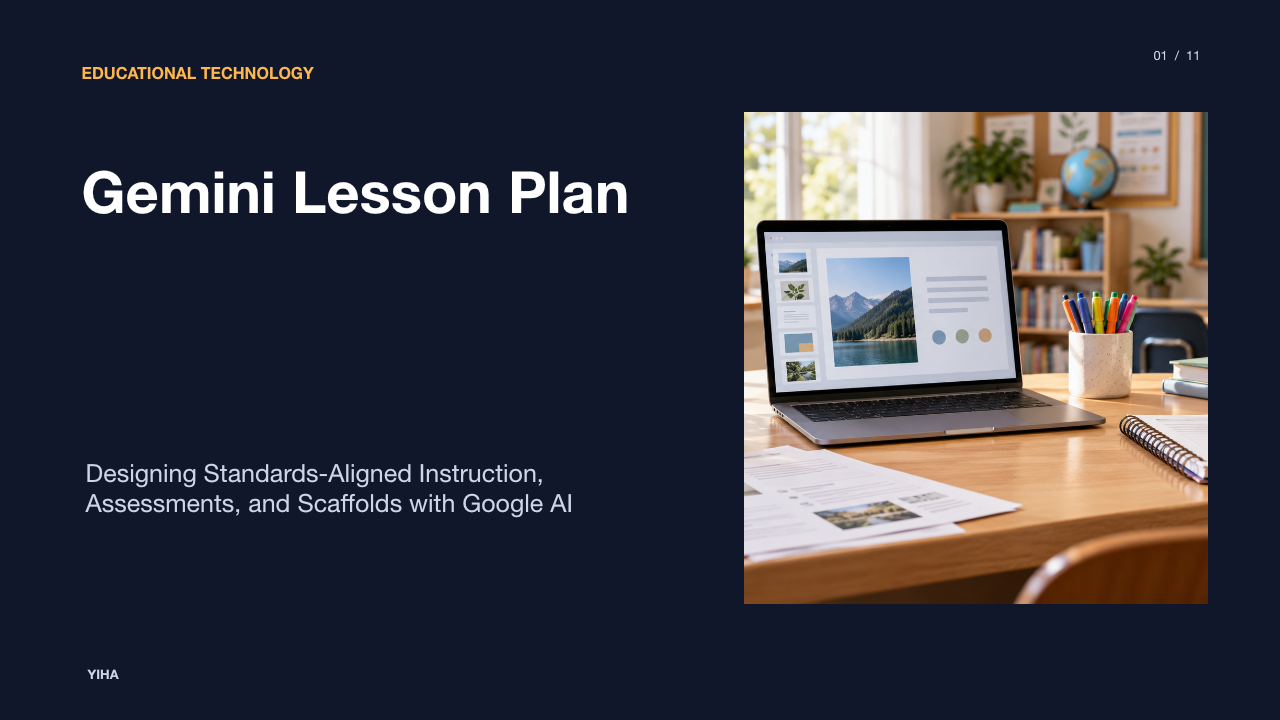
A comprehensive pedagogical guide for educators designing standards-aligned lesson plans, rubrics, and differentiated learning activities with Google Gemini and Gemini Notebook.
Free download · 4.9 MB11 editable slides · PowerPoint format
Download the editable PPTX
PPTX · 4.9 MB · 11 editable slides · Free to edit and reuse with attribution to Yiha.ai
View every slide
Use ← →, Home/End, or swipe on mobile
Generative artificial intelligence has introduced a major shift in how educators approach curricular preparation. Rather than drafting every unit from a blank screen, teachers increasingly use generative tools like Google Gemini to generate structural drafts, adapt instructional activities, and prepare classroom materials. However, effective lesson design requires maintaining rigorous pedagogical oversight. Generative models offer accelerated drafting capability, but human educators remain solely responsible for curricular fidelity, diagnostic accuracy, and student engagement.
Generative AI in Modern Instructional Planning
The integration of generative AI into lesson planning transitions teacher effort from mechanical drafting to instructional curation. As detailed in Gemini for Education: A Practical Teacher's Guide, Gemini can produce preliminary lesson structures, generate practice items, and reframe complex explanations into accessible language. Instead of authoring instructional units entirely from scratch, teachers establish the objective and evaluate whether generated components meet the needs of their learners.
This workflow relies on a systematic progression described in Google Gemini for Teachers in 2026: A Practical Guide for Smarter Teaching: teacher objective leads to Gemini drafting, followed by teacher verification, classroom delivery, collection of student evidence, and instructional adjustment. While secondary commentaries in guides like Gemini for Teachers: Classroom AI Guide emphasize that AI tools amplify teacher capacity during repetitive tasks, the technology cannot replace professional pedagogical judgment. A drafted plan is simply a working hypothesis until an educator examines its pacing, validates its concepts, and adapts it to classroom realities.
Understanding Gemini for Education and Data Governance
A critical consideration when using Gemini for lesson preparation is data governance. Many educators encounter confusion regarding the difference between consumer Gemini applications and institutional Workspace accounts. According to the Gemini Apps Privacy Hub, consumer accounts may use interaction logs to train underlying AI models, and conversations may be reviewed by human contractors to improve services.
In contrast, schools utilizing enterprise or education tiers operate under different commitments. The Generative AI in Google Workspace Privacy Hub specifies that under Google Workspace for Education agreements, user chats, prompt submissions, and uploaded files are not reviewed by human reviewers and are not used to train generative AI models outside the customer domain. Furthermore, tools like Gemini Notebook for Education are powered by Google's LearnLM model family, fine-tuned specifically on learning science principles. Understanding these technical boundaries ensures that educators never enter personally identifiable student data into consumer-grade interfaces.
Structuring Effective Prompts for Standards-Based Units
Generic, single-sentence prompts consistently generate vague instructional materials. As documented in The Art of Prompt Engineering for Lesson Planning, prompting an AI model without explicit parameters forces it to invent grade levels, pacing assumptions, and instructional methods. High-quality lesson generation requires structured, few-shot prompting that establishes clear pedagogical boundaries.
Educators can implement structured frameworks such as the RTCO model described in Prompt Engineering for Teachers: Lesson Plans & AI Prompts. This framework divides instructions into four core elements:
- Role: Establishes domain expertise and teaching persona, such as an eighth-grade physical science teacher skilled in inquiry-based instruction.
- Task: Details the concrete instructional goal, such as developing a 45-minute lesson introducing Newton's Third Law of Motion.
- Context: Specifies student demographics, prior knowledge, reading levels, and specific accommodation requirements.
- Output: Dictates formatting structure, such as a four-column table showing pacing, teacher actions, student actions, and formative checks.
As noted in Prompt Engineering for Educators, incorporating established instructional frameworks like the 5E Model or Universal Design for Learning (UDL) guides the model toward pedagogically coherent outputs.
An illustrative example of this approach involves asking the model to formulate three distinct hook activities aligned to Bloom's Taxonomy, require students to explain mechanisms before solving equations, and generate paired checks for understanding. By front-loading constraints, teachers prevent the model from generating superficial overviews.
Grounding Lesson Content with Gemini Notebook
A persistent limitation of standard conversational models is the danger of hallucinations or reliance on unvetted internet snippets. Educators can counter this challenge by using Gemini Notebook, formerly known as NotebookLM, which anchors responses directly in teacher-provided documents. As highlighted in Gemini for Education: A Practical Teacher's Guide, Gemini Notebook's primary advantage is strict source grounding.
When planning a curriculum unit, an educator can upload approved district pacing guides, state standard rubrics, primary source readings, and textbook chapters. Because the model processes questions solely against these uploaded references, it provides inline citations tracing every claim directly back to source passages. As explained in Gemini in Google Classroom: A Teacher's Guide, teachers can link source-grounded materials directly to student assignments. Even with inline citations, educators must still verify that the model has not omitted essential qualifications or synthesized disparate excerpts incorrectly.
Differentiating Instruction and Scaffolding Content
Designing differentiated materials across diverse classrooms is one of the most time-consuming elements of instructional preparation. Generative AI makes multi-tier differentiation practical by adapting reading complexity and generating visual scaffolding while maintaining identical underlying core standards.
As explained in Gemini for Teachers: A Practical Guide, Gemini can rewrite a single source passage across varying proficiency levels, generate bilingual glossaries, and craft sentence frames for multilingual learners without changing the scientific or historical concepts. Dedicated tools like the CoGrader Free AI Reading Level Converter similarly demonstrate how texts can be targeted to specific Lexile bands spanning elementary through high school benchmarks.
An illustrative differentiation prompt scenario involves an eighth-grade history teacher uploading an excerpt from the Declaration of Independence and requesting three versions: Tier 1 at grade level, Tier 2 scaffolded with embedded vocabulary callouts and simplified syntax, and Tier 3 accompanied by graphic sentence frames for newcomers. The underlying historical concepts remain unchanged, ensuring all students work toward the same analytical objective.
Drafting Formative Assessments and Rubrics
Effective lesson planning requires seamless alignment between instructional activities and assessment tasks. Gemini accelerates assessment authoring by generating targeted formative tools directly linked to lesson targets. According to Google Gemini for Teachers in 2026: A Practical Guide for Smarter Teaching, teachers can prompt Gemini to generate exit tickets, diagnostic checks, pair-share questions, and distractors based on common student misconceptions.
Furthermore, Gemini can convert unstructured assignment prompts into analytic rubrics. The official Google for Education Overview highlights capabilities for drafting quizzes, practice tests, and rubrics complete with scoring criteria and answer keys. The teacher remains responsible for verifying that rubric criteria reflect actual state expectations rather than generic writing qualities. An exit ticket prompt should explicitly ask Gemini to identify why specific incorrect answers represent predictable learner errors, allowing the teacher to diagnose misconceptions immediately during class.
Automating Planning Routines with Custom Gemini Gems
For recurring instructional workflows, repeatedly typing detailed parameters into a blank chat box is inefficient. Educators can build custom Gemini Gems to automate structured planning routines. As detailed in Gemini Gems for Teachers: 8 Adaptable Templates, a Gem is a customized persona containing permanent instructions, output structures, and attached knowledge files.
Teachers can establish a specialized Lesson Planning Gem programmed with fixed operating principles:
- Always prompt the user for the grade level, subject, learning standard, and class duration before generating a lesson draft.
- Structure every output using the 5E instructional framework (Engage, Explore, Explain, Elaborate, Evaluate).
- Never invent curriculum standards; if a standard is omitted, ask the teacher to supply it.
- Label all instructional assumptions and provide a dedicated formative check for every direct instruction phase.
As described in the Google Gemini for Teachers Quick Start Guide, connecting district curriculum maps to a Gem's knowledge base enables rapid generation of standards-aligned units that follow district conventions without requiring repetitive prompting.
Fact-Checking, Pedagogical Review, and Hallucination Risk
Despite the sophistication of modern large language models, Gemini remains susceptible to factual hallucinations, superficial reasoning, and temporal inaccuracies. In Gemini for Education: A Practical Teacher's Guide, reviewers caution that AI-generated lessons must undergo rigorous human evaluation before implementation in front of students.
Teachers should conduct verification using a four-step pedagogical review protocol:
- Curricular Verification: Confirm that learning targets match official state and district standards rather than fabricated citations.
- Cognitive Rigor Audit: Ensure that student activities require active synthesis, evaluation, or problem-solving rather than passive recall.
- Developmental Appropriateness: Check that vocabulary, pacing intervals, and conceptual complexity match the developmental stage of the learners.
- Factual and Citation Cross-Check: Inspect mathematical calculations, historical chronology, scientific claims, and external web links to ensure factual accuracy.
By treating Gemini outputs as rough first drafts rather than finished curriculum products, educators maintain instructional integrity.
Establishing Schoolwide AI Lesson Planning Protocols
To ensure safe and equitable implementation across departments, school leaders must create clear administrative protocols. Rather than leaving AI adoption to individual trial and error, department chairs should establish shared prompt repositories and collaborative review norms. As outlined in Gemini for Teachers: Classroom AI Guide, clear school workflows allow instructional teams to pool verified prompt structures for lesson design, rubric creation, and family communications.
Administrative leadership must emphasize data governance compliance. According to Gemini for Teachers: A Practical Guide, schools should explicitly instruct staff never to input identifiable student records, grades, or individualized education program names into unapproved AI tools. Establishing department-level review checklists guarantees that generated curriculum documents align with school equity goals while upholding strict student privacy standards.
Research sources
- Gemini for Education: A Practical Teacher’s Guide · www.educatorstechnology.com
- Google Gemini for Teachers in 2026: A Practical Guide for Smarter Teaching · www.teachaihub.online
- Gemini for Teachers: Classroom AI Guide - Beginners in AI · beginnersinai.org
- Gemini Apps Privacy Hub - Gemini Apps Help · support.google.com
- Generative AI in Google Workspace Privacy Hub | Google Workspace Help · knowledge.workspace.google.com
- Generative AI Tool for Teachers & Students - Google for Education - Google for Education · edu.google.com
- The Art of Prompt Engineering for Lesson Planning · www.promptengineering.ninja
- Prompt Engineering for Teachers: Lesson Plans & AI Prompts Free - Schorbit(All in 1) · schorbit.com
- Prompt Engineering for Educators - Best Generative AI & Machine Learning Training Institute · www.genaimlinstitute.com
- Gemini in Google Classroom: A Teacher’s Guide · www.educatorstechnology.com
- Free AI Reading Level Converter | CoGrader · cograder.com
- Gemini for Teachers: A Practical Guide · mytelo.ai
- Empower Learning with Gemini for Education - Google for Education · edu.google.com
- Gemini Gems for Teachers: 8 Adaptable Templates · www.educatorstechnology.com
- Google Gemini for Teachers Quick Start Guide - Teacher Tech with Alice Keeler · alicekeeler.com