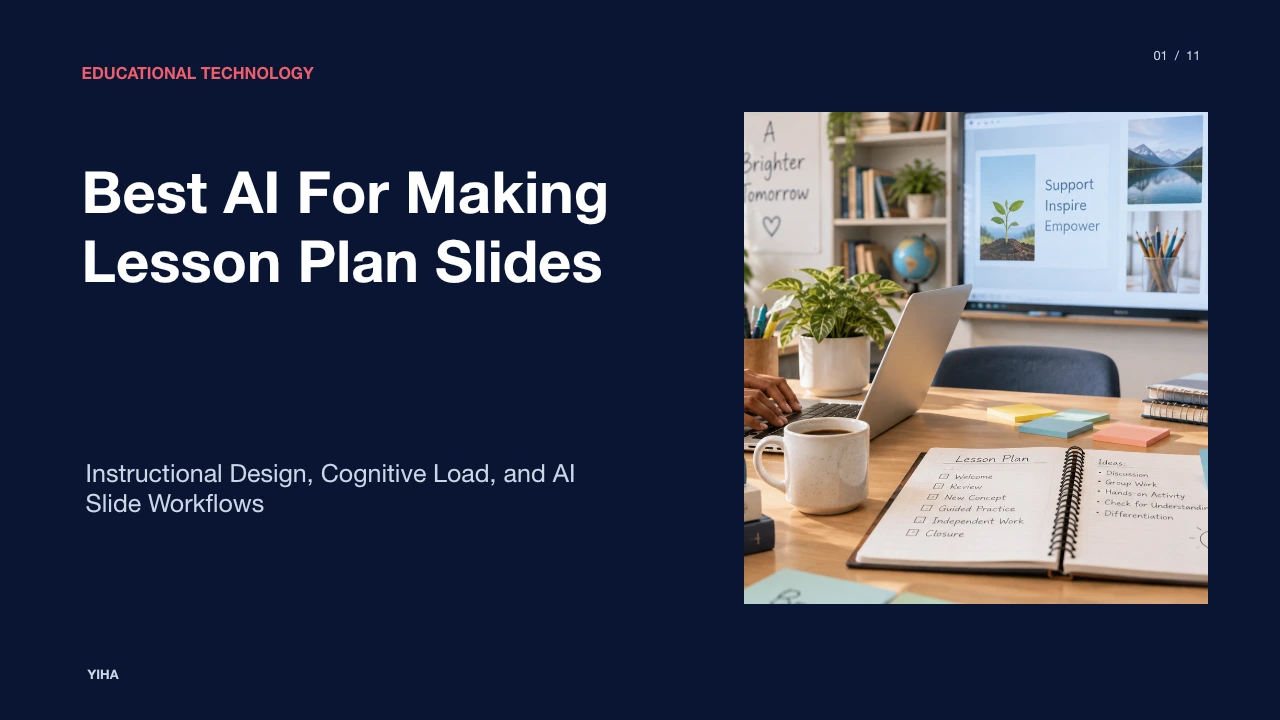
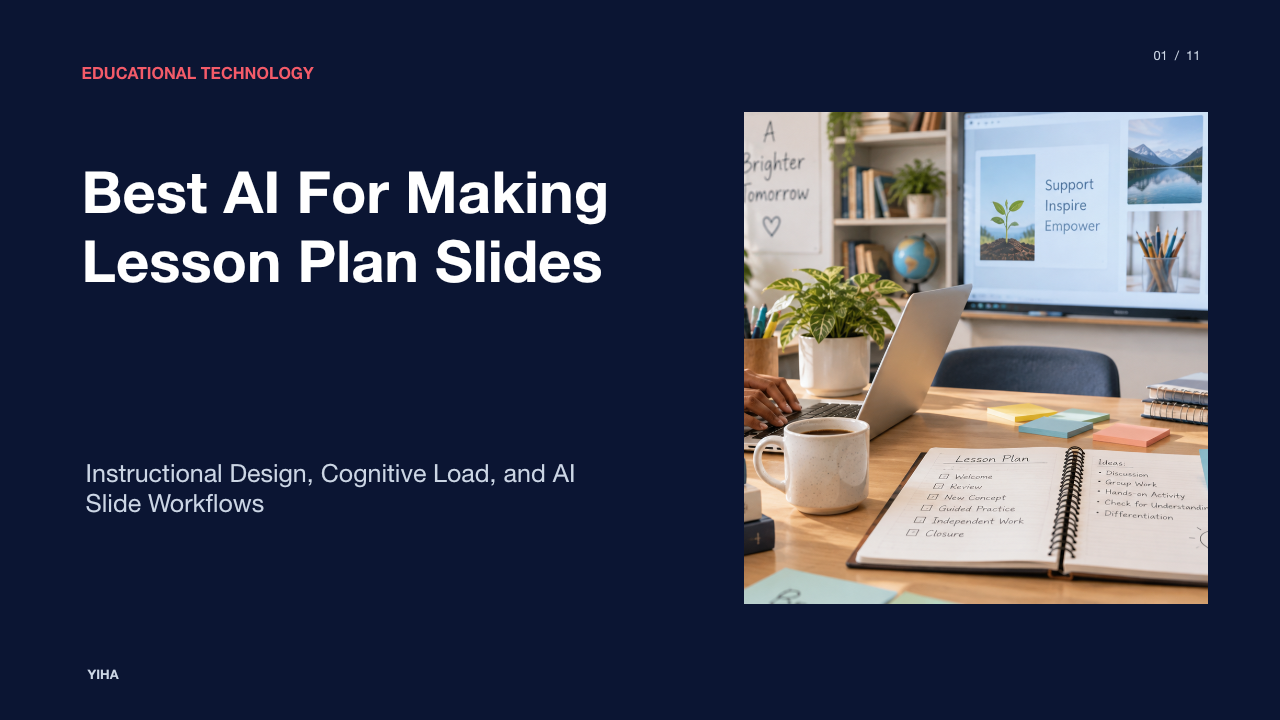
Best AI For Making Lesson Plan Slides
A comprehensive guide examining how educators use generative AI platforms to convert lesson objectives into classroom presentations, balance cognitive load, and safeguard student privacy.
Free download · 4.9 MB11 editable slides · PowerPoint format
Download the editable PPTX
PPTX · 4.9 MB · 11 editable slides · Free to edit and reuse with attribution to Yiha.ai
View every slide
Use ← →, Home/End, or swipe on mobile
Lesson planning has historically demanded hours of administrative work outside contracted school hours. Teachers must map district standards to daily activities, scaffold complex tasks, and construct visual materials that maintain student focus. The expansion of generative artificial intelligence has introduced automated tools capable of turning broad topics into complete instructional presentations. Selecting suitable software requires balancing instructional depth, classroom interactivity, graphic clarity, and data compliance.
The Shift from Document Plans to Slide Decks
For decades, curriculum planning centered on static written documents. Detailed lesson plans resided in binders or word processor files, serving primarily as administrative documentation rather than direct instructional aids. In live classrooms, teachers increasingly rely on digital presentation decks to direct pacing, display visual representations, and frame student tasks.
Building both a written plan and an accompanying presentation multiplies preparation time. As reported in the Best Free Lesson Plan Generators for Teachers: 2026 Guide, lesson planning frequently consumes evenings because teachers must address state standards, support varied learner readiness, and work within finite prep periods. Generative tools bridge this division by producing instructional sequences and presentation drafts simultaneously. When software generates structured outlines alongside classroom visual assets, educators can shift their attention from formatting blank slides to tailoring instructional flow.
Instructional Design and Cognitive Load on Slides
Automated presentation builders risk generating decorative clutter. A slide crowded with decorative stock imagery, elaborate shapes, or dense text blocks increases extraneous cognitive load, distracting learners from key concepts. Instructional design requires intentional chunking, readable typography from the back of a room, and dual-coding principles where visuals clarify rather than decorate.
According to 8 Best AI Lesson Plan Generators for Educators, structured planning tools like Auto Classmate and Lessonplans.ai focus on clear objectives, step-by-step guides, and curriculum alignment rather than purely ornamental output. Applying frameworks like Universal Design for Learning ensures slides provide multiple means of representation. Instead of accepting AI-generated walls of text, teachers should select tools that format key steps into legible bullet points and clear diagrams that support direct explanation.
How AI Translates Objectives into Slide Outlines
Generative presentation systems parse curriculum prompts through large language models to construct structured learning sequences. The underlying model evaluates the target topic, grade level, and instructional goals to organize content into familiar pedagogical components, such as introductory hooks, direct instruction, guided practice, and checks for understanding.
Platform features detail how prompt precision shapes results. As outlined by Visme AI Lesson Plan Generator, text prompts must specify the target class, topic, and necessary instructional components, enabling the system to draft copy and visual layouts within minutes. The software can also extract source content from uploaded documents or web links to maintain alignment with specific curriculum materials. An illustrative example of this process involves a teacher entering a standard for cellular mitosis; the model parses the biological stages into a four-phase slide sequence, complete with discussion prompts and key terminology definitions.
Dedicated K-12 Platforms for Curriculum Alignment
General AI assistants often generate broad overviews that miss grade-level developmental needs. In contrast, dedicated K-12 platforms ground generation in established curriculum frameworks, Bloom's taxonomy, and state academic standards.
As analyzed in the Free AI Lesson Plan Generators: 8 Best Tools (2026), dedicated platforms like MagicSchool provide structured instructional frameworks on free tiers, while tools like EasyClass generate written plans alongside matching classroom materials, worksheets, and slides within a single chat workflow. Similarly, resources detailed by 8 Best AI Lesson Plan Generators for Educators indicate that Eduaide provides over 100 educational resource types, and Khanmigo co-creates curriculum-aligned plans with exit tickets and rubrics. These systems ground slide content in concrete pedagogical milestones rather than generic descriptions.
In-Browser Extensions for Direct Google Slides Export
Many school districts standardize on Google Workspace for Education, making Google Slides the primary medium for classroom projection. Switching between standalone web apps, copying text blocks, and manually reformatting exports introduces friction into weekly prep.
Browser-integrated tools resolve this friction by embedding AI assistants directly into existing browser tabs. As highlighted in the Best Free Lesson Plan Generators for Teachers: 2026 Guide, tools such as Brisk Teaching provide free AI tools designed to fit into typical teacher workflows, allowing educators to convert web articles, curriculum documents, or digital readings directly into structured presentations. Generating slides directly inside Google Slides preserves familiar editing shortcuts, school district font configurations, and cloud sharing permissions without requiring third-party file conversions.
Interactive Decks That Embed Student Participation
Slide decks that support passive lecturing often limit student focus. Contemporary instructional strategies emphasize frequent formative checks, structured discussions, and active student response.
Analysis in Free AI Lesson Plan Generators: 8 Best Tools (2026) highlights that platforms like Curipod convert lesson prompts into interactive presentations equipped with polls, word clouds, and embedded questions. As noted in 9 Components of an Effective Lesson Plan - Teacher Strategies, effective planning incorporates active participation and formative checks, such as digital polls and collaborative questions, to monitor comprehension. Curipod enables students to join on their personal devices, giving teachers live data on misconceptions and allowing them to adjust instructional pacing in real time.
Visual-First Tools for Rapid Layout and Styling
When presentations require rich graphic design, infographics, or polished media, visual-first platforms provide specialized layout capabilities that outperform text-heavy generators.
According to the Best Free Lesson Plan Generators for Teachers: 2026 Guide, Canva for Education offers verified educators free access to AI-driven tools that integrate text generation directly into pre-designed slide templates and classroom handouts. In parallel, Visme AI Lesson Plan Generator offers drag-and-drop customization, royalty-free assets, data visualizations, and interactive hotspots. These platforms excel when presenting visual arts, vocational overviews, or parent-facing instructional showcases, though teachers must supply instructional rigor to ensure design polish does not overshadow academic substance.
Data Privacy, Accuracy Risks, and Curriculum Gaps
Adopting generative software in public education introduces legal and instructional risks. Automated language models occasionally produce factual hallucinations, invent historical sources, or cite incorrect standard identifiers that do not correspond to official state documents.
Data privacy presents an equally critical concern. As underscored in the Free AI Lesson Plan Generator for Teachers, planning tools should focus on teacher workflows rather than capturing unnecessary student information. Educational guides in 8 Best AI Lesson Plan Generators for Educators and related classroom resources emphasize that educators must never input confidential student details, student names, or protected Individualized Education Program records into public AI prompts. Keeping prompts generic ensures compliance with district privacy policies while preventing algorithmic data leaks.
A Practical Workflow for Teacher-in-the-Loop Review
AI systems cannot substitute for professional pedagogical judgment. Generative outputs represent unverified first drafts requiring structured review before entering a classroom.
As described in the Best Free Lesson Plan Generators for Teachers: 2026 Guide, teachers should use AI outputs as starting points, iterating on prompts to match class duration, available resources, and student accommodations. Furthermore, the Free AI Lesson Plan Generators: 8 Best Tools (2026) emphasizes verifying all generated standard references directly against official state databases, such as Common Core or Next Generation Science Standards. A structured three-step review process guarantees quality: verify factual precision and standards alignment, trim extraneous visual elements to preserve cognitive focus, and embed formative checkpoints tailored to specific classroom dynamics.
Research sources
- Best Free Lesson Plan Generators for Teachers: 2026 Guide · teachers-blog.com
- Free AI lesson plan generator to create impressive lesson plans in minute · www.visme.co
- 8 Best AI Lesson Plan Generators for Educators · www.weareteachers.com
- Free AI Lesson Plan Generator for Teachers · www.theschoolhouse.org
- Free AI Lesson Plan Generators: 8 Best Tools (2026) · easyclass.ai
- 9 Components of an Effective Lesson Plan - Teacher Strategies · www.teacherstrategies.org