Create A Content Calendar
A comprehensive guide to building a scalable editorial content calendar. Learn how to structure tracking schemas, coordinate team handoffs, balance content types, and maintain continuous performance audits across your organization.
Free download · 4.9 MB11 editable slides · PowerPoint format
Download the editable PPTX
PPTX · 4.9 MB · 11 editable slides · Free to edit and reuse with attribution to Yiha.ai
View every slide
Use ← →, Home/End, or swipe on mobile
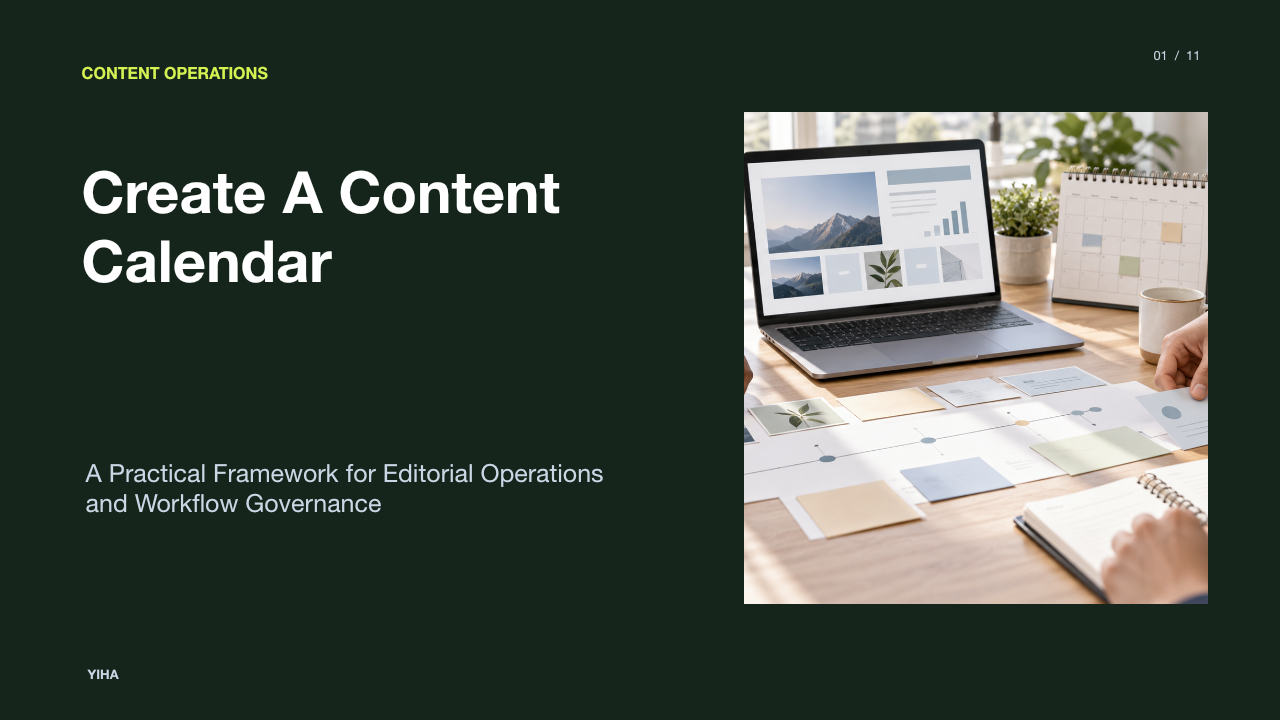
A content calendar serves as the operational engine of any sustainable marketing program. Without a structured publishing schedule, marketing teams quickly default to reactive output, rushed deadlines, and inconsistent messaging. Moving from fragmented ideas to predictable publishing requires a documented system that aligns day-to-day deliverables with broader strategic objectives.
Developing an effective editorial calendar involves more than listing publication dates on a grid. It requires defining clear data fields, mapping multi-stage production lifecycles, balancing varied formats across the buyer journey, establishing governance models, and conducting regular audits. When properly constructed, an editorial calendar provides operational visibility, prevents team burnout, and keeps every content initiative tied directly to measurable business goals.
Why Content Operations Require an Editorial System
A frequent misconception in marketing leadership is confusing a tactical schedule with a comprehensive strategy. As Michele Linn explains in Your Editorial Calendar Is Not Your Content Marketing Strategy, an architectural strategy outlines your vision, audience needs, and commercial objectives, whereas an editorial calendar functions as the building plan that implements that vision. Operating without a calendar leads to unpredictable deadlines and misaligned priorities, but treating a schedule as strategy produces disconnected assets that fail to drive business growth.
An editorial system translates overarching objectives into repeatable execution cadences. Teams that operate reactively spend excessive energy deciding what to write on a given day rather than executing high-quality creative work. By establishing a central operational roadmap, marketing teams can coordinate production sprints, align distribution windows, and ensure that every asset directly supports a defined business objective.
Defining Core Data Fields and Taxonomy
A reliable content calendar must be structured as a disciplined database rather than a static decorative document. According to operational guidance from TablePage.ai, an effective calendar tracks baseline production properties, including asset title or working topic, target distribution channel, designated asset owner, workflow status, and sequential draft, review, and publication dates. Additional metadata such as strategic objective, target audience segment, primary call to action, and campaign tracking parameters should be added only when they actively support a decision or handoff.
Standardizing taxonomy across these fields prevents cross-functional confusion. For example, status values must follow a fixed progression, such as Ideation, Outlined, Drafting, In Review, Staged, and Published. Permitted values for distribution channels and campaign naming conventions must be tightly documented to prevent fragmented tracking in analytics platforms. When data fields are clear and bounded, team members spend less time clarifying logistics and more time refining asset quality.
Mapping the Step-by-Step Production Workflow
Content production is a multi-step pipeline where handoffs represent the highest risk of friction. As outlined in the workflow architecture by Rewritebar, an end-to-end editorial pipeline requires distinct operational stages: capture, prioritization, briefing, drafting, editing, stakeholder approval, publishing, distribution, and measurement. Each stage must define a single accountable owner and explicit exit criteria before passing to the next collaborator.
A single asset's lifecycle begins with an approved creative brief detailing search intent, technical parameters, and business goals. Writers should not begin drafting until the brief is fully locked. Once drafting finishes, the asset moves through editorial review for tone and structure, followed by subject-matter expert or compliance reviews. Establishing firm exit gates at every milestone ensures bottlenecks are identified immediately, rather than discovering missing inputs hours before scheduled distribution.
Balancing Formats, Themes, and Funnel Stages
A robust publishing plan must maintain topical diversity and serve audience members at varying levels of commercial intent. In the strategic planning framework published by the Content Marketing Institute, teams are advised to define clear quarterly objectives such as brand awareness, lead generation, or thought leadership, and build their mix around realistic organizational capacity. High-effort assets like white papers or video series should serve as thematic cornerstones, supported by lighter written articles and promotional derivative pieces.
Balancing top-of-funnel educational topics, mid-funnel solution comparisons, and bottom-of-funnel case studies prevents topical saturation. Relying solely on short-term seasonal promotions leaves an organization vulnerable to traffic drop-offs, while exclusively producing evergreen guides fails to capitalize on industry trends. Editorial planners must balance long-term foundational assets with timely tactical updates to maintain consistent engagement across all customer touchpoints.
Establishing Team Roles and Governance RACI
Unclear ownership creates publishing delays and quality issues. Operational breakdowns often occur not during the writing phase, but during ambiguous editing and sign-off stages. Drawing on governance frameworks highlighted by Semrush, successful editorial teams clearly delineate responsibilities among specialized roles, including content writers, copywriters, graphic designers, coordinators, and final approval stakeholders.
Implementing a RACI framework clarifies expectations across these handoffs:
- Responsible: The assigned writer or creator drafting the deliverable.
- Accountable: The lead editor or content strategist ensuring structural quality and deadline compliance.
- Consulted: Subject-matter experts providing technical input and legal or brand teams checking compliance.
- Informed: Peripheral stakeholders, such as sales representatives or social media managers, who need visibility into live dates.
Explicitly identifying who holds the authority to approve drafts prevents endless revision loops and ensures publishing cadences remain predictable.
Comparing Spreadsheets, Kanban, and Dedicated Tools
Choosing the right technical platform depends on operational scale and collaboration complexity. As detailed by ProofHub, spreadsheets provide total flexibility and zero entry barrier for small initiatives, but they require manual maintenance, lack automated task alerts, and struggle to scale across large, cross-functional teams with interdependent deadlines.
Kanban systems and general project management software introduce visual stages, deadline notifications, and task ownership tracking, making them effective for agile marketing teams. Purpose-built content marketing platforms further streamline execution by integrating directly with content management systems, digital asset repositories, and social scheduling software. Organizations must weigh maintenance overhead against tool complexity, adopting more specialized platforms only when manual data management compromises publishing consistency.
Managing Common Bottlenecks and Rigidity Risks
A common danger when establishing an editorial schedule is over-engineering the calendar to the point of operational rigidity. As demonstrated in planning guidelines from Creately, editorial plans must incorporate regular adjustments and remain adaptable to real-time performance indicators and unexpected organizational priorities. When calendars are packed to absolute capacity months in advance, urgent market shifts or review delays inevitably trigger widespread cascading schedule failures.
Bottlenecks most commonly manifest during multi-party approval chains and external expert interviews. Editorial leads should actively track review cycle durations and set strict service-level agreements for feedback. Building deliberate production buffers, such as leaving unallocated bandwidth each month, ensures teams can handle urgent commercial requests without abandoning their planned strategic initiatives.
Rolling Out a Quarterly Sprint Planning Cadence
Attempting to plan specific daily topics twelve months in advance creates brittle schedules that fail to reflect operational realities. In the implementation methodology described by Taja.AI, effective teams organize their strategic themes and major campaigns at a quarterly altitude, while scheduling specific asset briefs four to six weeks in advance to preserve realistic lead times for drafting and approvals.
This 90-day rolling sprint structure works across three cascading levels:
- Quarterly Sprint: Set overarching thematic goals, allocate core budgets, and define SME capacity.
- Monthly Allocation: Map specific titles, target publication channels, and required creative formats.
- Weekly Production Standup: Review immediate sprint blockers, monitor workflow status transitions, and reassign stalled assets.
By synchronizing high-level thematic planning with agile weekly reviews, content teams maintain strategic continuity while preserving operational flexibility.
Closing the Loop with Performance Audits and Updates
An editorial calendar should not function merely as a one-way publishing queue; it must act as a closed-loop measurement system. As noted in the creator operations guide by Async, tracking historical execution and audience response allows teams to evaluate what formats, channels, and subject topics generate measurable traction over time.
Content calendars should incorporate audit fields that capture performance against target goals, scheduled refresh milestones, and asset lifecycle statuses. Flagging evergreen articles for periodic review ensures outdated facts, links, and search keywords are refreshed systematically. Instead of continually creating net-new assets from scratch, high-performing organizations use calendar data to schedule updates, repurpose proven pillars, and retire underperforming collateral based on empirical audience data.
Research sources
- 7 Steps to a More Strategic Editorial Calendar · contentmarketinginstitute.com
- Editorial Calendar Templates · contentmarketinginstitute.com
- Your Editorial Calendar Is Not Your Content Marketing Strategy · contentmarketinginstitute.com
- A Guide to Content Calendars (+ Free Templates for Making One) · www.semrush.com
- news · contentmarketinginstitute.com
- Marketing Content Calendar: Schema and Workflow | TablePage.ai · www.tablepage.ai
- How to Create an Editorial Calendar in 7 Easy Steps · www.semrush.com
- Content Creation Workflow Blueprint from Idea to Publish · rewritebar.com
- Should You Throw Out Your Editorial Calendar in Favor of This Marketing Strategy? [Video] · contentmarketinginstitute.com
- How to Create a B2B Content Calendar That Drives Engagement and Growth · www.marketinglab.digital
- Master Content Governance: Streamline Your Strategy - Jonathan L. Simon - Digital Marketing Consultant · www.jonathanlsimon.com
- Spreadsheets vs Project Management Software: 2026 Comparison · www.proofhub.com
- How to Create a Content Calendar: An Easy Step-by-Step Guide | Creately · creately.com
- Create the Best LinkedIn Content Calendar · www.miracamp.com
- Sprint cadence | Atlassian · www.atlassian.com
- How to Create a Content Calendar That Actually Works - Taja.AI · www.taja.ai
- How to create a content calendar: The ultimate guide · async.com