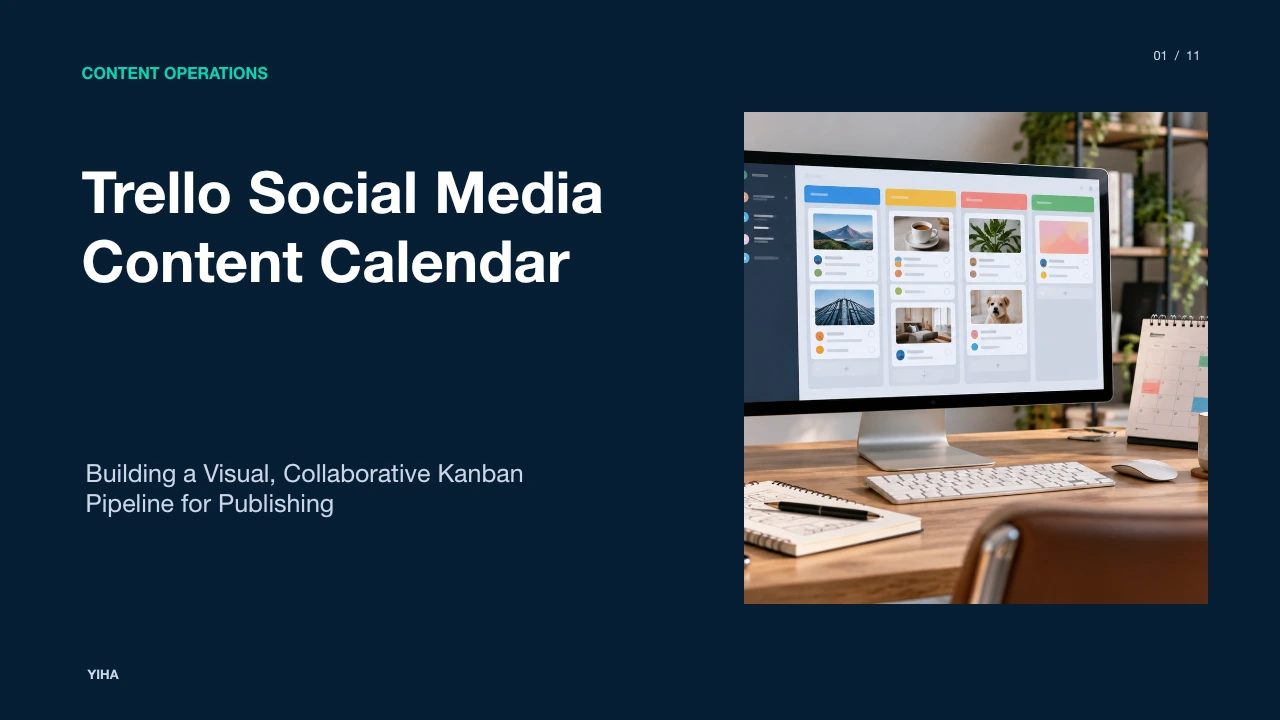
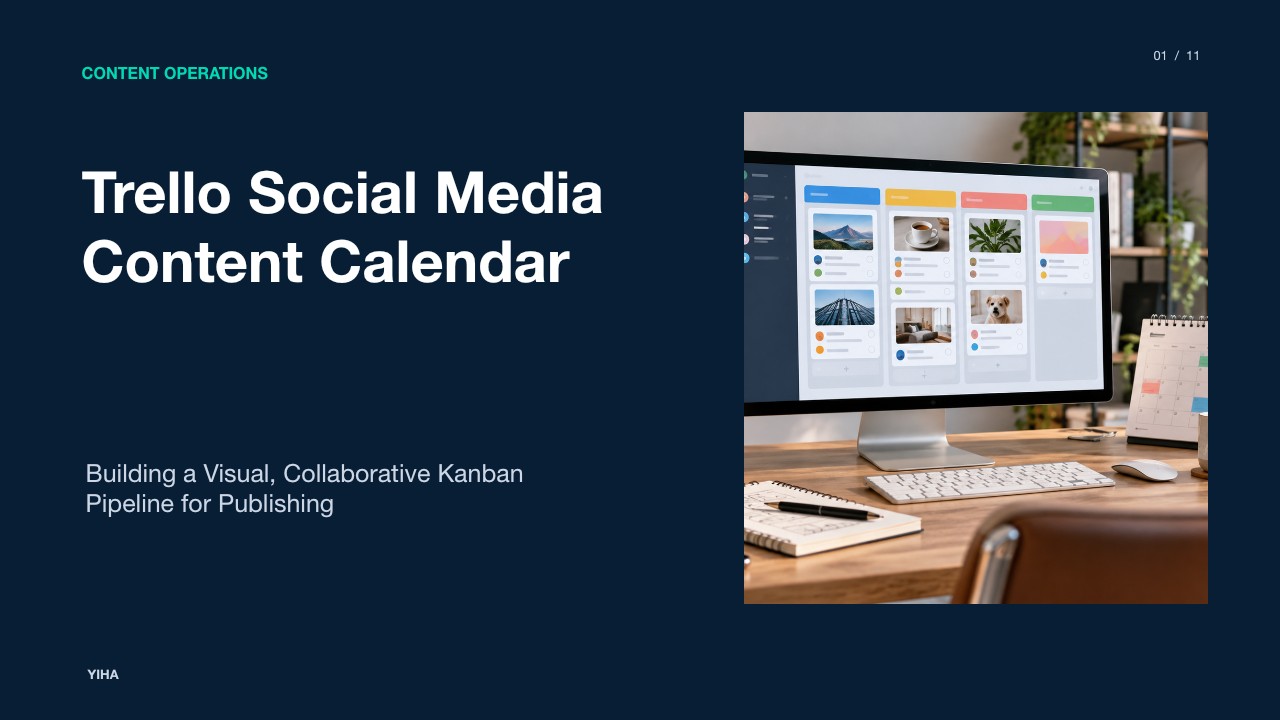
Trello Social Media Content Calendar
A comprehensive operational blueprint for managing social media publishing pipelines in Trello, covering Kanban workflows, custom metadata, automations, and governance.
Free download · 4.9 MB11 editable slides · PowerPoint format
Download the editable PPTX
PPTX · 4.9 MB · 11 editable slides · Free to edit and reuse with attribution to Yiha.ai
View every slide
Use ← →, Home/End, or swipe on mobile
Managing multi-channel social media publishing without a structured production pipeline creates persistent operational friction. When creative and marketing teams handle posts reactively, publishing decisions occur hours before release. This practice leads to inconsistent copy, misplaced visual files, delayed approvals, and staff fatigue. By establishing a dedicated social media content calendar in Trello, teams translate agile Kanban principles into visual stage gates, clear metadata requirements, and automated handoffs.
The Operational Breakdown of Reactive Social Publishing
Publishing social media posts on an ad hoc schedule introduces friction at every stage of content production. When copywriters and designers produce assets on the morning of publication, strategic planning is replaced by immediate task triage. As examined in The Complete Social Media Content Calendar Guide for 2026, data from Emplifi's 2025 Social Media Benchmarks Report, which evaluated 399 million posts across 754,000 brand profiles, confirms that brands with structured publishing schedules consistently outperform organizations publishing ad hoc.
Ad hoc workflows suffer from operational failure modes. First, creative assets become fragmented across chat messages, local computer drives, and email chains. This dispersal makes it difficult to retrieve final graphic renders or confirmed copy drafts. Second, tone and positioning fluctuate because posts bypass standardized editorial reviews. Third, continuous context switching between drafting, resizing graphics, and posting causes team burnout. A centralized calendar establishes an authoritative source of truth documenting post dates, copy variants, digital assets, and individual task ownership.
A common limitation highlighted in editorial planning research is tool abandonment. Teams often construct complex planning systems, use them for several weeks, and discard them when daily workloads spike. To prevent abandonment, an editorial board must balance comprehensive tracking with simple daily maintenance. Eliminating unused data fields and unnecessary review checkpoints ensures the system remains functional during peak production periods.
Kanban Principles Applied to Editorial Workflows
Kanban provides a visual method for managing publishing workflows by representing content assets as cards traveling across linear stages. In contrast to static spreadsheet grids that display fixed dates, a Kanban board reflects actual production progress. In How to Create a Content Calendar for Social Media in 2026, Kanban boards are recognized for their utility in moving social content systematically through sequential development stages rather than forcing teams to organize from scratch every day.
A core tenet of Kanban operations is establishing work-in-progress (WIP) limits. When marketing teams begin drafting twelve posts at once, cards stall prior to graphic creation and editorial review. Imposing a recommended WIP limit, such as restricting active copywriting to four cards per writer, reveals workflow bottlenecks and accelerates task throughput. When the drafting column reaches capacity, team members must complete and advance existing cards before starting new work.
Kanban mechanics also encourage content batching. Instead of switching contexts daily to ideate, write, and format single posts, creators conduct batch drafting sessions. A writer can dedicate a focused two-hour session to producing a full week of copy, allowing designers to batch graphic production in turn. This batching workflow minimizes administrative overhead and maintains a reliable buffer of scheduled posts.
Designing the Production Pipeline from Idea to Live Post
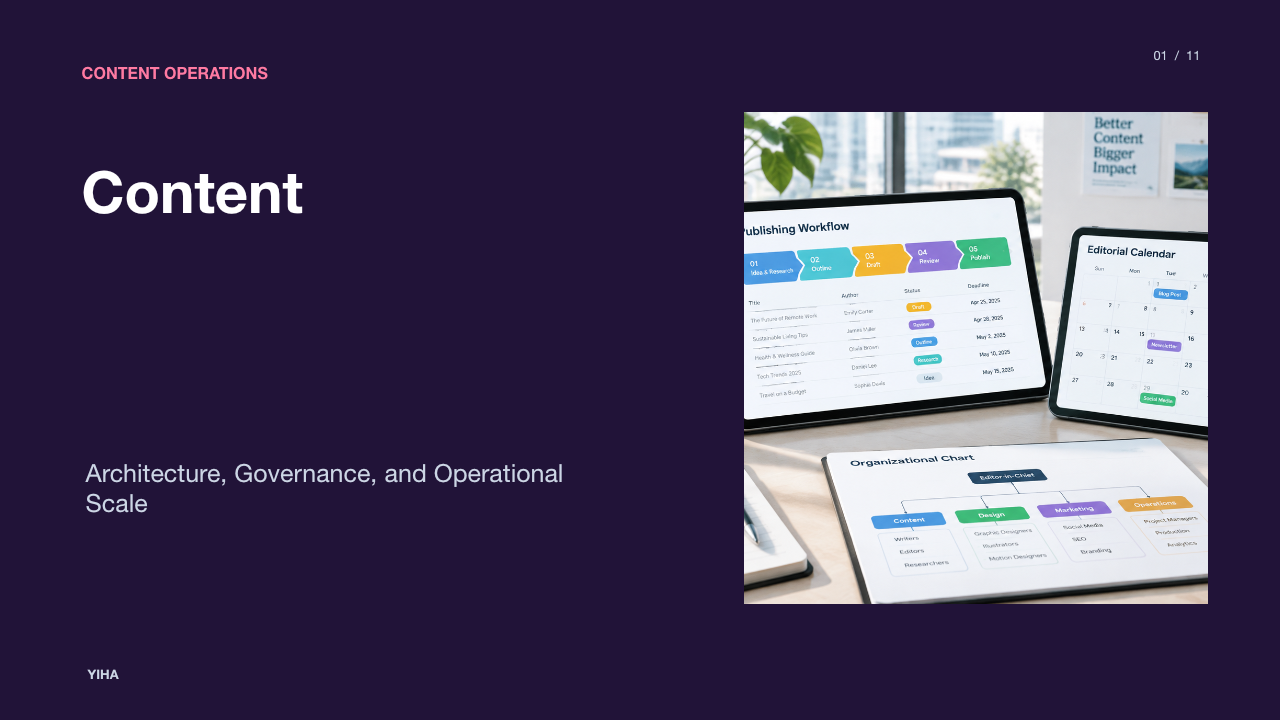
A dependable Trello social media calendar uses explicit board lists that represent verified production gates. As outlined in the workflow analysis from 13 Free Social Media Content Calendar Templates, an effective Kanban content pipeline uses six progressive lists: Ideas, Drafting, In Review, Approved, Scheduled, and Published. Each list transition represents an unambiguous transfer of operational responsibility.
The pipeline begins in the Ideas column, which functions as an intake backlog for raw concepts, topical hooks, and campaign themes. Once an idea is prioritized for production, it moves to Drafting, where copywriters write captions and attach creative briefs. After the initial draft is complete, the card advances to In Review. In this stage, editors, brand leads, or compliance personnel inspect copy accuracy, image licensing, and brand guidelines.
Once sign-off is obtained, the card enters the Approved column, signaling that creative assets are locked. From there, the card moves to Scheduled after the post is staged inside a publishing queue or assigned an exact native release time. When the post goes live, moving the card to Published completes the cycle. This linear progression prevents draft content from reaching live platforms prematurely.
Structuring Card Metadata for Multi-Platform Precision
A visual board requires consistent data structures on individual cards to prevent publishing errors. Without standardized metadata, team members spend valuable time confirming destination accounts, dimensions, and tracking links. In Designing a Social Media Content Calendar Approval Workflow: Database Schema Guide [2026], effective approval pipelines are shown to depend on explicit data models that bind post copy, media files, scheduled timestamps, and channel identifiers directly to each work record.
Trello boards implement these requirements through Custom Fields, labels, and checklists:
- Platform and Pillar Labels: Color-coded labels identify target channels (such as LinkedIn, Instagram, X, or YouTube) alongside strategic content pillars (such as Educational, Product Feature, Social Proof, or Culture).
- Custom Fields for Technical Specifications: Dedicated card fields track target character counts, destination URLs, campaign UTM tags, and primary post owners.
- Asset Requirement Checklists: Reusable card checklists verify that graphic aspect ratios (such as 1:1 square feeds, 4:5 vertical portraits, or 9:16 video reels) and subtitle files are validated before cards move to review.
Centralizing technical details inside card metadata ensures that copywriters, designers, and community managers work from identical specifications.
Temporal Visibility Using Calendar and Timeline Views
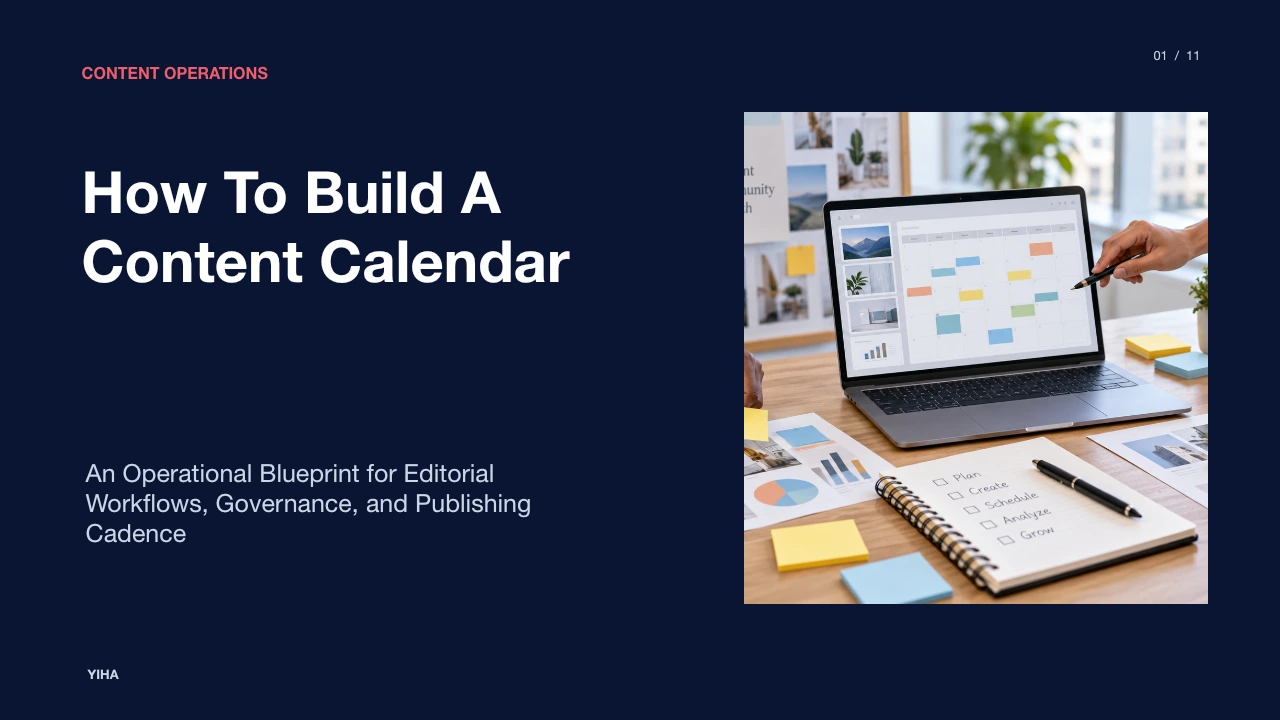
While Kanban columns track production states, social media publishing is fundamentally governed by time. Relying exclusively on vertical columns makes it difficult to identify empty posting days or excessive messaging clusters. Integrating chronological perspectives provides marketing leads with necessary temporal visibility. In Why Every Organization Needs a Content Calendar for Social Media Success, advance scheduling is shown to help organizations maintain regular communication cadences, take advantage of seasonal events, and ensure balanced distributions across content categories.
Trello enables this temporal oversight through the Calendar Power-Up and Timeline view. Switching to the Calendar view provides a monthly or weekly layout of all cards possessing assigned due dates. This layout allows managers to spot schedule gaps where publishing drops off, as well as overbooked days where multiple campaigns compete for audience attention.
As an illustrative example to explain production scheduling, consider an organization planning a two-week product promotion. In the Timeline view, managers schedule writing tasks during week one, design reviews midway through week two, and final publish dates across the subsequent product launch period. Mapping task durations chronologically prevents production clashes and ensures that complex multi-asset campaigns finish before promotion deadlines.
Automating Handoffs and Checklists with Butler
Manual coordination creates administrative delay that slows editorial delivery. Trello's built-in Butler automation allows marketing operations to configure trigger-action rules that execute standard handoffs automatically. As highlighted in 13 Free Social Media Content Calendar Templates, configuring simple Butler automations to assign team members and update due dates when cards move between lists creates a capable, low-friction Kanban calendar.
Marketing teams can implement three practical Butler automation rules:
- Automated Review Assignment: When a card moves into the In Review list, Butler assigns the lead editor, applies an In Review label, and sets a review deadline 24 hours ahead of the scheduled publish date.
- Dynamic Platform Checklists: When a user applies a specific network label, such as Instagram, Butler automatically adds an Instagram Asset Checklist covering 9:16 video dimensions, first-comment hashtags, and link-in-bio updates.
- Post-Publication Completion: When a card is moved into the Published list, Butler marks the due date as complete and removes previous assignment tags to signal workflow completion.
Automating administrative steps ensures that handoffs occur instantly, reducing reliance on manual messaging in external chat tools.
Cross-Functional Collaboration and Approval Workflows
Publishing social media content across enterprise teams requires coordinated input from copywriters, graphic artists, product managers, and legal reviewers. When reviews take place across disparate communication channels, version confusion often results. Research from Designing a Social Media Content Calendar Approval Workflow: Database Schema Guide [2026] demonstrates that maintaining explicit approval steps and immutable change records directly within the work item prevents workflow bottlenecks and maintains consistent brand messaging.
Within Trello, collaboration is anchored inside the card conversation thread. Team members use comments and user mentions to discuss draft edits, suggest headline revisions, or flag compliance questions. Cloud storage integrations allow designers to attach working Figma files or cloud drive assets directly to the card. This ensures reviewers inspect the exact graphic intended for publication rather than unverified local files.
Furthermore, setting explicit stage gates guarantees compliance. Cards cannot move into the Scheduled column without formal approval recorded in card comments or custom status fields. This protocol produces an auditable review history, giving stakeholders confidence that every published asset has received required approvals.
Evaluating Trello Against Spreadsheets and Schedulers
Marketing teams frequently assess whether to manage publishing pipelines using spreadsheets, Kanban boards, or dedicated social media management platforms. Each software category offers specific operational strengths and technical limitations. Comparative insights from 10 Best AI Content Calendar & Social Media Planning Tools in 2026 emphasize that while scheduling tools automate direct social publishing, teams still require structured interfaces to organize campaign planning, collaborative authoring, and cross-team review.
| Tool Type | Primary Operational Strength | Functional Limitation |
|---|---|---|
| Spreadsheets | Highly flexible data grid, zero software learning curve | Lacks visual stage gates, automated task handoffs, and direct asset attachments |
| Trello Boards | Intuitive visual workflow, custom fields, and Butler automations | Lacks native direct-to-social API scheduling without third-party integrations |
| Dedicated Schedulers | Direct API publishing queues and cross-platform analytics | Limited internal collaborative drafting and creative review capabilities |
For small to mid-sized content teams, the recommended workflow uses Trello to manage ideation, asset production, and cross-functional sign-off, before passing approved assets into a dedicated scheduler for automated network distribution. This division leverages Trello's collaborative visual strengths while utilizing scheduling tools for platform publishing.
Board Governance and Long-Term Lifecycle Management
Without disciplined board governance, an active Trello editorial workspace accumulates outdated cards, cluttering views and slowing team adoption. As outlined in 70 Social Media Content Calendar Ideas That Never Fail, sustainable publishing requires clear planning structures and ongoing board maintenance to keep content operations running effectively across multiple quarters.
Maintaining long-term operational clarity involves three key routines:
- Scheduled Card Archiving: Conduct a bi-weekly or monthly archiving routine. Completed cards in the Published column should be archived or transferred to a dedicated Quarterly Archive Board to keep the main production board responsive and uncluttered.
- Evergreen Asset Repositories: Maintain a dedicated Evergreen Content list on the board or in a secondary reference board. This list stores high-performing educational graphics, standard product explainers, and brand FAQs that can be deployed during unexpected production lulls.
- Bi-Weekly Workflow Retrospectives: Regularly review cards that stalled during review or missed intended publish deadlines. Evaluating these operational delays allows managers to adjust WIP limits, update checklist instructions, and refine production timelines.
Research sources
- The Complete Social Media Content Calendar Guide for 2026 · multilogin.com
- Why Every Organization Needs a Content Calendar for Social Media Success · www.linkedin.com
- 10 Best AI Content Calendar & Social Media Planning Tools in 2026 · startuptalky.com
- How to Create a Content Calendar for Social Media in 2026 · viraly.io
- 13 Free Social Media Content Calendar Templates · posteverywhere.ai
- Free Social Media Editorial Calendar Templates | Smartsheet · www.smartsheet.com
- Designing a Social Media Content Calendar Approval Workflow: Database Schema Guide [2026] · ones.com
- Social Media Content Calendar Template (2026) — Free & Pre-Filled | SocialCal · www.socialcal.app
- [TEMPLATE] Fitness Centre Social Media Content Calendar · www.sendible.com
- 70 Social Media Content Calendar Ideas That Never Fail · plaky.com