Video Presentation Intro
An in-depth guide to engineering effective video presentation intros, examining user drop-off behaviors, cognitive constraints, first-minute scripting structures, and video delivery mechanics.
Free download · 4.9 MB11 editable slides · PowerPoint format
Download the editable PPTX
PPTX · 4.9 MB · 11 editable slides · Free to edit and reuse with attribution to Yiha.ai
View every slide
Use ← →, Home/End, or swipe on mobile
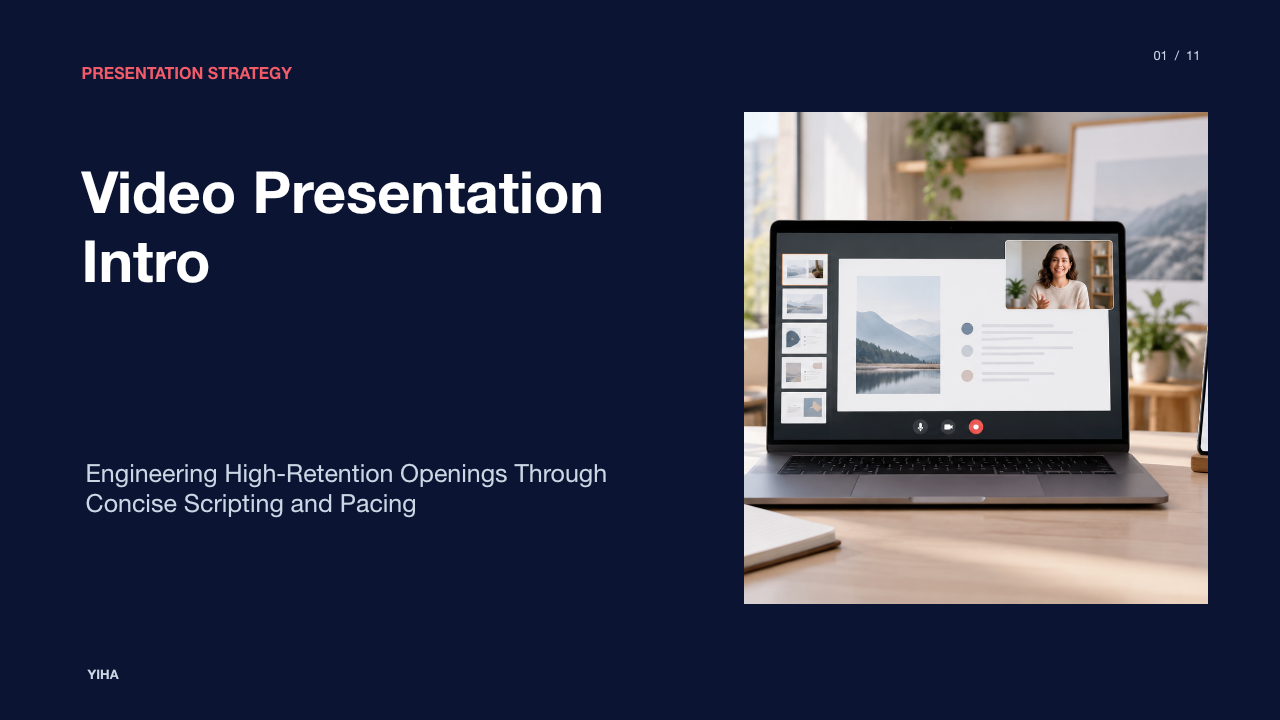
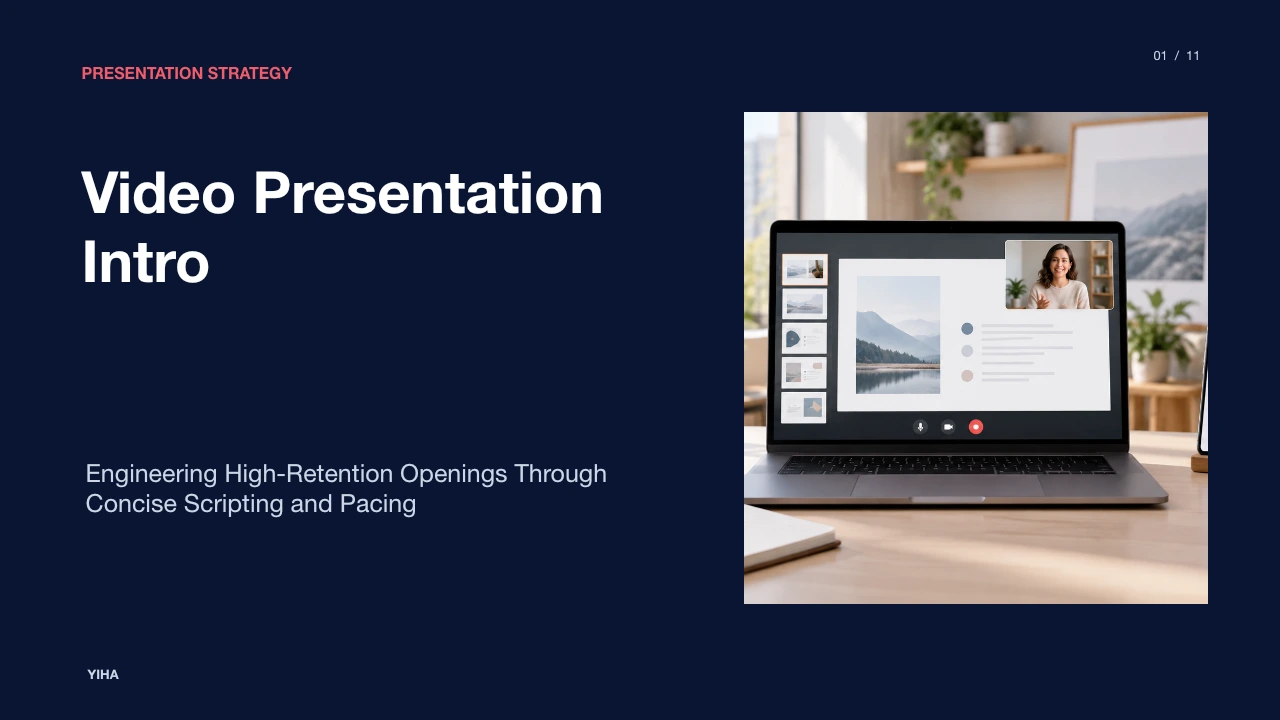
An effective video presentation intro captures viewer interest immediately, communicates clear context, and sets expectations for what follows. Unlike live in-person presentations, where audience members rarely walk out during opening pleasantries, digital video environments place playback control entirely in the hands of the audience. Viewers decide whether to continue watching or navigate away within seconds. Crafting a successful opening requires balancing concise verbal scripting, deliberate visual cues, and disciplined technical delivery.
This guide examines the core mechanics of video presentation openings. By reviewing audience drop-off behaviors, cognitive constraints, scripting frameworks, and production techniques, presenters can replace distracting animations with meaningful, high-retention openings.
Viewer Attention and Early Drop-Off Dynamics
Online audiences exhibit distinct viewing behaviors when encountering recorded presentations. Usability findings published by NN/G demonstrate that users do not follow a uniform path when interacting with digital video. Some users begin playback immediately, others review surrounding text first, and many bypass video content entirely. Because digital viewers face no social friction when closing a tab, abandonment happens quickly if early seconds fail to demonstrate relevance.
Usability testing documented by NN/G also shows that users are exceptionally cautious with their time. Viewers routinely check total video duration the instant playback starts, weighing the time investment against expected value. If a recording begins with a drawn-out organizational introduction, audience frustration rises. When identifying the host organization is necessary, NN/G recommends keeping that introduction to five seconds or less. Long introductions force users to wait and frequently cause them to abandon the recording before substantive material begins.
Cognitive Load and Working Memory at Video Start
Human working memory possesses limited capacity when handling incoming audiovisual information. When a presentation starts, the viewer must interpret spoken dialogue, read on-screen text, and evaluate graphical elements simultaneously. If these elements compete for attention, comprehension drops and cognitive fatigue sets in quickly. Visual intro layouts showcased on platforms such as Pippit illustrate how easily text, motion, and color can overwhelm the opening frame.
To preserve viewer working memory, presenters must apply strict visual restraint during the opening moments. Spoken commentary should align directly with on-screen visual elements rather than forcing the audience to process conflicting streams of text and speech. As an illustrative analysis of this mechanism, an introductory slide displaying a complete paragraph while a speaker delivers distinct spoken commentary forces viewers to split visual and auditory attention. Keeping opening graphics uncluttered ensures viewers can absorb introductory context without early cognitive strain.
Signaling and Schema Priming in Opening Frames
Signaling directs viewer attention to key concepts through clear verbal and visual cues, while schema priming activates relevant mental categories before detailed explanations begin. Video intro layouts cataloged on platforms like CapCut demonstrate that clear title sequences and introductory text cards help frame the topic for the audience.
When introductory frames feature concise topic titles and structured category markers, viewers instantly recognize the presentation scope. Conversely, using abstract visual metaphors, flashing animations, or decorative badges introduces irrelevant visual noise. Presenters should ensure that the initial frame displays the presentation title and primary subject focus clearly, allowing viewers to build an accurate mental model of what the presentation will deliver.
Empirical Evidence on Video Length and Retention
Viewer retention curves across digital learning and corporate media show a persistent pattern: viewer engagement drops as overall runtime increases. Marketing platforms such as Pippit often emphasize that introductions set the stage for viewer retention, but sustaining engagement requires structured pacing across the entire runtime.
When introductory remarks consume several minutes without delivering concrete insights, drop-off rates compound early in the presentation. Analysis of viewer behavior indicates that early clarity acts as an anchor for viewer persistence. Clearly outlining the presentation purpose within the opening sixty seconds helps viewers decide whether the content fulfills their requirements, reducing premature abandonment caused by ambiguous topic scoping.
Structural Frameworks for First-Minute Scripting
Disciplined scripting during the opening minute prevents rambling and ensures rapid topic entry. In its guide on video scripting, Swarmify emphasizes that script structure matters far more than writing flair, noting that the average viewer decides whether to stay or leave within the first eight seconds. Scripting for natural spoken cadence at approximately 125 to 150 words per minute allows a presenter to deliver around 130 words within the first minute without rushing.
A practical first-minute script follows a four-part structure:
- Hook (seconds 0 to 10): Present a focused problem statement or core question. Swarmify notes that opening hooks can use a direct promise, a surprising observation, or a targeted question, while generic greetings should be avoided because they waste crucial opening seconds.
- Value Proposition (seconds 10 to 25): Clarify the exact takeaway or solution the presentation will deliver.
- Agenda Outline (seconds 25 to 45): Summarize two or three core topics covered in the session.
- Subject Entry (seconds 45 to 60): Transition immediately into the first substantive piece of analysis.
Writing for spoken listening rather than silent reading requires short sentences, natural phrasing, and disciplined timing to maintain conversational momentum.
Animated Bumpers versus Immediate Substantive Entry
Many media teams prepend rendered logo stingers or animated title sequences to recorded presentations. While video editing platforms like CapCut provide pre-built bumper templates for brand openings, inserting extended animated cards carries significant usability disadvantages for technical and instructional presentations.
When viewers click on an instructional or analytical presentation, they seek immediate solutions to specific challenges. Forcing users to watch ten seconds of spinning logos and loud sound effects creates unnecessary delays. As usability analysis suggests, branding works best when integrated subtly into the background or lower-third area of the frame while the presenter delivers substantive content directly from the opening second.
Multimodal Delivery and Captioning Constraints
Modern presentations are consumed across varied environments, from sound-sensitive offices and transit commutes to accessibility-equipped workstations. Presentation templates described by Pippit combine background music, voiceover tracks, and animated typography, but multi-channel delivery requires careful technical coordination.
Many corporate viewers watch video content with audio muted. Therefore, clear on-screen textual labeling and synchronized captions are essential for initial comprehension. Presenters must avoid placing key introductory graphics or lower-third text across the bottom area of the frame where closed captions appear. Furthermore, background music should be kept minimal or omitted during introductory explanations to prevent auditory masking that degrades speech clarity.
Pacing, Framing, and Production Mechanics
Production mechanics during the opening sequence establish presenter authority and viewer trust. Editing platforms like Clipchamp emphasize the use of facecam recordings and structured graphics to personalize presentations and build engagement. How the speaker frames the camera, controls vocal pacing, and aligns graphics influences viewer perception.
The presenter camera lens should sit level with the speaker eyes to maintain natural perspective. Speaking directly toward the lens during the first thirty seconds simulates eye contact, reinforcing attentiveness. Presenters should avoid speaking too rapidly during the opening minute, allowing conversational cadence to project authority while verbal statements synchronize with visual aids.
Transitioning from the Hook to Core Subject Matter
After delivering the opening hook and agenda outline, the presenter must transition smoothly into the main body. Introduction tools from FlexClip emphasize planning content to fit the specific setting and goal, while cutting unnecessary filler to maintain professional delivery.
A weak transition frequently repeats introductory greetings or pauses for administrative housekeeping, disrupting audience attention. A strong transition links the initial problem statement directly to the first analytical theme. By moving directly from the opening promise into evidence and methodology, the presenter validates the viewer decision to stay and establishes a productive rhythm for the entire presentation.
Research sources
- Free Introduction for Video Presentation - Pippit · www.pippit.ai
- Video Usability - NN/G · www.nngroup.com
- presentation video intro free - Pippit · www.pippit.ai
- Professional Video Presentation Intro - Pippit · www.pippit.ai
- Introduction for Video Presentation: Engage Your Audience Effectively · www.capcut.com
- Video Presentation Intro Template: Boost Your Impact | CapCut - AI Tools · www.capcut.com
- AI Intro Maker - Create Intro Videos Online | Renderforest · www.renderforest.com
- What Is a Video Script? Structure, Format & Examples · swarmify.com
- Video Bumper Opening: Create Stunning Intros Easily | CapCut - AI Tools · www.capcut.com
- Free Introduction Video Maker | Create Video Introduction | FlexClip · www.flexclip.com
- Introduction Video Presentation Templates | CapCut · www.capcut.com
- YouTube intro maker | Free video templates and graphics · clipchamp.com