Storyboard Video Clip
A technical guide to planning shot sequences, camera motion, and visual flow in video pre-production, from rough thumbnails to production-ready storyboards.
Free download · 4.9 MB11 editable slides · PowerPoint format
Download the editable PPTX
PPTX · 4.9 MB · 11 editable slides · Free to edit and reuse with attribution to Yiha.ai
View every slide
Use ← →, Home/End, or swipe on mobile
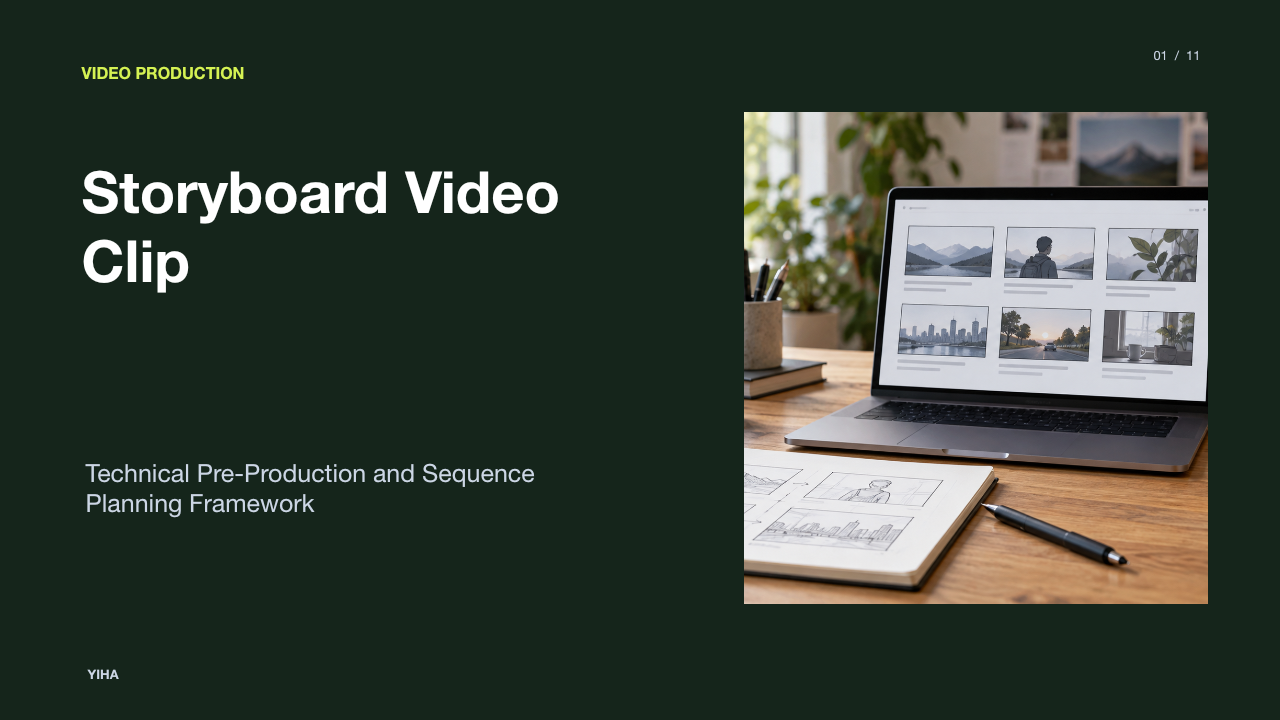
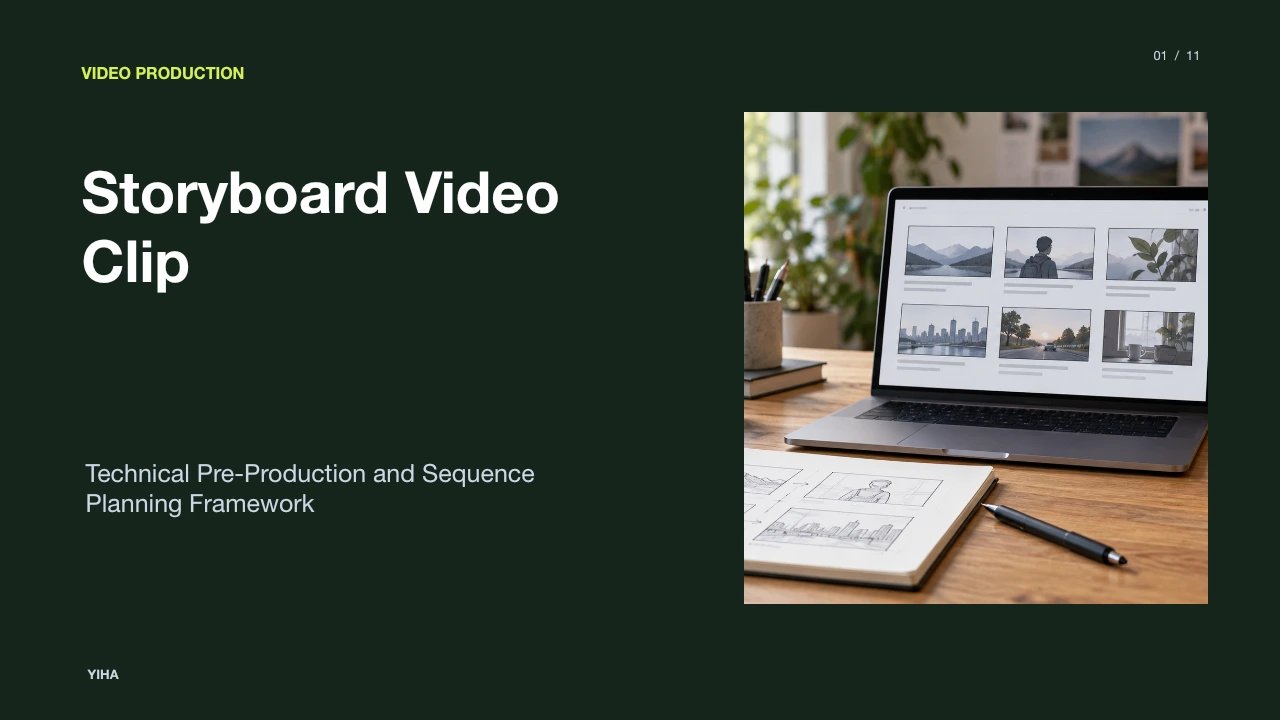
Pre-production serves as the structural foundation of filmmaking and video creation. Before filming begins or lighting setups are deployed, creative ideas must transition from written text into an orderly visual sequence. Storyboarding a video clip establishes the visual rhythm, narrative progression, and spatial continuity required to execute complex scenes without unnecessary budget waste.
Visual Pre-Production and Sequence Planning
Pre-production operates as the bridge between concept development and physical production. A screenplay communicates plot, character action, and dialogue, but it does not dictate camera placement, framing dimensions, or cut timing. As outlined by asmr.education, a storyboard serves as the tangible visual blueprint of a film, translating literary descriptions into sequential panels that simulate the viewer's final experience.
This translation prevents expensive production errors. On-set operations involve continuous costs, including crew wages, equipment leases, location fees, and talent rates. Discovering spatial inconsistencies or flawed staging during shooting can halt production and require costly reshoots. By drawing out sequences beforehand, directors and cinematographers can test scene geography on paper where revisions require minimal expense. Furthermore, Filmbaker emphasizes that a solid storyboard keeps the creative team aligned on the overarching tone and visual style, allowing department heads to identify necessary props, lighting needs, and set requirements before arriving on location.
Core Visual Grammar: Framing and Shot Scales
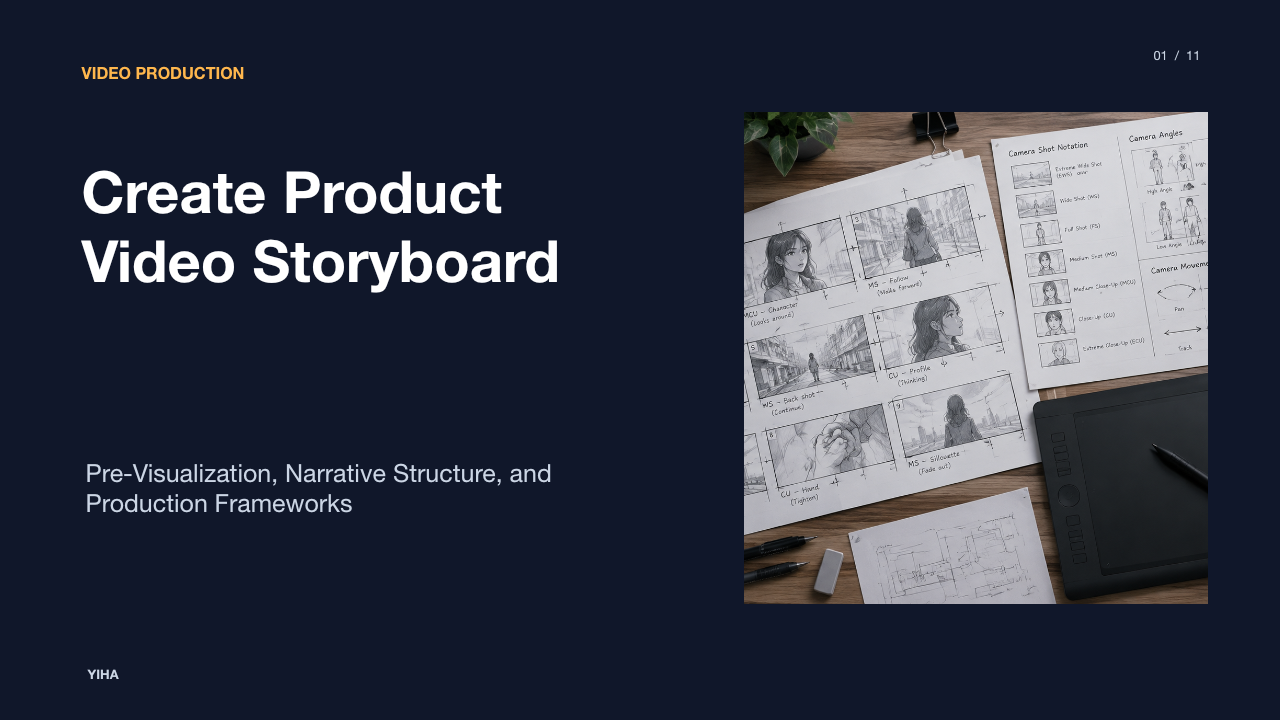
Every individual frame in a video sequence conveys psychological tone and narrative focus through its framing scale. Core cinematic conventions range from extreme wide shots, which establish geographic context, to tight close-up shots, which highlight specific emotional reactions or critical prop details. According to Revid AI, selecting deliberate shot compositions ensures that the audience's attention is steered toward the central narrative beat rather than distracted by peripheral set dressing.
Framing choices also dictate technical continuity. When storyboarding a sequence, creators must account for the distribution of visual weight and camera angles. As noted in the Nemo Video short-form planning analysis, framing must respect the delivery aspect ratio. A wide 16:9 composition cannot simply be cropped into a vertical 9:16 social frame without losing key elements like hand motions or face positioning. Clearly identifying shot types in each panel establishes clear visual coverage, ensuring scenes cut together logically in post-production.
Depicting Motion with Camera and Blocking Arrows
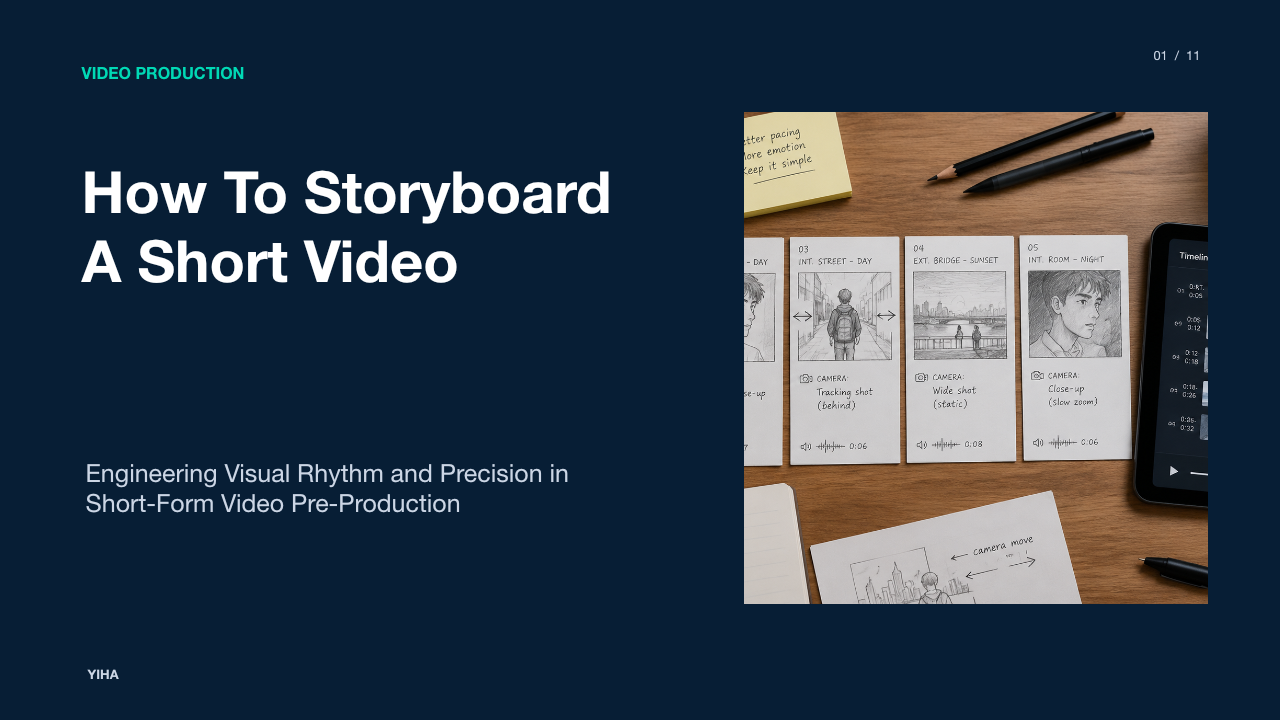
Static panels cannot communicate temporal movement without standardized notation. To prevent camera operators and animators from guessing how a shot evolves, storyboard artists employ directional arrows to separate subject blocking from camera motion. As detailed by Scriptly AI, directional arrows function as literal guides: an arrow drawn across the canvas indicates subject movement, while bold arrows that extend across frame boundaries or indicate 3D perspective show camera maneuvers.
Specific arrow conventions govern different camera techniques. A sweeping curved arrow indicates a rotational pan or tilt anchored on a fixed tripod pivot. Conversely, a bold perspective arrow receding toward a central vanishing point indicates a physical push-in or dolly move. For optical changes, such as zooms where the focal length adjusts without camera relocation, standard practice places four inward- or outward-pointing arrows in the frame corners. Accompanying these symbols with concise textual labels ensures that tracking shots and subject paths remain unmistakable.
Panel Anatomy: Action, Dialogue, and Duration Notes
A storyboard panel is only partially composed of its drawn image. The metadata documented directly below the image frame transforms a simple sketch into an executable production guide. According to Yarsa DevBlog, standard storyboard panels include text fields that describe the specific visual action, denote spoken dialogue or voiceover lines, and record environmental sound cues.
In addition to narrative descriptors, operational variables must be logged. As highlighted by Boords Templates, professional storyboard templates reserve structured space for shot numbers, scene designations, aspect ratios, and estimated shot durations. Documenting target runtimes beneath each panel allows directors and editors to assess pacing before principal photography begins. If an illustrative thirty-second commercial has sixteen complex setups documented across its panels, the production team can immediately recognize that individual shot durations will average less than two seconds, exposing unrealistic shooting expectations during pre-production.
From Story Beats to Rapid Thumbnail Passes
Jumping directly into polished, fully rendered storyboard panels often leads to wasted artistic effort. Experienced production pipelines begin with rough thumbnail passes. As outlined by LTX Studio, thumbnail sketching represents the smallest possible creative commitment, allowing artists to block out basic silhouettes, eyelines, and compositions in miniature boxes before refining them.
Thumbnail passes evaluate the overall sequence flow and rhythm. A sequence can be mapped across a multi-panel layout to check whether camera setups vary sufficiently to maintain engagement. As described by Story2Board, six-panel rough sheets allow filmmakers to review an entire scene arc on a single page, identifying static pacing or awkward visual transitions rapidly. Once the broad structural beats prove cohesive, artists can circle key frames and invest the effort required for detailed production panels.
Distinguishing Storyboards, Shot Lists, and Animatics
Pre-production uses several distinct visual and organizational artifacts that are frequently conflated. A storyboard, an operational shot list, and an animatic each serve specific, complementary roles across the production pipeline. As explained by Storyflow, a storyboard answers how a scene visually reads, whereas a shot list is a tabular inventory detailing what equipment, setups, and takes the crew must physically capture on set.
While storyboards organize shots in narrative viewing order, shot lists are reordered by location, lighting setup, and camera angle to optimize filming efficiency. Meanwhile, an animatic introduces the dimension of time. As discussed by Sketch to Video AI, an animatic stitches static storyboard panels into an edited video sequence with temporary scratch audio, dialogue tracks, and sound effects. This allows directors to test scene duration and cut timing in an editing timeline before committing resources to principal photography.
Manual Sketching Versus Digital Production Tools
Filmmakers select between analog tactile drafting and software-driven digital tools depending on project scope and team distribution. Traditional pen-and-paper sketching, often utilizing index cards or sticky notes on a wall, offers immediate physical iteration without software overhead. As noted by Revid AI, analog methods remain popular during early brainstorming because rearranging index cards allows directors to experiment with scene order tactilely.
However, digital platforms provide structural advantages for collaborative, multi-department workflows. According to Creately, digital tools provide centralized revision tracking, shared cloud workspaces, and instant export options into PDF or vector formats. Digital setups allow distributed department heads to leave contextual comments directly on specific panels. Additionally, emerging pre-visualization platforms enable rapid image iteration and 3D camera staging, reducing the drawing barrier for directors who lack illustrative training.
Production Contexts: Animation, Ads, and Live Action
The rigor and volume of storyboarding vary substantially depending on the production medium. In commercial advertising and animation pipelines, exhaustive storyboarding is mandatory. According to Boords, animation requires total precision because every individual frame must be rendered or hand-drawn from scratch, making spontaneous changes in production impossible. Similarly, commercial clients require explicit visual sign-offs to guarantee brand alignment prior to spending production capital.
In contrast, live-action projects apply storyboarding selectively. While complex action stunts, visual effects shots, and intricate camera moves require tight paneling, intimate character dialogue scenes are frequently planned using broader beat boards or shot lists. As StudioBinder notes, documentary projects rarely storyboard unpredictable events or candid interactions. Instead, documentary filmmakers storyboard controlled interview setups, illustrative reenactments, and conceptual b-roll sequences, balancing structured visual planning with spontaneous real-world capture.
Collaborative Review and Pre-Production Alignment
The final storyboard serves as a binding communication contract across all production departments. Completing initial sketches is only the halfway mark; the board must be vetted by key department heads, including the director of photography, production designer, gaffer, and editor. As emphasized by Creately, cross-functional storyboard reviews validate that camera setups align with location constraints, electrical capacity, and equipment availability.
Furthermore, storyboards facilitate structured client and stakeholder approval loops. According to Storyboard That, presenting sequential illustrations combined with clear action text provides non-technical stakeholders with an accessible visualization of the final project. Securing explicit stakeholder approval on locked storyboard panels prevents creative disagreements on set, ensuring that principal photography proceeds efficiently toward an approved creative blueprint.
Research sources
- What is a Storyboard? Purpose & Process in Pre-Production · asmr.education · asmr.education
- The Importance of Storyboarding in Digital Films | Filmbaker · www.filmbaker.com
- How to Make a Storyboard for Video: Steps, Templates, and Tools | Creately · creately.com
- How to Storyboard a Video The Right Way · www.revid.ai
- Best 11 AI storyboard generators in 2026 for video and product demos - Guideflow Blog · www.guideflow.com
- Short-Form Video Storyboard Template · www.nemovideo.com
- How to Show Camera Movement in a Storyboard · scriptlyai.app
- How to Storyboard a Video (Step-by-Step Guide) | Boords · boords.com
- How to Turn a Storyboard into an AI Video for Client Pitches | Blog · www.sketchtovideoai.com
- Storyboard Elements and Examples - Yarsa DevBlog · blog.yarsalabs.com
- Free Storyboard Templates (12+ Instant Downloads) | Boords · boords.com
- 10 Best Storyboard Techniques For 2026 Filmmakers | LTX Blog · ltx.io
- 6-Panel Storyboard Template PDF | Story2Board · story2board.com
- Storyboard vs Shot List: The Complete Guide (2026) | Storyflow · storyflow.so
- Create Free Storyboard Online for Video and Film Projects · www.studiobinder.com
- How to Storyboard a Video | StoryboardArt · storyboardart.org
- Script to Storyboard Examples for Film & Video · www.storyboardthat.com