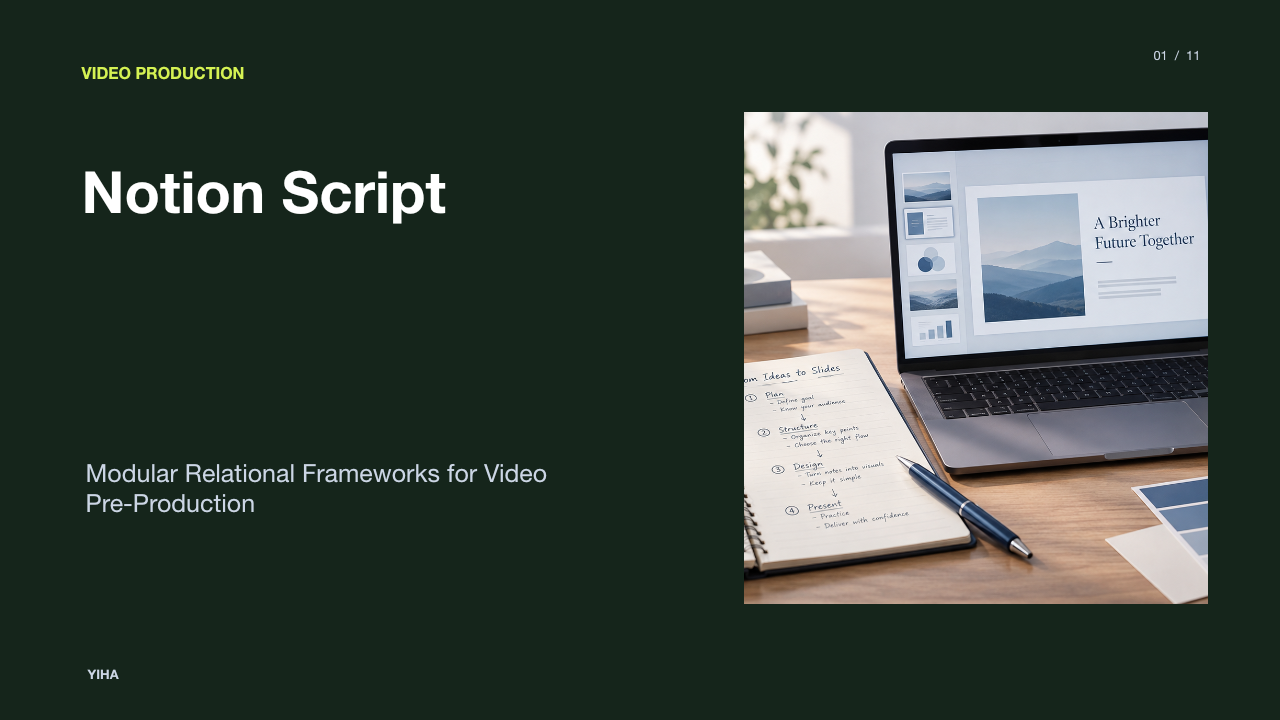
Notion Script
A technical guide to architecting production scripts in Notion. Discover how relational databases replace static screenplays by linking AV dialogue, shot lists, pacing formulas, and approval stages.
Free download · 4.9 MB11 editable slides · PowerPoint format
Download the editable PPTX
PPTX · 4.9 MB · 11 editable slides · Free to edit and reuse with attribution to Yiha.ai
View every slide
Use ← →, Home/End, or swipe on mobile
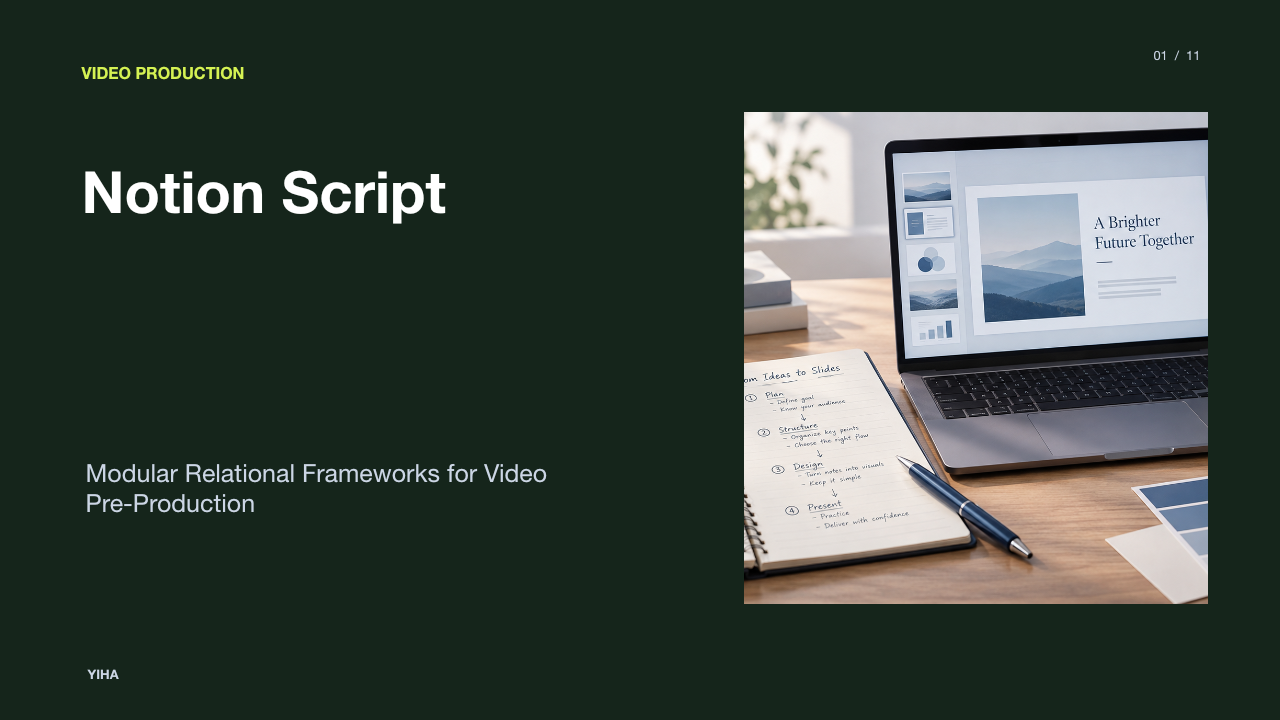
Traditional video scriptwriting often confines creative ideas to static documents. Writers type dialogue in word processors or single-column screenwriting software, while directors, producers, and editors maintain separate spreadsheets for equipment, shot lists, and scheduling. This structural division introduces friction across media pipelines. A Notion script transforms linear text into an interactive, relational database. By organizing narrative beats, dialogue blocks, visual directions, and production assets into interconnected tables, media teams can manage their creative vision and operational logistics in a single unified workspace.
The Fragmentation of Traditional Screenwriting Tools
Media production pipelines frequently suffer from isolated information silos. When creative teams draft commercial or digital video scripts in isolated text documents, the written words exist separately from visual assets, camera directions, and technical logistics. This separation forces crew members to copy and paste dialogue into call sheets, storyboards, and editorial schedules manually. As revisions occur, teams lose track of which document contains the latest revisions, causing miscommunication on set.
Modern content pipelines demand tighter technical alignment between narrative design and visual realization. Open-source curation such as the Awesome AI Storyboarding repository documents how contemporary tools connect script files directly to shot generators, animatics, and pipeline assets. When screenwriters operate strictly in disconnected files, downstream crew members must manually reconstruct the narrative hierarchy. Unifying script planning within a flexible data environment resolves this recurring bottleneck.
The Database-First Paradigm of Script Engineering
Transitioning from word processing to a database-first paradigm alters how scripts are created and maintained. In a traditional document, a script is merely a stream of characters. In contrast, database script engineering treats every scene, beat, character cue, and technical direction as a distinct modular record. Each entry possesses customizable metadata fields, such as scene location, required talent, mood, camera framing, and lighting presets.
Developers building visual engines highlight this modular necessity. For example, projects like the mjj-ai-studio repository structure narrative concepts into segmented story beats, individual shots, and asset parameters before generating production media. Notion facilitates this modular paradigm through relational databases. A writer can log an overarching sequence in a parent table, while linked sub-tables break down precise dialogue blocks and visual actions. Modifying a character name or location in one record automatically updates all related narrative views.
Structuring Dual-Column Audio-Visual Frameworks
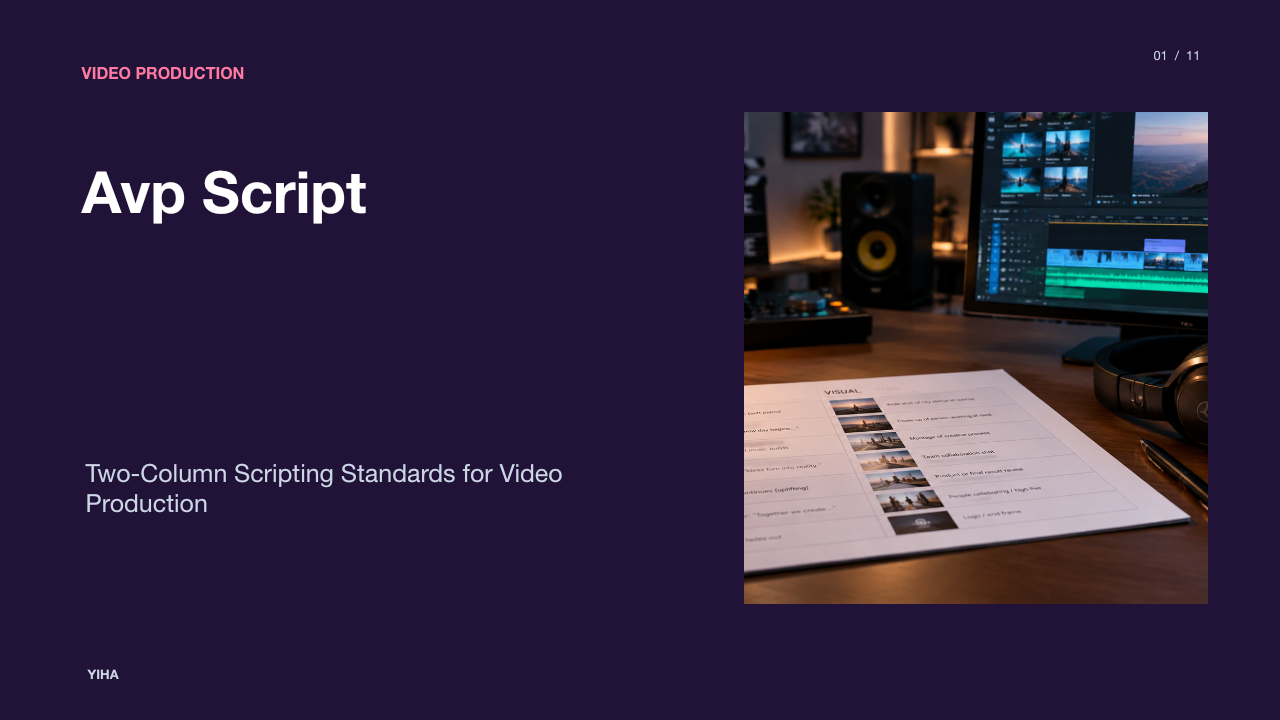
For commercials, corporate media, and training videos, the two-column audio-visual (AV) script is the standard operating format. The layout pairs video directions on the left with spoken audio, voiceovers, music, and sound effects on the right. This structural pairing ensures that on-screen actions correspond directly with spoken words.
Industry guides from Celtx on AV script writing explain that the primary goal of the two-column layout is to eliminate ambiguity between visuals and audio. In Notion, creators can build this framework using native two-column text blocks or dedicated database tables. While simple column layouts allow rapid text entry, database tables provide superior control. Each row represents a timed beat, with dedicated visual and audio properties. Team members can reorder scenes via drag-and-drop mechanics without breaking the visual alignment between picture and sound.
Connecting Scripts to Shot Lists and Asset Tracking
One of the strongest technical advantages of building scripts in a relational workspace is the direct integration with camera shot lists and asset trackers. In traditional workflows, assistant directors and production managers conduct script breakdowns manually, highlighting props, wardrobe, cast members, and locations on paper before typing them into production documents.
Using Notion relations and rollups, script elements connect directly to operational inventories. As highlighted in production guides like the StudioBinder shot list breakdown, syncing scene identifiers across scripts, shot lists, and schedules ensures that crew members understand the required coverage. In a Notion database, a scene row links directly to a shot list table containing technical metadata like camera angles, lens sizes, frame rates, and lighting setups. Producers can filter views to display every prop needed for a specific location or review every voiceover line assigned to a particular actor.
Modeling Narrative Pacing and Runtime Calculations
Estimating runtime during pre-production prevents costly script trims during post-production editing. While narrative screenplays rely on the rough industry benchmark of one page per minute, commercial voiceover scripts require precise calculation based on spoken cadence and audio cues.
Analysis from Teleprompter script speed guidelines notes that professional delivery typically ranges from 125 to 150 words per minute, with deliberate presentations dipping between 100 and 125 words per minute. Notion formula properties can programmatically calculate estimated durations directly from dialogue text fields. By using regular expressions to count words and dividing the total by a baseline cadence variable, the database dynamically updates estimated runtimes for individual rows. Rollup properties can then sum individual scene durations into a cumulative project runtime, signaling pacing discrepancies before filming begins.
Multi-Stakeholder Collaboration and Review Governance
Video production is an inherently collaborative discipline involving writers, directors, clients, and technical leads. Managing revisions across disjointed email threads or static export files leads to conflicting feedback and version confusion. Establishing strict editorial governance inside Notion keeps stakeholders aligned throughout the review cycle.
As outlined in StudioBinder's AV script guide, visual status indicators help teams distinguish draft text from approved production lines. Workspaces can establish four standard stage gates: Draft, Internal Review, Client Review, and Locked. Permission settings allow producers to restrict client access to specific review views while keeping internal production columns hidden. In-line comment threads enable precise, contextual feedback on specific dialogue rows, preventing accidental edits once a script is locked.
Notion Versus Dedicated Industry Scriptwriting Suites
While Notion provides unmatched operational customization, it does not replace dedicated screenwriting suites for every medium. Feature film and episodic television productions rely on strict typographical standards, such as Courier 12-point fonts, exact inch margins, and specialized Fountain or Final Draft (FDX) syntax. Software libraries such as the wildwinter screenplay-tools repository demonstrate the complex structural parsing required to translate industry-standard screenplay files between native formats.
Dedicated applications automatically manage page breaks, parentheticals, and dialogue indentation according to strict theatrical conventions. Notion lacks native FDX export and dynamic page pagination. Attempting to format a standard Hollywood screenplay inside Notion requires significant manual effort and risks formatting rejections from traditional production houses. However, for commercial spots, brand documentaries, training series, and multi-platform digital content, Notion's relational database architecture far outperforms the static text constraints of traditional scriptwriting suites.
Technical Limitations and Structural Constraints
Adopting Notion as a core production engine introduces several technical trade-offs that production teams must manage. As script databases expand to include hundreds of relational links, high-resolution visual boards, and nested rollups, workspace performance can degrade, resulting in slower page rendering and search delays.
Exporting content presents another major constraint. According to official documentation on Notion export features, full-page databases cannot be printed directly and must first be exported to PDF, HTML, or CSV formats. Relational database properties exported to CSV files convert to plain text web links, preventing teams from restoring database relationships outside Notion. Furthermore, reliable internet connectivity is required for real-time collaboration, making Notion vulnerable in remote filming locations with spotty cellular coverage.
Implementing a Scalable Studio Production System
To build a reliable studio production environment, production teams should implement standardized workspace architectures. As outlined in Megabant's content production workflow analysis, establishing standardized templates, shared briefs, and clear approval checkpoints turns creative work into a disciplined, repeatable operational framework.
A scalable studio framework typically relies on three interconnected master databases: a Master Scripts Database, a Shot List and Asset Registry, and a Production Schedule. Reusable database templates should pre-populate standard AV tables, baseline calculation formulas, and permission views for each new project. Automated status tags ensure team members immediately recognize current project stages. By building a disciplined relational foundation, creative teams streamline pre-production handoffs, reduce administrative friction, and maintain alignment from initial concept to final export.
Research sources
- GitHub - pkp666/mjj-ai-studio: AI animation storyboard and visual workflow studio for script generation, image/video generation, ComfyUI, and creator production pipelines. · GitHub · github.com
- GitHub - mcqx4/awesome-ai-storyboarding: A curated list of AI tools for storyboarding, pre-production, and the script-to-storyboard pipeline · GitHub · github.com
- GitHub - dhowfeekhasan/Multi-Format-Document-RAG-System: Developed a local RAG pipeline to process PDF, Word, Excel, PPT, and image files. Extracted and indexed text, tables, and visuals using sentence-transformer embeddings. Enabled natural language querying with relevant content retrieval. Used a local LLaMA 2 model for generating accurate, context-aware answers. · GitHub · github.com
- GitHub - AdarshP2/Multi-Modal-RAG: Multimodal RAG System for PDF Documents is a Streamlit app that extracts text, tables, and images from PDFs, summarizes them using AI, indexes data in a vector store, and delivers context-aware Q&A via a retrieval-augmented generation pipeline. · GitHub · github.com
- Free Two-Column Script Template | Online AV Script Creator · www.studiobinder.com
- Two-Column AV Script Template for Videos · beefed.ai
- What Is an AV Script? Two-Column Format Guide · blog.celtx.com
- GitHub - wassermanproductions/scriptbreak: Screenplay breakdown & AI prompt-pack studio — import a script, get scenes, elements, bibles, shot lists & a timeline, then export self-executing prompt packs for any LLM and any video/image generator. No API keys.uggested Donation of $30 if you you can to help me keep making these tools.https://ko-fi.com/samwasserman · GitHub · github.com
- Shot List Template — Free Download for Film & TV ((2026)) · www.studiobinder.com
- Download your FREE Film Budget Template for Film & Video Production · www.studiobinder.com
- How Many Words Per Minute Is Ideal for a Speech? - Autoppt · autoppt.com
- Script Speed Tips for Natural Teleprompter Delivery | Teleprompter.com · www.teleprompter.com
- AI Avatar Consent Checklist: Likeness, Access & Approval | Goze.tools · goze.tools
- Ultimate AV Script Template Guide [FREE Template] · www.studiobinder.com
- Editorial Calendar Template (cross-functional) | TechWhirl · techwhirl.com
- GitHub - wildwinter/screenplay-tools: Multi-language utils for representing a screenplay, including parsing and writing the Fountain scriptwriting format and the Final Draft (FDX) format. · GitHub · github.com
- GitHub - mcqx4/screenplay-parser: Parse Final Draft (.fdx) and Fountain screenplay files into structured JSON. Built for AI pre-production workflows. · GitHub · github.com
- Screenplay Formatting | Script Format Examples · www.studiobinder.com
- Free Script Templates to Edit Online & Print · www.template.net
- Export your Notion content | Notion Help – Notion Help Center · www.notion.com
- Database relations & rollups in Notion | Notion Help – Notion Help Center · www.notion.com
- Video production workflow: The 4 stages, steps to success, and best practices · www.ziflow.com
- Content Production Workflow: Tools, Processes, and Best Practices - Megabant · www.megabant.com
- Test Script Maintenance Best Practices for QA Success · www.techment.com