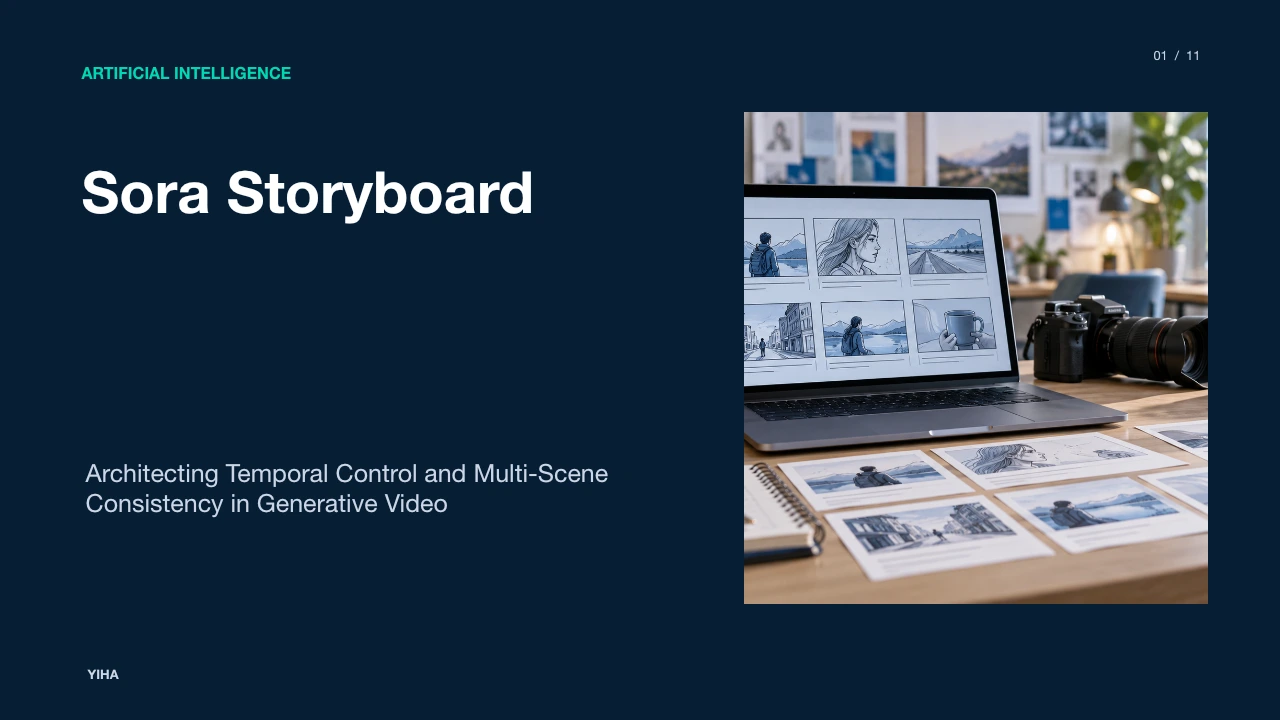
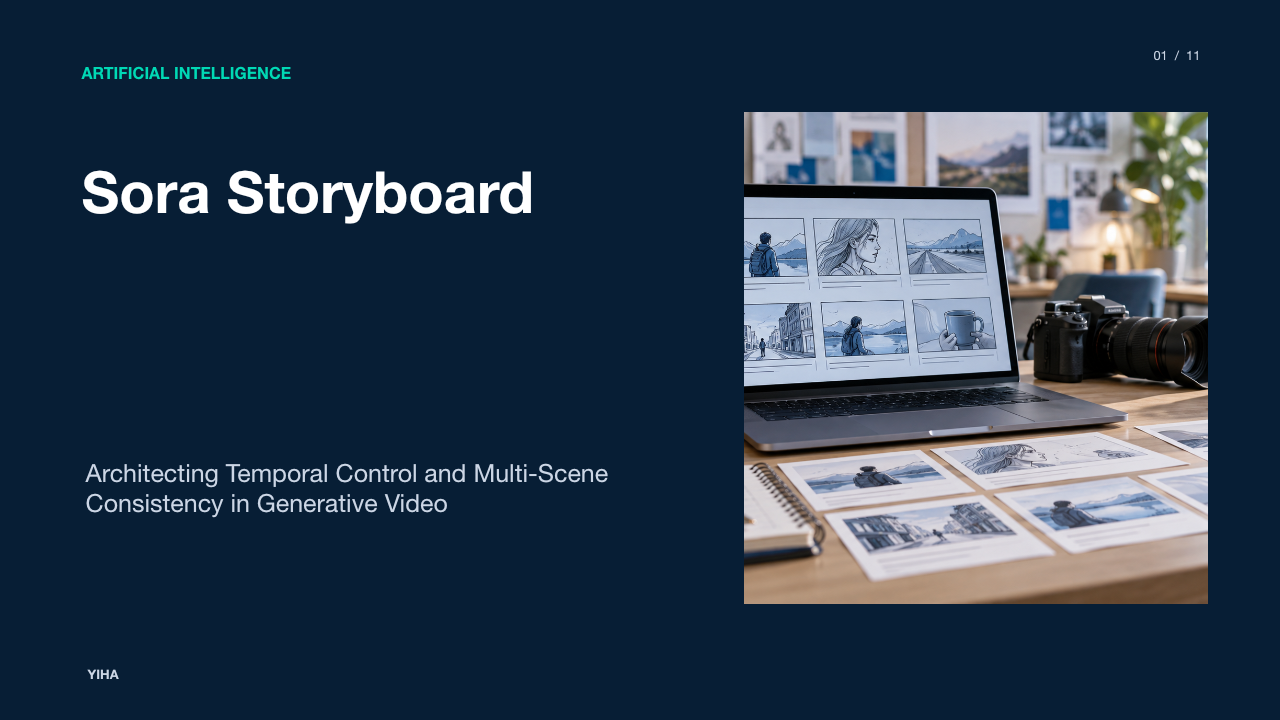
Sora Storyboard
A technical examination of Sora Storyboard workflows, detailing timeline keyframing, multi-scene continuity, prompt structuring, and production pipeline integration.
Free download · 4.9 MB11 editable slides · PowerPoint format
Download the editable PPTX
PPTX · 4.9 MB · 11 editable slides · Free to edit and reuse with attribution to Yiha.ai
View every slide
Use ← →, Home/End, or swipe on mobile
Text-to-video generation began with stochastic single-clip prompting, where users submitted single prose descriptions and hoped the generative diffusion model would render an acceptable shot. While impressive as technical demonstrations, isolated generations created severe obstacles for cinematic workflows. Independent clips suffered from identity drift, erratic lighting shifts, and unpredictable camera behavior across cuts. The introduction of timeline-based control through storyboard workflows transforms generative video from randomized visual experimentation into structured visual pre-production.
From Single Prompts to Structured Scene Sequencing
Traditional video models operate through single-prompt passes that condense all subject actions, lighting changes, and camera movements into one block of text. When creators attempt to string multiple independently generated clips together, characters shift facial structure, costumes morph, and environmental continuity dissolves. What should be a cohesive sequence frequently disintegrates into a disconnected montage.
Structured storyboard workflows address this limitation by replacing monolithic prompts with sequential scene planning. As detailed in the Sora 2 Pro Storyboard Guide, planning a sequence before triggering synthesis enables creators to define distinct temporal segments, determine individual durations, and establish an explicit narrative structure across shots. Rather than hoping an algorithm guesses the intended narrative progression, creators construct a sequence card by card.
OpenAI emphasizes this conceptual transition in their technical guidance. In the Sora 2 Prompting Guide, prompt authoring is compared to briefing a cinematographer who has never seen the storyboard: omissions force the underlying model to improvise. By decomposing complex concepts into defined sequential units, creators establish programmatic control over pacing, shot transitions, and visual consistency.
Core Architecture of Storyboard Timeline Control
Storyboard timeline interfaces translate visual narrative design into actionable parameters along an interactive timeline. Rather than treating a generation as an unstructured duration block, the storyboard timeline establishes discrete temporal anchors where distinct instructions govern specific time segments.
In practical implementation, users interact with a visual timeline populated with frame cards. In their evaluation of the interface, TechWiser observed that creators can position prompt anchors at exact timestamps along the video duration, with the system accepting multiple prompt markers per segment to direct key movements. For example, an illustrative sequence might initiate with a player dribbling at the 0-second mark, followed by a separate prompt card at the 10-second mark instructing a transition into a slam dunk.
Furthermore, timeline control supports multimodal inputs. As explored by Daniel Ostapenko, users can anchor keyframes using still images or existing clips. Uploading a photograph establishes an initial visual anchor for lighting, composition, and subject appearance, while timeline prompt cards dictate subsequent motion vectors and scene evolutions. This timeline-anchored control gives creators precise command over temporal progression.
Spacetime Patches and Temporal Cross-Attention
Beneath the storyboard interface lies a diffusion transformer architecture operating on spatial and temporal visual representations. Standard image diffusion models process visual tokens arranged across two spatial dimensions. In contrast, models like OpenAI's Sora treat video as three-dimensional spacetime latent patches, encoding both spatial area and temporal duration into discrete tokens.
When generating a continuous sequence across multiple storyboard frames, the underlying network executes attention across both space and time. Instead of rendering independent frames and interpolating between them, the transformer computes relationships across spacetime latent representations simultaneously. As documented by SoraVideo.art, this multi-frame processing allows the model to compute frame transitions, camera movements, and environmental continuity as an integrated mathematical pass.
This continuous conditioning helps preserve scene elements even when subjects temporarily move out of view or face away from the camera. The technical documentation in the Sora 2 Prompting Guide notes that container parameters such as resolution and duration must be explicitly fixed, enabling the temporal attention mechanism to distribute compute across the target sequence while preserving visual style.
Multi-Scene Coherence and Audio Synchronization
Generating cohesive multi-scene sequences requires maintaining subject persistence and aligning audiovisual events. Early generative video systems generated silent footage, requiring creators to hunt for sound effects and manually synchronize audio tracks during post-production.
The Sora 2 release significantly altered this workflow by incorporating native audiovisual synthesis. In an analysis of the system, ToolWorthy notes that the architecture natively generates synchronized dialogue, ambient soundscapes, and physical sound effects directly from prompt descriptions, eliminating the need to compile independent Foley and speech tracks for basic previsualization.
Visual continuity across scenes is further reinforced through dedicated asset referencing. The Scenario Knowledge Base explains how Sora 2 persists world state across multiple shot blocks, allowing creators to define distinct camera setups while retaining consistent character identities and lighting recipes across cuts. By combining character reference assets with timeline-aware audio synthesis, the model generates sequences where character lip movement and footsteps correspond directly to visual actions.
Previsualization and Production Pipeline Integration
In professional film and commercial production, storyboard workflows provide rapid previsualization capabilities. Traditional pre-production relies on drawn animatics, location scouts, and manual 3D blocking to test whether a script's visual pacing translates effectively to the screen.
Modern production pipelines integrate generative storyboard prompts directly into early development stages. As outlined by AI Wiki's Sora for Filmmakers Guide, directors and cinematographers employ storyboard generation to prototype camera angles, lighting palettes, and pacing before committing physical crews and equipment to set. This rapid iteration allows creative teams to test complex shot designs and lens choices at minimal cost.
However, professional integration requires strict boundary definitions between generative exploration and production execution. In their analysis of pre-production methodology, FindAiverse emphasizes approving shot logic before approving rendered pixels. Production teams log distinct shot identifiers, test camera behavior hypotheses, and prepare non-generative fallbacks (such as practical pack photography or screen recordings) for client-critical assets. Storyboard tools visualize rhythm and blocking, leaving execution of final assets to targeted acquisition.
Tradeoffs: Native Sequencing versus NLE Stitching
While unified storyboard generation provides smooth continuity, professional editors must weigh the tradeoffs between native multi-scene generation and conventional assembly in non-linear editing (NLE) software.
Generating a complete multi-shot narrative in a single generative pass provides automatic transitions and native character continuity across cuts. However, as noted by ExplainX, AI video systems fundamentally excel at generating distinct shots rather than entire complex scenes in one monolithic prompt. When an entire sequence is rendered as an inseparable pass, fixing a minor continuity flaw in shot four requires re-rendering the entire multi-shot timeline, consuming additional generation credits and compute time.
Conversely, generating individual concise clips and stitching them in an NLE affords precise editorial control. The Sora 2 Prompting Guide explicitly observes that the model adheres to instructions more reliably in shorter clips. Editorial teams often achieve superior overall pacing and narrative timing by generating short, focused shots and assembling them manually in timeline editors like Premiere or DaVinci Resolve.
Current Constraints: Latency, Cost, and Prompt Drift
Despite rapid architectural improvements, timeline storyboard workflows face concrete operational bottlenecks. These constraints center on inference latency, escalating computational costs, and semantic prompt drift across multi-segment prompts.
Generating multiple interdependent frames in a single pass incurs non-linear computational scaling. The technical breakdown on SoraVideo.art highlights that generating a three-frame sequence can take three to five times longer than producing an isolated single shot, with five-frame sequences demanding substantial processing queues. Because the model must balance character identity, lighting physics, and temporal flow across multiple scene cards simultaneously, credit consumption increases significantly relative to standard generations.
Semantic drift presents an ongoing challenge. Over longer sequences, minor visual details, such as jacket texture, hair volume, or prop geometry, can gradually mutate across cuts. Furthermore, platform access requires careful technical tracking. As documented in the Sora 2 Storyboard Workflow Guide on GlobalGPT, OpenAI updated its deployment roadmap, discontinuing legacy web interfaces in mid-2026 and adjusting API lifecycles. Production pipelines must therefore structure storyboards as portable, modular shot briefs that survive model version deprecations.
Prompt Engineering Guidelines for Storyboard Frames
Maximizing consistency across storyboard frames requires disciplined prompt engineering. Vague cinematic descriptions yield inconsistent visual styles; structured prompt layers provide repeatable results.
Professional prompt structures separate shot parameters into distinct components: camera vectors, subject action beats, lighting conditions, and continuity anchors. Drawing from production best practices, AI Wiki's Sora Prompts and Tips advises specifying optical parameters such as lens focal length, camera elevation, and tracking movement. Rather than requesting a generic wide view, prompts should specify explicit instructions such as a slow dolly-in on a 35mm lens with shallow depth of field.
To minimize character drift across timeline frames, prompt authors must maintain lexical consistency. Re-using exact descriptive phrasing across every frame card, matching clothing color, character age, and physical attributes verbatim, prevents the model from introducing unwanted variations. Integrating visual image references for the opening frame establishes an unambiguous baseline for costume, set decoration, and color palette.
The Horizon: Generative Models as Dynamic World Simulators
Timeline-controlled video models represent more than media generation utilities; they mark early progress toward generative world simulators. By training diffusion transformers on vast video libraries, these systems construct internal representations of physical dynamics, object permanence, and lighting interactions.
As explored by Daniel Ostapenko, video generation serves as a foundation for teaching artificial intelligence how physical environments behave across time. Features such as scene blending and multimodal conditioning demonstrate how models reconcile disparate visual domains into unified spatial representations.
Looking forward, storyboard workflows will continue converging with traditional computer graphics pipelines. The modular shot structures defined in the Sora 2 Prompting Guide, including explicit character IDs, camera coordinate vectors, and segment extensions, illustrate this evolution. As programmatic interfaces mature, storyboard workflows will transition from static web timeline cards into dynamic, interactive engines capable of rendering physics-consistent environments on demand.
Research sources
- Sora 2 Prompting Guide · developers.openai.com
- Sora 2 Pro Storyboard: Complete Guide to Scene-by-Scene Video Planning · www.cliprise.app
- Sora Storyboard | Daniel Ostapenko · denieler.com
- How to Use the Storyboard Feature on Sora - What We Found - TechWiser · techwiser.com
- Sora 2 Storyboard: What It Is and How to Use It (Complete Guide 2026) | SoraVideo.art · soravideo.art
- Sora 2 Storyboard Guide: Shot-by-Shot Workflow (2026) · www.glbgpt.com
- Sora 2 Review (2025): Audio Sync & New Features · www.toolworthy.ai
- SORA 2 - The Essentials | Scenario Knowledge Base · help.scenario.com
- Sora for Filmmakers - Professional AI Video Production Guide | AI Wiki · artificial-intelligence-wiki.com
- AI Video Preproduction Workflow 2026: Sora, Runway, Kling, Luma, Pika, and Canva From Storyboard to Approved Shot List | FindAiverse · www.findaiverse.com
- AI Video Generation 2026: Sora, Runway, Kling Complete Guide | explainx.ai Blog | explainx.ai · www.explainx.ai
- Sora Prompts and Tips - Master AI Video Generation | AI Wiki · artificial-intelligence-wiki.com