Presentation Script
A thorough guide to presentation scripts: learn how to separate spoken narrative from visual slides, calculate word budgets, avoid cognitive overload, and use hybrid rehearsal techniques.
Free download · 4.9 MB11 editable slides · PowerPoint format
Download the editable PPTX
PPTX · 4.9 MB · 11 editable slides · Free to edit and reuse with attribution to Yiha.ai
View every slide
Use ← →, Home/End, or swipe on mobile
Writing a presentation script bridges the gap between structured thinking and oral delivery. Presenters often swing between two extremes: improvising unpredictably from bare bullet points or reading slide copy aloud word for word. Neither strategy serves an audience. A structured presentation script provides precise control over phrasing, timing, and transitions without forcing robotic memorization.
The Purpose of a Presentation Script
A presentation script provides the spoken narrative that carries an audience through an idea. Spoken scripts are designed to be heard in real time rather than read at leisure. The script establishes clarity long before a speaker takes the stage, converting research into intentional explanations. Without this planning, speakers frequently ramble, skip necessary definitions, or fall back on reciting slide bullets.
According to communication analysis published by GrahamComm, reading word for word from a printed manuscript is one of the fastest ways to lose an audience because written language flattens oral cadence and erects a physical barrier between speaker and listener. However, abandoning preparation to improvise is equally flawed. Unscripted talks lack structural discipline and frequently overrun time constraints. A well-constructed script provides an organized road map of ideas, allowing the presenter to stay centered on the message while adapting naturally to the room.
Separating Slides, Scripts, and Speaker Notes
A major breakdown in technical and executive presentations comes from confusing three distinct media layers: slides, scripts, and speaker notes. Each layer addresses a different communication need, and mixing them ruins oral delivery.
- Slides: The audience-facing visual layer. Slides should carry charts, key data anchors, or concise headings that require minimal reading.
- Presentation Script: The complete spoken prose draft. As noted in the Eazy guide to presentation scripts, a script works out full sentences, logical bridges, and exact phrasing during preparation.
- Speaker Notes: Private mnemonic prompts. These are concise bullet cues stored in presenter tools like PowerPoint notes view, as detailed by ScriptAssist, designed to trigger memory without pulling eyes away from listeners.
When presenters overload slides with paragraphs, they force audiences to read rather than listen. By maintaining clean boundaries among these three tools, slides remain visual anchors, scripts clarify the argument during planning, and speaker notes guide delivery without creating dependency.
Cognitive Load and the Redundancy Effect
Cognitive load theory explains why reading slide text aloud impairs audience comprehension. Human working memory processes information through two separate channels: visual and auditory. When a speaker reads bullet points that are simultaneously displayed on screen, both channels are flooded with identical verbal stimuli.
As explained by Ink Narrates, reading slide text creates exhausting mental friction. Audiences read faster than speakers talk. When listeners finish reading a line while the speaker is still halfway through vocalizing it, their attention fractures. The visual channel attempts to scan ahead while the auditory channel processes delayed speech, causing the redundancy effect. To eliminate this cognitive conflict, slides should display visual models, diagrams, or brief conclusions, while the spoken script provides explanatory context.
Speaking Pace and Word Budget Benchmarks
A presentation script must respect time limits. Unpracticed speakers routinely underestimate word count, discovering mid-talk that they have ten slides remaining with only three minutes left on the clock.
Delivery pace dictates script volume. According to pacing data from the CalculatorLib Presentation Time Calculator, typical English delivery ranges between 100 and 160 words per minute:
- 100 to 120 WPM (Deliberate): Recommended for dense technical briefings, complex data analysis, or international audiences.
- 130 WPM (Standard): The conversational benchmark for corporate updates and educational sessions.
- 150 to 160 WPM (Energetic): A rapid pace suitable for brief pitches or high-energy keynotes.
Illustrative planning example: For a 20-minute presentation at a standard conversational pace of 130 words per minute, pure speaking time totals roughly 1,560 words. Reserving 5 minutes for audience questions and budgeting 15 seconds per slide for visual orientation leaves approximately 12 minutes of pure spoken narrative. Planning scripts against these mathematical budgets prevents rushed delivery.
Structuring Script Beats for Each Slide
Every slide functions as a mini-speech within the broader presentation arc. Structuring spoken text into deliberate beats ensures that each visual supports a logical progression.
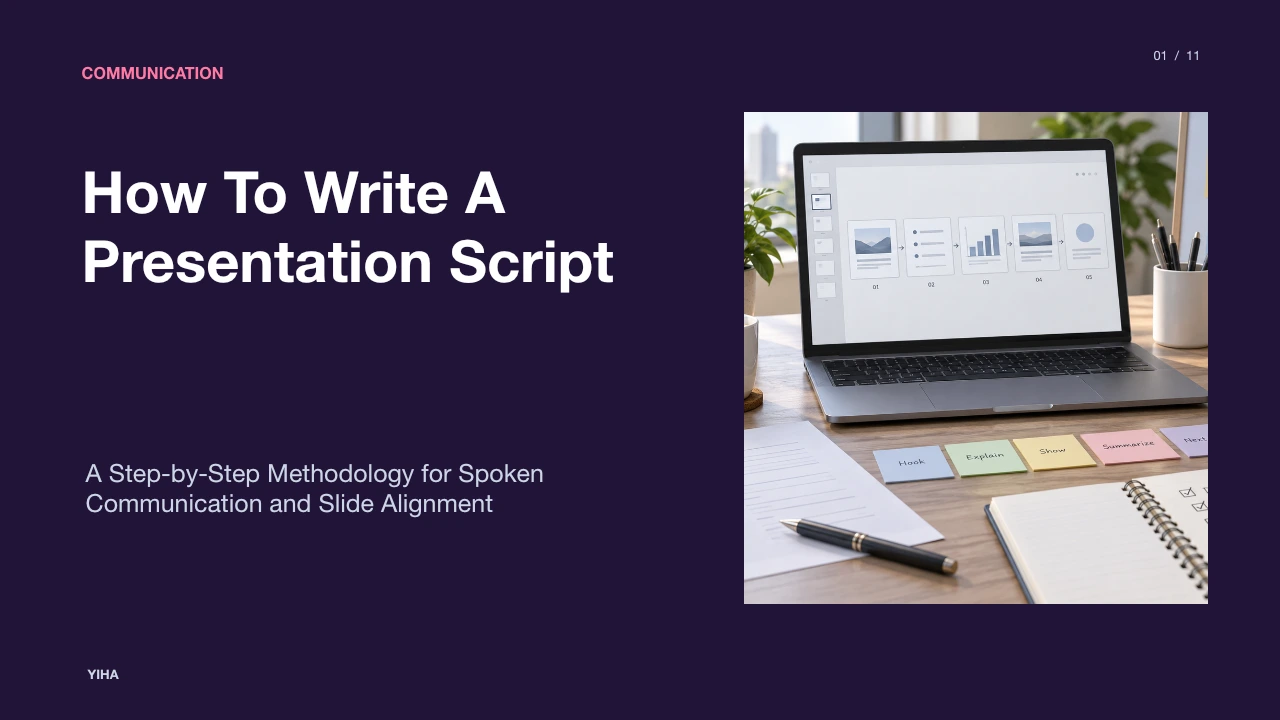
As outlined in slide-deck.io's scriptwriting guide, an effective slide script contains four discrete beats:
- The Attention Hook: An introductory observation, question, or problem framing that directs focus to the topic.
- The Core Takeaway: A single, declarative statement stating what the slide proves or why it matters.
- Empirical Context or Proof: The underlying evidence, metric, or structural mechanism that justifies the core takeaway.
- The Forward Bridge: A transitional phrase connecting the current conclusion to the upcoming slide.
Illustrative example: If a slide displays a supply chain diagram, the script beat opens by noting delivery friction (Hook), states that regional inventory hubs cut turnaround delays (Core Takeaway), cites pilot warehouse turnaround metrics (Proof), and concludes by asking how regional stocking impacts cash reserves (Forward Bridge). This beat structure eliminates awkward silences between slides.
Verbatim Scripts Versus Extemporaneous Notes
Choosing between a verbatim script and extemporaneous notes depends on the presentation context and the cost of misspeaking.
Verbatim scripts are necessary in high-stakes environments where phrasing carries regulatory, financial, or legal consequences. SpeechTips delivery methodology notes that courtroom statements, compliance disclosures, earnings calls, and crisis communications require scripted accuracy to avoid misinterpretation.
Conversely, internal team syncs, workshops, and sales pitches suffer when bound to a rigid script. If a speaker recites text during an interactive meeting, they cannot easily absorb audience questions or pivot based on room sentiment. For most business talks, a hybrid approach works best: write verbatim scripts for critical sections such as opening hooks, statistical claims, and closing conclusions, while delivering intermediate discussion sections extemporaneously from cue points.
Risks of Over-Scripting and Rote Memorization
Attempting to memorize a complete presentation script word for word introduces severe performance risks. Rote memorization treats speech as an inflexible sequence of terms rather than an exchange of ideas.
Executive training research from Effective Presentations highlights that memorization increases anxiety by creating a fragile cognitive chain. If acute stress causes a presenter to forget a single word, the entire sequence breaks down. Presenters attempting word retrieval often display flat vocal tone, unfocused eye contact, and stiff physical posture because their cognitive resources are consumed by inward retrieval rather than audience connection.
Instead of memorizing sentences, speakers should build concept mastery around core arguments. Internalizing three to five thematic pillars allows a presenter to explain evidence naturally using spontaneous phrasing.
Drafting for the Ear and Formatting Delivery Cues
Writing for the ear differs fundamentally from writing for the page. Readers can pause, re-read complex clauses, and unpack dense vocabulary. Listeners hear words once at the speed the speaker utters them.
To write effectively for oral delivery, apply rules detailed by Daily Writing Tips:
- Write Short Syntactic Units: Keep spoken sentences brief. If a sentence cannot be delivered in a single breath, split it into two concise phrases.
- Use Active Voice: Active sentence construction places the actor before the action, producing direct and punchy delivery.
- Use Spoken Signposts: Incorporate verbal transitions such as 'What this means for our team is' or 'Moving to the next stage' to guide listeners.
Formatting conventions also assist delivery. As documented by Prompter Share, teleprompter and script typography should reflect acoustic pacing. Use double line breaks between distinct thoughts, spell out complex numbers as words, and place explicit stage cues in uppercase brackets like [PAUSE] or [SLOW FOR EMPHASIS] to direct breathing and tempo.
Rehearsal Protocols and the Hybrid Script Model
A written script only succeeds when tested aloud. Silent reading conceals awkward phrasing, breathing bottlenecks, and pacing issues that emerge only during oral delivery.
The most reliable framework for professional presentations is the hybrid model, highlighted in Eazy's guide. In this workflow, speakers write out exact wording for their opening lines, closing calls to action, and sensitive data disclosures. The body of the talk remains flexible, driven by structured prompts. Rehearsal should occur on your feet, aloud, timed against your actual schedule. Practicing through multiple spoken passes allows the script to recede, leaving a confident, prepared speaker who connects directly with the audience.
Research sources
- Why Scripts Hurt Presentations and What to Do Instead — GrahamComm · www.grahamcomm.net
- How Do You Write a Script for a Presentation? - DAILY WRITING TIPS · www.dailywritingtips.com
- How to Write a Presentation Script (2026 Guide) · eazyhq.com
- How to Convert Your Slides Into a Speaking Script | SlideScript · www.slidescript.live
- PowerPoint Speaker Notes: The Complete Guide | ScriptAssist · scriptassist.slidesource.com
- How to Write a Presentation Script That Sounds Natural · www.inknarrates.com
- How to Write a Presentation Script · slide-deck.io · slide-deck.io
- Presentation Time Calculator - Speech Length by Word Count - CalculatorLib · calculatorlib.com
- Presentation Time Calculator – Estimate Talk Length, Slides and Q&A · speakingtimecalculator.org
- Slideshow Length Calculator — Estimate Presentation Time | SlideModel Tools · slidemodel.com
- Free Webinar Script Generator - AI-Powered Webinar Outlines · thegrowthgpt.com
- How to Write a Presentation Script · slidemodel.com
- Delivery Methods: Script, Notes & Memory | SpeechTips | SpeechTips · www.speechtips.com
- Lined Script Generator: Line a Script Online | ScreenWeaver · www.screenweaver.ai
- Why Memorizing Your Speech Backfires (2026) · www.effectivepresentations.com
- Stop Memorizing Your Speech (Do This Instead) by VoiceGuide | !tldr · www.nottldr.com
- How to Memorize and Deliver Speeches Without Sounding Robotic · aztechtraining.com
- Teleprompter Pacing & Script Cues: The Director Guide · promptershare.com
- How to Read a Script Without Sounding Robotic (Science-Backed) · www.scienceofpeople.com