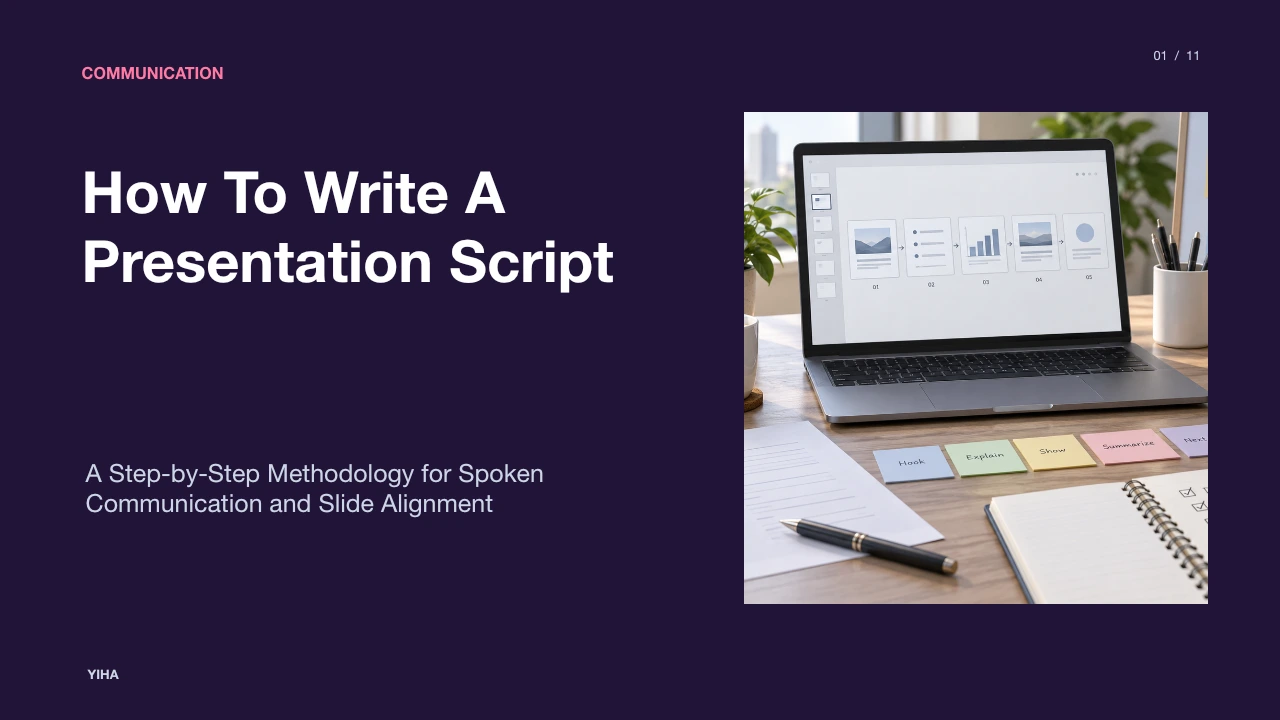
How To Write A Presentation Script
Discover how to draft, format, and rehearse an effective presentation script. Learn practical methods for structuring narrative arcs, coordinating spoken words with visuals, and pacing spoken delivery.
Free download · 4.9 MB11 editable slides · PowerPoint format
Download the editable PPTX
PPTX · 4.9 MB · 11 editable slides · Free to edit and reuse with attribution to Yiha.ai
View every slide
Use ← →, Home/End, or swipe on mobile
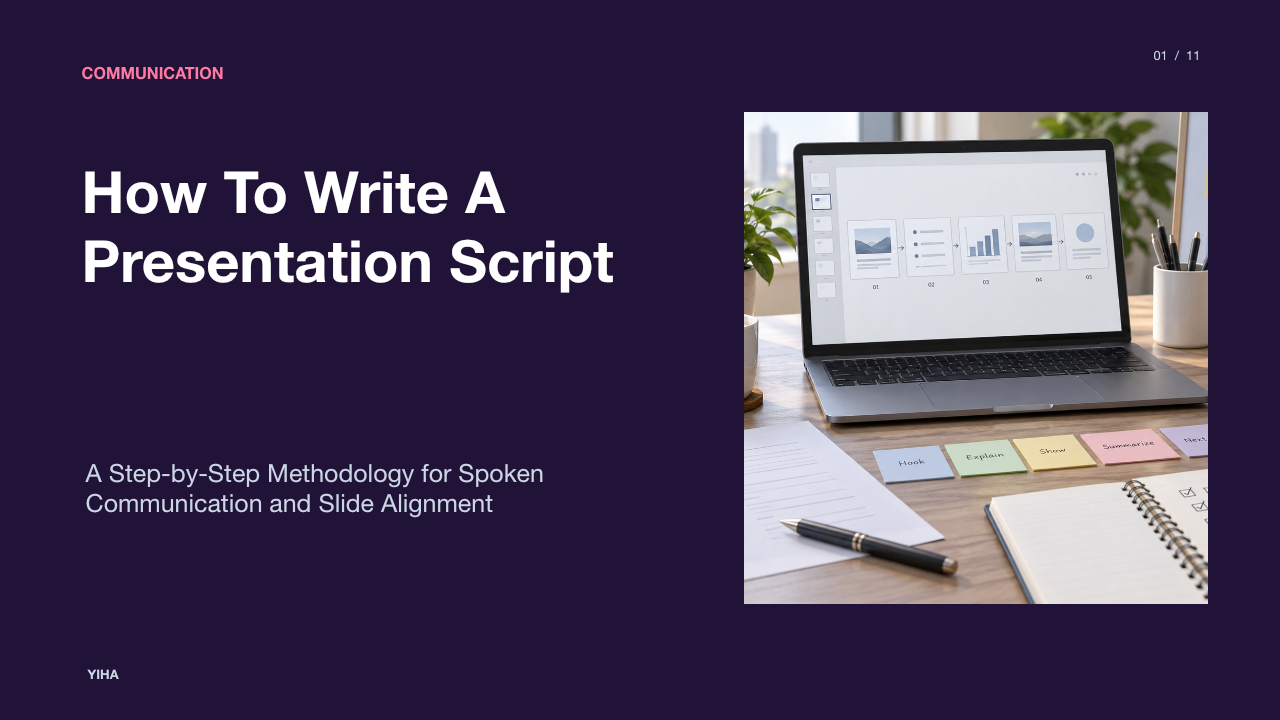
Writing a presentation script bridges the strategic objective of a talk and its spoken execution [s1, s5]. Many professionals assume that creating a script means typing an essay to read aloud or transcribing bullet points already visible on slides [s1, s6]. In practice, an effective script functions as an architectural blueprint for speech [s2, s3]. It clarifies the core message, regulates spoken pacing, coordinates verbal cues with visual aids, and provides a dependable path from opening context to the final call to action [s2, s3, s6, s7].
Understanding the True Role of a Presentation Script
A presentation script does not exist to turn a presenter into a recitation robot. According to Mango Media's corporate scriptwriting analysis, a script is essentially the bridge between the business objective and the finished presentation [s1]. It establishes what needs to be communicated so that every sentence reinforces that goal [s1]. When speakers try to deliver presentations without a scripted plan, they frequently drift into company history or tangential explanations that fail to advance the core topic [s1].
At the same time, writing for the spoken voice differs completely from writing a document. As outlined by Daily Writing Tips on presentation scripts, readers possess the luxury of re-reading complex, compound sentences, whereas listeners hear words only once in real time [s1]. A presentation script therefore translates complex subjects into clear verbal units [s1]. A key limitation of detailed manuscripts is that attempting to memorize every phrase creates unnecessary stress [s1]. The goal is to establish direction and clarity rather than forced word-for-word memorization [s1].
Defining Audience Needs and the Single Core Message
Every practical script begins with audience analysis and message distillation before slide design starts [s2]. SlideUplift's guide to presentation planning advises formulating the central message as a single complete sentence containing an active verb before opening any presentation software [s2]. For example, replacing a passive topical phrase like "Q3 sales review" with an actionable assertion such as "We need two more sales engineers by October or Q4 slips" provides an immediate focus for every subsequent paragraph [s2].
Analyzing listener context prevents misaligned vocabulary and unnecessary background detail [s2]. As highlighted by Quality Coursework's presentation script guide, an audience of technical engineers requires different explanations than corporate executives evaluating financial trade-offs [s2]. The script writer must ask what the room must decide or understand by the conclusion of the session [s2]. Any background data, historical anecdote, or sub-point that does not actively support the primary thesis should be eliminated during the drafting phase [s1, s2].
Structuring the Narrative Arc and Progression Frameworks
Unstructured presentations often feel like disconnected inventories of facts [s3]. Narrative structure provides momentum. In commercial video and pitch planning, StudioBinder's guide on script structure emphasizes classical progression models such as problem, solution, proof, and call to action [s3]. By framing the problem first, the presenter establishes genuine tension before introducing the proposal [s1, s3].
Similarly, practitioners at Moonb's corporate script overview recommend outlining the entire story arc in five clear sentences before expanding into detailed notes [s3]. For internal business presentations, alternative structures like "What, So What, Now What" or "Context, Scope, Timeline, Risks, Next Steps" allow listeners to follow logical deductions [s3]. An illustrative example of this progression is introducing a workflow bottleneck (What), quantifying its organizational delay (So What), and proposing a phased automation pilot (Now What). The limitation of rigid narrative frameworks is that informal working updates may require direct conclusion-first summaries rather than extended narrative buildup [s3].
Writing for Spoken Delivery Rather Than the Printed Page
Spoken grammar requires distinct syntactic choices. According to Daily Writing Tips on speech grammar, written prose encourages passive constructions and subordinate clauses, while spoken scripts require direct active voice and shorter sentences [s4]. Active sentences ensure that the subject performs the action, making the speaker sound decisive while reducing cognitive strain on the audience [s4].
Spoken scripts also rely on deliberate verbal transitions to guide the room through changes in thought [s4]. Phrases such as "Moving on to our next point" serve as auditory signposts [s4]. Guidance from Quality Coursework recommends testing language by reading drafts out loud during the writing process [s4]. Sentences that look acceptable in print frequently cause breath shortages or awkward stumbles when spoken [s4]. Writing for the ear requires pruning polysyllabic corporate jargon and splitting compound clauses into distinct conversational beats [s4].
Selecting Between Verbatim Scripts, Beat Sheets, and AV Grids
Presenters must select a script format tailored to their delivery context [s5]. According to StudioBinder's production formatting guide, the audio-visual two-column format remains the professional standard for recorded or media-heavy presentations [s5]. In this layout, one column details visual elements, slide titles, or screen actions, while the other column lists the corresponding spoken dialogue [s5].
For live corporate meetings, alternatives provide greater flexibility. Moonb's corporate script breakdown notes that bulleted beat outlines work best for interactive discussions and expert-led talks where natural interaction is essential [s5]. A verbatim manuscript is ideal for high-stakes regulatory announcements, formal keynote addresses, or timed voiceovers where precise terminology and exact pacing are mandatory [s5]. Conversely, a structured beat sheet is superior for interactive reviews where reading full paragraphs creates an artificial barrier between speaker and audience [s5].
Coordinating Spoken Narration with On-Screen Visuals
A common mistake in deck delivery is narrating the exact text shown on screen [s6]. As observed by Ink Narrates on presentation scripting, forcing audience members to read bullet points while listening to a presenter say the same words creates friction and divides attention [s6]. Slides should supply visual reinforcement or concise anchors, while the script provides interpretation, context, and implications [s6].
Furthermore, Descript's video scriptwriting guide emphasizes that visual cues and transitions must be planned directly alongside the script [s6]. In practice, a presenter should speak an introductory transition sentence before advancing the slide. For example, stating an introductory transition before displaying a supporting chart prepares the audience to absorb the visual instantly. Relying on slides to lead the speaker leads to hesitation, whereas a coordinated script ensures the spoken argument drives visual aids [s6].
Pacing, Word-Count Estimation, and Delivery Annotation
Timing a presentation requires realistic calculation of speaking speed. Multiple industry benchmarks, including Moonb's corporate video scripting guide and Quality Coursework's delivery guidance, identify an average conversational speaking pace of 120 to 150 words per minute [s7]. For an illustrative ten-minute presentation, this pace corresponds to an estimated spoken manuscript of approximately 1,200 to 1,500 words, assuming normal breathing intervals and slide changes [s7].
Presentation scripts also benefit from explicit delivery annotation. As detailed by SlideUplift's presentation writing framework, scriptwriters must explicitly plan the transitions and prompts between slides rather than relying on spontaneous recall [s7]. Quality Coursework recommends noting visual aids directly in the script, such as bracketed prompts to display a specific chart or pause for audience interaction [s7]. Inserting explicit notes for pauses and transitions ensures that speakers maintain steady pacing and do not rush through concluding material as time expires [s7].
Rehearsing Aloud and Pruning Jargon and Cognitive Clutter
Silent reading cannot replace verbal rehearsal [s8]. As outlined by SlideCoach's guide on writing for the ear, the most important editorial check is speaking the script aloud [s8]. Vocal rehearsal immediately reveals tongue twisters, awkward clause transitions, and breathless sentences that seem harmless on paper [s8].
During vocal practice, presenters must aggressively eliminate unnecessary corporate buzzwords and excessive detail [s8]. Quality Coursework's rehearsal recommendations highlight that scripts become overly dense when authors attempt to preserve every piece of background research [s8]. If an acronym or subordinate explanation does not directly support the primary message, it should be cut [s8]. Practitioners can record a rehearsal run and review the audio to identify unintentional pauses, repetitive filler phrasing, and moments where the narrative loses direction [s8].
Weaning Off the Script for Dynamic, Spontaneous Delivery
The final phase of script development is converting the detailed text into delivery prompts [s9]. As explained by slide-deck.io's presentation script guide, reading directly from a complete manuscript disconnects the speaker from the room, whereas reducing notes to structured keyword prompts enables natural delivery while maintaining the planned argument [s9].
Presenters can transition across stages: drafting a complete script to establish narrative clarity, conducting guided rehearsals with full notes, and ultimately condensing each slide into three to five trigger keywords [s9]. As noted by Quality Coursework, internalizing key concepts rather than memorizing exact sentences allows speakers to maintain continuous eye contact, observe room reactions, and address questions with composure [s9]. The script serves as an invisible scaffold, ensuring that the spoken presentation feels effortless, coherent, and purposeful [s9].
Research sources
- How to Write a Corporate Video Script: Structure, Examples & Tips | Mango Media · www.mangomedia.ie
- How Do You Write a Script for a Presentation? - DAILY WRITING TIPS · www.dailywritingtips.com
- How to Write a Presentation: Outline, Script & Examples (2026) · slideuplift.com
- Write a Presentation Script That Captivates · qualitycoursework.com
- How to Write a Corporate Video Script: Format & Examples · www.studiobinder.com
- How to Write a Corporate Video Script | Moonb · www.moonb.io
- Video Script: How to Write One, With a Template · www.descript.com
- How to Write a Presentation Script That Sounds Natural · www.inknarrates.com
- How to Write a Presentation Script That Engages Audience · slidecoach.app
- How to Write a Presentation Script · slide-deck.io · slide-deck.io