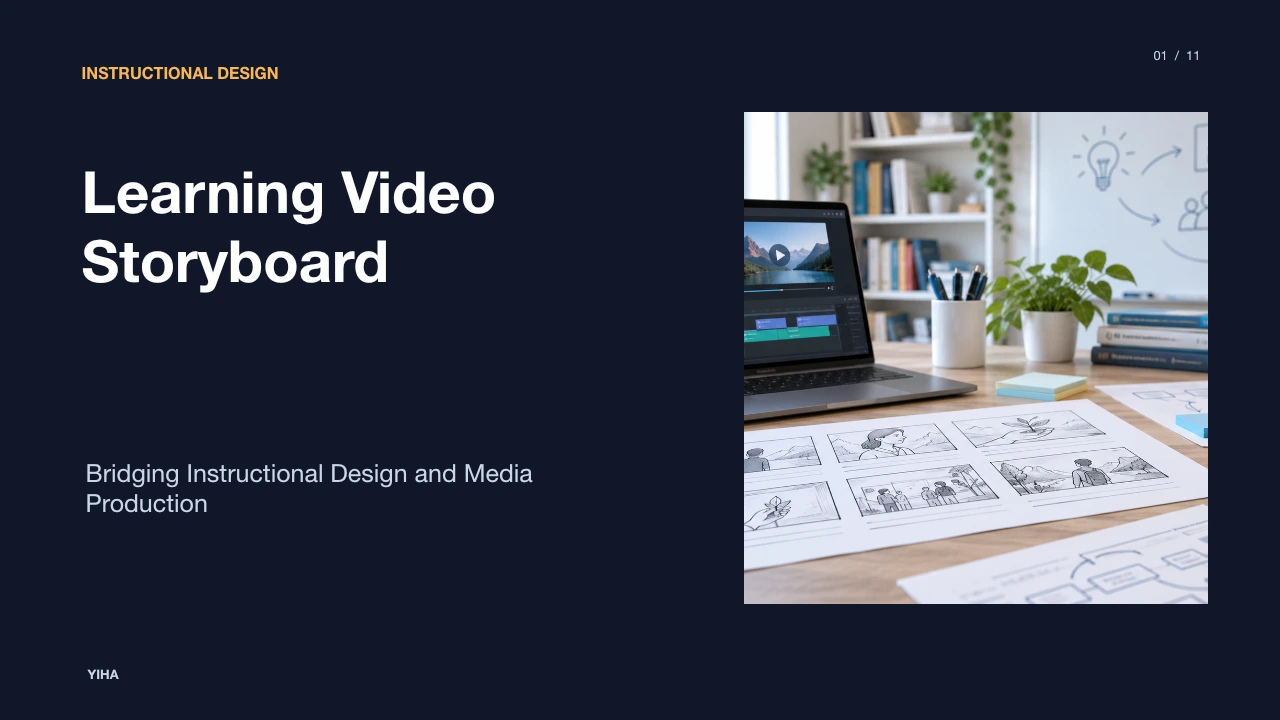
Learning Video Storyboard
A learning video storyboard connects pedagogical goals with visual execution. Discover how structured panel design, cognitive load principles, and team reviews eliminate production waste.
Free download · 4.9 MB11 editable slides · PowerPoint format
Download the editable PPTX
PPTX · 4.9 MB · 11 editable slides · Free to edit and reuse with attribution to Yiha.ai
View every slide
Use ← →, Home/End, or swipe on mobile
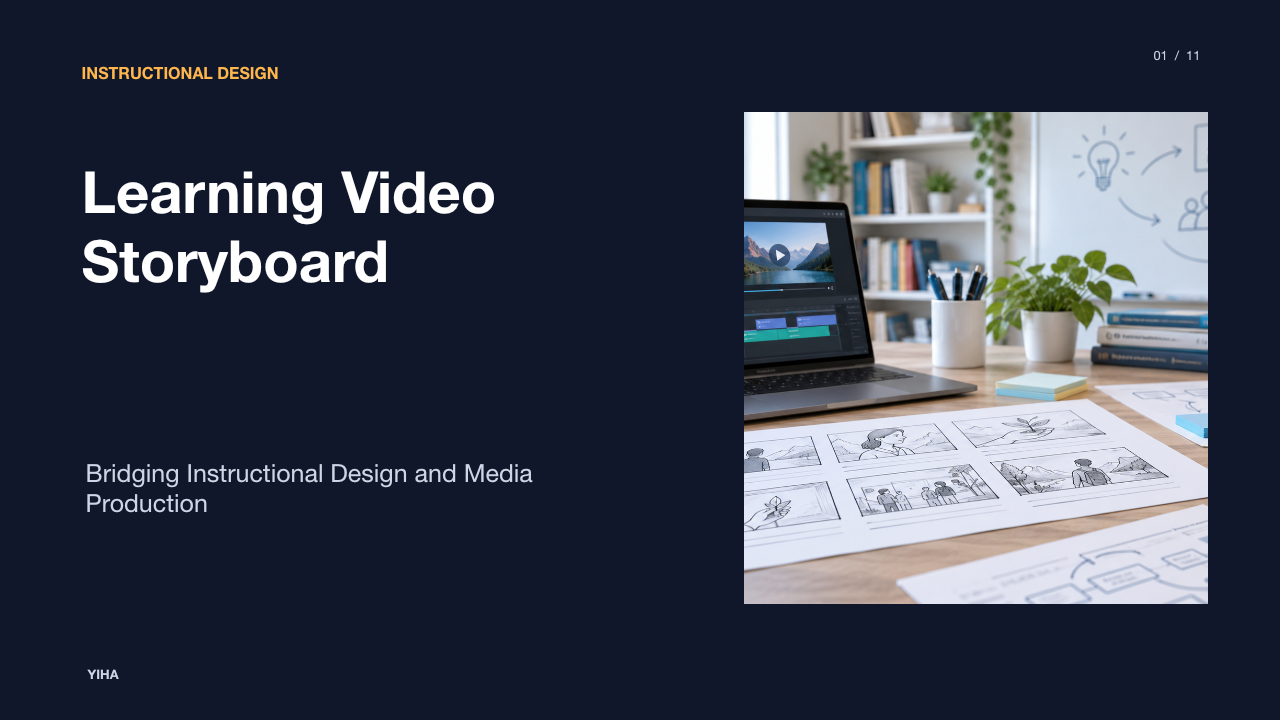
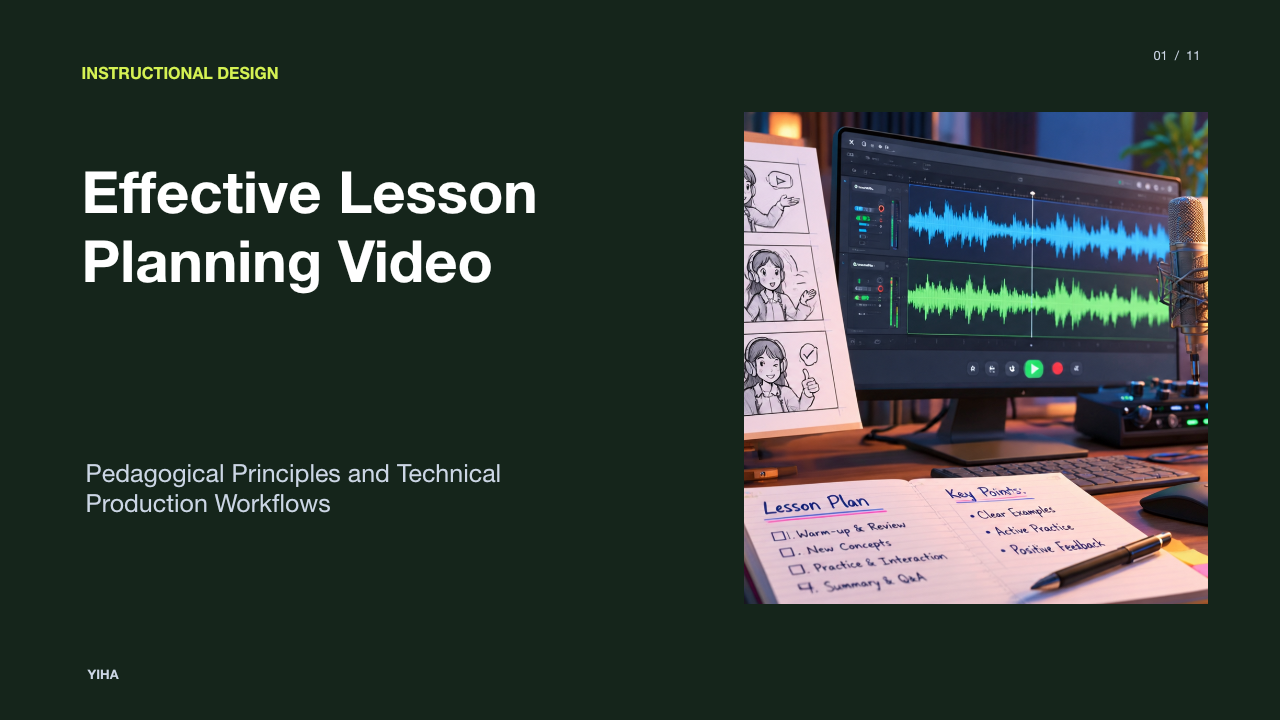
Creating an effective instructional video requires deliberate planning long before cameras turn on or animation software opens. A learning video storyboard serves as the foundational architectural plan for an educational media project. It translates learning objectives, instructional sequencing, spoken narration, and visual compositions into an organized, frame-by-frame document. By addressing pedagogical pacing, cognitive processing constraints, and logistical hurdles early, instructional designers and production teams can ensure that every visual element directly reinforces the intended educational outcome while eliminating unnecessary production expenses.
The Role of Storyboarding in Educational Video Production
In media development, storyboarding functions as the vital link between conceptual learning goals and concrete production tasks. According to How to Storyboard a Video The Complete Guide, a storyboard acts as a visual blueprint that converts abstract ideas into an actionable plan, aligning directors, artists, and educators around a shared vision before production begins. In educational contexts, this alignment is particularly crucial because videos must do more than entertain; they must guide cognitive processing and foster comprehension.
Without a deliberate storyboard, instructional projects frequently suffer from visual drift, where aesthetic decisions overshadow pedagogical requirements. As noted by What is a storyboard, and how is it used in filmmaking? - Video Production Agency, visual planning establishes the rhythm and pacing of a sequence, pinpointing potential technical and logistical challenges before filming starts. Catching structural gaps on paper avoids costly reshoots, talent re-recording, and complex re-edits. An explicitly labelled illustrative example of this mechanism involves planning a five-minute procedural video: discovering that a critical safety explanation lacks visual coverage during filming requires rescheduling studio time, whereas identifying that missing step on a storyboard panel allows the designer to insert the panel in minutes at zero production cost.
Applying Multimedia Learning Theory to Frame Planning
Designing educational video panels requires grounding in cognitive science, specifically Cognitive Load Theory and Richard Mayer's Cognitive Theory of Multimedia Learning. Working memory has finite capacity, processing auditory and visual channels separately. When an educational video presents excessive visual clutter, irrelevant animations, or uncoordinated audio tracks, learners experience extraneous cognitive load that detracts from learning.
As explained in Storyboards for eLearning: eLearning Storyboards, storyboards serve as a cognitive aid that designers use to systematically think through an instructional layout. Frame-by-frame mapping forces the author to assess whether every graphic, motion path, and spoken sentence directly supports the learning objective. According to Free Video Storyboard Template for Filmmakers, detaching from personal assumptions to evaluate how visual sequences flow for a fresh viewer helps creators spot confusing jumps in logic. If an on-screen visual introduces complex decorative graphics while the narrator discusses an unrelated conceptual point, the learner splits attention between competing inputs. Planning panel contents ensures visual and auditory channels work harmoniously to reinforce a unified concept.
Core Elements of an Instructional Storyboard Panel
An instructional storyboard panel is far more detailed than a simple artistic sketch. As detailed in How to Storyboard a Video The Complete Guide, effective panels specify character and camera movement alongside the key visual action. In educational settings, each panel must systematically combine multiple data fields to provide unambiguous instructions to developers, illustrators, and narrators.
According to Free Marketing Video Storyboard Template [2026], standard panels pair visual frames with written narrative beats, technical setup directions, and on-screen cues. Furthermore, AI Storyboard Generator - VideoAI highlights that mapping each lesson segment to a dedicated panel ensures the instructor, video editor, and graphics team share an identical roadmap, explicitly signaling when a presenter transitions to screen captures or motion diagrams. A comprehensive panel includes:
- Panel and Shot Numbering: Clear alphanumeric markers establishing chronological placement.
- Visual Sketch: A frame depicting layout, typography placement, subject framing, and aspect ratio (such as standard 16:9 widescreen or vertical formats).
- Spoken Audio: The exact voiceover narration or presenter dialogue.
- Non-Spoken Audio: Specific sound effects, ambient cues, or background audio markers.
- Visual Signaling Notes: Callout arrows, highlights, zooms, or spotlight effects.
- Duration: Target time stamps reflecting pacing and pause intervals.
Pedagogical Sequencing and Microlearning Chunking
Structuring instructional video content requires dividing extensive subject matter into discrete, modular segments. Rather than producing sprawling lectures, effective educational video workflows emphasize microlearning blocks that systematically scaffold knowledge. How to Storyboard a Video — Examples & Techniques demonstrates that breaking sequences down into individual panels allows creators to troubleshoot pacing and narrative flow before committing assets to production.
As explained in How to Storyboard a Video The Complete Guide, educational storyboarding requires establishing methodical clarity and a logical step-by-step flow where visuals consistently back up key learning points. A structured pedagogical storyboard typically sequences content through clear phases: an initial hook that frames the problem, a direct demonstration showing the concept in action, guided elaboration highlighting nuances, and a closing application prompt that invites active learner participation. When storyboarding microlearning videos, authors can inspect the transition between panels to ensure that each scene accomplishes a distinct instructional task without cognitive crowding.
Managing Visual Signaling and Modality Harmony
Visual signaling, or cueing, directs learner attention toward the most relevant parts of the visual field at the exact moment those concepts are explained in the narration. Without structured signaling, learners spend valuable cognitive resources scanning the screen to locate the element being described. According to Why Short-Form Video Needs a Storyboard | StoryToShot, a functional shot plan converts text into concrete decisions, determining what the audience sees first, how long elements remain on screen, and how directional flow carries into subsequent shots.
Careful frame planning also protects against the modality redundancy effect, which occurs when identical spoken audio and verbatim on-screen text are presented simultaneously alongside complex imagery. When learners try to read full paragraphs while listening to an instructor read those exact words, both visual and verbal working memory channels become overloaded. As highlighted in Storyboards for eLearning: eLearning Storyboards, dedicating distinct fields in the storyboard for on-screen text versus spoken audio enables designers to keep on-screen text limited to essential keywords, diagrams, and directional callouts, allowing the narration to carry explanatory depth.
Evaluating Storyboard Formats and Tooling Options
Instructional design teams utilize various storyboard formats based on budget, technical maturity, and production complexity. According to How to Storyboard Your Video: Helpful Illustrated Guide, hand-drawn paper storyboards offer an accessible, zero-cost starting point, but they are time-consuming to revise and cumbersome to distribute across distributed production teams.
Digital options range from slide-based software to specialized pre-production platforms. As described in How to Storyboard a Video The Complete Guide, software such as PowerPoint or specialized storyboarding applications provides editable templates and asset libraries that allow teams to update frames on the fly. Connie Malamed notes in Storyboards for eLearning: eLearning Storyboards that two-column documents created in word processors or presentation decks work well for simple video captures, while visual multi-box layouts are preferable when complex graphics and branching interactions must be detailed. Choosing the right tooling depends on team collaboration needs: rapid prototyping benefits from slide software, while multi-stakeholder media shoots often require robust digital tools that output unified PDF guides and shot lists.
Facilitating Reviews with Subject Matter Experts
Educational video production requires input from subject matter experts (SMEs) to guarantee accuracy, yet SMEs often lack video production backgrounds. Storyboards serve as an accessible translation mechanism between pedagogical experts, instructional designers, and creative animators. According to Storyboards for eLearning: eLearning Storyboards, the storyboard functions as the central document of development, reviewed directly by subject matter experts and clients to confirm visual elements and spoken scripts before programming or recording begins.
Without an explicit storyboard review milestone, SMEs often request sweeping script adjustments after video assets have already been filmed or animated, resulting in major delays and budget overruns. As noted in Create Free Storyboard Online for Video and Film Projects, utilizing collaborative platforms with comment permissions allows team members and reviewers to leave precise feedback directly on specific frames. Structured review cycles should establish clear checkpoints: first, validating factual accuracy and terminology during initial script drafting; second, verifying visual accuracy, diagrams, and signaling during panel reviews; and finally, securing formal stakeholder sign-off prior to asset production.
Recognizing Common Pitfalls and Scope Limitations
Despite their value, instructional storyboards can become counterproductive if teams fall into predictable operational traps. As emphasized in How to Storyboard a Video The Complete Guide, a frequent mistake is treating panels like fine art rather than practical communication blueprints. Spending excessive hours polishing hand-drawn illustrations slows project timelines without adding instructional value, because simple sketches and stick figures communicate layout and camera direction just as effectively.
Another significant trap is over-scripting and failing to prune narrative density. Storyboards for Video Marketing | How to Storyboard a Video notes that common video planning mistakes include creating videos that are unfocused or overly lengthy. Furthermore, instructional designers sometimes specify complex, highly customized 3D animations that exceed production budgets or technical capabilities. In Storyboards for eLearning: eLearning Storyboards, the author explains that a storyboard should only be used when it actively helps the project rather than hindering it, noting that for basic software tutorials, typing audio narration directly into slide notes can be far more efficient than generating full storyboard frames.
Transitioning from Approved Storyboard to Final Video
Once a storyboard achieves formal approval, it shifts from a conceptual design artifact into an operational production master. According to What is a storyboard, and how is it used in filmmaking? - Video Production Agency, shooting boards provide technical details such as camera movements, lens choices, and lighting setups to guide crew members during shooting, while also providing editors with a roadmap to select appropriate takes and integrate visual effects in post-production.
To bridge the gap between design and physical production, the storyboard must be broken down into discrete production packets. As highlighted in How to Storyboard Your Video: Helpful Illustrated Guide, reviewing images and notes for each shot enables teams to identify the exact resources, graphics, and voice recordings required before filming starts. The voiceover script is extracted for audio engineers or voice talent, complete with pronunciation guides for technical terms. Concurrently, graphic artists receive an asset checklist detailing required charts, UI mockups, and illustrations. Finally, video editors use the sequence timestamps and transition directions on the panels as an editing guide, ensuring the final educational video faithfully delivers the intended learning experience.
Research sources
- How to Storyboard a Video The Complete Guide · www.veo3ai.io
- Storyboards for eLearning: eLearning Storyboards · theelearningcoach.com
- What is a storyboard, and how is it used in filmmaking? - Video Production Agency · www.videoproductionagency.com
- Free Video Storyboard Template for Filmmakers · www.studiobinder.com
- AI Storyboard Generator - VideoAI · www.videoai.ai
- Free Marketing Video Storyboard Template [2026] · www.studiobinder.com
- How to Storyboard a Video — Examples & Techniques · www.studiobinder.com
- Veo 3 Storyboard-to-Video: 3 Prompt Tricks & Real Demos | VO3 AI Blog · www.vo3ai.com
- Why Short-Form Video Needs a Storyboard | StoryToShot · www.storytoshot.com
- How to Storyboard Your Video: Helpful Illustrated Guide · www.vyond.com
- Create Free Storyboard Online for Video and Film Projects · www.studiobinder.com
- Storyboards for Video Marketing | How to Storyboard a Video · www.storyboardthat.com