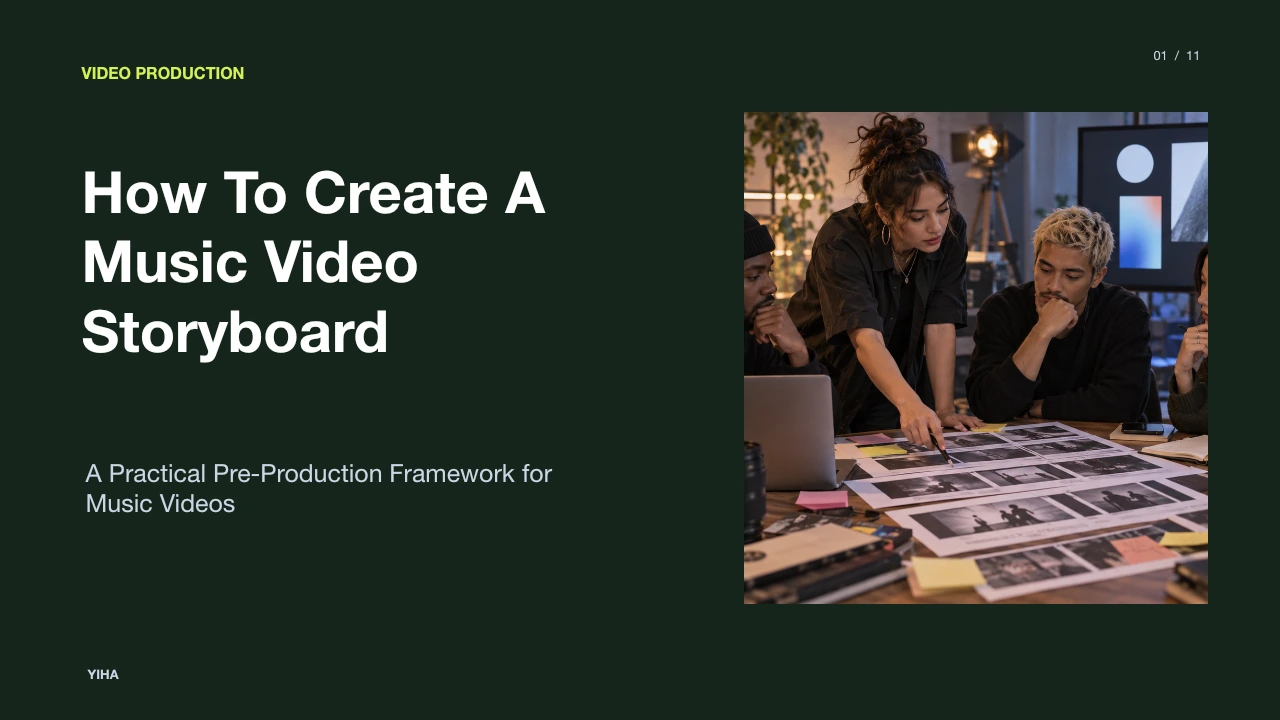
How To Create A Music Video Storyboard
A practical guide detailing how to create a music video storyboard by deconstructing audio timecodes, formatting dual-column AV scripts, blocking camera angles, and converting panels into production shot lists.
Free download · 4.9 MB11 editable slides · PowerPoint format
Download the editable PPTX
PPTX · 4.9 MB · 11 editable slides · Free to edit and reuse with attribution to Yiha.ai
View every slide
Use ← →, Home/End, or swipe on mobile
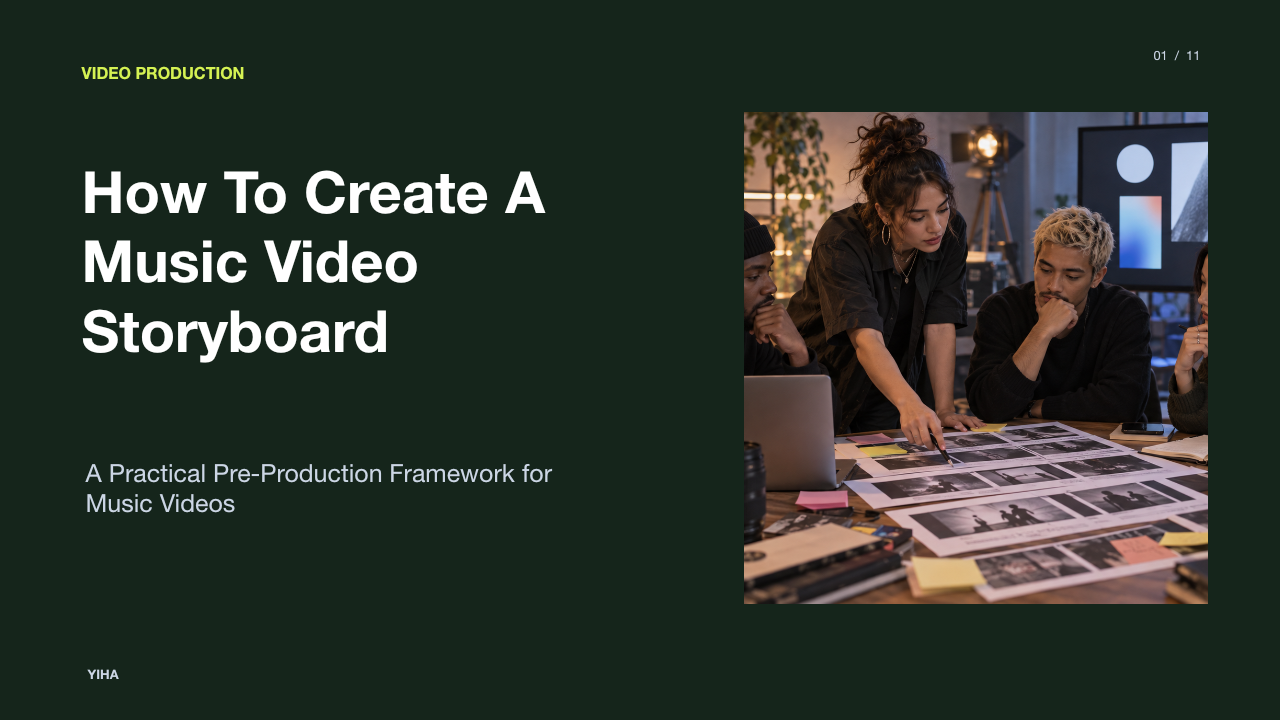
Creating a music video storyboard bridges auditory energy and concrete visual storytelling. Unlike narrative films driven by open-ended dialogue, a music video operates within an inflexible temporal framework: the recorded audio track. Every frame, movement, and cut must honor the song's tempo, structural arrangement, and emotional arc. Developing an actionable storyboard prevents chaotic production days, controls set budgets, and ensures the director, artist, and crew align before lights and cameras are rigged.
The Pre-Production Role of the Music Video Storyboard
In standard narrative filmmaking, visual pacing expands or contracts around character performance and dialogue beats. In contrast, a music video storyboard locks directly to a predetermined song duration. As detailed by StudioBinder's online storyboard guide, a storyboard serves as an indispensable visual blueprint across live-action and video content creation, enabling directors to establish composition, shot types, and sequences long before cameras roll.
Pre-production planning through storyboards allows directors to test scene concepts and solve visual bottlenecks cheaply. According to Veo3 AI's guide to video storyboards, visual planning helps creative teams spot narrative problems early, such as lagging midsections or disjointed continuity, when adjustments cost nothing. For a music video, storyboard sketches verify whether a visual idea can sustain viewer attention throughout an entire musical passage without exhausting the setup.
However, storyboards carry practical limitations. They communicate static compositions but cannot replicate live performer energy or spontaneous improvisation. When production teams treat the board as an unchangeable script rather than a strategic reference point, on-set creativity can become constrained. The storyboard must establish deliberate intent while leaving room for performance nuances.
Deconstructing the Audio Track by Structure and Timecode
Before sketching individual panels, a director must map the song anatomy into precise timecodes. Songs follow defined arrangements, including introductions, verses, pre-choruses, chorus hooks, bridges, instrumental solos, and outros. As highlighted by Beverly Boy's music video storyboarding breakdown, filmmakers should immerse themselves in the track's tempo, lyrics, and rhythm to pinpoint key musical transitions that demand visual emphasis.
To construct an operational audio timeline, document bar counts, beats per minute (BPM), and exact minute-and-second markers. For example, in an illustrative exercise mapping a 120 BPM pop track in 4/4 time, each four-beat measure spans exactly two seconds. Marking these increments allows the director to know that an eight-bar verse occupies sixteen seconds of screen time. Identifying these musical landmarks ensures panels correlate with dynamic shifts in the mix, such as bass drops or drum fills.
An audio breakdown prevents common editorial mistakes, such as scheduling a slow, lingering camera move over a rapid drum build. The limitation of pure timecode mapping is that it measures clock time rather than perceived emotional speed. A sixteen-second verse with sparse instrumentation can feel longer than a sixteen-second verse packed with percussion, requiring visual adjustments.
Selecting the Format: Narrative, Performance, or Hybrid
Music videos generally fall into three operational categories: pure performance, conceptual narrative, or a hybrid format. As observed by StudioBinder's storyboard production analysis, music video boards differ based on genre, ranging from traditional narrative scene progression to abstract performance compositions. Determining this format early dictates the density and nature of your storyboard panels.
A pure performance video centers on the artist or dancers delivering sync vocals and choreography. Storyboards for this format prioritize camera angles, lighting dynamics, and focal lengths to highlight stage presence. Conversely, narrative videos tell a self-contained cinematic story that may feature the artist as an actor or omit them entirely. Here, panels function like standard movie scenes, detailing character motivation and plot turns, as emphasized in Blue Carrot's guide to video storyboards.
The hybrid format combines both modes, cutting between a narrative storyline and synchronized musical performance. When storyboarding a hybrid project, directors deliberately balance dramatic scenes with musical playback to maintain momentum. The challenge of hybrid boards is managing visual balance. If the narrative panels lack clear thematic links to the performance setups, the resulting edit can feel fragmented.
Translating Dual-Column Audio-Visual Scripts into Frames
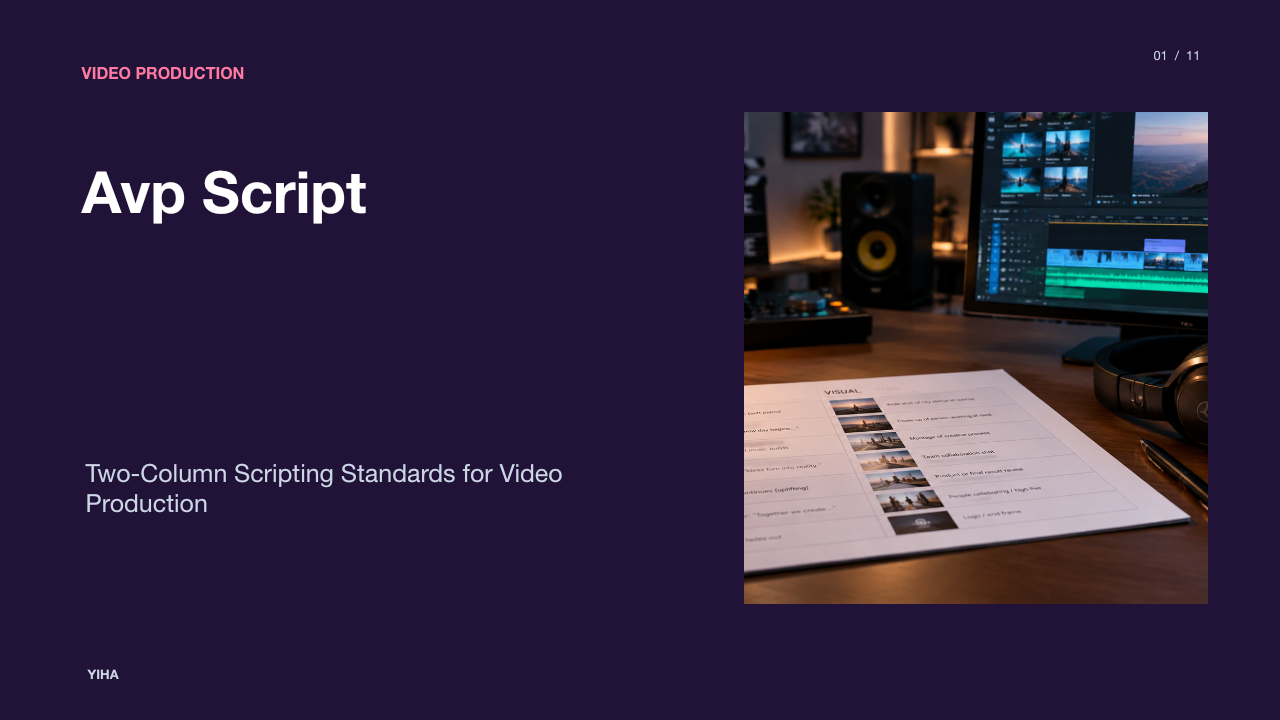
Directors frequently begin planning with a two-column Audio-Visual (AV) script. In this layout, the right column tracks audio elements, including song lyrics, instrumentation changes, and sound effects, while the left column notes visual actions and camera concepts. As explained by StudioBinder's music video storyboard tutorial, converting this spreadsheet format into sequential frames requires translating text notes into discrete, framed moments.
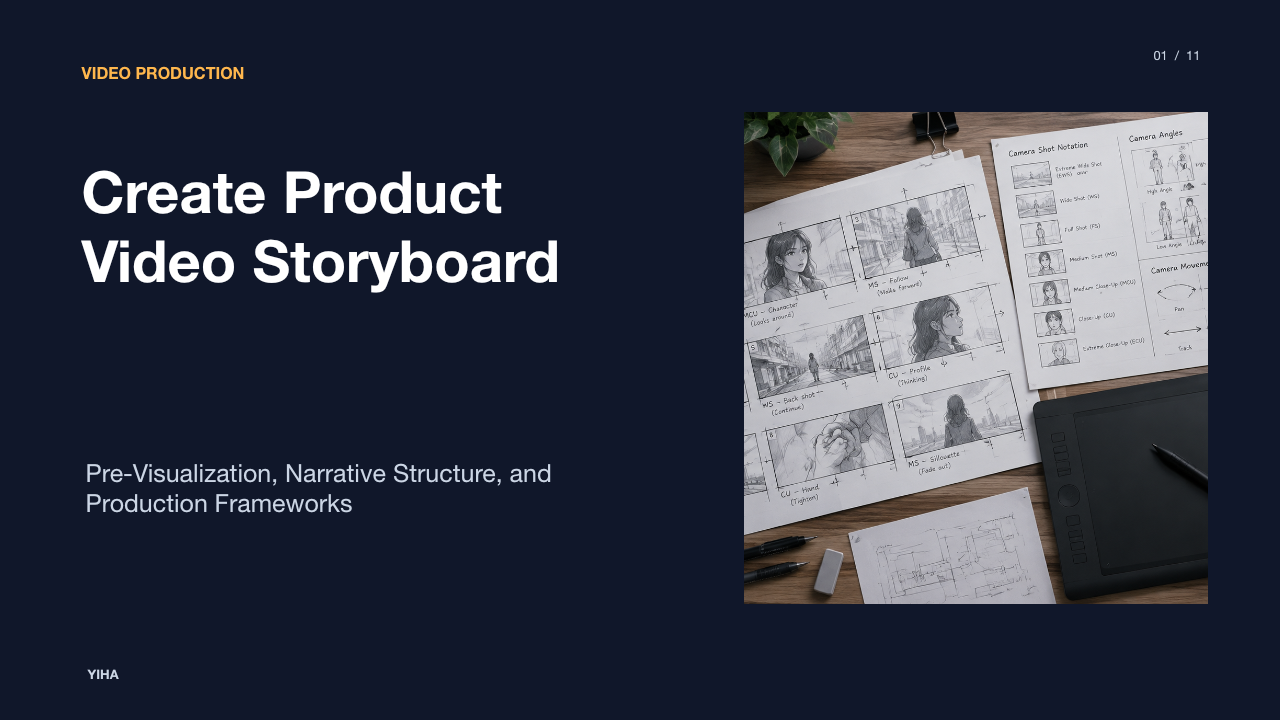
To convert an AV script into storyboard panels, isolate each significant lyric line or beat switch and allocate a dedicated panel. Below each frame, record the exact lyric cue alongside a concise description of character action and camera setup. For example, an illustrative panel note might read: "01:14 - Chorus Hook: Medium close-up of lead singer turning to camera as backlights illuminate stage haze."
A practical challenge during this translation is over-boarding. Sketching every single word of a fast lyrical phrase creates visual clutter and unrealistic shooting requirements. Directors should focus on key structural beats, using descriptive captions and directional motion arrows rather than drawing dozens of redundant frames for minor vocal inflections.
Panel Framing, Aspect Ratios, and Blocking Annotations
Storyboard panels must reflect the project's technical delivery format. As noted in WikiHow's tutorial on creating storyboards, cell dimensions should match the final display aspect ratio, such as 16:9 for standard cinematic screens or 4:3 for stylized retro projects. Modern cross-platform productions often need 9:16 vertical framings for mobile distribution, requiring deliberate safe-zone markers inside wide panels.
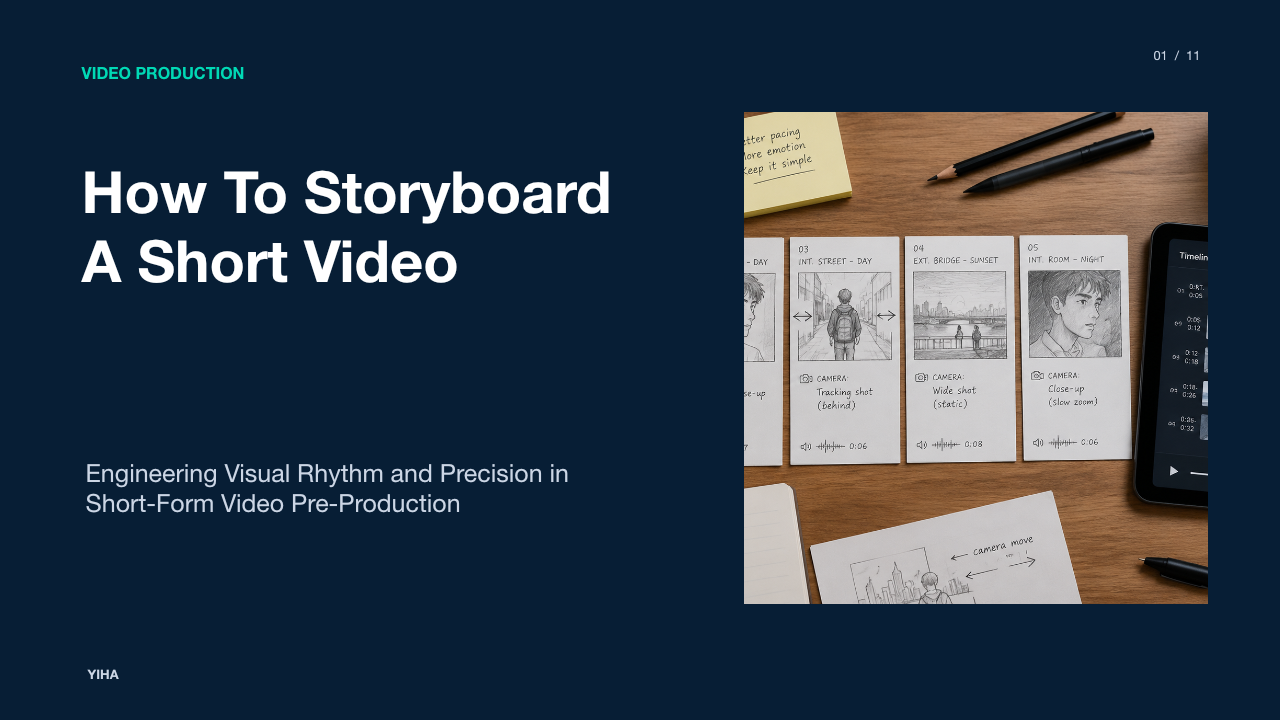
Each panel requires technical labeling and visual shorthand. Industry-standard shot abbreviations should be noted directly above or below the frame, such as W/S (Wide Shot), M/S (Medium Shot), and C/U (Close-Up). Within the frame, directional camera arrows show camera movement (pans, tilts, tracks, or zooms), while distinct arrows indicate actor blocking.
| Shot Notation | Standard Framing | Typical Music Video Application |
|---|---|---|
| EWS / WS | Extreme Wide / Wide Shot | Establishing location scale and full dance choreographies |
| MS / MCU | Medium / Medium Close-Up | Capturing instrument playing, torso movement, and sync singing |
| CU / ECU | Close-Up / Extreme Close-Up | Isolating emotional facial expressions, eyes, and instrument details |
| Tracking / Pan | Dynamic Camera Vector | Following moving performers or traversing stage sets on rhythm |
The limitation of static 2D panels is representing complex three-dimensional camera rigs, such as jib arcs or 360-degree gimbal orbits. In these instances, clear written notes specifying camera gear and lens focal lengths must supplement the panel drawings.
Visualizing Chorus Escalation and Beat-Driven Cuts
Popular songs repeat their chorus multiple times, but visual storytelling must escalate rather than stagnate. If Chorus 1 and Chorus 3 feature identical framing and pacing, the video loses viewer interest. As noted by Beverly Boy's production team, identifying lyrical peaks and instrumental climaxes allows directors to introduce heightened visual variety, faster cutting, and dramatic camera shifts during repeated song sections.
In Chorus 1, a director might board steady medium shots and restrained lighting. For Chorus 2, the storyboard can introduce wider coverage, new costume elements, and subtle camera movement. By the final Chorus 3, the panels should reflect maximum visual energy through rapid cutting, dramatic lighting cues, handheld kinetic movement, or special effects. Aligning cuts with rhythmic downbeats, snare hits, or unexpected syncopations drives the internal momentum of the edit.
However, cutting strictly on every downbeat can quickly feel mechanical and disorienting. Directors must vary cut points by sustaining longer, gliding takes across rhythmic sections or cutting across musical phrases to build anticipation.
Building Animatics to Validate Track Pacing and Timing
Once panels are drawn, directors should assemble an animatic: an audiovisual mock-up that places storyboard frames onto an editing timeline synchronized with the master song. As described by Storyboard Express, generating animatics or timed slide presentations lets directors test rhythmic flow and structural pacing on screen long before filming commences.
In an animatic timeline, each panel is held for its planned on-screen duration. Camera movements like slow zooms or pans can be approximated using basic keyframed camera motion. Playing the animatic against the master track exposes pacing flaws immediately, revealing whether a visual sequence drags during an instrumental solo or feels rushed during a fast verse.
The primary limitation of an animatic is its artificial stiffness. A drawn panel held for four seconds can feel slow during desktop playback, even though a living, moving live-action shot of the same duration would feel dynamic. Animatics serve as structural rhythm checkers rather than direct visual simulations.
Converting Storyboard Panels into Production Shot Lists
While storyboards organize shots chronologically according to the song's timeline, production schedules rarely shoot in chronological sequence. As StudioBinder explains in its guide to video storyboards, storyboards represent the creative visual sequence, whereas shot lists serve as the logistical plan for filming day.
To convert a storyboard into an efficient shot list, extract every panel and reorganize it by physical production variables: location, lighting setup, lens package, and actor availability. If Panel 4 and Panel 48 both take place in the same alleyway location at night, grouping them onto a single setup block eliminates redundant equipment moves and saves hours of crew labor.
| Panel # | Scene / Location | Shot Size & Angle | Technical Description | Audio Sync Timecode |
|---|---|---|---|---|
| Panel 03 | Rooftop - Golden Hour | W/S, Low Angle | Performer stands at ledge, wind machine active | 00:08 - Verse 1 Start |
| Panel 04 | Rooftop - Golden Hour | M/S, 50mm Lens | Performer begins sync vocal, slight camera push | 00:14 - Verse 1 Line 2 |
| Panel 22 | Rooftop - Golden Hour | C/U, Shallow Focus | Emotional reaction shot during bridge solo | 02:10 - Bridge Climax |
| Panel 09 | Warehouse Interior | C/U, High Contrast | Drummer performance, overhead key light | 00:32 - Pre-Chorus |
The limitation of relying entirely on a shot list without referencing the storyboard is losing sight of visual continuity. Crew members might optimize for rapid shooting speed while accidentally overlooking crucial screen direction or eye-line matches detailed on the original boards.
Stakeholder Approval and On-Set Practical Execution
A finished storyboard is a vital pitching and communication instrument. As emphasized by WikiHow's visual guide, a comprehensive storyboard provides clarity and keeps all stakeholders on the same page. In commercial music video production, record labels, artist managers, and executive producers need tangible visual proof that the video matches the artist's brand and honors the production budget before releasing capital.
On set, the printed or digital storyboard acts as a baseline communication tool across all departments. Cinematographers check lighting angles, gaffers check shadow placements, and costume designers verify wardrobe continuity. When tight shoot schedules slip, the director uses the storyboard to make swift triage decisions, quickly identifying which transitional panels can be dropped without undermining the core narrative.
Ultimately, a storyboard provides production discipline while supporting artistic flexibility. By deconstructing the audio, sketching precise technical panels, validating timing through animatics, and organizing operational shot lists, directors turn abstract musical ideas into striking visual films.
Research sources
- How to Create a Storyboard: 11 Steps (with Pictures) - wikiHow · www.wikihow.com
- How to Storyboard a Video The Complete Guide · www.veo3ai.io
- Create Free Storyboard Online for Video and Film Projects · www.studiobinder.com
- How to Storyboard a Music Video? · beverlyboy.com
- Free Storyboard Tool | Create storyboards from video, images, and drawings · www.storyboard-express.com
- How to Create a Storyboard for a Video: Template & Examples · bluecarrot.io
- How to Make a Music Video Storyboard [FREE Template] · www.studiobinder.com
- How to Create a Video Storyboard with AI (Tools in 2026) · fluxnote.io
- How to Storyboard a Video — Examples & Techniques · www.studiobinder.com