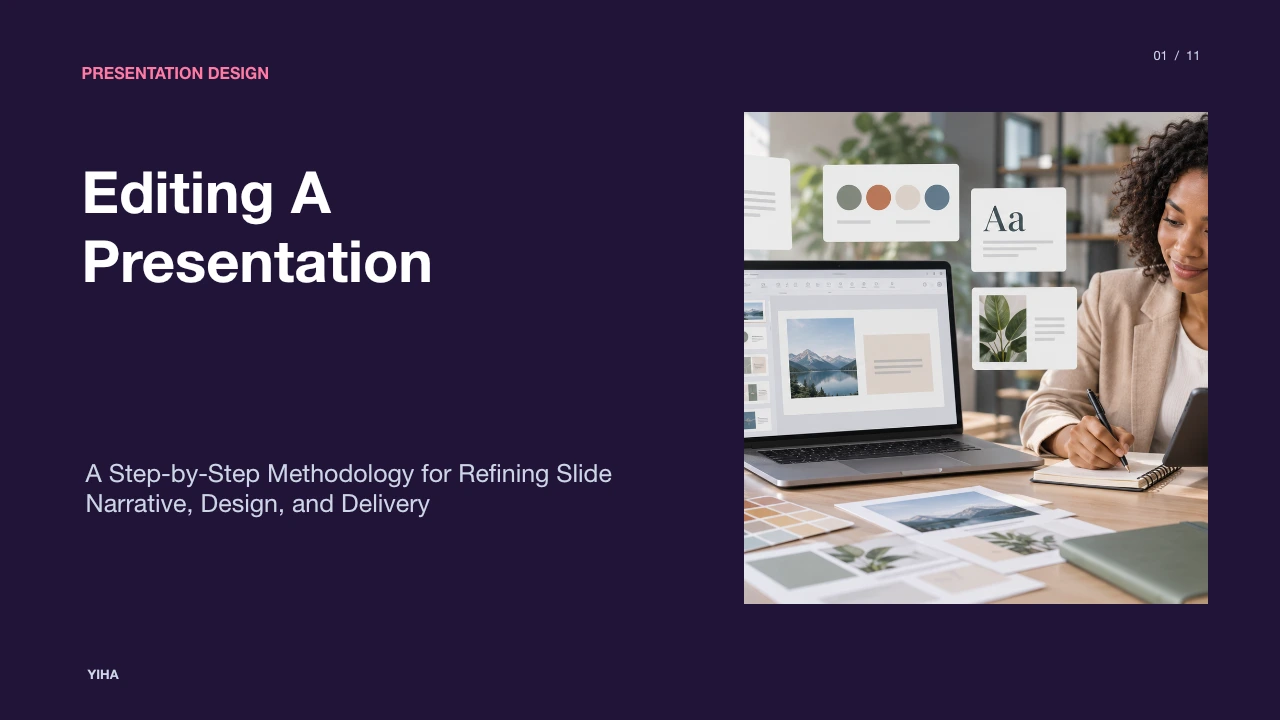
Editing A Presentation
A comprehensive guide to editing presentations. Learn how to separate developmental revising from proofreading, cut visual clutter, ensure consistency across slide sequences, and prepare slides for live delivery.
Free download · 4.9 MB11 editable slides · PowerPoint format
Download the editable PPTX
PPTX · 4.9 MB · 11 editable slides · Free to edit and reuse with attribution to Yiha.ai
View every slide
Use ← →, Home/End, or swipe on mobile
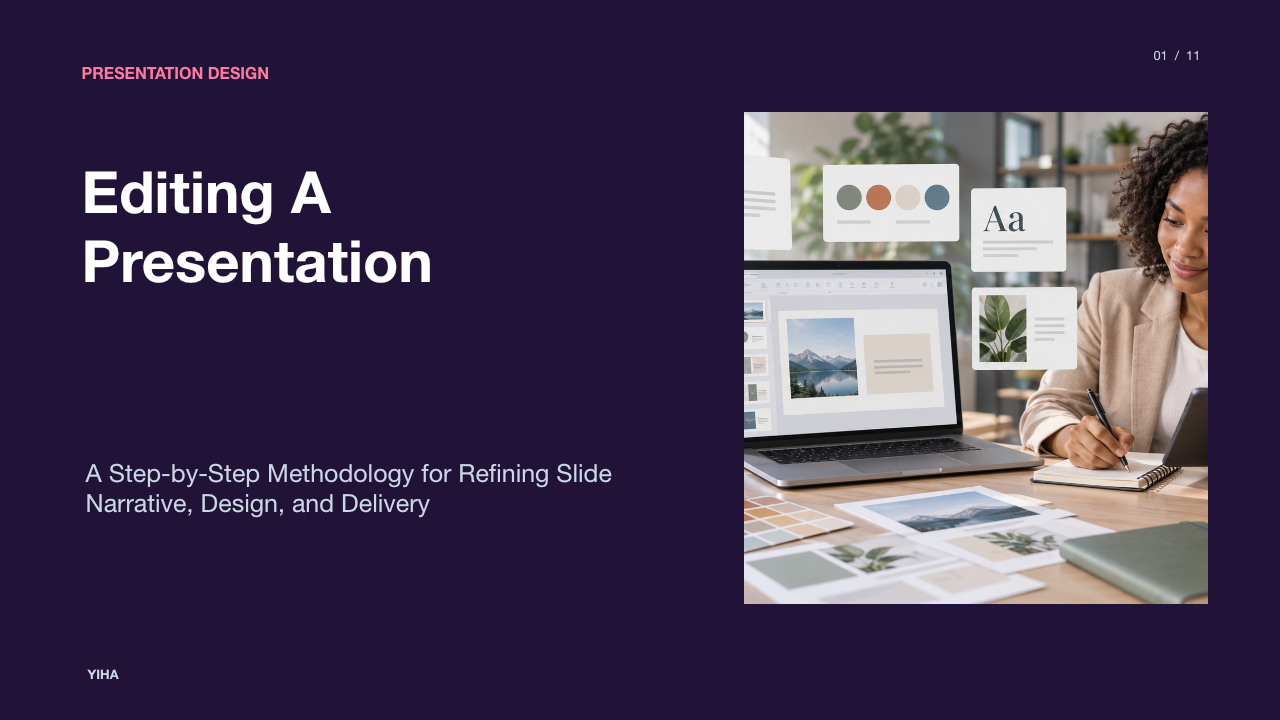
Editing a presentation is a distinct discipline that transforms an early collection of draft slides into an intentional, clear, and focused talk. Many presenters mistakenly conflate developmental editing with surface proofreading. Revising requires examining higher-order concerns such as strategic purpose, audience context, and argument sequence before inspecting mechanical details like punctuation, grammar, and typography. By approaching the editing process through structured stages, presenters ensure their decks communicate ideas efficiently and hold audience attention throughout delivery.
Audience Analysis and Macro-Level Review
Substantive editing begins at the macro level. Before adjusting individual sentences or visual assets, an editor must evaluate how effectively the draft aligns with the target audience and presentation goals. According to the Pilgrim Library at Defiance College, revision requires looking at large-scale concerns including purpose, overall structure, and audience familiarity with the subject matter. An editor must ask whether the dominant point of view matches the setting and whether the draft accounts for audience attitudes and baseline knowledge.
To conduct an objective macro-level review, presenters need psychological distance from their draft. The Writing Center at UNC Chapel Hill advises stepping away from a draft for a few hours or a full day before revising. This break prevents the creator from unconsciously filling in explanatory gaps. During this stage, editors evaluate whether the central premise is explicit, whether every claim is backed by appropriate evidence, and whether digressions dilute the core objective. As analyzed in research on instructional editing by The Peer Review, providing clear reader-focused guidance and identifying structural expectations helps align drafts with the needs of diverse audiences.
Structuring the Narrative and Slide Sequence
Once macro goals are established, the editor reviews the slide sequence to ensure seamless structural progression. Presentations must function as coherent narratives with a clear beginning, middle, and conclusion. Presentation agency Ethos3 emphasizes that maintaining structural consistency requires examining the sequence from start to finish to ensure key themes are developed and resolved by the conclusion. Main points must be revisited intentionally, and core story threads wrapped up cleanly.
A practical technique for structural auditing is creating a reverse outline. As noted by the Pilgrim Library at Defiance College, extracting the primary topic of each section into an outline format exposes logical gaps, redundant transitions, and thematic digressions. Slides that fail to advance the core argument should be merged or eliminated. For an illustrative example, if three sequential slides repeat background context without introducing new findings, an editor condenses those three frames into a single contextual summary, restoring narrative momentum.
Reducing Cognitive Load with Multimedia Principles
Presentations often fail because slides overwhelm viewer cognitive processing. Visual clarity demands that visual elements and spoken delivery complement rather than duplicate each other. According to Ethos3, the core objective of slide editing is minimal content, communicating necessary points with the fewest words possible. Presenters should resist the urge to turn slides into complete textual transcripts.
When text-heavy slides are presented alongside oral explanations, audience attention splinters as viewers attempt to read and listen simultaneously. The Writing Center at UNC Chapel Hill stresses that editing requires removing unnecessary filler phrases and focusing each section on a single main idea. By dedicating each slide to one solitary concept, editors reduce extraneous cognitive burden and enable audiences to absorb the visual cue while listening to the speaker.
Distilling On-Slide Text and Bullet Points
Slide copy must be edited with disciplined economy. Long narrative sentences belong in speaker notes, not on visual display boards. Ethos3 recommends treating slides as visual markers rather than full prose documents, suggesting practical exercises such as limiting on-slide text to thirty characters or less per slide where feasible to force concise phrasing. Slides do not need to be written in complete grammatical sentences.
Editors should systematically eliminate wordy phrases, passive constructions, and unnecessary qualifiers. As highlighted by the Writing Center at UNC Chapel Hill, editing involves spotting recurring patterns of error, including filler phrases such as "due to the fact that" or "there is." For an illustrative example, an editor encountering a sentence stating that revenue declined due to shifting market conditions can shorten the slide text to "Market Shifts Lowered Revenue" and shift explanatory details to verbal remarks.
Refining Visual Hierarchy and Layout Elements
Visual editing ensures that the viewer's eye travels logically from the most important takeaway down to supporting details. Layout revisions must prioritize whitespace, typography scale, and visual balance. The Pilgrim Library at Defiance College points out that editors must check whether parts of a composition are sensibly proportioned so that major ideas receive primary emphasis. When editing layouts, remove decorative visual noise, ensure clean alignment, and verify that slide headings communicate substantive messages.
Evaluating visual formatting with a critical eye also requires altering how you review the document. The Writing Center at UNC Chapel Hill notes that altering the size, spacing, color, or visual styling of text can help an author see the material from an unfamiliar perspective, making formatting inconsistencies and awkward spacing immediately noticeable. Establishing a consistent focal point on every slide ensures that audiences grasp the primary takeaway within seconds.
Editing Complex Data and Technical Diagrams
Technical diagrams and quantitative charts require rigorous editing to prevent cognitive fatigue. Authors frequently import dense spreadsheets into slides, forcing viewers to decipher complex axes and tiny data labels. Technical slides benefit from anchoring on one definitive conclusion per chart rather than displaying unedited datasets.
Editors should isolate the single finding that substantiates the slide's claim. As the Writing Center at UNC Chapel Hill observes, every piece of evidence must directly support the author's primary argument. If an exhibit contains extraneous numerical details that do not support the main claim, editors must remove them. As noted by the Pilgrim Library at Defiance College, examining drafts for logical order and digressions prevents peripheral data from muddying the thesis. For an illustrative example, if a draft includes a complex multi-row numerical table to demonstrate that an operational metric increased, an editor replaces the dense grid with a single highlighted data point, shifting the full underlying table into supplementary reference materials.
Managing Permissions, Collaboration, and Version History
Modern presentation editing frequently involves multiple collaborators, creating risks of conflicting edits and accidental file overwrites. Safe editing practices require disciplined file control. Technical guidance from Autoppt emphasizes maintaining duplicate backup files before making modifications and relying on automated file recovery and version tracking to preserve earlier working states. Using undo shortcuts and reopening saved versions protects editors against major errors.
Collaborative editing teams should also establish clear review routines. The Pilgrim Library at Defiance College notes that writers benefit from distinct review stages and keeping a record of common problem areas pointed out by others. When team members collaborate asynchronously, editors must use version control to document revisions, track feedback systematically, and verify that shared presentation files remain editable rather than restricted by unintended read-only settings.
Handling Live Adjustments and Delivery Constraints
Even after thorough preparation, speakers may encounter time constraints or urgent corrections during rehearsals and run-throughs. When time is tight, editors must prioritize high-impact changes rather than attempting broad structural overhauls. As the Writing Center at UNC Chapel Hill advises, prioritizing the most important editing tasks and focusing on one specific concern at a time prevents fatigue and keeps revisions effective.
Presenters must also test how slides feel in real time. The Pilgrim Library at Defiance College suggests reading through drafts as if encountering the material for the first time from the reader's perspective. Experiencing the slides from the audience's point of view exposes awkward transitions, unclear phrasing, and visual elements that distract from spoken delivery, allowing presenters to make fast, targeted text fixes before taking the stage.
Conducting Accessibility Audits and Final Pre-Flight Checks
Proofreading and pre-flight auditing constitute the final phase of presentation preparation. The Writing Center at UNC Chapel Hill cautions that proofreading should occur only after substantive structural editing is complete, as checking grammar and surface mechanics too early distracts from logical development. Proofreading works best when isolating one error category at a time, such as spelling, punctuation, or formatting consistency.
Final pre-flight verification also requires a systematic checklist. As outlined by the Pilgrim Library at Defiance College, editors should examine whether sentences are effective, whether word choice is exact, and whether surface errors interfere with clarity. Presenters must verify that slide color contrast meets readability thresholds, all visual elements have clear labels, and slides display properly on target projection screens before publishing or presenting.
Research sources
- Editing and Proofreading – The Writing Center · writingcenter.unc.edu
- Revising & Editing - The Writing Process - Pilgrim Library at Defiance College · library.defiance.edu
- Editing in the Writing Center: Exploring a Graduate Editing Service and the Role of Instructional Editing in Graduate Student Support – The Peer Review · thepeerreview-iwca.org
- The Complete Guide to Editing Presentation Content - Ethos3 - A Presentation Training and Design Agency · ethos3.com
- AI Video Editing Trends: The Shift from Timeline to Prompt Control | ReelMind · reelmind.ai
- Editing PowerPoint Slides During a Presentation: A Simple Guide - Autoppt · autoppt.com
- Short-Form Video Storyboard Template · www.nemovideo.com