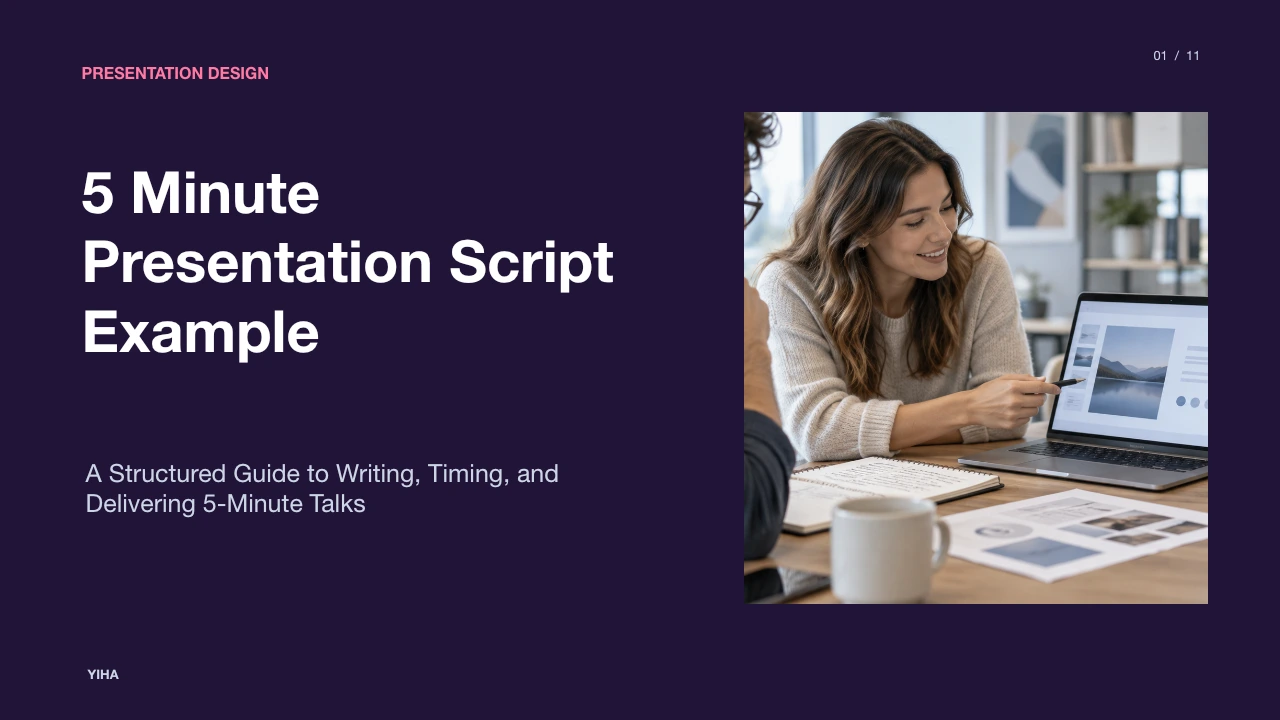
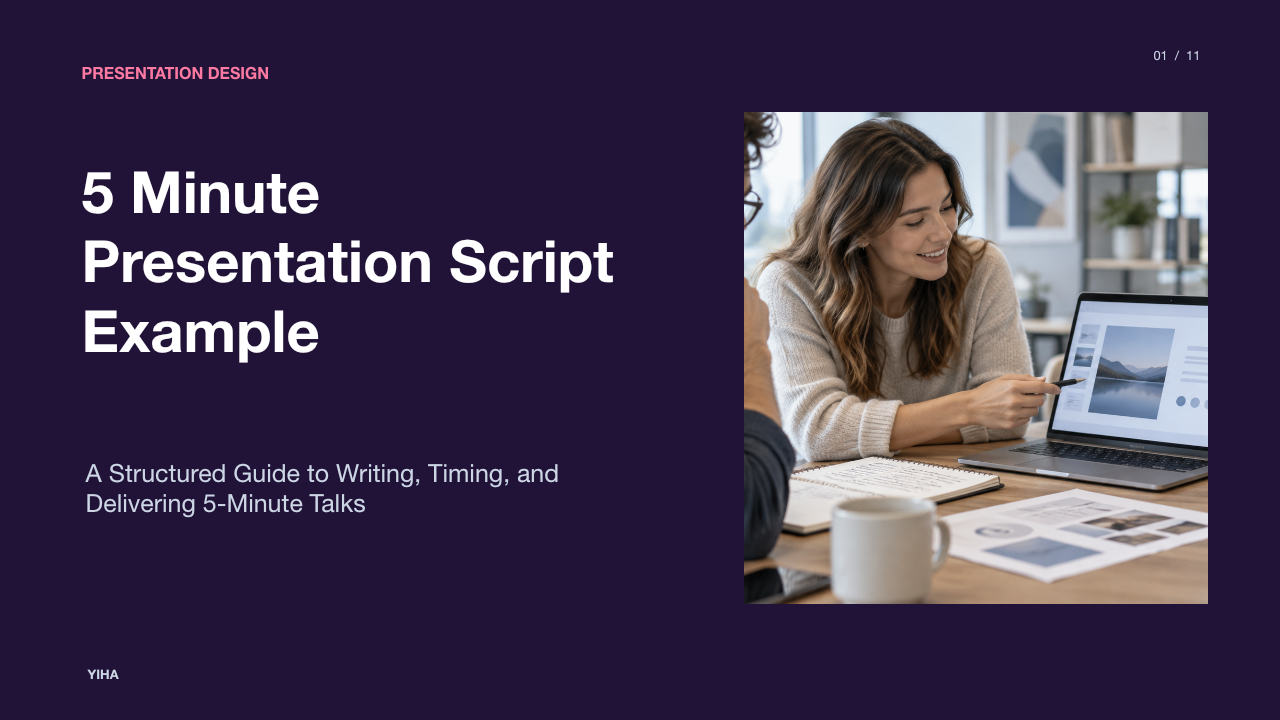
5 Minute Presentation Script Example
Master the five minute presentation script format. Explore speaking velocity math, two-column audio-visual alignment, illustrative script segments, and timing protocols.
Free download · 4.9 MB11 editable slides · PowerPoint format
Download the editable PPTX
PPTX · 4.9 MB · 11 editable slides · Free to edit and reuse with attribution to Yiha.ai
View every slide
Use ← →, Home/End, or swipe on mobile
Delivering an effective five-minute presentation requires disciplined planning, precise drafting, and systematic rehearsal. Within a compressed 300-second window, speakers cannot rely on broad contextual introductions, unscripted digressions, or loosely aligned visuals. Professional scripting methods, such as establishing ordered narrative beats and linking spoken cues directly with visual elements, ensure that every second supports your central thesis. This guide details the structural architecture, pacing mathematics, and formatting protocols required to prepare and execute an impactful five-minute briefing.
The Cognitive Demands of the Five-Minute Format
A short presentation places intense cognitive demands on both the presenter and the audience. Unlike an extended lecture where context unfolds gradually, a brief talk requires rapid audience orientation and immediate thematic clarity. According to Boords' scriptwriting guide, every project begins with a settled brief and a deliberate list of beats, where each beat represents a single concept the audience learns or feels. Attempting to fit broad survey material into a brief presentation quickly overwhelms listeners and fragments comprehension.
To manage this cognitive pressure, speakers must prune secondary details before writing full prose. Screenwriting frameworks detailed in StudioBinder's outline guide stress establishing direct cause-and-effect relationships between narrative beats rather than stringing together disconnected facts. When planning a five-minute technical briefing or operational proposal, your objective is not comprehensive coverage. Your objective is communicating a single message supported by essential evidence.
Calculating Target Word Counts and Speaking Velocity
The fundamental boundary of spoken presentation is verbal velocity. As detailed in Boords' runtime pacing reference, standard spoken delivery runs at roughly 130 words per minute. Pacing references establish that slow delivery averages 100 words per minute, normal conversational delivery averages 130 words per minute, and rapid delivery reaches 160 words per minute. Over five minutes (300 seconds), continuous speech at 130 words per minute yields a theoretical maximum of 650 words.
However, live delivery requires intentional pauses for emphasis, visual processing, and slide transitions. Boords highlights that raw word count represents a ceiling rather than an operating target. Visual absorption and rhetorical pauses consume clock time. For a five-minute window, planning an audio text budget of 550 to 650 words preserves vital breathing room. This recommendation prevents the rushed delivery that compromises audience comprehension.
Core Narrative Architecture and Time Budgets
Dividing your 300 seconds into structured narrative segments establishes control over pacing. The architectural workflow outlined in StudioBinder's AV script guide helps presenters tailor content to a predictable structural framework. In a standard five-minute presentation, the time budget divides cleanly into three functional movements: orientation, empirical core, and synthesis.
- Orientation (Minute 1 / 0:00 to 1:00, recommendation: 110 to 130 words): State the problem, establish stakes, and introduce the thesis.
- Empirical Core (Minutes 2 to 4 / 1:00 to 4:00, recommendation: 350 to 390 words): Present two distinct supporting points, linking evidence directly to underlying operational mechanisms.
- Synthesis and Request (Minute 5 / 4:00 to 5:00, recommendation: 100 to 120 words): Summarize practical implications and deliver a single actionable next step.
Following the structural advice in StudioBinder's outline principles, scenes and beats should transition without filler phrases like "and then." Each section must flow logically from the previous argument.
Script Example: The First Sixty Seconds
The opening minute must capture attention without conversational filler. As Boords' guide to scriptwriting notes, an effective hook is not a casual greeting; it is the most specific, truthful premise you can present immediately. Below is an explicitly labelled illustrative example of an opening sixty-second script (118 words, calibrated for 130 words per minute):
"Illustrative Example Opening Script: Every quarter, engineering organizations encounter preventable delivery delays caused by stale setup documentation. When internal architecture changes faster than documentation updates, incoming engineers spend significant time troubleshooting known configuration errors rather than building software. In this briefing, I propose an architectural shift: automated documentation validation integrated directly into code pull requests. Over the next four minutes, we will examine how continuous documentation validation operates, how it reduces setup friction during developer onboarding, and how we can implement this workflow across our repositories using existing development tooling."
This illustrative opening identifies the target audience, defines the operational tension, outlines the proposed mechanism, and previews the structure of the talk.
Script Example: Core Argument and Empirical Evidence
The central body of the presentation requires disciplined scoping. Rather than listing many minor benefits, focus on two robust supporting points supported by clear mechanics, following the beat discipline described in StudioBinder's AV scripting guide. Below is an explicitly labelled illustrative example of a 360-word core script segment covering minutes 1:00 through 4:00:
"Illustrative Example Core Argument Script: Let us examine the primary failure mechanism in developer workflow: manual synchronization. Historically, when an engineer updates a backend service, revising setup guides remains an optional checklist item. Over several sprints, static documentation drifts away from production realities. By embedding schema assertions and configuration checkers into continuous integration pipelines, we transform documentation from passive prose into verified code. When an engineer alters an endpoint contract, automated build steps check interface documentation immediately, preventing silent drift before code merges into production.
This brings us to our second operational consideration: developer onboarding efficiency. In conventional environments, new hires rely on tribal knowledge passed down through senior staff interruptions. In an automated documentation workflow, team members work with machine-tested interactive guides that reflect current production states. Incoming developers execute working local environments quickly because every command in the setup manual passes automated validation against daily builds. Senior engineers recover uninterrupted focus time each week as routine environment setup questions decrease.
Crucially, this automated workflow requires no specialized proprietary software. The validation tools operate within standard continuous integration environments, executing check steps during existing automated test cycles. By enforcing document accuracy at pull request submission, we maintain reliable engineering guides as a natural byproduct of development."
Script Example: Conclusion and Immediate Call to Action
A short presentation must conclude decisively. According to Boords' call-to-action guidelines, the final beat must deliver one clear, actionable instruction rather than a long list of options. Below is an explicitly labelled illustrative example of an ending script (115 words, covering the final minute):
"Illustrative Example Closing Script: To summarize, manual documentation workflows create compounding friction that delays onboarding and pulls senior engineers away from feature development. By integrating automated documentation validation into standard continuous delivery workflows, engineering organizations ensure setup instructions stay accurate without requiring manual administrative overhead. We do not need a multi-quarter organizational restructuring to capture these benefits. We need to formalize validation checks across our primary service templates. My recommendation today is direct: approve a four-week pilot implementation so our platform team can activate continuous documentation testing across initial pilot repositories. Thank you, and I look forward to your questions."
Two-Column Audio-Visual Synchronization
To coordinate spoken remarks with projected slides, professional media producers use two-column audio-visual (AV) scripts. As documented in StudioBinder's AV script template and StudioBinder's music video scripting template, an AV script places spoken dialogue and audio cues in the left column while detailing corresponding visual shots, camera angles, or slide content in the right column.
Applying this format to slide presentations prevents visual and verbal interference. For example, when the spoken script introduces an operational mechanism, the visual column specifies a synchronized slide change displaying an illustrative diagram. Boords' scriptwriting tutorial emphasizes writing the audio column first as a coherent narrative, then aligning visual elements row by row. This method guarantees that slides support spoken remarks rather than forcing listeners to read complex text while the speaker delivers remarks.
Pacing Protocols, Strategic Pauses, and Rehearsal
Scripting the presentation on paper is only half the battle; delivery requires systematic rehearsal protocols. StudioBinder's production timing guide demonstrates that tracking segment durations against a running clock is essential for identifying bottlenecks. Presenters should record spoken runs using audio capture tools to verify their natural speaking velocity.
During rehearsal, mark intentional pauses on the script using bracketed cues like [pause 2s] following major assertions. As noted in Boords' pacing instructions, silence allows core claims to register with listeners. Additionally, building a 20 to 30 second contingency buffer into the final script prevents panic if equipment setup lags or audience reactions require slight adjustments. An author who designs a script for 4 minutes and 30 seconds will comfortably hit the five-minute cap without rushing.
Common Failure Modes in Short Briefings
Short presentations frequently falter due to predictable structural errors. The most prevalent mistake is slide text density. Presenters frequently copy slide content directly from printed reports, creating visual overload. StudioBinder's visual formatting principles highlight that visuals should clarify action and structural relationships rather than repeating audio text verbatim.
Another critical breakdown occurs when presenters omit an actionable conclusion due to time miscalculations. When speakers spend three minutes on background context, they run out of time and rush through findings without making a clear request. Adhering to the beat discipline outlined by Boords and StudioBinder's narrative structure guide ensures that narrative structure, verbal velocity, and visual cues align seamlessly to deliver a memorable briefing within the five-minute limit.
Research sources
- How to Write a Video Script (Step by Step, With an Example) | Boords · boords.com
- Video Script Template — Example and Guide · www.studiobinder.com
- How to Write a Script Outline for Film and TV [FREE Template & Example] · www.studiobinder.com
- Music Video Script Template — Example and Guide · www.studiobinder.com