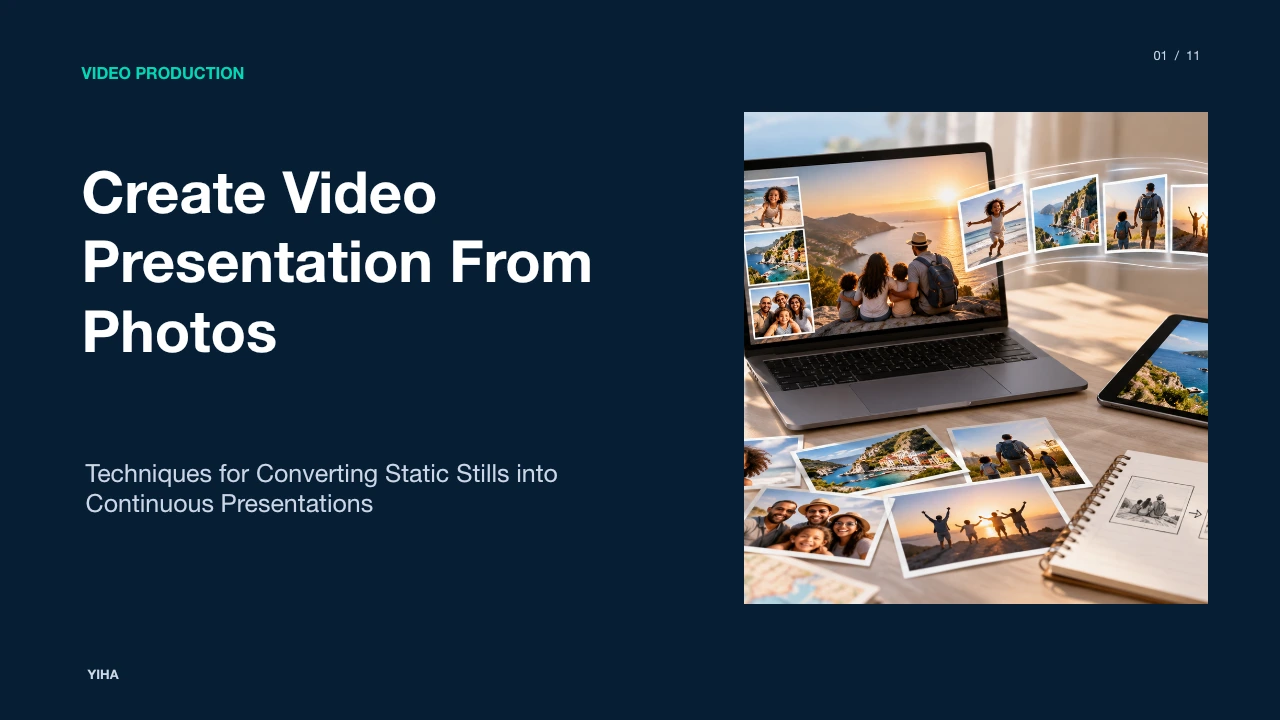
Create Video Presentation From Photos
A technical and editorial guide on transforming static photographs into engaging, continuous video presentations through narrative sequencing, motion dynamics, audio layering, and compression hygiene.
Free download · 4.9 MB11 editable slides · PowerPoint format
Download the editable PPTX
PPTX · 4.9 MB · 11 editable slides · Free to edit and reuse with attribution to Yiha.ai
View every slide
Use ← →, Home/End, or swipe on mobile
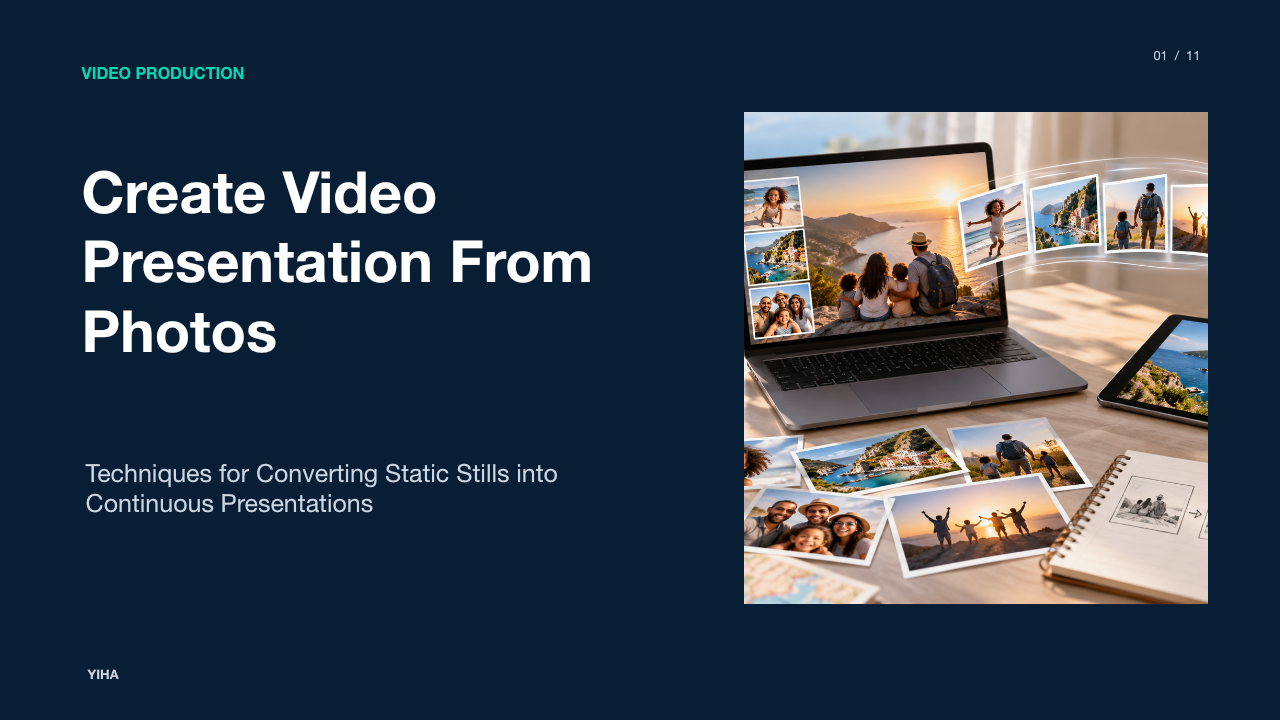
Transforming static still photographs into a dynamic video presentation bridges the gap between passive reading and time-based visual storytelling. While a traditional slideshow leaves pacing entirely up to the viewer, a video presentation dictates narrative flow, emphasizes details through deliberate camera movements, and combines visual composition with spoken commentary and sound design. Achieving professional results requires an understanding of sequential visual grammar, digital camera mechanics, resolution scaling, temporal pacing, and encoding hygiene.
The Evolution from Slide Decks to Video Formats
Traditional presentation decks rely on manual navigation, requiring audiences to read bullet points and inspect diagrams at their own pace. In contrast, modern asynchronous distribution increasingly depends on video assets that provide consistent timing and structured guidance. Turning static slides or photographic records into a continuous video allows authors to control emphasis and sustain narrative momentum. As teams distribute materials across time zones, time-based video ensures that critical context is not skipped over. According to The TechSmith Blog, recording presentations allows teams to foster asynchronous communication by enabling viewers to engage with content on demand across different schedules, while also extending the usable life of visual assets across web and video channels. Furthermore, mapping video formats to communication objectives ensures that visual information delivers immediate value rather than placing cognitive reading burdens on the audience.
In practical team environments, slide decks often languish in shared drives where recipients merely skim slide titles. When photos are animated into a recorded video presentation with clear voiceover, the author sets the narrative hierarchy. Every viewer experiences the intended visual emphasis and explanation in sequence. This prevents misinterpretations that frequently occur when dense static slides are consumed without oral narration.
Visual Grammar and Sequential Storytelling
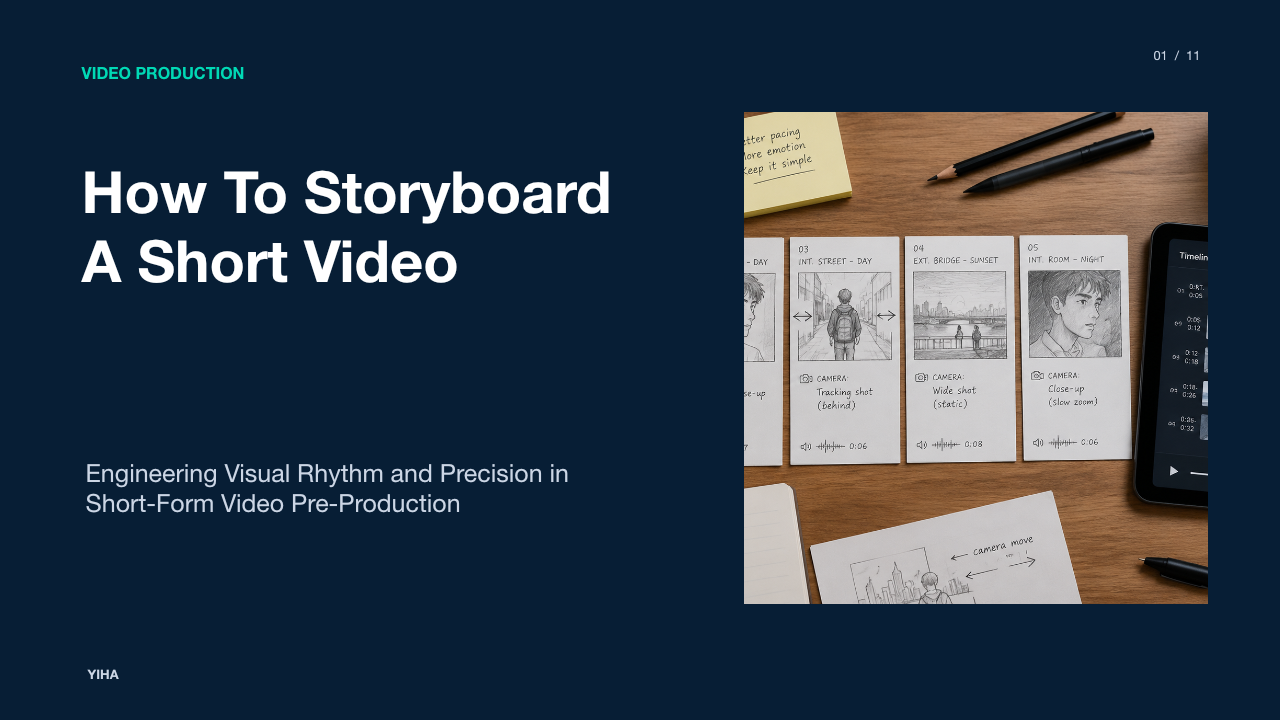
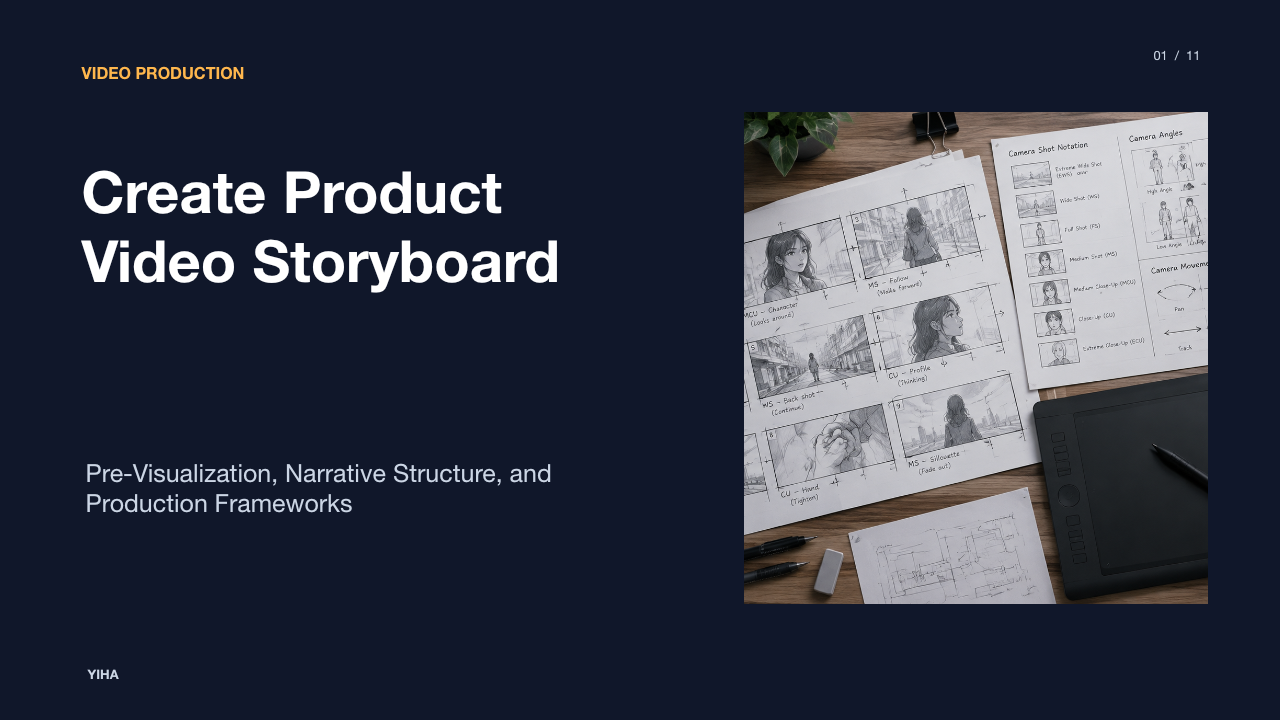
Compiling static photographs into a compelling video requires more than an arbitrary chronological sequence. Every cut must have a narrative purpose, mirroring traditional cinematic shot grammar. Editors group still images into shot categories: wide establishing shots establish setting, medium shots introduce subjects or relationships, and tight close-ups reveal critical data points, textures, or human expressions. Pre-visualizing this sequence through deliberate storyboarding prevents jarring compositional jumps. Tools documented by StudioBinder emphasize organizing shots into structured panels and labeled sequences to test whether individual frames flow logically before entering full timeline production.
An illustrative example of this principle is a historical architecture presentation. Rather than presenting five identical facade shots, an editor begins with an exterior wide shot, moves to an eye-level medium angle of the entrance portico, and cuts to a close-up photograph of an archway detail, creating an intuitive sense of physical exploration. By systematically varying the scale of each photograph, the presenter directs the audience's visual attention from general context down to specific technical elements.
Digital Pan and Scan Mechanics
When static images remain frozen on screen for multiple seconds, visual fatigue can settle in quickly. The digital pan and scan technique, frequently associated with documentary filmmaker Ken Burns, introduces continuous synthetic camera movement across the image canvas. Instead of arbitrary motion, every camera path must serve a purpose: zooming inward directs focus toward a specific focal point, zooming outward reveals context, and lateral panning simulates physical scanning across a landscape or document. Precise mathematical control is essential to prevent jerky motion.
In technical processing pipelines such as FFmpeg Filters Documentation, dynamic viewport manipulation relies on coordinate interpolation formulas that modulate viewport position and zoom scale frame by frame. Applying non-linear easing curves, such as ease-in and ease-out, ensures that pans start gently and stop smoothly rather than snapping instantly between states. Without smooth easing, camera moves appear rigid and mechanical, distracting the audience from the narrative content.
Resolution Scaling and Aspect Ratio Adaptation
Still cameras capture images in various native aspect ratios, such as 3:2 from full-frame DSLRs or 4:3 from micro-four-thirds sensors and smartphones. However, video delivery viewports almost universally require 16:9 for landscape monitors or 9:16 for vertical mobile players. Placing an uncropped 3:2 image directly into a 16:9 frame introduces black bars, known as pillarboxing or letterboxing. Production teams must decide whether to crop the image canvas to fill the viewport, pad the edges with a complementary neutral background, or use dynamic pan-and-scan framing to travel across the excess resolution.
As detailed in the StudioBinder production guides, setting explicit aspect ratios early in the planning stage ensures that framing choices do not inadvertently cut off vital subject details. Furthermore, high-resolution photographs must be downsampled with high-quality filtering algorithms rather than nearest-neighbor sampling to avoid pixel shimmering. Scaling images appropriately preserves fine detail while maintaining visual clarity across varied playback screens.
Pacing Transitions and Temporal Rhythm
Temporal rhythm defines how viewers absorb information from a photo-based video. If an image cut occurs too quickly, viewers cannot scan the composition; if it lingers too long, attention wanders. Pacing must correspond directly to visual complexity: a clean, graphic icon requires only two seconds of screen time, whereas an intricate archival photograph or data-dense infographic might demand six to eight seconds. Rhythm is further established through transition styles.
As highlighted by StoryBoard Express, assembling timed panels into an animatic lets creators inspect visual rhythm, drag and reorder frames, and evaluate cut continuity before final rendering. Hard cuts maintain an energetic, modern tempo, while subtle cross-dissolves signal temporal passage or conceptual connection. Overusing ornate wipe or spin transitions distracts from the photographic content and should be avoided in professional presentations.
Layering Voiceover, Ambient Audio, and Subtitles
Audio constitutes half the viewing experience in any video presentation. A solitary sequence of moving photos without deliberate sound feels unanchored. The primary voiceover track must remain crisp and legible, supported by intelligent audio processing. When combining spoken narration with a musical score or ambient room tone, sound ducking becomes essential. Ducking automatically reduces the background music level during voice activity and restores it during pauses.
Platforms referenced by VEED.IO provide built-in tools for adding background tracks, removing environmental noise, and automatically generating synchronized subtitles. Including synchronized captions ensures accessibility for hearing-impaired audiences and accommodates silent playback in mobile or workplace environments. Illustrative audio tracks should aim for clear dialogue presence without allowing music to overpower speech clarity.
Automated and AI-Driven Assembly Trade-offs
Recent software advances offer automated and generative pipelines capable of assembling presentations from text scripts or uploaded decks. Solutions documented by Synthesia illustrate how AI video platforms convert text prompts, documents, or slide decks directly into presenter-led video assets, incorporating synthetic voices, avatar presentation, and automated visual layouts. Automated tools dramatically accelerate production velocity for routine training modules and rapid updates.
However, algorithmic assembly introduces distinct trade-offs. Automated cropping may misidentify the focal subject of an archival photograph, and standardized motion presets can feel repetitive across extended viewing sessions. While automated pipelines excel at rapid iteration, bespoke documentary presentations still require manual timeline supervision to fine-tune delicate framing nuances and emotional pacing.
Technical Bottlenecks and Visual Artifacts
Animating high-resolution static images introduces unique video compression challenges. Still photos contain dense, high-frequency spatial detail that standard video cameras naturally soften through optical motion blur. When an editor moves a high-contrast still image across the video frame, high-frequency patterns like fine brickwork, window blinds, or pinstriped fabric can trigger temporal aliasing and moire flicker. Furthermore, inappropriate compression configurations can lead to visible artifacts.
The MDN Web Docs Video Codec Guide explains that lossy video codecs rely on quantization and motion estimation, where aggressive compression introduces ringing noise, macroblocking, and color banding across smooth gradients. When still frames feature subtle sky gradients or dark vignette backdrops, 8-bit color quantization and 4:2:0 chroma subsampling can produce distinct stair-stepped bands rather than smooth tonal transitions. Editors can mitigate these artifacts by applying subtle pre-filtering or blur to dense textures and selecting adequate encoding bitrates.
Production Workflow from Curation to Encoding
Building a polished video presentation from photographic assets follows a systematic sequence of preparation, assembly, and mastering. First, curate source images to remove duplicates, ensuring color balance and native resolutions exceed the delivery resolution to permit zoom headroom. Second, record or generate narration and establish an accurate audio timeline. Third, align still images to the spoken commentary, applying subtle panning and zoom motions along intentional lines of interest.
Finally, the project must be exported using standardized delivery specifications. According to YouTube Help, standard upload configurations specify the MP4 container, H.264 video compression, variable bitrate encoding, progressive frame rates, and standard color primaries like BT.709 for standard dynamic range. Adhering to these parameters guarantees that the animated still presentation renders crisply across mobile devices, desktop monitors, and streaming platforms.
Research sources
- Video Marketing Funnel: What to Create at Each Stage · www.stackmatix.com
- AI Script Generator — Create Presentation & Video Scripts Instantly | ChatSlide · www.chatslide.ai
- Create a Video From PowerPoint & Recording | The TechSmith Blog · www.techsmith.com
- Free Storyboard Tool | Create storyboards from video, images, and drawings · www.storyboard-express.com
- Create Free Storyboard Online for Video and Film Projects · www.studiobinder.com
- AI Video Presentation Generator | Create Professional Presentations · www.mootion.com
- FFmpeg Filters Documentation · ffmpeg.org
- Free AI Presentation Maker - Create AI Video Presentations · www.synthesia.io
- Free Text to Video AI - Create Engaging AI Videos from Text · www.synthesia.io
- AI Presentation Maker - Create Video Presentations - VEED · www.veed.io
- Video Presentation Maker - Empower. Drive Results - VEED.IO · www.veed.io
- Web video codec guide - Media | MDN · developer.mozilla.org
- YouTube recommended upload encoding settings - YouTube Help · support.google.com