Best AI Storyboard
A technical and practical guide to selecting, validating, and integrating AI storyboard generators into modern film and commercial production pipelines.
Free download · 4.9 MB11 editable slides · PowerPoint format
Download the editable PPTX
PPTX · 4.9 MB · 11 editable slides · Free to edit and reuse with attribution to Yiha.ai
View every slide
Use ← →, Home/End, or swipe on mobile
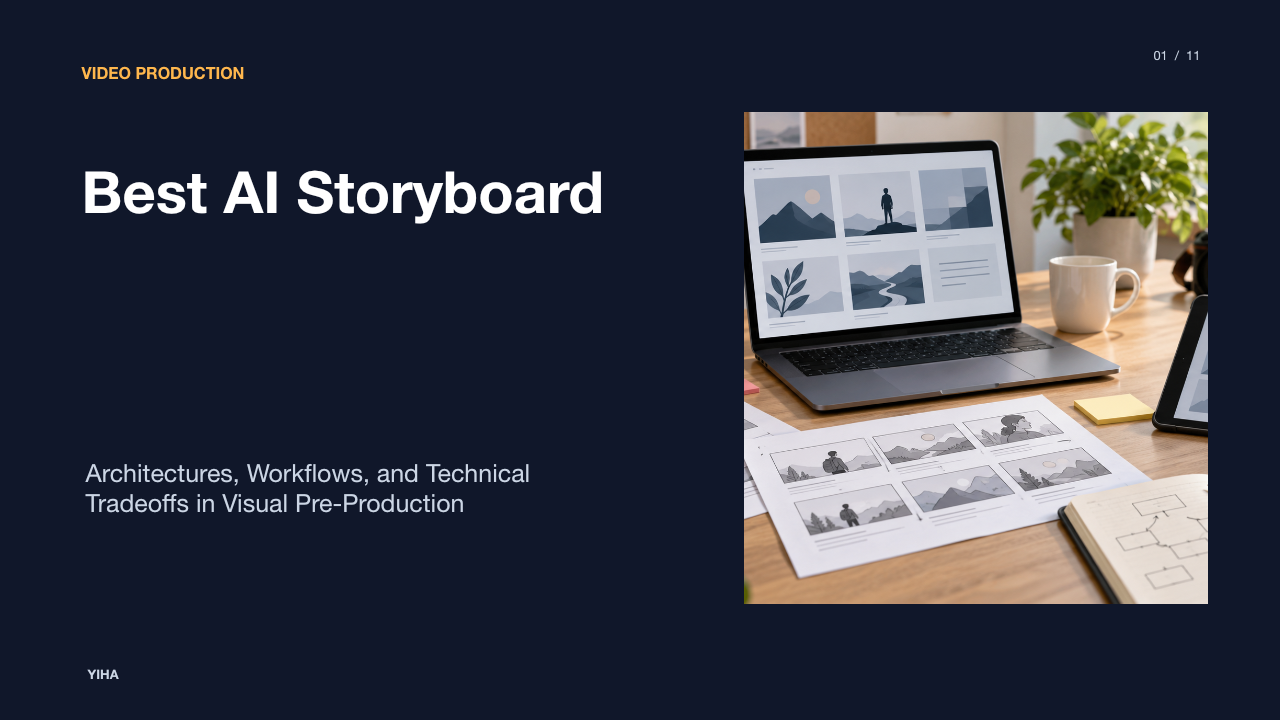
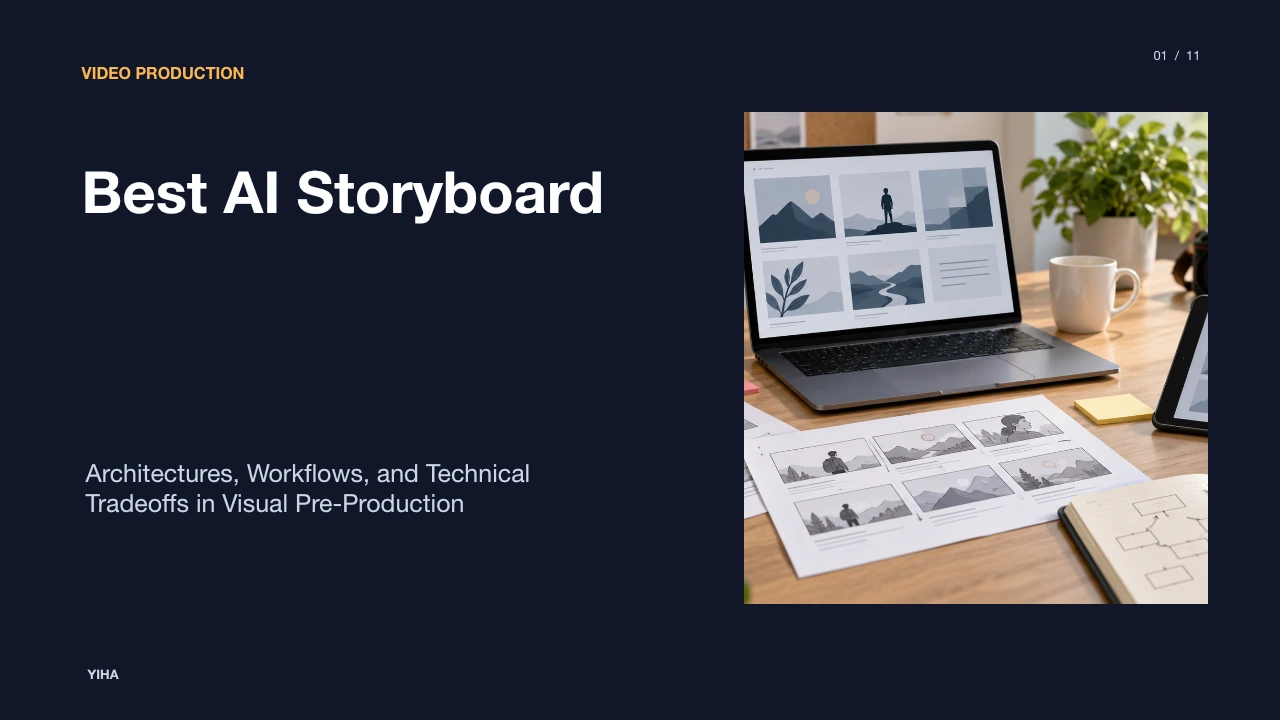
Visual pre-production forms the bridge between narrative writing and physical production. Historically, translating screenplays into sequential storyboards required skilled illustrators or extensive manual drafting, creating bottlenecks before budgets were approved or crews mobilized. Modern artificial intelligence platforms now automate portions of this visual pipeline, turning raw scripts and scene descriptions into sequential visual panels, shot lists, and animatics. Selecting the right platform requires understanding underlying model architectures, script parsing capabilities, character continuity methods, and integration requirements across production environments.
The Evolution of Pre-Production and Visual Planning
Pre-production visual planning has undergone significant structural change. Traditional storyboarding relied entirely on dedicated storyboard artists working from a director's verbal notes or rough thumbnail sketches. This workflow frequently resulted in multiple manual revision rounds per scene, which compounded into weeks on multi-scene commercial campaigns and episodic productions. According to analysis by Cybertize Media, AI storyboard generators now convert scripts and text descriptions into visual frames automatically, compressing initial visualization turnaround dramatically while keeping creative direction in human hands.
Furthermore, commentary by Luma observes that manual storyboarding traditionally required 30 to 90 minutes per individual panel, meaning a 40-shot commercial pitch could consume an entire work week before stakeholders evaluated initial framing. As machine learning models evolved from isolated image synthesis to multi-asset visual pipelines, pre-production workflows shifted toward structured automation. Platforms now ingest descriptive scene beats, evaluate camera staging, and produce complete visual drafts in single sessions. However, technology teams emphasize that automated speed alone does not replace directorial intent. The purpose of modern software is not to bypass artistic leadership, but to accelerate the visual exploration phase so production teams can evaluate coverage and tone before camera packages are rented.
Core Architectural Models: Still Boards vs Video Previs
Modern visual planning software divides broadly into two distinct architectural approaches: structured panel-and-approval platforms and generative video previs engines. Understanding this architectural divide determines which system fits a given operational requirement.
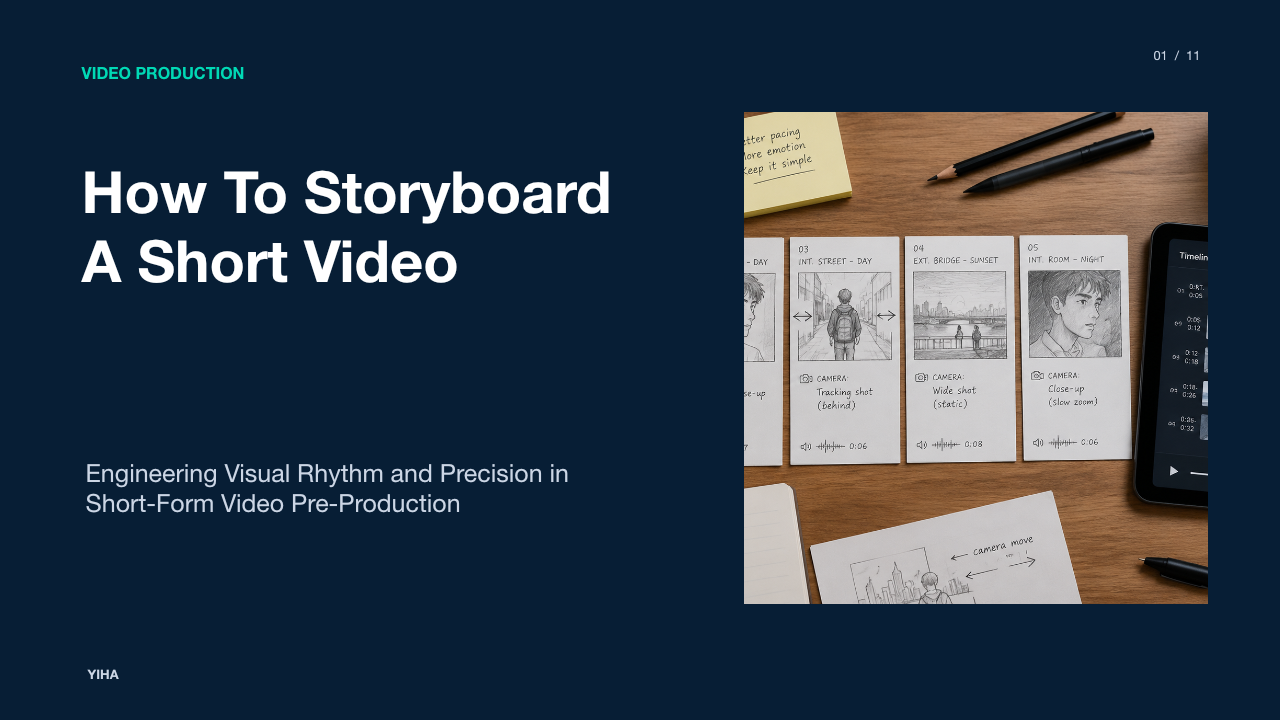
Structured panel platforms, such as those evaluated by Unite.AI, prioritize production metadata, script breakdowns, frame-by-frame review, and client approval tracking. Software in this category, including Boords and Studiovity, focuses on organizing shot sizes, dialogue cues, and camera movements into clean 2D panel grids. These platforms often incorporate animatic builders that string together static boards with timed durations and scratch voiceover audio. Their primary goal is securing stakeholder alignment, communicating framing to camera departments, and generating printable paperwork.
In contrast, generative video previs engines focus on turning sequential frames directly into motion. Platforms such as Frameliq, analyzed by Frameliq, and LTX Studio treat static storyboards as an intermediate step toward synthetic footage. Rather than exporting static image decks, these platforms route approved panels into video diffusion models, including Kling, Runway, and LTX Video, adding simulated camera movement and synthetic lip sync. While video engines allow directors to preview motion dynamics, they require significantly higher compute resources and often exhibit motion artifacts that require human supervision.
Script Parsing and Scene Decomposition Mechanics
Automating the transition from written page to visual panel relies on natural language processing and format parsing. Industry standard screenplays follow strict typesetting rules, utilizing formats such as Final Draft (.fdx), Fountain, and formatted PDFs. As detailed by Guideflow, dedicated storyboard tools parse these standard formatting conventions to detect scene breaks, identify sluglines such as interior or exterior locations and day or night lighting conditions, and separate spoken dialogue from parentheticals and action blocks.
Advanced implementations go beyond simple text splitting. Platforms with specialized agent architectures, such as NolanAI documented by ReelMind, analyze emotional beats, character dialogue density, and staging markers to infer cinematic shot grammar. When a script introduces high dramatic tension, the system suggests tighter lens configurations, Dutch tilts, or specific camera tracks. Parsing models extract key production elements, sorting characters, props, vehicles, and setting references into structured relational databases. This metadata extraction enables downstream image generation modules to populate scenes with relevant narrative assets without requiring users to write separate prompt strings for every individual camera setup.
Techniques for Continuity and Character Consistency
Maintaining character and environmental continuity across dozens of disparate frames is the primary technical challenge in visual generation. Diffusion models generate each image independently from randomized noise latent states, which inherently leads to facial morphing, wardrobe shifts, and set drift across consecutive frames.
To counter this limitation, teams employ multi-reference conditioning workflows. Research shared by Story2Board highlights that establishing a canonical character reference image before sequence generation serves as a persistent visual anchor. Technical platforms deploy techniques such as IP-Adapter modules, multi-image conditioning, and identity-locking prompts. As noted by AI Prompt Geneer, setting up a structured multi-angle character design sheet showing consistent facial proportions, hair styles, and wardrobe swatches provides a robust reference input for diffusion pipelines.
Modern storyboard platforms manage this technically by establishing centralized character and environment asset bibles. Tools like LTX Studio use reusable Elements, while Boords incorporates Character Guidelines. When generating frame thirty, the platform automatically feeds the designated character embedding into the prompt conditioning layer alongside the scene description. Despite these advancements, significant limitations persist. Multi-character interactions, extreme perspective rotations, and complex interaction with props still produce continuity drift that necessitates manual cleanup or inpainting.
Application Workflows for Commercial and Agency Pitches
In commercial advertising and creative agencies, visual planning directly drives client acquisition and project greenlights. Pitch timelines are notoriously compressed, often requiring creative directors to demonstrate concrete visual concepts within forty-eight hours of receiving a brief.
Commercial workflows observed by Drawstory demonstrate how agencies use rapid frame generation to present fleshed-out campaign treatments rather than relying on abstract slide decks. An agency director inputs a campaign script or logline, selects an aesthetic preset, and generates a twenty-shot visual narrative in an afternoon. As evaluated by MagicLight.AI, platforms tailored to agencies incorporate client presentation tools, including white-label web links, password protection, and interactive commenting, allowing brand clients to approve or annotate specific panels without creating software accounts.
To preview commercial rhythm and voiceover pacing, agency teams convert static boards into timed animatics. Incorporating temporary audio tracks, sound effects, and timing values directly within the storyboard workspace helps brand managers evaluate narrative pacing. This validation process uncovers structural flaws early, preventing costly shoot-day misunderstandings between creative leads and client procurement teams.
Evaluating Leading Platforms Across Production Requirements
Choosing a platform requires balancing generation fidelity against practical pre-production workflows. Different tools address distinct parts of the production process, and no single system satisfies every studio requirement.
Analysis published by Storyflow outlines key market distinctions across prominent platforms. Storyflow positions its environment around complete pre-production management, generating panels directly from FDX or Fountain screenplays onto an infinite canvas that links visual boards directly with digital shot lists, stripboards, and call sheets. Boords emphasizes client-facing approval workflows, offering mature collaboration tools, version histories, and animatic timelines. StoryboardHero specializes in rapid brief-to-board turnarounds for pitch decks, while Storyboarder.ai and LTX Studio emphasize cinematic image rendering and consistent character extraction from screenplay files.
Export capabilities vary widely across platforms. As comparative reviews by Luma point out, commercial tools like Katalist provide direct integration with Adobe Premiere Pro, exporting sequential timing, captions, and frame assets straight onto editing timelines. Teams must evaluate platforms against four primary criteria: format ingestion support, character consistency mechanics, collaborative review interfaces, and export flexibility into post-production or production scheduling software.
Technical Tradeoffs and Current System Limitations
While AI visual generation accelerates exploratory drafting, creative teams must account for clear operational and technical limitations. Current image models frequently struggle with nuanced cinematic blocking, spatial direction, and specific optical framing.
Prompt comprehension limitations mean models can misinterpret complex camera terminology, confusing wide establishing angles with medium group shots, or failing to maintain correct eye-lines across over-the-shoulder conversation setups. As discussed by Frameliq, image resolution caps also present workflow constraints. While platforms can render initial drafts quickly, exporting high-fidelity frames suitable for wide pitch decks or large production displays often requires upscaling or third-party image generation keys.
Commercial licensing and copyright considerations introduce additional complexity. Creative enterprises must verify whether underlying image models allow unrestricted commercial use or present intellectual property liabilities. Platforms like Adobe Firefly address this by emphasizing training on licensed stock imagery, whereas open-weight diffusion ecosystems require internal governance. Furthermore, as noted by Storyflow, AI generates frames based on probability patterns but cannot replicate directorial rationale; a model cannot explain why a specific lens angle reinforces dramatic subtext, leaving essential storytelling choices firmly with human filmmakers.
Pilot Testing and Evaluation Methodology
Before adopting an enterprise-wide pre-production tool, production companies should conduct structured pilot tests. Comparing software solely through single promotional prompts fails to reveal workflow bottlenecks.
Methodology outlined by Boords recommends constructing a standardized multi-shot sequence to evaluate platform capabilities. Creative teams should prepare a short benchmark scene containing varied shot sizes, including a wide establishing shot, an intimate character close-up, and an over-the-shoulder conversation. The script should feature at least one recurring character across differing camera angles and lighting conditions, such as moving from bright exterior daylight into an interior tungsten environment.
During testing, teams should measure five core operational factors, as supported by benchmarks in Guideflow:
- Parsing accuracy: How cleanly does the engine interpret standard scene headings and dialogue cues without manual formatting adjustments?
- Identity retention: Does character appearance remain recognizable across camera transitions, or does facial drift require extensive inpainting?
- Framing precision: Does the system respect explicit lens controls, shot distances, and camera elevations?
- Review efficiency: Can external stakeholders navigate the review interface and leave frame-level notes without friction?
- Output adaptability: Does the exported file integrate cleanly into the team's existing scheduling or editing pipeline?
Synthesizing AI Visual Boards with Physical Production
An approved storyboard delivers little practical value if it cannot guide physical production on set. The final stage of modern pre-production involves synthesizing visual frames with technical crew documentation.
As explored by Morphic, the true utility of an AI storyboard lies in connecting early conceptual frames directly with actionable production planning. Platforms that bridge this gap translate visual panels into comprehensive shot lists that detail camera support, lens focal lengths, estimated setup times, and lighting requirements. In unified platforms like Storyflow, referenced by Storyflow, scenes automatically populate production stripboards and daily call sheets, ensuring that visual intent translates into logistical reality.
To prevent confusion during filming, production heads recommend pairing AI visual panels with technical notes for department heads. Cinematographers, gaffers, and production designers rely on explicit setup notes rather than stylized AI aesthetics alone. Additionally, directors often utilize sketch modes or low-fidelity wireframes during initial reviews to signal to clients that the visual is a structural blueprint rather than locked final footage. By integrating automated drafting tools with established filmmaking discipline, production teams achieve faster pre-production velocity while maintaining rigorous execution standards on set.
Research sources
- How AI Storyboarding Saves Pre-Production Time · cybertizemedia.com
- Script & Storyboard Generation: AI-Powered Pre-Production Pipelines | ReelMind · reelmind.ai
- Best AI Storyboard Generators in 2026: 10 Tools Ranked | Luma · lumalabs.ai
- The 8 Best AI Storyboard Tools in 2026 | Morphic · morphic.com
- 10 Best AI Pre-Production Tools for Filmmakers (October 2026) – Unite.AI · www.unite.ai
- 7 Best AI Storyboard Generators in 2026 (Compared) | Frameliq · www.frameliq.com
- From Script Breakdown to Shot List: NolanAI's Role in Pre-Production | ReelMind · reelmind.ai
- Best 11 AI storyboard generators in 2026 for video and product demos - Guideflow Blog · www.guideflow.com
- Character Consistency in AI Storyboards: How It Works | Story2Board Blog · story2board.com
- The 12 Best AI Storyboarding Tools and Storyboard Generators in 2026 | Storyflow · storyflow.so
- Character Consistency in AI: Images, Video & Storyboards — AI Prompt Geneer · aipromptgeneer.com
- 7 Best AI Storyboard Generators in 2026 | Magiclight.AI · magiclight.ai
- AI for Creative Agencies: How to Streamline Storyboarding and Pre-Production · www.drawstory.ai
- The 6 Best AI Storyboard Generators in 2026 | Boords · boords.com
- 10 Best TV Commercial Storyboard Examples in Advertising · www.studiobinder.com