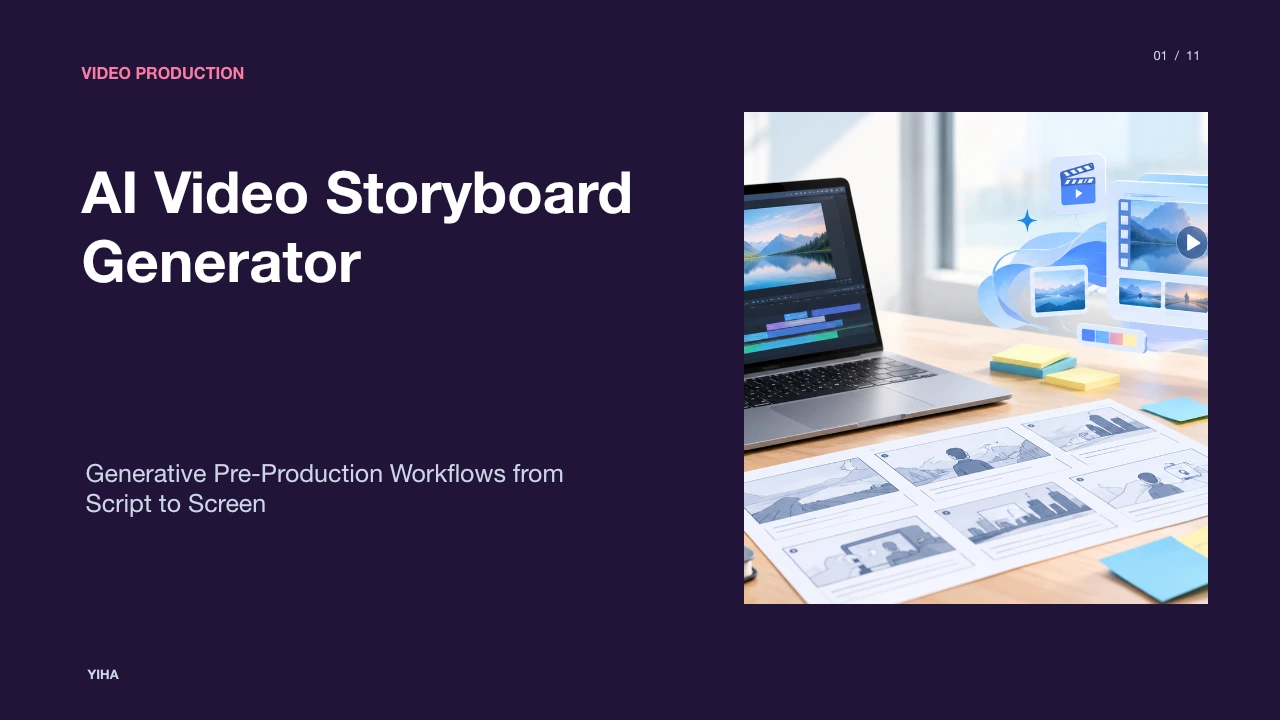
AI Video Storyboard Generator
A technical guide to AI video storyboard generators, covering script parsing, shot composition, character consistency, animatics, and production team integration.
Free download · 4.9 MB11 editable slides · PowerPoint format
Download the editable PPTX
PPTX · 4.9 MB · 11 editable slides · Free to edit and reuse with attribution to Yiha.ai
View every slide
Use ← →, Home/End, or swipe on mobile
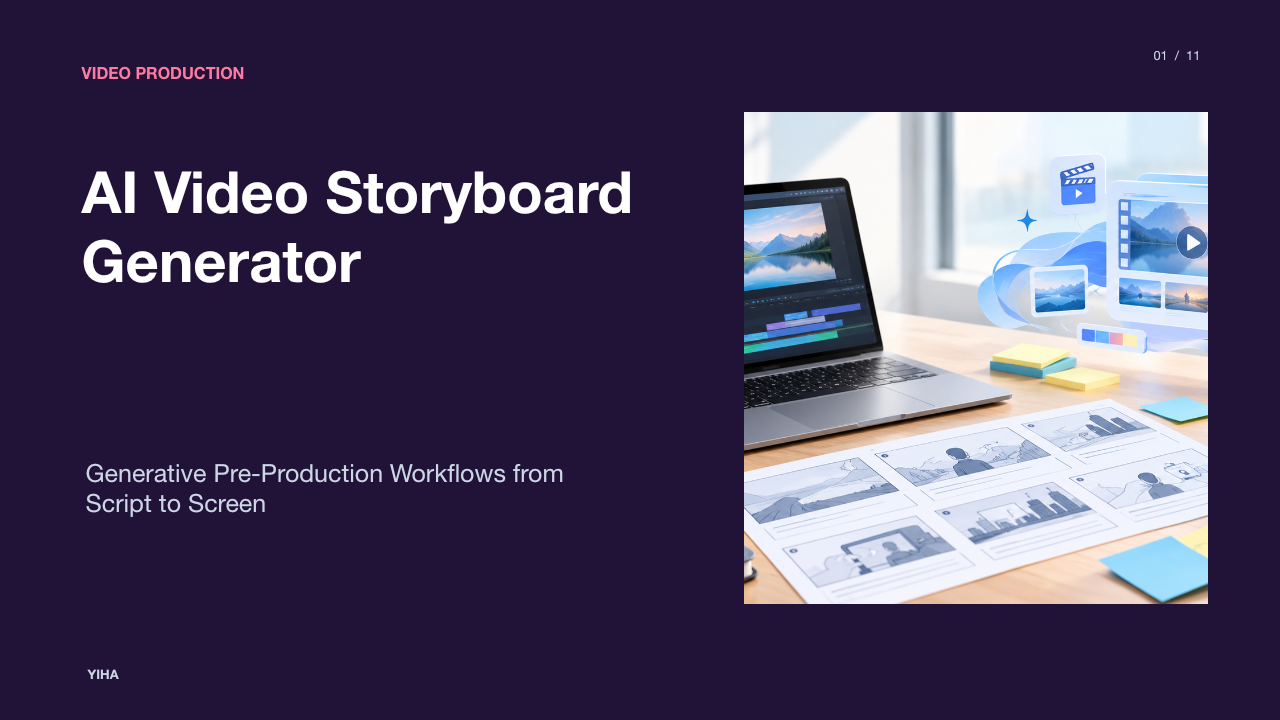
Pre-production serves as the foundational phase of video creation, translating written narratives into concrete visual plans. Historically, bridging the divide between an abstract script and physical production required days of hand illustration or manual shot planning. The emergence of the modern AI video storyboard generator has restructured this stage of filmmaking and commercial media development. By integrating language processing with generative visual synthesis, these platforms translate screenplays, briefs, and shot descriptions directly into sequential visual panels. This guide examines how generative storyboarding works, where it accelerates pre-visualization, and how production crews navigate its current technical constraints.
The Pre-Production Bottleneck in Traditional Video Planning
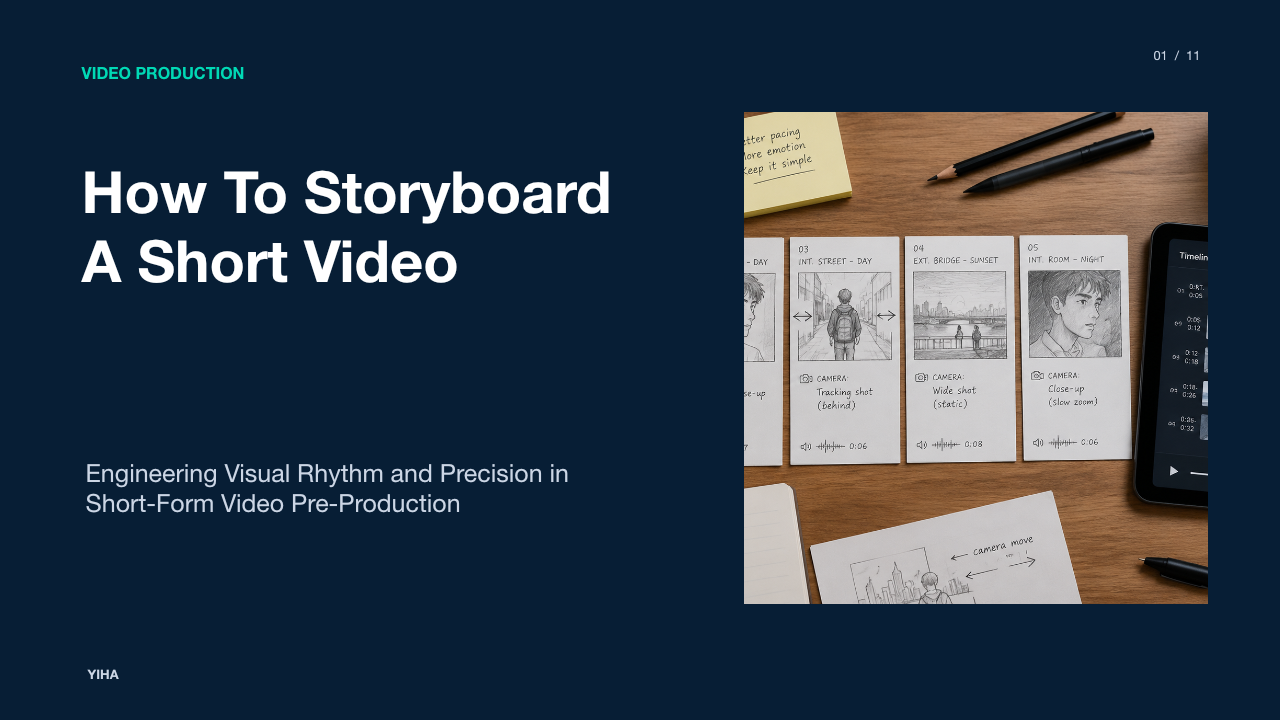
Traditional pre-production relies heavily on hand-drawn storyboards to establish visual pacing, camera placement, and narrative continuity before filming starts. However, producing sequential sketches manually often turns into an expensive and time-consuming bottleneck. According to the workflow overview in the Guideflow AI Storyboard Guide, manual storyboarding historically required hiring specialized storyboard illustrators or tasking directors with rough sketching, creating multi-day revision cycles that slowed down project approvals.
When creative directors, agency executives, and corporate clients collaborate, text-only scripts frequently lead to misaligned expectations. A script line as simple as "the protagonist inspects the damaged vehicle" can be visualized in dozens of contradictory ways, ranging from an intimate macro close-up to an expansive crane shot. As noted by Adobe Firefly Storyboard Features, turning written ideas into visual sequences early in the process prevents costly misunderstandings on set. By converting conceptual descriptions into concrete panels within minutes, generative boards allow crews to test scene framing, identify pacing issues, and secure stakeholder consensus before camera crews arrive on location.
Core Architecture of Automated Storyboard Generation
Automated storyboard systems connect several distinct machine learning modules into a cohesive production pipeline. At the front end, structured language models evaluate screenplay text to isolate scenes, spatial environments, character actions, and dialogue. Once the narrative structure is determined, the parsed metadata feeds into text-to-image diffusion models or visual generation engines to produce individual panels that correspond to specific scenes.
Advanced implementations go beyond isolated image synthesis by incorporating unified agent architectures. As detailed by Novi AI Storyboard Video Generator, automated systems can orchestrate script breakdown, character rendering, voiceover generation, and temporal sequencing inside a single execution path. Other systems connect diffusion engines with node-based canvas boards, giving human operators direct control over framing adjustments. Rather than forcing creators to regenerate every frame from scratch, these architectures allow artists to refine visual parameters iteratively while preserving underlying narrative continuity.
Natural Language Script Breakdown and Shot Segmentation
Converting a raw screenplay into a visual board requires parsing traditional industry formatting. Screenplays organize narrative action using rigid conventions, including scene headings such as interior or exterior designations, action paragraphs, character identifiers, and parenthetical directions. Purpose-built storyboard tools parse these elements directly to generate structured shot lists.
As explained in M Studio AI Storyboard Generator, script-to-storyboard pipelines break uploaded scripts or commercial briefs into discrete visual beats, matching character dialogue and visual cues to clear shot sequences. In platforms analyzed by the Guideflow AI Storyboard Guide, parsing algorithms detect scene headings like "INT. COFFEE SHOP - DAY" to establish environment parameters automatically. The algorithm then isolates character actions to compose establishing shots, two-shots, or reaction coverage. This natural language segmentation eliminates the tedious chore of manually copying script lines into individual prompt boxes.
Directing Cinematic Camera Framing and Composition
Effective visual storytelling relies on precise cinematic grammar. A storyboard cannot simply present generic illustrations; it must accurately communicate shot sizes, camera heights, lens perspectives, and aspect ratios to camera operators and directors of photography. Generative engines accommodate this requirement through structured technical descriptors.
According to VideoAI Storyboard Maker, generators support industry-standard aspect ratios, including 16:9 for widescreen broadcast, 9:16 for vertical mobile campaigns, and 1:1 for social feeds. Furthermore, operators can dictate camera setups by specifying wide establishing shots, over-the-shoulder angles, Dutch tilts, or macro close-ups. As highlighted in the Adobe Firefly Storyboard Features, explicitly defining camera angles and shot types in prompt instructions ensures that generated panels closely reflect the creative director's intent. Some specialized platforms even incorporate 3D camera positioning tools, enabling directors to position a virtual lens in spatial environments for repeatable framing.
Solving Character and Asset Consistency Across Panels
Maintaining continuity across multiple storyboard panels represents the central technical challenge in generative image workflows. Diffusion models synthesize images independently based on random noise seeds, which frequently causes character faces, hair colors, clothing, and props to mutate between cuts. This visual drift destroys the utility of a production board.
To solve this, professional workflows employ image reference conditioning. As documented in Boords AI Storyboard Analysis, modern platforms utilize asset libraries where creators store reference images of cast members, specific props, and environmental settings. Creators then reference these assets across consecutive prompts using tagging systems or reference pickers. Similarly, practical guides such as FluxNote AI Storyboard Creation explain that referencing character URLs or utilizing specific consistency parameters (such as character reference flags) drastically stabilizes facial features and wardrobe across shots. Locking seed numbers and reusing style reference images further guarantee that color temperature and visual rendering styles remain uniform throughout the sequence.
Assembling Timed Animatics and Motion Previews
Static storyboard frames illustrate composition, but they cannot fully convey scene timing, editorial rhythm, or dialogue tempo. The intermediate step between static storyboarding and principal photography is the animatic, which places sequenced frames onto an editing timeline alongside dialogue tracks and sound effects.
According to FluxNote AI Storyboard Creation, animatics allow directors to verify pacing and flow by combining storyboard frames with synthesized voiceover tracks before expensive production commences. Furthermore, emerging generative tools bridge the gap between static frames and full pre-visualization by applying lightweight image-to-video motion synthesis. As highlighted by the Guideflow AI Storyboard Guide, specialized platforms can transform static panels directly into animated shots featuring camera pans, zooms, and subtle character motion. This allows agencies and commercial directors to screen rough animatic sequences for clients without committing filming crews to unapproved concepts.
Evaluating AI Boards Against Manual Art and Interactive Previews
While AI storyboard generators provide immense speed advantages, evaluating when to use them requires understanding their trade-offs against hand-drawn concept art and interactive product sandboxes. In traditional filmmaking, veteran storyboard artists provide nuanced emotional blocking, bespoke physical gestures, and idiosyncratic character acting that automated models often struggle to match.
Platform comparisons in M Studio AI Storyboard Generator emphasize that while AI boards rapidly replace manual sketching for pitches and commercial pre-visualization, dedicated storyboard artists still provide unique creative value on specialized hero sequences. Additionally, the Guideflow AI Storyboard Guide points out a distinct boundary in software marketing: static visual storyboards work well for narrative videos and commercial shoots, but interactive product walkthroughs outperform static storyboards when presenting digital interfaces because users expect clickable, measurable interaction. Production leaders must match the planning medium to the project deliverable.
Technical Limitations, Hallucinations, and Edge Cases
Generative storyboarding systems face notable technical constraints that require human oversight. Diffusion models frequently suffer from visual hallucinations when prompts describe complex spatial interactions between multiple subjects. For example, instructing an AI to depict two characters wrestling or passing a prop often produces anatomical anomalies, fused limbs, or improper spatial occlusion.
Prompt bleed presents another frequent failure mode, where descriptive tokens intended for the background inadvertently alter the foreground subject. In addition, on-screen text rendering remains imperfect across several visual engines. As noted in FluxNote AI Storyboard Creation, specialized typography engines like Ideogram often perform better when rendering explicit on-screen text or call-to-action signs compared to general-purpose diffusion models. Furthermore, as described in the Guideflow AI Storyboard Guide, unpredictable character drift across complex multi-panel sequences can force creators to regenerate frames repeatedly, underscoring that AI tools serve as collaborative drafting assistants rather than fully autonomous production systems.
Implementing Generative Storyboarding in Production Teams
Successfully adopting AI storyboarding in professional environments requires establishing clear handoff protocols between creative directors, agency clients, and technical crews. In practical agency settings, generative storyboards primarily serve three key functions: client pitch documentation, internal creative alignment, and on-set technical coordination.
As outlined by VideoAI Storyboard Maker, embedding visual panels within pitch decks allows clients to evaluate framing, pacing, and mood far more accurately than text treatments alone, reducing client revision cycles before shooting begins. Once a concept is approved, export flexibility becomes critical. According to Adobe Firefly Storyboard Features, production teams export approved sequences as image sequences, PDFs, or video animatics to integrate directly with non-linear editing applications like Premiere Pro. On location, printed or tablet-accessible shot lists derived from the board provide directors of photography and lighting technicians with unambiguous visual targets, ensuring shoot days remain efficient and aligned with the approved creative vision.
Research sources
- Free Online AI Storyboard Generator | Adobe Firefly · www.adobe.com
- Best 11 AI storyboard generators in 2026 for video and product demos - Guideflow Blog · www.guideflow.com
- AI Storyboard Video Generator: Turn Scripts into Animated Storyboard Videos · www.noviai.ai
- AI Storyboard Generator from Script, Shot by Shot | M Studio · mstudio.ai
- AI Storyboard Generator - VideoAI · www.videoai.ai
- How to Create a Video Storyboard with AI (Tools in 2026) · fluxnote.io
- The 6 Best AI Storyboard Generators in 2026 | Boords · boords.com