AI Storyboard Generator
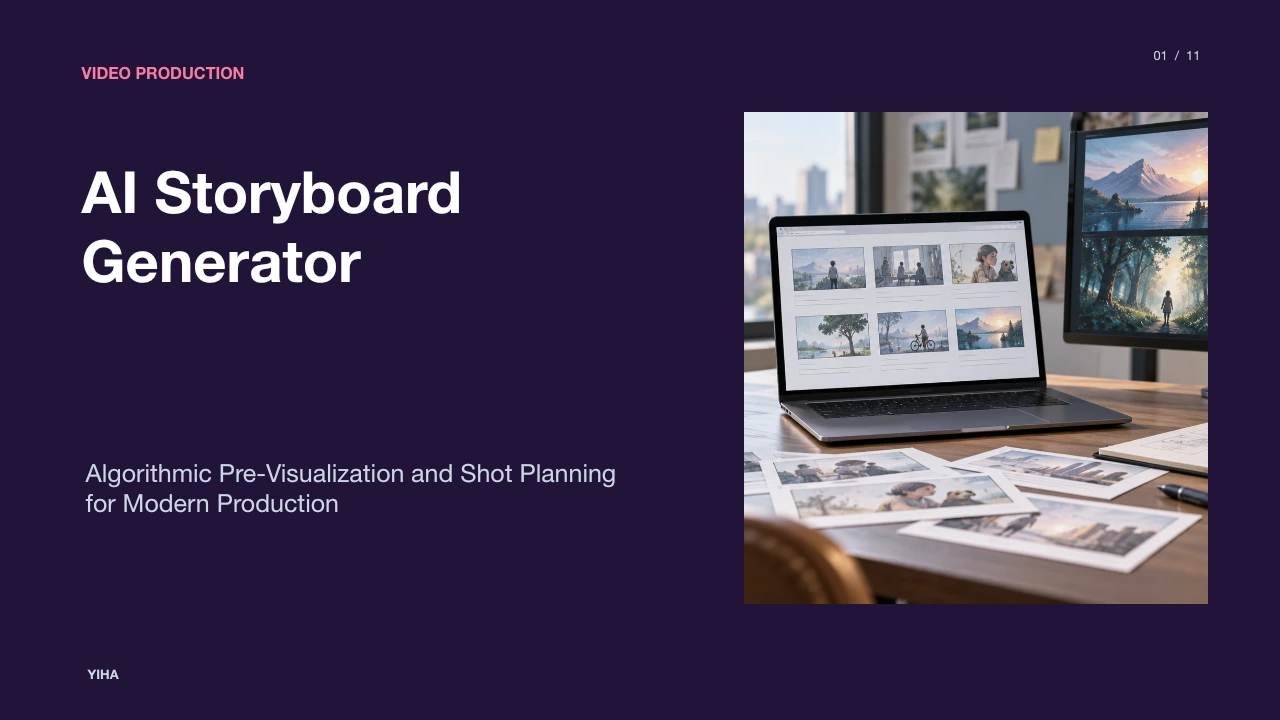
A technical examination of AI storyboard generators, covering script parsing, framing controls, character consistency mechanisms, and pre-production workflows.
Free download · 4.9 MB11 editable slides · PowerPoint format
Download the editable PPTX
PPTX · 4.9 MB · 11 editable slides · Free to edit and reuse with attribution to Yiha.ai
View every slide
Use ← →, Home/End, or swipe on mobile
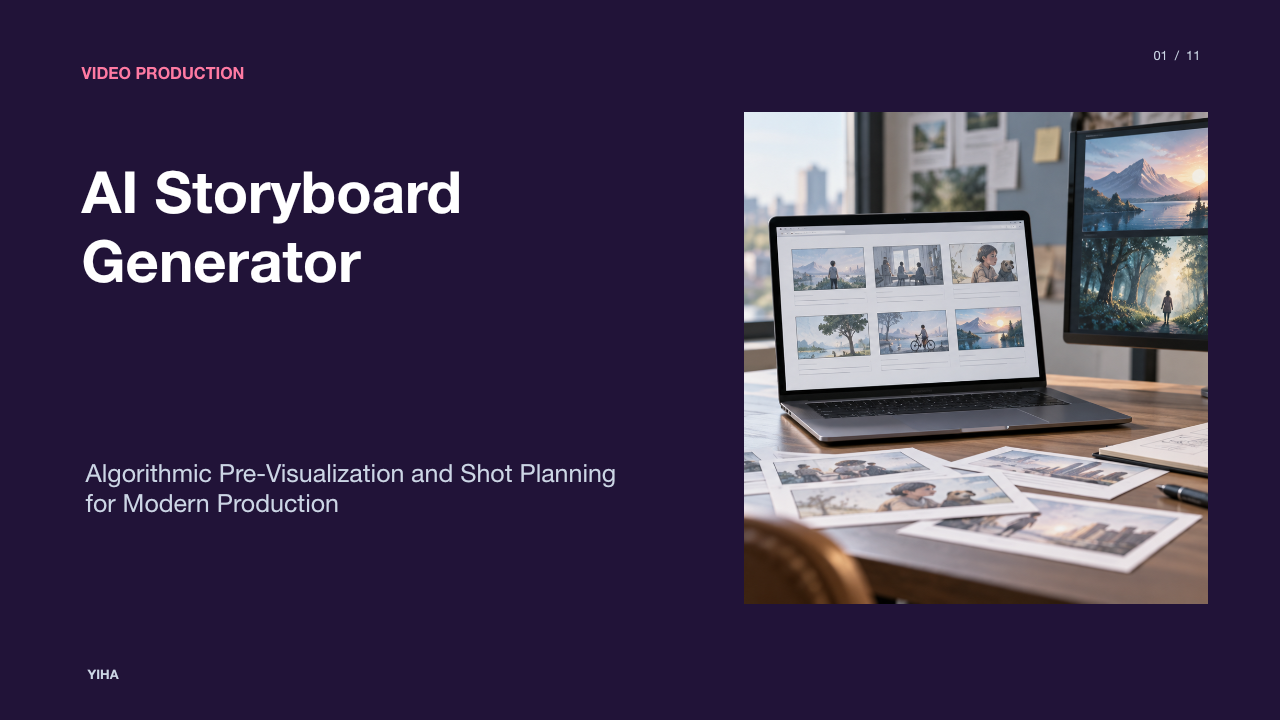
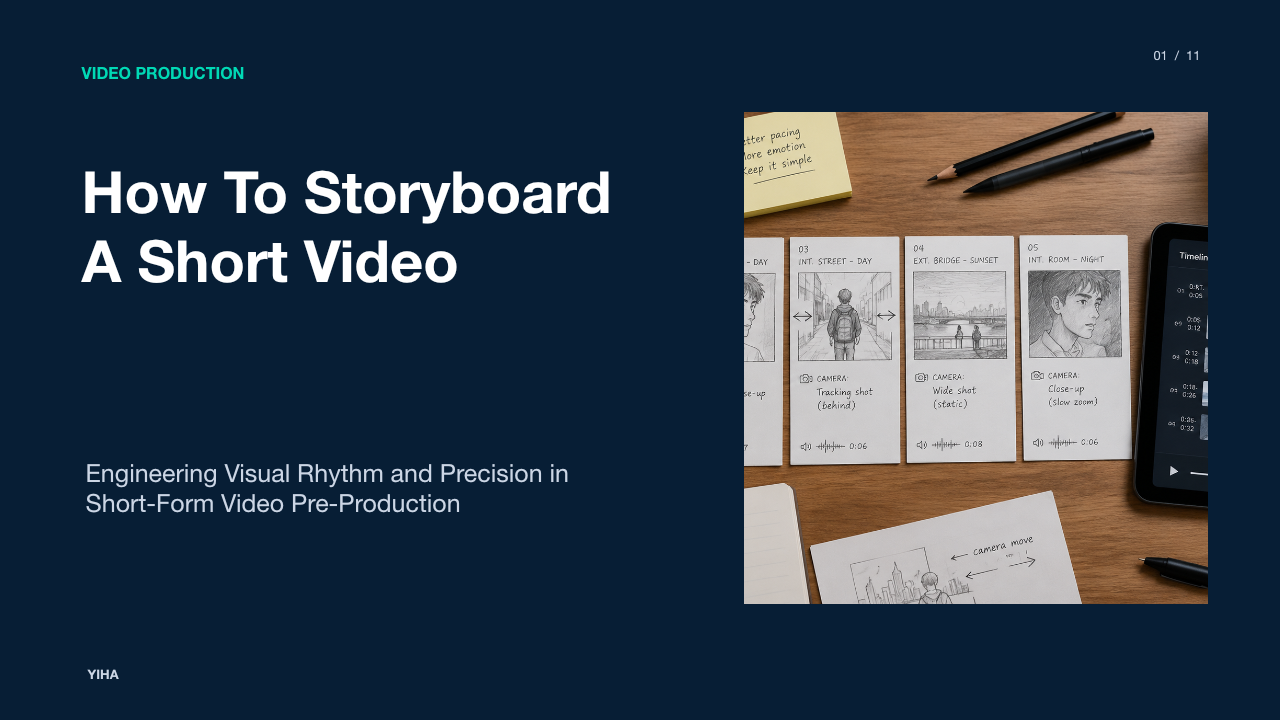
Visual pre-production forms the architectural foundation of filmmaking, commercial advertising, and episodic animation. Before physical cameras roll on set, creative leads must translate descriptive screenplays into sequential visual plans that establish framing, pacing, and emotional focus. Traditionally, manual sketching and iterative revisions create significant scheduling friction during pre-visualization. The modern AI storyboard generator addresses these operational bottlenecks by converting structured text, screenplays, and reference imagery into editable visual boards.
The Role of Storyboarding in Pre-Production Bottlenecks
Storyboarding is an essential communication tool that aligns directors, cinematographers, production designers, and client stakeholders. As professional storyboard artist Kevin Mellon observes, storyboards function as a working guide that enables a director to explain their mental visualization to a large crew on set, as detailed in Adobe's Guide on Getting Started with Storyboarding. Beyond visual communication, storyboarding serves as an exploratory laboratory where filmmakers test dramatic framing, evaluate narrative rhythm, and identify unfeasible or cost-prohibitive camera setups before physical production begins.
Despite its value, manual storyboarding frequently generates severe pre-production bottlenecks. Hand-drawing dozens or hundreds of individual panels requires dedicated illustration talent and substantial turnaround time. When scripts undergo structural revisions or client feedback requests alter narrative beats, artists must redraw entire sequences manually. According to Guideflow's Pre-Production Overview, automated storyboard engines convert scripts and descriptive text into visual frames rapidly, minimizing traditional scheduling friction and democratizing visual planning for independent creators, agencies, and production houses.
Parsing Screenplays into Structured Scene and Shot Beats
Converting a narrative screenplay into visual panels begins with text ingestion and structural parsing. Screenplay software standardizes narrative structure using specific formatting rules, including scene headings, action descriptions, character cues, and parenthetical directions. Specialized platforms such as Storyboarder.ai and Drawstory ingest screenplay files in Final Draft, PDF, or plain text formats and analyze these conventions directly, as explained in Guideflow's Comparative Review.
During processing, natural language models extract scene headings, identifying whether a setup is interior or exterior, along with the location and time of day. The system parses action lines to isolate physical blocking, environmental props, and dramatic interactions. These action descriptions populate individual shot frames, while dialogue lines are assigned as panel captions or text overlays. By breaking a continuous script into distinct narrative beats, the system builds an automated shot list without requiring the user to engineer complex, repetitive prompts for every camera setup.
Generative Image Pipelines and Framing Parameter Controls
Once screenplay beats are parsed into discrete shot units, generative image pipelines transform text instructions into visual compositions. Traditional storyboard artists manipulate camera coverage by choosing between establishing wide shots, medium two-shots, over-the-shoulder perspectives, and extreme close-ups to direct audience attention. Archer art director Neal Holman highlights that shot distribution creates dramatic emphasis, beginning with basic singles, over-the-shoulder angles, and two-shots before adjusting focal distances to push emotion, according to Adobe's Pre-Production Insights.
Modern generation platforms, including Adobe Firefly Boards, incorporate framing parameter controls into the generation pipeline. Rather than generating arbitrary illustrations, users can define focal lengths, perspective directives, and camera angles directly in scene descriptions. Virtual pre-visualization tools like FrameForge go further by simulating optical lens behavior, sensor dimensions, and physical depth of field. This programmatic control ensures that visual frames communicate practical lens selections and camera setups directly to camera operators on set.
Solving Visual Consistency Across Characters and Settings
One of the most persistent hurdles in algorithmic pre-visualization is visual drift. In unconstrained image diffusion pipelines, a character's facial structure, hair color, wardrobe, or ethnic presentation can shift dramatically across successive generations. Similarly, background environments and props risk mutating between reverse-angle camera cuts, destroying the narrative continuity required for production planning.
To resolve this drift, dedicated tools implement reference anchoring, character libraries, and style conditioning. Platforms described in Adobe Firefly Boards Documentation enable creators to upload style references and reuse character anchors across panels, ensuring that recurring cast members, costumes, lighting conditions, and environments remain consistent across diverse camera angles. As highlighted by Guideflow's Tool Analysis, character locking mechanisms allow filmmakers to test 5-frame to 10-frame sequences where character identity remains stable, preventing repetitive regenerations and ensuring crew members recognize distinct characters throughout the sequence.
Non-Destructive Editing, Inpainting, and Camera Angle Shifts
Pre-production is inherently iterative, demanding frequent adjustments based on directorial revisions or client notes. In traditional workflows, a minor change to a prop, background vehicle, or character expression often required repainting the entire panel. Standard generative models pose a similar challenge, as altering a prompt typically regenerates the complete image from noise, losing previously approved compositions.
Specialized storyboard software solves this friction through non-destructive editing and regional inpainting. As outlined on Boords' AI Storyboard Platform, directors can mark a specific portion of a panel to regenerate only that designated area while retaining the surrounding client-approved environment and composition. Furthermore, angle-switching features permit creators to rotate the perspective or select a new camera placement while preserving the established characters, clothing, and environment context. According to Adobe Firefly Boards Feature Guide, built-in remixing and layout controls let creators refine mood and composition without redrawing panels from scratch, accelerating creative revision cycles.
Connecting Visual Panels to Animatics and Downstream Video
Static storyboard frames represent only half of the pre-visualization equation. To evaluate narrative pacing, comic timing, and dramatic rhythm, editorial teams compile visual panels into animatics with temporary dialogue, sound design, and musical cues. Animatics reveal whether a scene lingers too long or transitions too abruptly before physical cameras begin recording.
Modern storyboard generators integrate animatic construction directly into their software environments. According to Boords' Workflow Overview, visual frames can be sequenced on an interactive timeline, synchronized with voiceover tracks, and exported directly as MP4 video files or comprehensive PDF decks. In collaborative suites such as Adobe Firefly Boards Overview, creators preview animated sequences and export individual frames or full storyboard sequences directly into timeline editors like Premiere Pro, bridging static frames, timed animatic previews, and downstream video production.
Comparing Dedicated Storyboard Engines to Generic Image AI
While general-purpose image models generate compelling standalone illustrations, they lack the structural logic necessary for professional video production workflows. General image generation platforms evaluate prompts in isolation, lacking sequence memory, script parsing features, or structured shot organization.
In contrast, dedicated storyboard suites are built around the continuity demands of production pipelines. According to M Studio's Feature Comparison, dedicated platforms maintain persistent project memory, character reference banks, shot list numbering, and review cut exports in a single environment. Furthermore, platforms documented in Adobe Firefly Boards Feature Guide integrate collaborative feedback systems, allowing creative teams to adjust layouts, collect frame-specific comments, and export assets into downstream editing applications without jumping between disconnected tools.
Current Technical Limitations in Spatial Blocking and Style
Despite notable advancements, algorithmic storyboarding software exhibits clear technical limitations that require human oversight. Complex multi-character blocking remains a significant hurdle. When three or more characters interact in an intricate physical space, generative models often struggle to maintain correct spatial geometry, consistent relative heights, and accurate eye-line matching across complementary camera setups, as observed in Guideflow's Storyboard Tool Overview.
Furthermore, dynamic lighting continuity across complex scenes poses challenges. If a primary key light originates from screen left in a wide shot, reversing the perspective to an over-the-shoulder angle can result in inconsistent shadow directions or mismatched color temperatures. Style drift also occurs when tools attempt to blend hand-drawn sketch styles with photo-realistic assets. As noted in Adobe's Storyboarding Guide, human storyboard artists prioritize emotional storytelling and dramatic problem-solving, identifying practical production constraints and budget realities that algorithms cannot anticipate.
Implementing an AI Storyboarding Workflow in Production Teams
To integrate AI storyboard tools effectively, production teams should establish standardized operating protocols across pre-production departments. The recommended workflow begins with preparing a cleanly formatted screenplay. Ensuring clear scene headings, standard sluglines, and distinct character naming conventions allows natural language parsers to correctly identify shot breaks and narrative transitions.
Next, the art department should build a shared asset library containing reference images for recurring characters, essential props, and architectural locations. Platforms documented in M Studio's Pre-Production Suite allow teams to save character reference sheets and mention cast members across shots, ensuring consistent appearance throughout scene generations. As highlighted in Adobe Firefly Boards Production Workflow, creative leads can rearrange scenes on a flexible canvas, gather collaborator feedback without redrawing panels, and export individual frames or complete sequences as JPEG, PNG, or MP4 files directly into production decks for shooting crews.
Research sources
- Free Online AI Storyboard Generator | Adobe Firefly · www.adobe.com
- How to get started on storyboarding | Adobe · www.adobe.com
- Best 11 AI storyboard generators in 2026 for video and product demos - Guideflow Blog · www.guideflow.com
- AI Storyboard Generator: From Script to Storyboard | Boords · boords.com
- AI Storyboard Generator from Script, Shot by Shot | M Studio · mstudio.ai