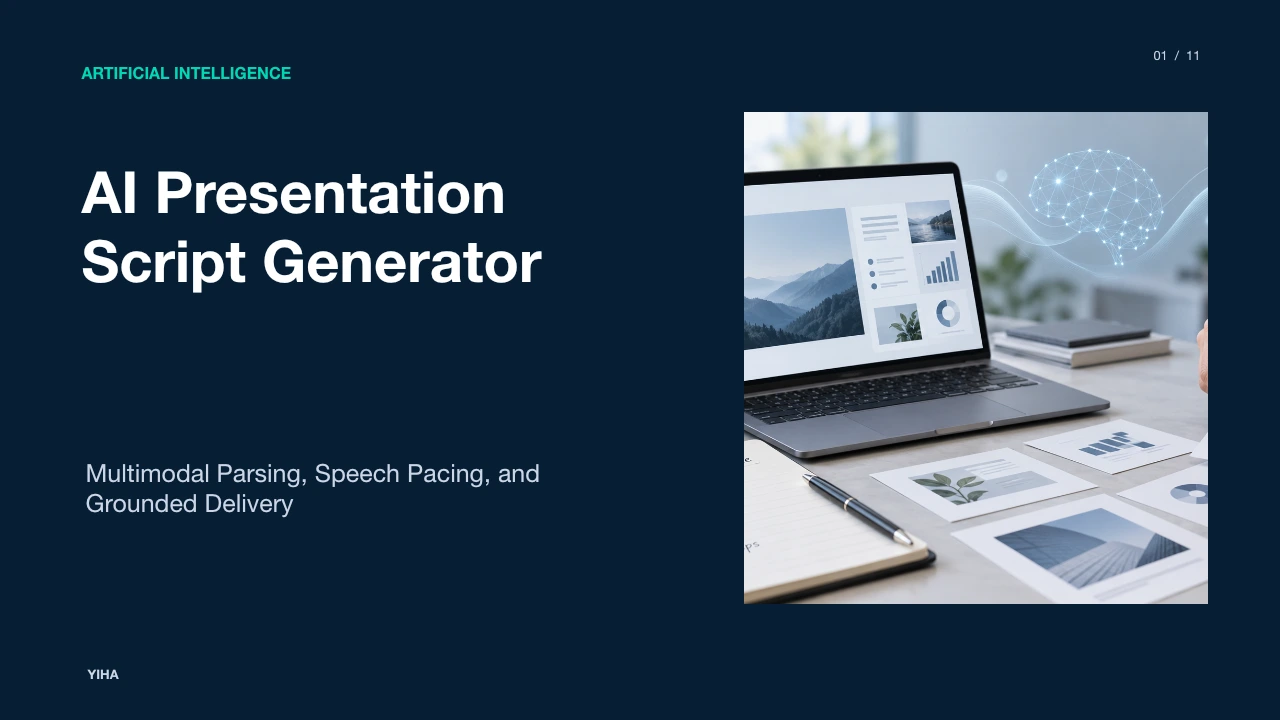
AI Presentation Script Generator
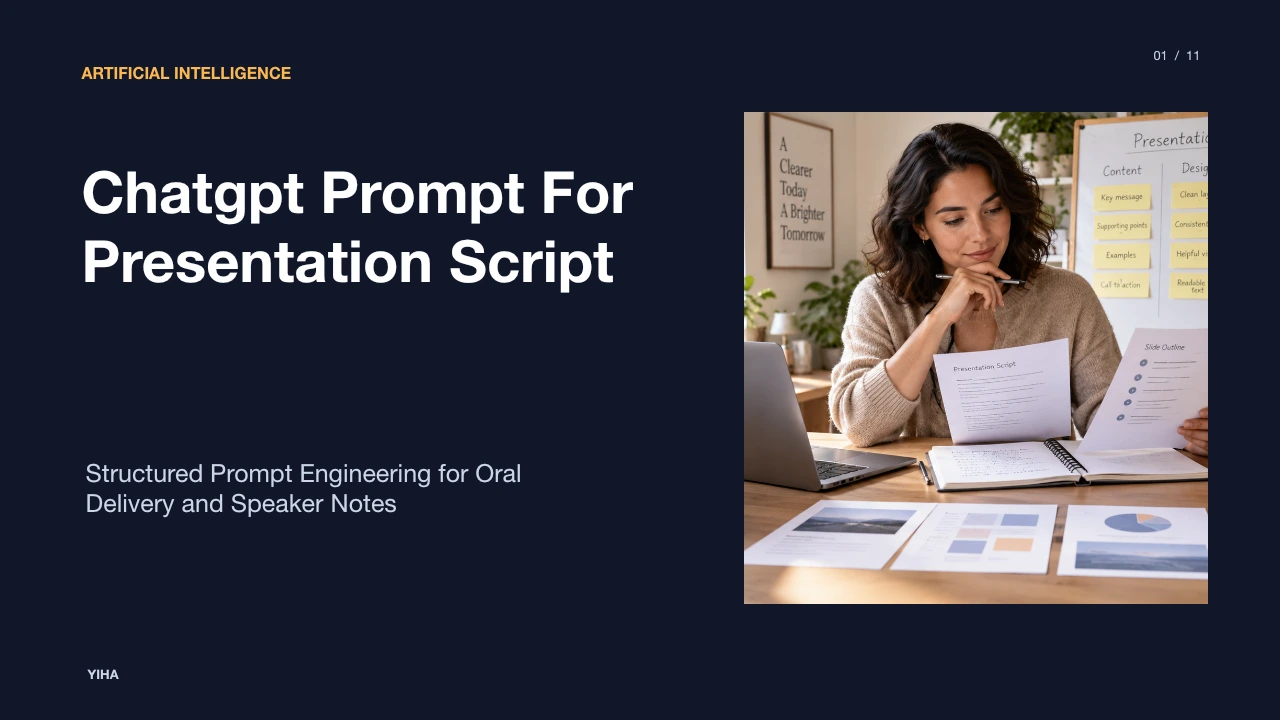
Discover how AI presentation script generators bridge the divide between visual slide decks and natural oral narration through visual parsing, speech pacing, grounding, and iterative human-in-the-loop refinement.
Free download · 4.9 MB11 editable slides · PowerPoint format
Download the editable PPTX
PPTX · 4.9 MB · 11 editable slides · Free to edit and reuse with attribution to Yiha.ai
View every slide
Use ← →, Home/End, or swipe on mobile
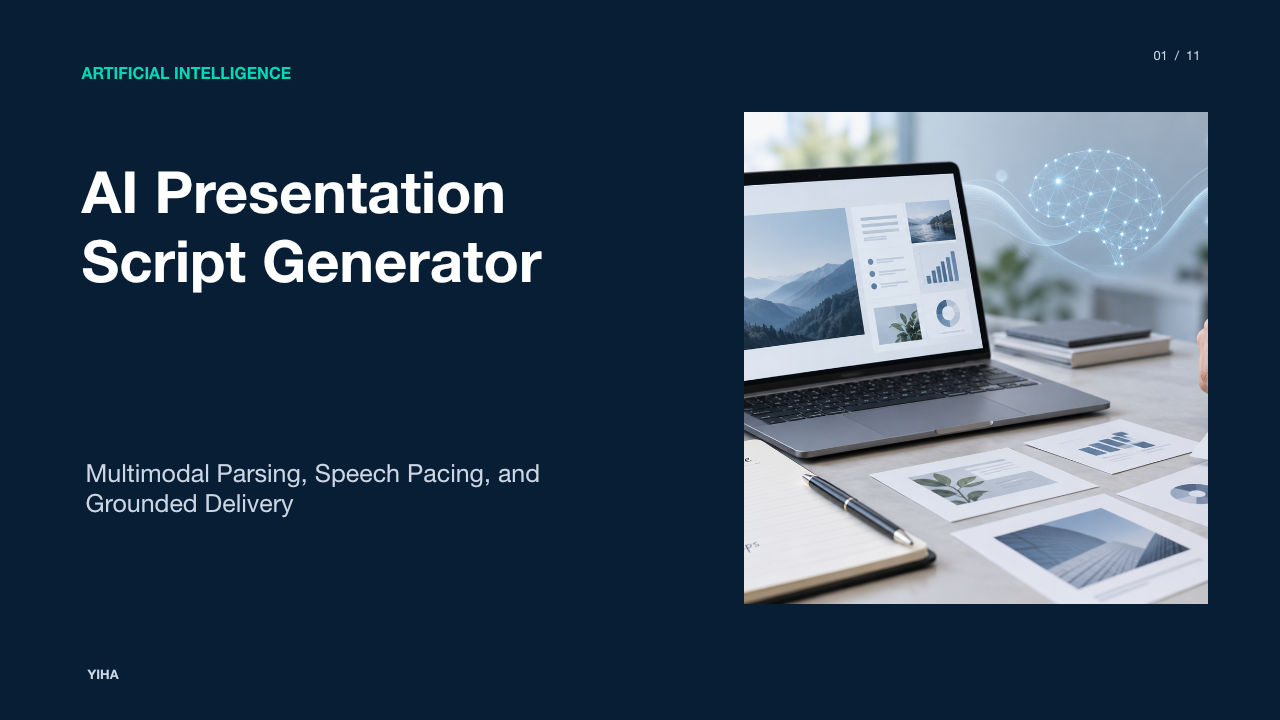
Slides and spoken discourse fulfill complementary cognitive functions. While slides display concise visual summaries, effective verbal delivery requires fluid syntax, contextual elaboration, and structured pacing. An automated presentation script generator translates static visual documents into spoken commentary designed for oral comprehension rather than silent reading.
The Gap Between Slide Content and Spoken Narrative
Presenters frequently experience difficulty when converting bullet points into fluent oral prose. Slides typically organize information through abbreviated phrases, data tables, and diagrams. Reading bullet points directly from a display overburdens an audience because the human working memory processes visual text and spoken speech through overlapping channels. As outlined in the guide on RauGen AI Script Generator, reading text and hearing speech represent fundamentally different cognitive experiences. Spoken delivery demands shorter sentences, active voice, and signposting to keep listeners oriented.
When presenters attempt to improvise speech directly from fragmented slide bullets, they often hesitate, repeat terms, or lapse into passive vocabulary. Conversely, an automated script generator creates a complete narrative layer that interprets visual items rather than duplicating them. Tools detailed on ChatSlide AI Script Generator highlight that slide-aware narration must reference on-screen visual elements while expanding on their underlying implications. For example, a slide displaying a summary figure requires a script that explains the strategic cause of that number rather than simply reciting the metric.
Multimodal Document Ingestion and Visual Parsing
To construct an accurate verbal narrative, an automated generator must parse both textual hierarchy and spatial layouts across presentation files such as Portable Document Format (PDF) and PowerPoint (PPTX) decks. As noted by SlideScript, modern systems utilize foundation models capable of direct document interpretation to analyze headings, embedded diagrams, and visual tables simultaneously.
Document layout parsing algorithms separate primary slide titles from supporting bullets, callout boxes, and footnotes. This semantic parsing ensures that the generator identifies the communicative hierarchy before synthesizing speech. For instance, in ChatSlide AI Script Generator, the parsing engine inspects slide structure and design elements to produce contextually accurate commentary per slide. If an ingestion pipeline fails to distinguish a secondary footnote from a primary headline, the resulting script risks allocating spoken emphasis to peripheral caveats rather than central claims.
From Static Text to Natural Spoken Language
Converting telegraphic bullets into oral language requires natural language generation architectures to generate rhetorical bridges and acoustic rhythms. In written documents, readers can pause, reread complex clauses, and inspect footnotes at their own pace. Listeners, however, cannot review spoken sentences. As documented on RauGen AI Script Generator, writing for the ear requires alternating short punchy statements with occasional longer sentences, applying contractions, and introducing deliberate verbal markers.
Rhetorical transitions connect consecutive slides to prevent jarring contextual shifts. Rather than abruptly shifting topics when a slide advances, the model generates conversational bridges such as transitional previews that explain why the previous point matters to the subsequent topic. Creative pre-production tools like Storyboarder.ai similarly emphasize maintaining continuity across sequential scenes, showing how structured generative pipelines preserve narrative arcs across modular visual units.
Pacing Mechanics and Slide-by-Slide Time Allocation
Presentation delivery depends heavily on time management. A script that contains too many words forces the presenter to rush, while an underdeveloped script leaves awkward silences. As reported by ScriptGenerator Presentation Script Generator, a common rehearsal range is approximately 130 to 160 spoken words per minute, although actual speaking rates vary based on technical density, pauses, and audience engagement.
Algorithmic pacing allocates word budgets based on total target duration and slide complexity. Analysis from TheGrowthGPT Webinar Script Generator suggests a practical presentation guideline (Example: one slide per 2 to 3 minutes of content, targeting 8 to 10 slides for a 30-minute educational session). When budgeting duration, script generators map word count thresholds to conceptual weight. An illustrative example would be a slide with a dense comparative matrix receiving a 200-word allowance to accommodate visual explanation, whereas an introductory title slide receives a concise 45-word greeting.
Grounding Spoken Discourse to Visual Elements
Effective presentation narration relies on multimodal grounding, in which verbal phrases explicitly connect to spatial features on the screen. If a speaker states an abstract statistic without referencing its visual location, the audience must hunt across the slide to find the supporting data. Multimodal systems described on ChatSlide AI Script Generator solve this by generating spoken cues that point directly to charts, diagrams, and highlighted elements.
Grounding techniques pair spoken phrases with spatial bounding boxes or visual categories. For example, the script may introduce a data point using deictic phrasing such as direct visual pointers. As noted by ScriptGenerator Presentation Script Generator, a practical script must link what is visible on the slide with what the presenter delivers aloud, allowing sufficient space for visual emphasis. By grounding oral claims in explicit visual anchors, listeners can absorb complex graphical information without visual ambiguity.
Contextual Calibration across Audiences and Formats
Presentations vary widely in rhetorical objectives, technical depth, and communicative conventions. A doctoral dissertation defense demands formal terminology, methodological justifications, and defensive hedging. Conversely, a startup pitch deck requires active verbs, rapid problem-solution positioning, and decisive value propositions. Platform features outlined in ChatSlide AI Script Generator indicate that script generation models must modulate vocabulary complexity and persuasive structures across different tone presets, including academic, professional, and conversational registers.
In academic defense templates detailed on SlideScript, the generated script emphasizes methodological triangulation and empirical data validation. In contrast, corporate sales scripts built through RauGen AI Script Generator lead directly with customer pain points and operational outcomes. Contextual calibration ensures that the generated discourse matches audience expectations without lapsing into inappropriate jargon or superficial generalities.
The Cognitive Traps of Teleprompter Reading
Generating a word-for-word spoken transcript introduces significant behavioral hazards if presenters treat the script as an inflexible teleprompter text. As analyzed in Cognitive Future AI Presentation Script Generator, reading a full script verbatim aloud during live presentations almost always sounds rigid, diminishing direct audience connection and eye contact. The voice loses natural inflection, and the speaker struggles to adapt if an attendee interrupts with a clarifying question.
To mitigate this risk, authors must distinguish between full rehearsal scripts and modular speaker notes. A full script serves best as a structured rehearsal baseline or as an exact input for voiceover synthesis. As noted by RauGen AI Script Generator, speakers can practice with a full script to detect awkward phrases and pacing bottlenecks, then reduce that text into concise bulleted prompts for actual live delivery. This approach preserves natural conversational flexibility while retaining clear structural progression.
Human-in-the-Loop Refinement and Iterative Rehearsal
AI-generated speech scripts represent initial working drafts rather than finished production deliverables. Robust workflows incorporate human-in-the-loop review, per-slide prompt iteration, and verbal rehearsals. Editorial capabilities described on ChatSlide AI Script Generator emphasize slide-by-slide text editing, enabling authors to rewrite awkward phrases and regenerate individual sentences without altering adjacent sections.
Similarly, automated coaching tools such as the Scout coach in SlideScript evaluate slide scripts to suggest targeted revisions, such as adding personal opening remarks or refining pacing. Rehearsal requires reading every sentence aloud. If a presenter stumbles over a multisyllabic phrasing during practice, the sentence must be rewritten into simpler cadence. Human verification also guarantees factual precision, preventing hallucinated assertions or distorted statistics from entering the spoken delivery.
Emerging Horizons: Multimodal Avatars and Real-Time AI
Presentation technologies continue to evolve from text generators into integrated multimedia generation pipelines. As documented by ChatSlide AI Script Generator, finalized scripts can route directly into voice cloning engines and synthetic avatars, generating complete narrated videos without external audio editing tools. Furthermore, Cognitive Future AI Presentation Script Generator highlights how full scripts increasingly drive asynchronous training modules and automated presentation videos where exact wording is mandatory.
Future developments focus on real-time interactive presentation agents capable of responding dynamically during delivery. By combining low-latency speech synthesis, visual slide understanding, and dynamic conversational logic, emerging platforms aim to support live audience questions and adaptive pacing adjustments. As these systems advance, the boundary between static visual presentation slides and interactive synthetic oral delivery will continue to narrow, transforming how technical knowledge is communicated.
Research sources
- AI Script Generator — Create Presentation & Video Scripts Instantly | ChatSlide · www.chatslide.ai
- AI Script Generator - Video, Podcast & Presentation | RauGen · raugen.com
- Free Webinar Script Generator - AI-Powered Webinar Outlines · thegrowthgpt.com
- Storyboarder.ai — AI Storyboard Generator | From Script to Storyboard in Minutes · www.storyboarder.ai
- SlideScript - AI Presentation Script Generator · www.slidescript.live
- AI Presentation Script Generator - Free Speaker Notes · scriptgenerator.org
- AI Presentation Script Generator: Write Speaker Notes (2026) · cognitivefuture.ai