Thumbnail Storyboard
A comprehensive guide to thumbnail storyboards in film and visual storytelling, covering aspect ratio locking, spatial staging, value structures, motion notation, and transitioning rough sketches to production boards.
Free download · 4.9 MB11 editable slides · PowerPoint format
Download the editable PPTX
PPTX · 4.9 MB · 11 editable slides · Free to edit and reuse with attribution to Yiha.ai
View every slide
Use ← →, Home/End, or swipe on mobile
Visual planning in screen media begins long before polished illustrations reach a production crew. When a director or storyboard artist first evaluates a script, committing immediately to detailed artwork introduces major operational risks. If a camera angle fails or a dramatic transition stumbles, redrawing elaborate frames wastes valuable hours of creative labor. The thumbnail storyboard resolves this challenge by providing a fast, flexible testing ground. By reducing visual concepts to miniature drawings, creators can stress-test camera angles, shot progressions, and rhythmic pacing while creative decisions remain completely disposable.
The Role of Thumbnails in Visual Storytelling
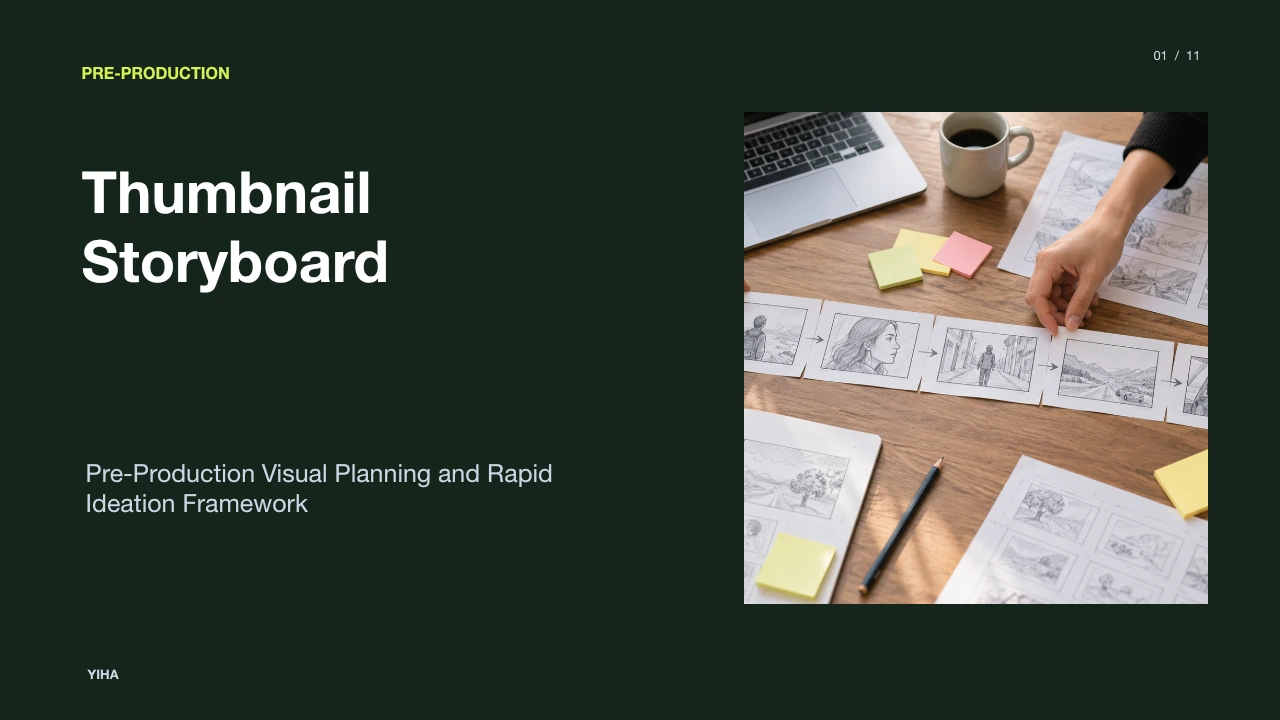
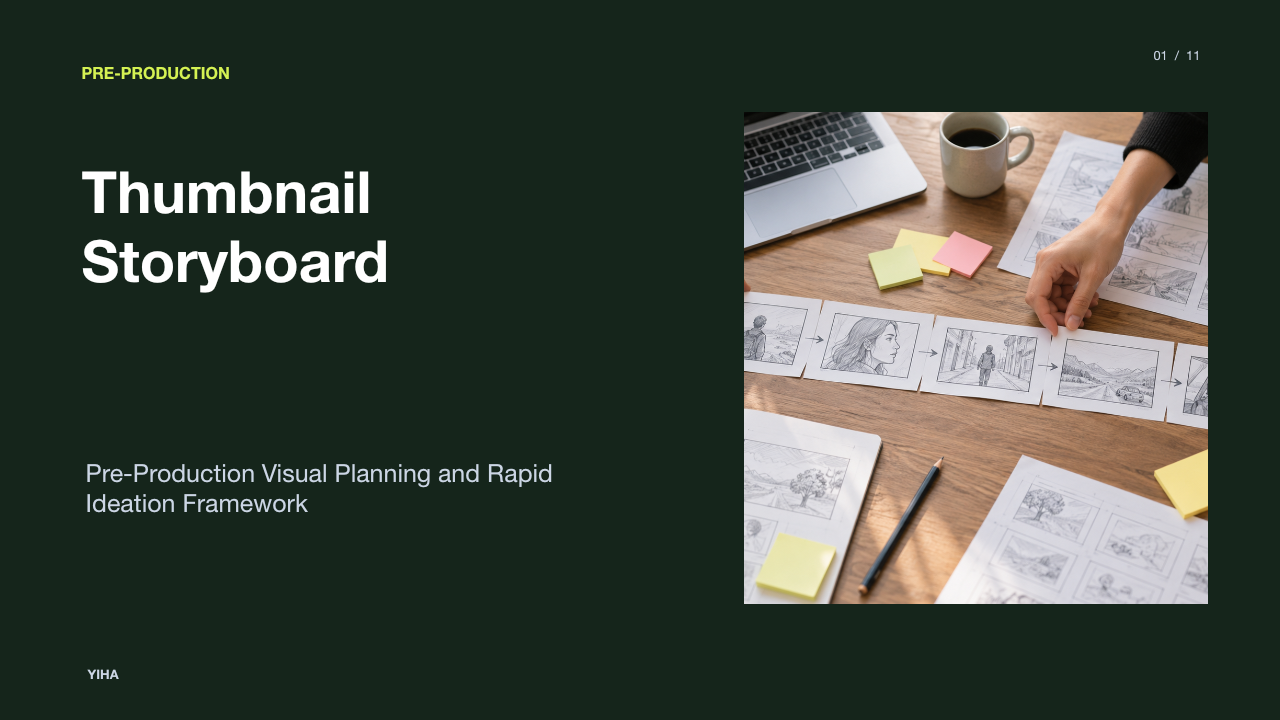
A thumbnail storyboard is an exploratory sequence of small, rough sketches designed to establish scene composition and narrative flow before committing to refined artwork. As detailed in What Is a Thumbnail Storyboard? A Clear Guide, each panel typically measures between one and two inches in size. The primary goal during this phase is speed and disposable experimentation rather than fine line work or artistic finish. Drawing dozens of rough iterations enables an artist to test framing, lens choice, and shot transitions cheaply.
Thumbnailing operates as visual problem solving. Rather than settling on the first framing option that comes to mind, an artist can quickly draw five or six alternate views of the same dramatic beat, such as an establishing wide shot, an over-the-shoulder angle, a high-angle perspective, or a tight close-up. As noted in Thumbnail Storyboard vs. Storyboard: Portfolio Guide, this exploratory work helps filmmakers identify the emotional beats of a sequence and select the most efficient staging before investing time in clean rendering. The miniature scale prevents artists from getting bogged down in decorative details when core storytelling questions remain unresolved.
Framing Disciplines and Aspect Ratio Locking
One foundational discipline of thumbnail sketching is locking the exact aspect ratio before drawing any action. According to the Thumbnail Sketch Guide: Fast Fixes for Broken Sequences, aspect ratio determines how spatial relationships function across the entire sequence. If a final production delivers in a widescreen 16:9 format, sketching in arbitrary boxes or square panels undermines the entire planning exercise. A composition tested in a square frame will inevitably break down once stretched into widescreen dimensions, distorting headroom and lateral spacing.
Artists maintain consistency by setting up pre-measured grids across the drawing surface before sketching figures. For widescreen projects, establishing empty rectangles with proportional boundaries ensures that headroom, character spacing, and edge tension translate accurately to larger production boards. Digital workflows often utilize canvas grids, such as 160 by 90 pixel boxes as discussed in Filmmaking Basics/Thumbnail Storyboard/What are thumbnail storyboards? - Wikiversity. Establishing exact outer boundaries first guarantees that compositional balance survives scaling up to full production boards.
Spatial Staging, Perspective, and Head Placement
Effective staging clarifies where characters and the camera live within a scene. Rather than constructing detailed anatomical figures, artists establish spatial relationships by plotting character head sizes, heights, and positions. As explained in the Filmmaking Basics/Thumbnail Storyboard guide on Wikiversity, indicating the position and scale of each person's head communicates camera distance, relative height, and intended camera lenses to the cinematographer without requiring detailed anatomical rendering. When the camera points down at an actor, heads appear larger in frame, whereas an upward camera angle renders them smaller relative to the torso.
When blocking complex environments, rapid perspective techniques anchor spatial depth. Guidelines from Thumbnail Storyboard vs. Storyboard: Portfolio Guide recommend placing a simple vanishing point and sketching radiating perspective lines directly into the frame. Setting a clear horizon line informs the viewer whether the camera tilts upward from a low angle or looks down from a high angle. By combining perspective lines with proportional head placement, the thumbnail establishes precise blocking and camera elevation in seconds.
Silhouette Readability and Value Structure
Visual clarity relies on immediate readability rather than intricate surface rendering. In the Thumbnail Sketch Guide: Fast Fixes for Broken Sequences, strong thumbnails are defined by clear silhouettes and simplified value reads. A silhouette represents the outer outline that defines a character or prop. If a viewer cannot understand what a figure is doing from pure shape alone, adding line work or facial expressions will not resolve the underlying confusion.
To establish focal hierarchy, artists test light and dark shapes using a strict three-tone value scheme: light, mid-tone, and dark. Shading or decorative gradations are avoided. Applying solid flat values forces the artist to confirm that the focal point separates cleanly from background elements. If an action does not read instantly when reduced to three flat values, the composition requires restaging rather than surface embellishment, as outlined in What Is a Thumbnail Storyboard? A Clear Guide. A thumbnail should read within two seconds of viewing.
Motion Shorthand and Camera Direction Vectors
Because film is a kinetic medium, static drawings must communicate both camera movement and physical actor blocking. Artists employ minimalist shorthand and directional arrows to indicate motion across successive panels. As outlined in What Is a Thumbnail Storyboard? A Clear Guide, simple arrows can represent actor travel, tracking shots, camera pans, and zooms without requiring redundant sketches.
However, arrow usage requires discipline. In Thumbnail Storyboard vs. Storyboard: Portfolio Guide, professionals advise against cluttering a single panel with competing motion vectors. When a physical action involves multiple stages, drawing two sequential panels that demonstrate the start and completion of the movement often communicates screen direction more clearly than excessive graphic symbols. Indicating eyelines and vector paths within thumbnail frames ensures continuity across cuts, helping editors preserve left-to-right screen direction.
Sequence Rhythm and Continuity on a Single Sheet
One of the greatest functional benefits of thumbnail storyboards is the ability to display an entire sequence on a single sheet of paper. As detailed in What is a Thumbnail Storyboard (And How They Work), arranging multiple small panels across one page allows artists and directors to analyze scene structure at a glance. Pacing, rhythmic cutting, and spatial balance can be evaluated together rather than reviewed as isolated, detached images.
Seeing multiple frames side by side exposes structural weaknesses early. If four consecutive panels use the same medium framing, the sequence will lack visual dynamics and dramatic tension. As described in What Is a Thumbnail Storyboard? A Clear Guide, viewing the complete arc on one page highlights whether shot scale alternates effectively between wide establishing shots and tight reaction angles. It also reveals sudden eyeline mismatches and awkward compositional jumps before any finished boards are drawn.
Thumbnails Versus Production Storyboards
While thumbnail storyboards and production storyboards belong to the same visual development pipeline, their audiences and operational purposes differ completely. As emphasized in What Is a Thumbnail Storyboard? A Clear Guide, thumbnail boards represent private, exploratory ideation. They serve as an internal workspace where the artist or director tests staging ideas and discards non-functional approaches without self-consciousness.
Conversely, production storyboards are formal blueprints intended for cross-departmental communication. According to What is a Thumbnail Storyboard (And How They Work), refined boards convey precise instructions to the cinematographer, production designer, visual effects supervisor, and lighting crew. Finished boards demand clean lines, exact aspect framing, detailed character poses, and explicit technical directions. Skipping the thumbnail stage forces artists to resolve fundamental narrative questions within detailed panels, which increases the labor cost of every editorial revision.
Practical Constraints, Timeboxing, and Pitfalls
Maintaining the utility of thumbnail sketching requires strict timeboxing and working discipline. The Thumbnail Sketch Guide: Fast Fixes for Broken Sequences highlights that over-rendering is one of the most common traps for storyboard artists. Spending excessive time on shading, hatching, or detail obscures weak staging and creates psychological resistance to discarding flawed concepts. Professional guidelines recommend allocating thirty seconds to two minutes per panel.
Artists must also distinguish between purposeful roughs and careless drawings. As emphasized in Thumbnail Storyboard vs. Storyboard: Portfolio Guide, rough sketching should never turn into unintelligible scribble. While drawing quickly, the artist must still convey deliberate character silhouettes, distinct camera distances, and clear spatial staging. If an artist produces multiple rough frames that merely duplicate the same camera distance and staging, they create the illusion of variety without exploring genuine narrative alternatives.
Transitioning from Exploratory Roughs to Boards
Once a sequence of thumbnails is roughed out, the artist enters the selection and refinement phase. In professional production environments, such as those documented in Thumbnail Storyboards, thumbnail sketches frequently serve as visual note-taking during directorial consultations. The artist records ideas in seconds, capturing the pacing and structural beats discussed in the room.
After completing a batch of exploratory sketches, the artist selects the strongest compositional solutions and reviews the sequence against narrative objectives. As noted in Thumbnail Sketch Guide: Fast Fixes for Broken Sequences, scaling up requires carrying forward the exact bones of the winning thumbnail. If an artist attempts to redesign the staging or alter character placement during the final cleanup pass, it indicates that the core staging was never fully settled during thumbnailing. Solid pre-planning locks the visual architecture so that final production boards execute a proven narrative blueprint.
Research sources
- What Is a Thumbnail Storyboard? A Clear Guide · scriptlyai.app
- Thumbnail Sketch Guide: Fast Fixes for Broken Sequences · storyboardart.org
- Thumbnail Storyboard vs. Storyboard: Portfolio Guide · storyboardart.org
- Filmmaking Basics/Thumbnail Storyboard/What are thumbnail storyboards? - Wikiversity · en.wikiversity.org
- What is a Thumbnail Storyboard (And How They Work) · www.studiobinder.com
- Thumbnail Storyboards · iatsestoryboards.com