Storyboard Creator App
A comprehensive guide to storyboard creator applications, covering panel anatomy, script synchronization, asset generation, camera direction, animatic assembly, and pre-production workflows.
Free download · 4.9 MB11 editable slides · PowerPoint format
Download the editable PPTX
PPTX · 4.9 MB · 11 editable slides · Free to edit and reuse with attribution to Yiha.ai
View every slide
Use ← →, Home/End, or swipe on mobile
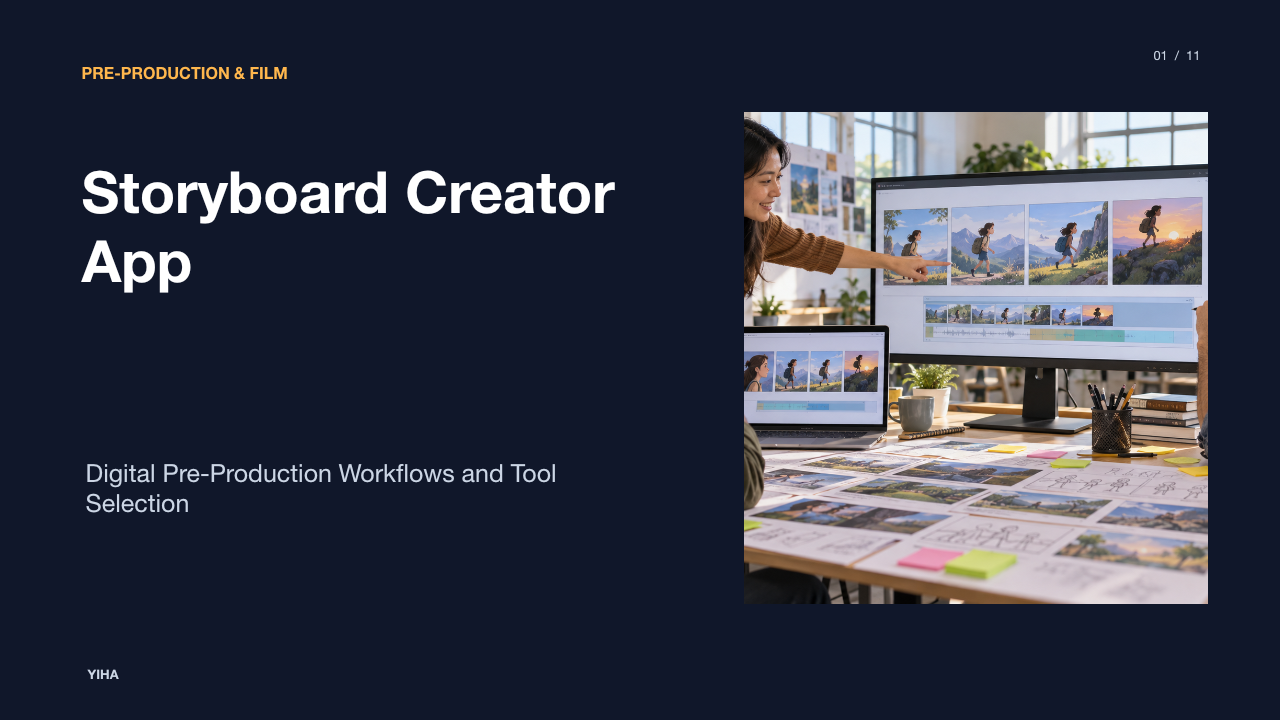
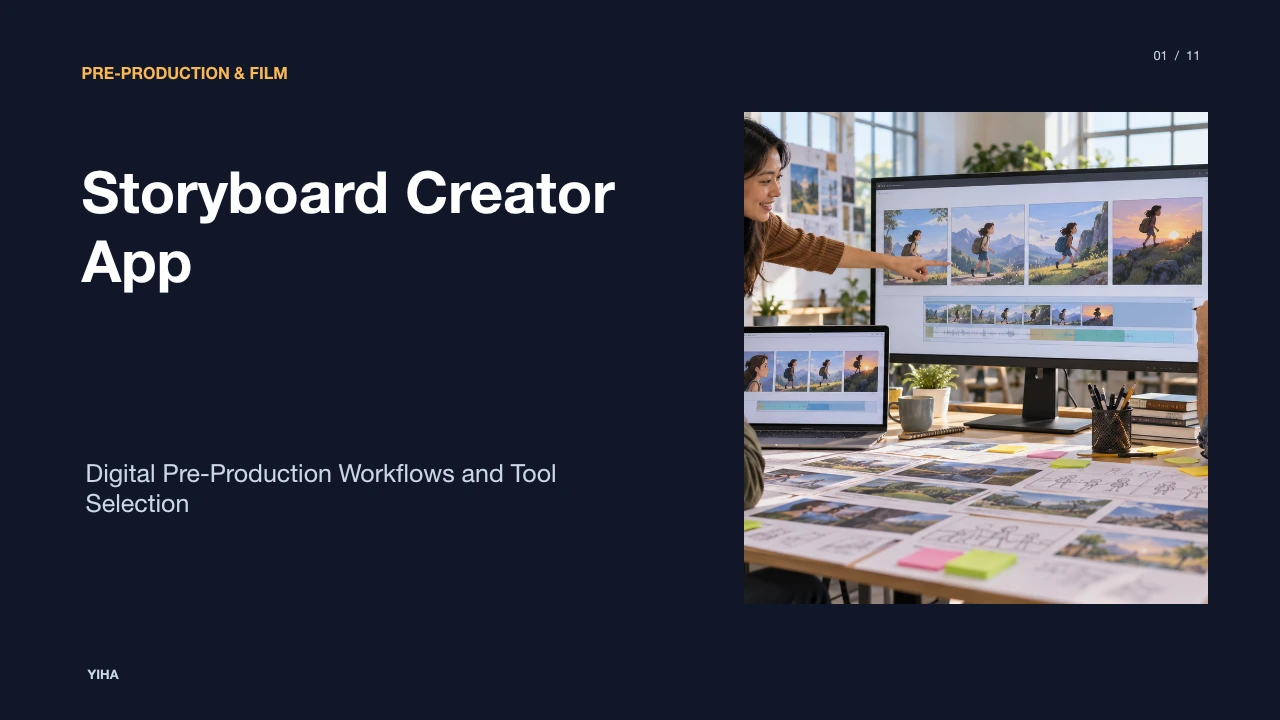
Visual planning forms the operational core of screen-based storytelling. Whether developing a commercial, feature film, television episode, or serialized comic, filmmakers and visual creators must translate written scenes into ordered visual sequences before deploying physical camera packages or committing animation labor. A storyboard creator app replaces fragmented binders and manual sketch revisions with structured software environments that manage aspect ratios, scene data, camera notations, and crew feedback. Understanding how modern digital storyboarding platforms operate allows creative teams to eliminate bottlenecks and bridge the operational divide between initial scripts and final production.
The Shift from Paper Pads to Digital Storyboard Apps
For decades, pre-production relied on physical sketchpads, paper boards pinned to cork walls, and index cards shuffled across tabletops. While tactile, these analog methods created acute bottlenecks during revisions. Changing a camera angle or reordering a three-shot sequence meant physically erasing panels, redrawing sketches, or printing fresh sheets. Distributing updates to remote departments required manual scanning, photocopying, and physical delivery, introducing version confusion and lost notes across departments.
Digital applications address these pain points by treating every board as a living, editable asset. As outlined in FREE Storyboard Templates & Storyboard Creator, storyboarding software simplifies assembling and sharing graphic layouts that sequence illustrations shot by shot. Cloud-connected environments allow teams to store multiple revisions without destructively altering earlier versions. Furthermore, specialized web tools such as the Manga Storyboard Workflow Guide demonstrate that digital workflows let creators verify layout geometry, reading order, and pacing early, reducing manual redraw cycles when schedules compress. Software platforms like StoryboardHero also highlight how digital tools bridge the gap between written concept and physical execution by generating structured shot blueprints quickly.
Data Architecture and the Anatomy of a Digital Panel
In a dedicated storyboard app, a panel is not merely a static graphic frame. Instead, it operates as a structured database record containing visual framing and technical metadata. Each panel stores parameters essential for production crew execution, including scene numbers, shot identifiers, aspect ratio boundaries, and action descriptions.
According to Free Online Storyboard Creator Software, modern applications provide click-and-select shot specifications directly alongside panel images. This architecture links framing dimensions directly to camera tags and shot lists. Platforms support configurable aspect ratios, such as 16:9 for broadcast or web video, 2.39:1 for widescreen cinema, and 9:16 for vertical formats, as detailed in FREE Storyboard Templates & Storyboard Creator. Beyond the canvas graphic, each panel contains fields for dialogue cues, sound effects, character blocking instructions, and numbering schemas that automatically update if a board is inserted or deleted. By maintaining shot numbers as dynamic metadata rather than burned-in drawing layers, digital tools prevent clerical errors when scenes are reordered.
Script-to-Panel Synchronization and Scene Breakdown
One of the most consequential capabilities of dedicated storyboard creator apps is programmatic script ingestion. Rather than forcing artists to copy and paste text manually, tools parse standard screenplay formatting, identifying scene headings, action paragraphs, character names, and parenthetical dialogue cues.
As explained in Free Online Storyboard Creator Software, importing a script allows the platform to automatically generate scene containers. Users can select any line of action or dialogue directly from the text to spawn a linked storyboard panel. This bidirectional link ensures that editorial changes in the script remain synchronized with visual boards. In narrative analysis from What is a Storyboard?, storyboards serve as roadmaps that guide teams from script to screen. When visual boards and script text reside in the same database, directors can track visual coverage against dialogue requirements without missing crucial story beats.
Asset Generation: Stylus Input, Libraries, and AI
Digital storyboard applications accommodate different production tiers through three main asset creation mechanisms: hand-drawn digital input, drag-and-drop asset libraries, and generative text-to-image tooling.
For trained storyboard artists, stylus support with raster or vector brushes enables expressive drawing directly on screen. In contrast, non-artists frequently rely on drag-and-drop asset libraries. As seen on StoryboardThat, library-driven creators provide searchable repositories of customizable characters, backgrounds, props, and facial expressions, allowing educators and commercial planners to construct scenes without drawing skills. Recently, generative tooling has entered the workflow. Specialized tools described in Free Online Storyboard Creator Software and Manga Storyboard Workflow Guide support uploading rough sketches or prompt-driven visuals, which creators then modify using exposure tools, filters, and sequential panel arrangements. The primary limitation of generative output remains character and environment consistency across wide, medium, and close-up angles, requiring creators to maintain clear reference limits.
Camera Optics, Blocking, and Motion Annotation
Communicating cinematic intent requires more than showing subject placement; it demands clear visual notation for camera movement, lens choices, and character blocking. When a director passes boards to a director of photography or camera operator, the visual language must clearly distinguish between subject motion and camera movement.
Dedicated storyboard tools solve this by providing vector annotation layers. In FREE Storyboard Templates & Storyboard Creator, platforms emphasize annotating panels with directional movement arrows, camera angles, and lens parameters. Curved arrows indicate camera pans, tilts, or roll maneuvers, while tracking or dolly shots are designated with framing lines and perspective vectors. Built-in metadata menus described in Free Online Storyboard Creator Software enable teams to tag whether a shot uses a wide-angle 24mm perspective, a standard 50mm framing, or a telephoto lens, ensuring that visual compression and depth of field are understood prior to call sheet generation.
Collaborative Review and Distributed Pre-Production
Pre-production rarely occurs in isolation. Directors, cinematographers, production designers, producers, and commercial clients must review framing and suggest adjustments before shoot days arrive. Physical paper reviews often created fragmented email threads, contradictory feedback, and misaligned expectations.
Modern platforms centralize review through cloud collaboration features. As documented in StoryboardHero, centralized web platforms enable directors, cinematographers, and clients to align in one integrated system, where users can iterate on revisions and review concept framing together. In manga and comic workflows outlined in Manga Storyboard Workflow Guide, cloud collaboration allows creators and editors to share digital previews and attach real-time panel revision annotations. Furthermore, establishing clear revision ownership ensures that suggested changes match story goals before export, avoiding conflicting artistic directions.
Animatic Assembly and Timeline Synchronization
While static panels communicate individual compositions, they cannot convey temporal pacing or comedic timing. To evaluate rhythm before filming or animation begins, storyboard panels must be assembled into an animatic, which is a timed sequence of boards played alongside audio cues.
As detailed in What is an Animatic, an animatic is an animated storyboard that links panel images into video, incorporating dialogue, temporary sound effects, and music. This process reveals whether a dialogue pause feels natural or an action sequence runs too long. In FREE Storyboard Templates & Storyboard Creator, structured panel arrangements allow teams to establish timing passes across sequential beats. Transforming static panels into timed sequences allows directors to identify pacing flaws while adjustments still require only trimming panel durations rather than reshooting live footage.
Architecture Tradeoffs and Workflow Bottlenecks
When implementing a storyboard application, production companies must weigh the functional tradeoffs between specialized drawing suites, end-to-end production management systems, and standalone web tools. Each architectural approach solves specific challenges but introduces practical limitations.
Specialized desktop drawing suites offer deep stylus pressure control and high-resolution rendering, yet they frequently lack built-in call sheet integration, script breakdown modules, or easy client approval portals. In contrast, all-in-one pre-production suites integrate scripts, shot lists, and call sheets smoothly, but their drawing canvas tools may be limited to basic shapes and annotations. Meanwhile, rapid platforms, such as those described in Storyboard Template For Short Form Video Creator, prioritize swift shot sequencing and reference anchoring for short-form social formats, yet they require disciplined prompt and reference control to avoid visual drift across cuts. As emphasized in the Manga Storyboard Workflow Guide, export readiness remains critical to ensure that panel layouts can transition cleanly into subsequent coloring, lettering, or editorial stages without manual reformatting.
Production Pipeline Integration and Tool Selection
Selecting the appropriate storyboard creator application depends on project scale, team technical competency, and post-production handoff requirements. A solo content creator producing vertical videos has fundamentally different technical needs than an animation studio managing a multi-tiered department.
To establish an effective selection framework, teams should evaluate three primary criteria: script integration, collaboration architecture, and downstream export fidelity. As shown across the Manga Storyboard Workflow Guide, teams requiring structured handoffs benefit from tools that enforce clear panel purposes and export requirements before starting work. In broad narrative pre-production analyzed in What is a Storyboard?, storyboards function as visual roadmaps whose primary duty is facilitating clarity among department leads. Furthermore, platforms like StoryboardHero emphasize that effective storyboards serve as practical communication blueprints that resolve execution challenges early. Illustrative example: a commercial agency planning a 30-second spot benefits from web-based tools with client commenting sharelinks, whereas a long-form narrative production requires deep screenplay breakdown and shot-numbering stability. By aligning software capabilities with crew requirements, filmmakers ensure that storyboards serve their intended purpose: delivering a reliable roadmap from concept to screen.
Research sources
- FREE Storyboard Templates & Storyboard Creator · www.studiobinder.com
- Manga Storyboard Workflow Guide 2026 Complete Guide â Mangaka Blog · www.mangaka.app
- Storyboard Creator: Create Professional Storyboards With AI | StoryboardHero · storyboardhero.ai
- Free Online Storyboard Creator Software | StudioBinder · www.studiobinder.com
- What is a Storyboard? | Free Storyboard Creator · www.studiobinder.com
- Free Storyboarding Software — Online Storyboard Creator · www.storyboardthat.com
- What is an Animatic — How To Bring Your Storyboard to Life · www.studiobinder.com
- Storyboard Template For Short Form Video Creator | CinemaDrop · www.cinemadrop.com