Online Presentation
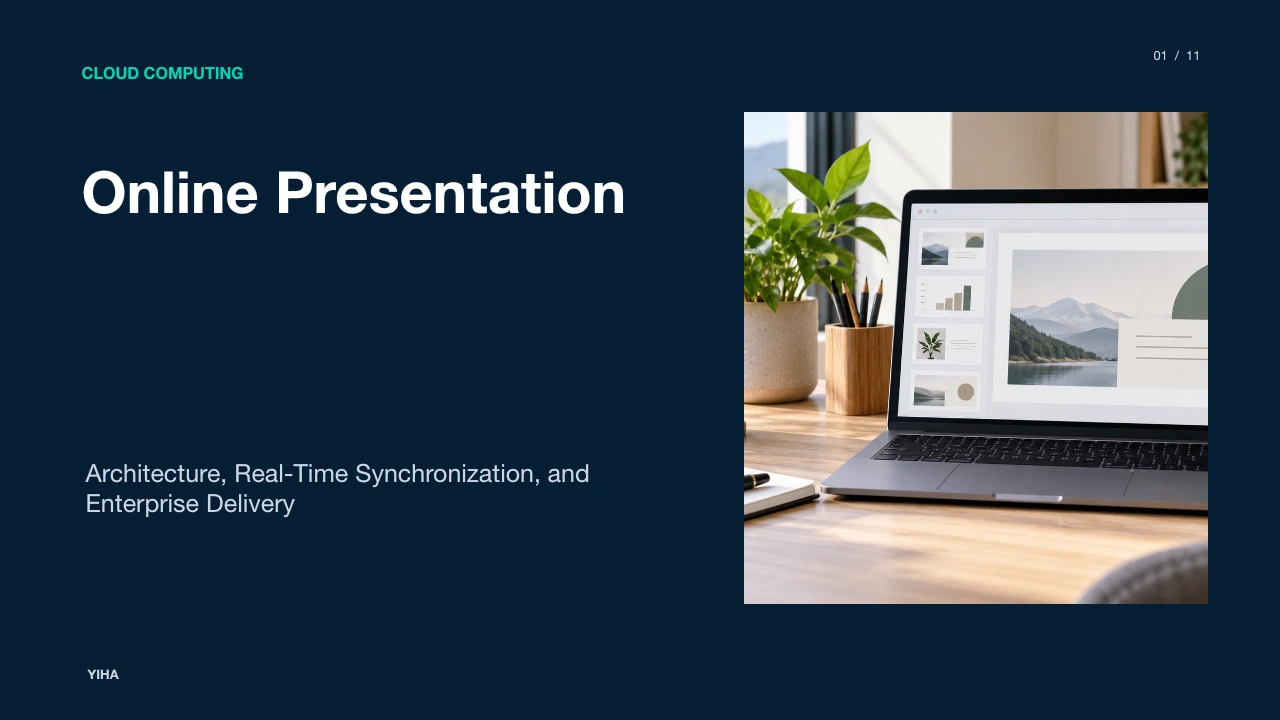
A technical examination of browser-based presentation runtimes, detailing slide rendering pipelines, real-time collaboration locks, media streaming mechanics, accessibility standards, and cloud governance.
Free download · 4.9 MB11 editable slides · PowerPoint format
Download the editable PPTX
PPTX · 4.9 MB · 11 editable slides · Free to edit and reuse with attribution to Yiha.ai
View every slide
Use ← →, Home/End, or swipe on mobile
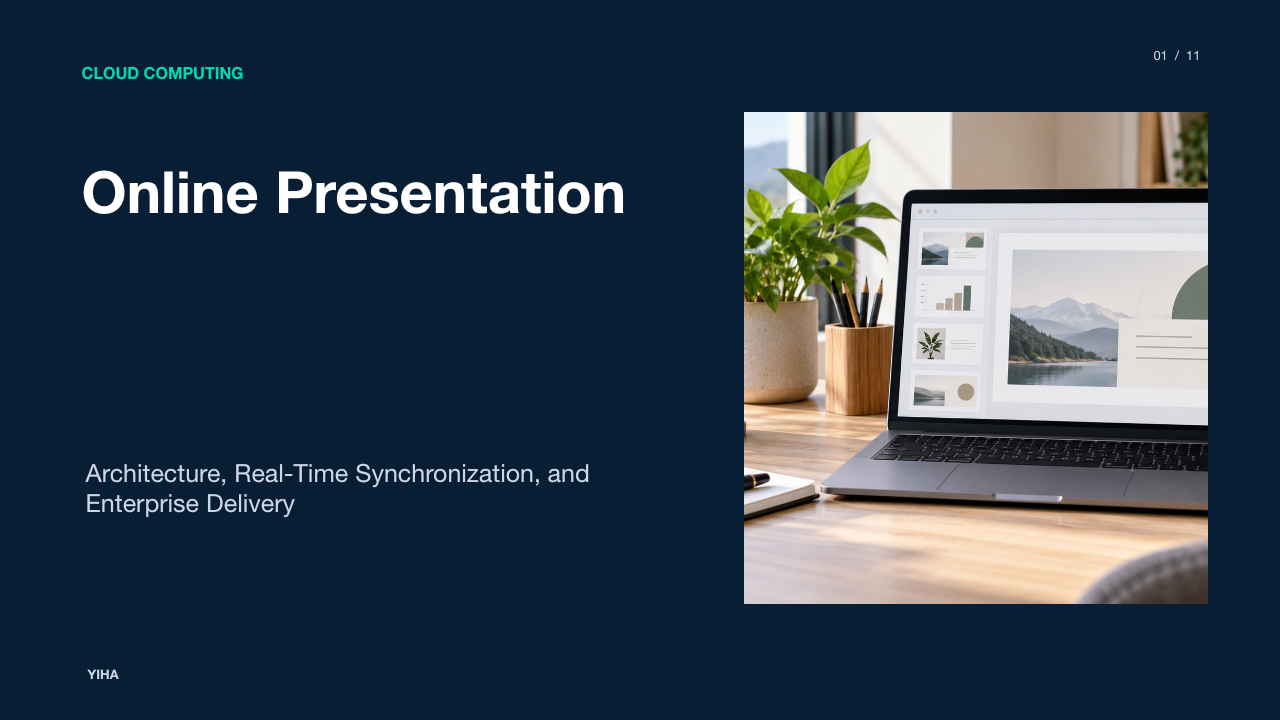
The delivery of presentations has undergone a foundational transition from standalone client runtimes to distributed cloud platforms. Historically, presentations operated as binary files rendered on localized desktop engines. These legacy systems relied entirely on local CPU cycles, operating system graphics libraries, and local storage disks. In modern workplace environments, browser-executed engines and cloud runtimes have reshaped how presentations are authored, synchronized, rendered, and distributed. This architectural shift enables concurrent multi-user editing, cross-platform accessibility, and centralized governance, while introducing distinct trade-offs in rendering fidelity, resource contention, and network reliability.
Evolution from Desktop Runtimes to Cloud Presentation Systems
Traditional desktop presentation applications run as native binaries compiled for specific operating systems such as Windows or macOS. In this local model, the desktop client reads structured archive packages and renders shapes, typography, and animations using native OS graphical subsystems. The local installation manages file persistence directly on local or network disks, often requiring several gigabytes of local storage for the office suite runtime.
In contrast, cloud presentation systems execute presentation logic within browser JavaScript engines. As documented by Free Microsoft 365 Online, productivity web applications now deliver core authoring capabilities directly through modern web browsers across desktop and mobile devices, utilizing centralized cloud storage repositories such as OneDrive. Browser-based platforms parse document structures on remote application servers or within client-side memory sandboxes. Web-native services described by Online PPT Maker Free demonstrate that lightweight slide creation engines can construct presentation files without client-side installation, generating exportable slide structures dynamically. This shift decouples slide authoring from platform-specific desktop hardware, allowing standardized execution across diverse consumer and enterprise endpoints.
Browser Rendering Architectures and Document DOM Mapping
The technical core of a web presentation runtime is its rendering engine. In a native client, presentation software accesses native rasterization engines to calculate sub-pixel typography and vector geometry. In a web browser, the presentation runtime must map document schemas into standard web primitives.
In technical analysis, modern cloud slide editors use a combination of the HTML Document Object Model (DOM), Scalable Vector Graphics (SVG), and HTML5 Canvas drawing routines. Text boxes and rich-text editing elements are rendered using structured DOM containers or editable SVG elements to preserve crisp font outlines, accessibility hooks, and text selection. Geometric vector shapes, connectors, and complex paths are rendered through vector elements or Canvas drawing loops. When handling high-density slide graphics or transitions, Canvas drawing pipelines provide hardware-accelerated drawing that avoids the layout reflow delays associated with excessive DOM tree mutations. As highlighted by Free PPT Maker and Free Microsoft 365 Online, web presentation tools rely on browser-level canvas and vector rendering engines to display layouts, diagrams, and font hierarchies dynamically across varied client screen resolutions.
Real-Time Concurrency and Element-Level Presence Locking
One of the most significant engineering differences between desktop runtimes and web presentation systems is multi-user concurrency. Desktop workflows traditionally relied on file checkouts or manual revision merges, frequently causing file-version discrepancies. Cloud presentation environments solve this through centralized synchronization frameworks.
Cloud presentation platforms maintain a central document state in cloud memory and coordinate edits across connected browser sessions. Solutions documented by Microsoft PowerPoint Presentation Maker enable teams to co-author in real time, tracking changes, comments, and version histories simultaneously. Under this model, editors emit granular mutation operations over WebSocket or HTTP connections. System designs frequently implement element-level locking or presence tracking. For instance, Online PPT Maker Free highlights that collaborative editing environments use named collaborator cursors and per-element locks to prevent two authors from modifying the identical text box or vector shape at the same moment. By isolating concurrent mutations to individual slide elements, cloud presentation runtimes prevent conflicting write operations and maintain data integrity across distributed active sessions.
Video Screen Scraping Versus Structured Slide Streaming
When presenting slides to remote audiences, software architectures broadly divide into two operational methods: video screen scraping and structured slide data streaming.
Video screen sharing operates by capturing the presenter display buffer as a continuous video stream. This approach treats slide content as generic video pixels. In technical analysis, screen scraping imposes considerable client-side CPU overhead because the host machine must continuously capture, compress, and encode frames. Furthermore, text rendered via pixel video streams often suffers from compression artifacts, blurred edges, and high network consumption under constrained bandwidth.
Conversely, structured presentation streaming protocols transmit slide assets, vector definitions, and synchronization metadata directly to participant endpoints. As outlined in the delivery model of Microsoft PowerPoint Presentation Maker and Free Microsoft 365 Online, presentation content resides in centralized storage, allowing participant browsers to fetch slide assets directly from cloud caches and render them locally. Presenter actions, such as advancing slides, moving pointers, and inking, are transmitted as lightweight metadata packets. This decoupling reduces bandwidth consumption, ensures native text sharpness on viewer displays, and frees up local host processing resources.
Network Optimization and Bandwidth Throttling Strategies
Delivering rich slide presentations across corporate local area networks and wide area networks presents substantial network engineering challenges. High-resolution raster images, embedded media, and complex slide backgrounds can expand presentation payloads significantly, threatening network stability when hundreds of enterprise users access an event simultaneously.
To mitigate traffic congestion, cloud systems employ intelligent asset chunking, progressive loading, and content delivery network (CDN) edge caching. Rather than downloading a multi-slide deck upfront, browser runtimes download only immediate slide manifests and render visible assets first, pre-fetching subsequent slides in the background. As noted in storage guidelines from Free Microsoft 365 Online, cloud document platforms utilize structured cloud storage repositories to segment document resources. Platforms also enforce payload caps to maintain system stability. For example, Free PPT Maker sets explicit file ingestion limits, handling documents under 10 megabytes to prevent memory allocation spikes and network timeouts during client-side parsing and rendering.
Accessibility Frameworks and Dynamic Audience Personalization
Traditional presentation files distributed as compiled decks or passive video shares impose uniform visual formats on all viewers, creating significant barriers for participants with sensory disabilities. In contrast, web presentation runtimes integrate natively with browser accessibility APIs, enabling client-side personalization.
Because slide contents are structured as distinct vector objects and semantic text layers rather than flat video pixels, assistive software can read presentation structures systematically. According to official accessibility guidance in Make your PowerPoint presentations accessible to people with disabilities, authors must supply alternative text for images so screen readers can describe visual concepts. The guidance also highlights the importance of accessible templates, sufficient color contrast, subtitles for dialogue, and high-contrast display modes to support people with low vision. As reinforced by Microsoft PowerPoint Presentation Maker, in cloud slide streaming sessions, individual viewers can apply high-contrast themes, enlarge slide text, enable real-time machine-translated captions, or navigate backward through previous slides independently without disrupting the primary presenter or other participants.
Browser Feature Parity and Client-Side Boundaries
While browser-based presentation tools offer portability and convenience, they operate within strict sandbox boundaries that prevent full functional parity with legacy native desktop suites. Modern browsers enforce strict process isolation, preventing direct hardware manipulation, local file system hooking, and unmanaged binary execution.
These constraints create distinct functional boundaries. Legacy automation scripts such as Visual Basic for Applications (VBA) macros and third-party Component Object Model (COM) plugins cannot execute within web runtimes. As noted by Online PPT Maker Free and Free Microsoft 365 Online, desktop PowerPoint applications provide advanced capabilities such as macro-driven automation and complex local media formatting that browser environments omit. Furthermore, custom desktop font embedding faces challenges on the web. If a corporate presentation relies on proprietary local fonts that are not embedded as web fonts or hosted on an accessible server, the browser runtime defaults to system fallback typography, which can cause unexpected text wrapping and broken layouts. Additionally, offline resilience in web clients remains restricted compared to native applications that run independently of cloud connectivity.
Enterprise Data Governance and Session Security Controls
Transitioning presentation assets to browser runtimes shifts data governance boundaries from physical endpoint security to cloud tenant identity and session access management. Local file transfers through external storage drives or unsecured email attachments present severe data leakage risks for confidential enterprise intellectual property.
Cloud presentation platforms address this risk through unified identity federation and granular sharing policies. Rather than circulating static binary copies, users share authenticated web URLs governed by corporate identity providers. As detailed by Microsoft PowerPoint Presentation Maker, enterprise presentations can be distributed via secure OneDrive links with centralized permissions, enabling administrators to track edits, audit access history, and revoke viewing rights remotely. For specialized online generation tools, session hygiene is critical. As noted by Free PPT Maker, privacy-conscious web platforms enforce automated data retention policies, encrypting processed user content and deleting temporary files after 24 hours. These safeguards protect enterprise data confidentiality across open web networks.
Operational Guidelines for Enterprise Cloud Presentation Delivery
Executing high-stakes presentations across hybrid enterprise infrastructures requires structured technical preparation and rigorous operational workflows. Organizations that rely on browser presentation runtimes should adopt standardized delivery checklists to ensure reliable performance.
First, optimize presentation media payloads before live events. Recommendation: compress and resize high-resolution images to match target display resolutions, avoiding redundant file overhead. Second, verify client network stability and bandwidth headroom. Technical teams should pre-test venue firewalls to confirm that WebSocket connections and media streaming ports operate without aggressive throttling. Third, establish offline fallback pathways. As documented across Free Microsoft 365 Online and Microsoft PowerPoint Presentation Maker, users can export presentations to static formats like PDF or download local presentation files for offline viewing. In an illustrative example of an enterprise town hall, an operations team maintains both an active structured cloud session and a downloaded local backup deck. If the venue wide area network suffers an outage, the presenter can switch immediately to the local desktop binary without terminating the session.
Research sources
- Free Microsoft 365 Online | Word, Excel, PowerPoint · www.microsoft.com
- Online PPT Maker Free — Create PowerPoint in Browser | SlideMaker · slidemaker.app
- Free PPT Maker - Create PowerPoint Presentations Online Free · ppt.ai
- Free online presentation maker with editable templates | Microsoft PowerPoint · powerpoint.cloud.microsoft
- Make your PowerPoint presentations accessible to people with disabilities | Microsoft Support · support.microsoft.com