How To Create A Film Storyboard
A complete step-by-step pre-production guide on how to create a film storyboard, breaking screenplays into visual beats, framing aspect ratios, sketching camera movements, and assembling animatics.
Free download · 4.9 MB11 editable slides · PowerPoint format
Download the editable PPTX
PPTX · 4.9 MB · 11 editable slides · Free to edit and reuse with attribution to Yiha.ai
View every slide
Use ← →, Home/End, or swipe on mobile
Translating a written screenplay into a filmed sequence requires solving creative and logistical challenges long before lights are rigged or actors arrive on set. A film storyboard serves as the vital translation layer between literary text and cinematic execution. By establishing framing, blocking, camera dynamics, and scene rhythm on paper or digital canvases, filmmakers test visual choices where revisions cost nothing. This guide outlines the complete pre-production workflow for building an actionable storyboard sequence.
The Purpose and Function of a Film Storyboard
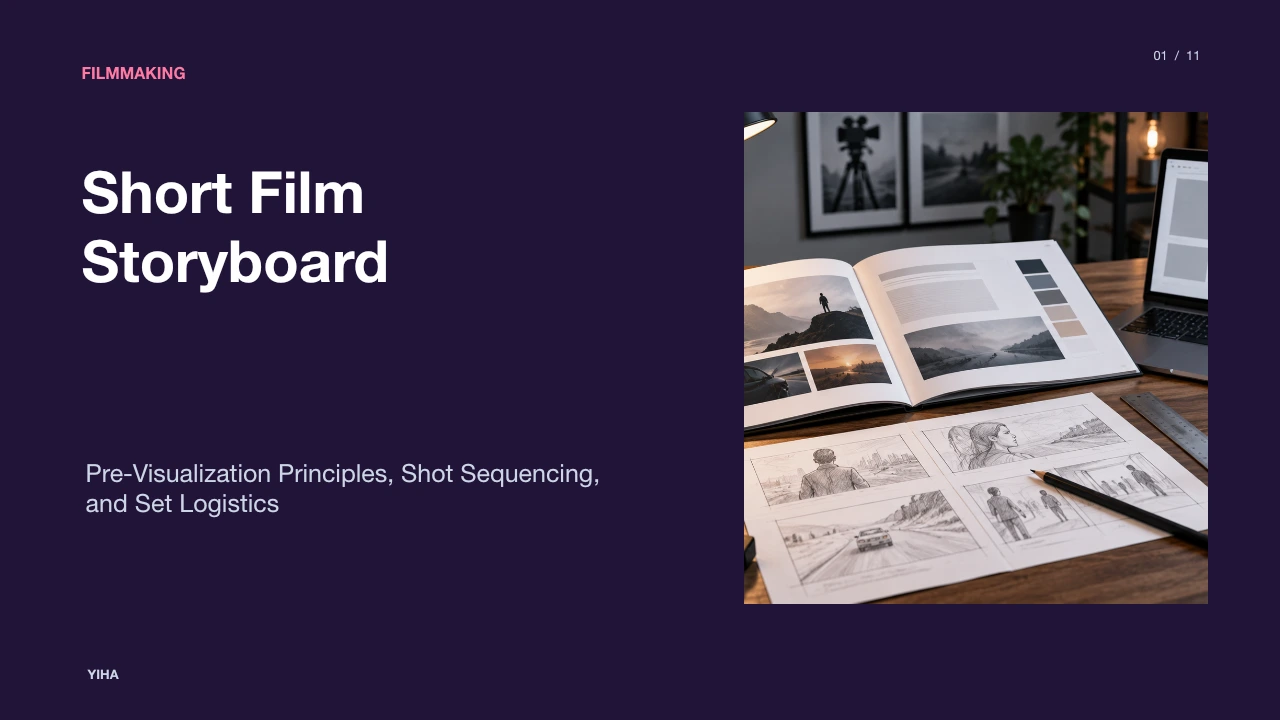
A film storyboard is a sequential series of illustrated panels that maps out how a narrative unfolds shot by shot before principal photography begins. Originating in early studio animation at Walt Disney Studios during the 1930s, storyboarding transitioned into live-action cinema as directors like Alfred Hitchcock used meticulous visual planning to lock down staging and frame construction ahead of production, as detailed by asmr.education.
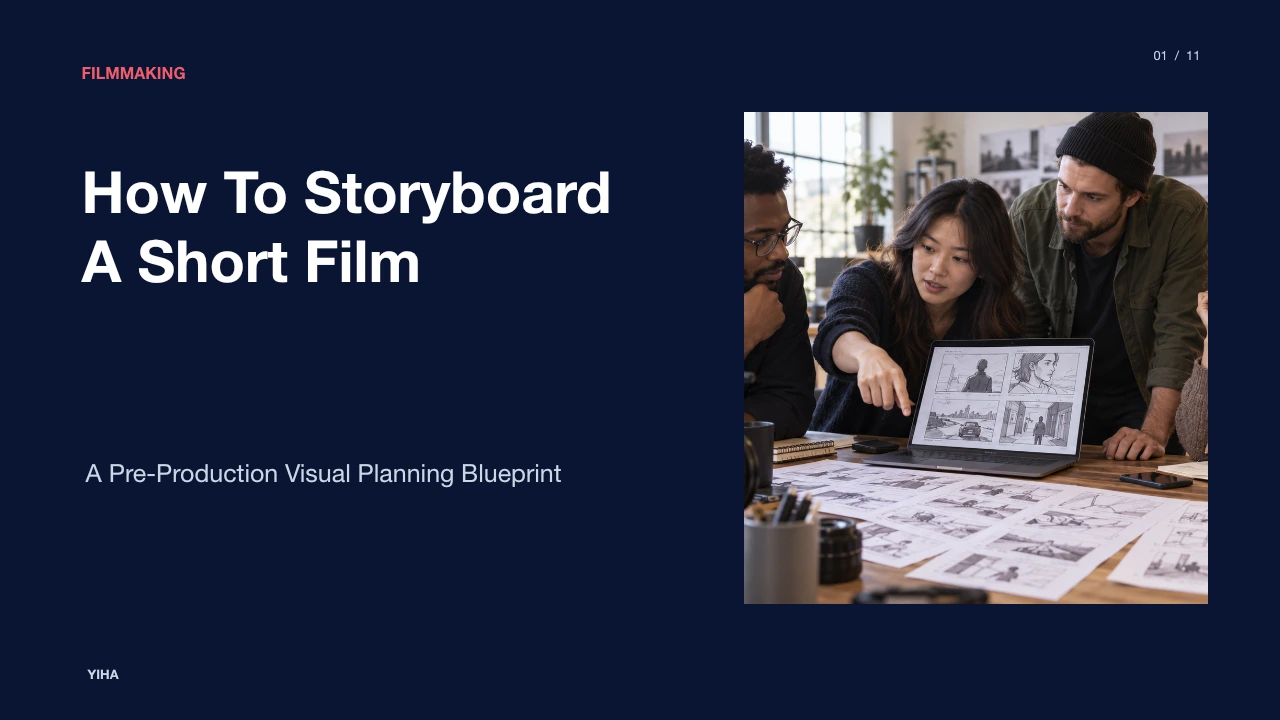
In modern screen production, the storyboard acts as a shared visual blueprint across creative departments. Screenplays convey action lines and dialogue, yet they omit lens framing, subject spatial positioning, and cutting points. According to the Vancouver Film School, screen production is fundamentally collaborative; because a written sentence creates divergent images in different collaborators' minds, storyboarding establishes a concrete visual reference for directors, cinematographers, production designers, and visual effects teams. Furthermore, it functions as an essential problem-detection tool. Discovering on set that two setups fail to cut together logically or that a planned camera move is physically constrained by a location can rapidly inflate production costs. Testing visual choices in panels solves problems before resources are committed, as observed in Drawstory.ai.
Breaking Down the Screenplay into Visual Beats
Before drawing panels, a filmmaker must analyze the script structurally rather than transcribing dialogue line by line. A script breakdown for storyboarding begins by reading the script to understand narrative momentum and identifying scene boundaries whenever locations, times of day, or core activities change. As emphasized by Induce AI, an unconsidered boarding pass risks treating every scene identically, whereas complex sequences require deliberate framing and distinct visual weight.
Within each scene, directors extract core story beats—key moments where emotion shifts, power dynamics invert, or narrative revelations occur. Practical guidance from ImagineArt highlights that cuts must serve a specific narrative purpose, such as redirecting attention to a reaction or detail, rather than creating arbitrary visual variety. For example, in an illustrative dialogue sequence between two characters, an initial two-minute dialogue scene typically demands eight to twelve distinct setups rather than a panel for every exchanged line. As noted by Dreamtown Creative, focusing on four core elements per beat—characters present, necessary props, physical setting, and main dramatic action—keeps the plan concise and prevents board clutter.
Setting Aspect Ratios and Panel Grids
Composing storyboard panels requires selecting the delivery aspect ratio before sketching begins. Drawing inside incorrect panel proportions causes misleading blocking; a composition framed for a standard widescreen shape will crop critical headroom or lead room if delivered in an anamorphic format, as explained by Grid Maker Pro. Common delivery standards include standard high-definition widescreen (16:9 or 1.78:1), anamorphic scope (2.39:1), traditional academy ratio (4:3 or 1.33:1), and vertical mobile video (9:16).
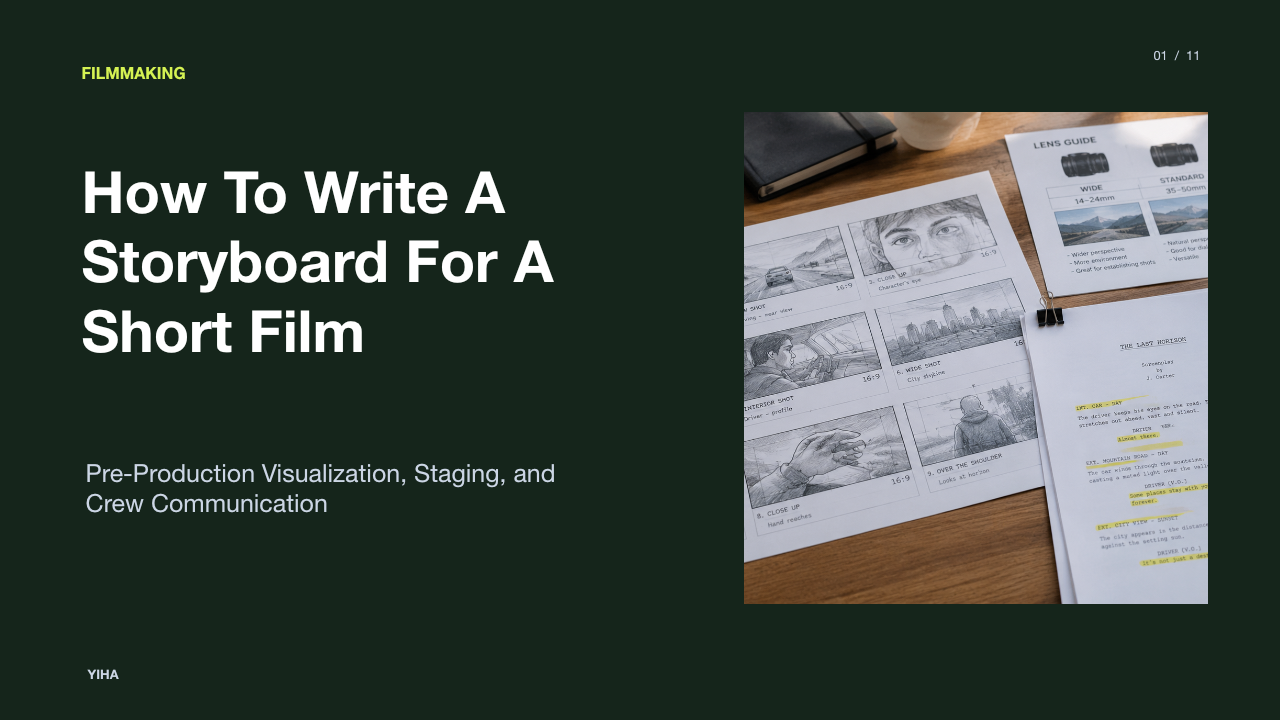
Standard page layouts organize panels into structured grids to balance drawing readability with technical annotations. As documented by FilmBuilder, printed templates commonly feature three to six 16:9 panels per page, paired with dedicated fields for scene and shot numbers, shot size, camera movement, and action descriptions. Professional templates also incorporate safe-area guides—such as action-safe margins at roughly ninety percent and title-safe margins at eighty percent—to ensure crucial narrative blocking and graphic elements survive platform cropping and display overscan.
Scamping: Rapid Sketching and Character Blocking
A storyboard is a functional production tool rather than gallery illustration. Early-stage rapid sketching, historically termed "scamping," prioritizes fast iteration of visual ideas over polished rendering. According to Boords, scamping is intentionally rough and raw, serving the visual narrative so creators can test concepts without getting bogged down by intricate artistic rendering.
Filmmakers without formal drawing backgrounds can communicate framing through basic geometric forms, stick figures, and horizon lines. Practical guidance from Stick Figure Maker demonstrates that a stick figure placed centrally communicates stability, while one pushed to the edge conveys isolation or imbalance. Ensuring silhouettes and character scale read cleanly tells camera operators subject placement, scale, and eyeline height at a glance. As outlined in StudioBinder's guide, stick figures and basic layout boxes effectively convey movement and composition, allowing the production team to establish blocking and camera angles without artistic delays.
Standard Notation and Camera Movement Arrows
Because storyboard panels are static illustrations, directors use standardized graphic notation to indicate movement within the shot. Arrows drawn directly across the frame or around panel borders convey whether the subject is moving or the camera itself is repositioning. As detailed by Scriptly, arrows drawn with bold strokes provide clarity: arrows placed directly on a subject denote actor blocking, while arrows touching or extending beyond the frame boundary signify camera operation.
Specific directional shapes represent distinct cinematic moves. Directional arrows across the plane indicate tracking shots, trucks, or pedestal moves, while curved arrows anchored at a focal pivot point denote horizontal pans or vertical tilts. Optical focal length changes (zooms) are conventionally marked using four diverging or converging arrows at the panel corners, whereas physical dollies or push-ins utilize bold perspective arrows directed toward the center of interest. Furthermore, analysis from Story2Board highlights that for complex movements, artists sketch paired "start" and "end" panels connected by directional notation to confirm that the change in framing accomplishes a defined story objective.
Adding Technical Annotations and Shot Metadata
A visual frame alone cannot communicate all practical parameters needed on set. Dedicated annotation fields beneath or alongside each panel record critical shot metadata. As demonstrated by M Studio, comprehensive production panels pair illustrations with explicit camera designations (e.g., lens focal lengths such as 35mm, shot sizes, depth of field), specific lighting intent, and sound cues to align department heads.
Every panel must incorporate standardized identifiers to keep crew members organized. According to Boardmix, each cell should display the scene and shot number (such as S1.2 for Scene 1, Shot 2), a concise description of physical action, spoken dialogue lines, and estimated shot durations when relevant to editing pacing. Tying shot numbering directly to the assistant director's schedule and the cinematographer's shot list prevents confusion on set and ensures that no planned setups are skipped during shooting.
Maintaining Continuity and Screen Direction
Visual continuity ensures that adjacent shots cut together cohesively without disorienting the viewer. A storyboard serves as the primary testing ground for spatial geography, particularly screen direction and the 180-degree rule. As documented by StoryboardCanvas, establishing where subjects stand and which direction they face across cuts is critical; if a character faces frame-right in an over-the-shoulder shot, the matching reverse shot must position the responding character looking frame-left unless an on-screen camera move explicitly crosses the line.
Tracking continuous screen motion across panel transitions preserves narrative clarity. As explained by StoryboardArt, if a subject exits frame-right in panel one, standard visual continuity dictates that they enter from frame-left in panel two. Evaluating panels sequentially reveals jarring reverse angles, improper jump cuts, or broken eyelines before the crew commits camera setups to actual production.
Comparing Paper, Digital, and Collaborative Tools
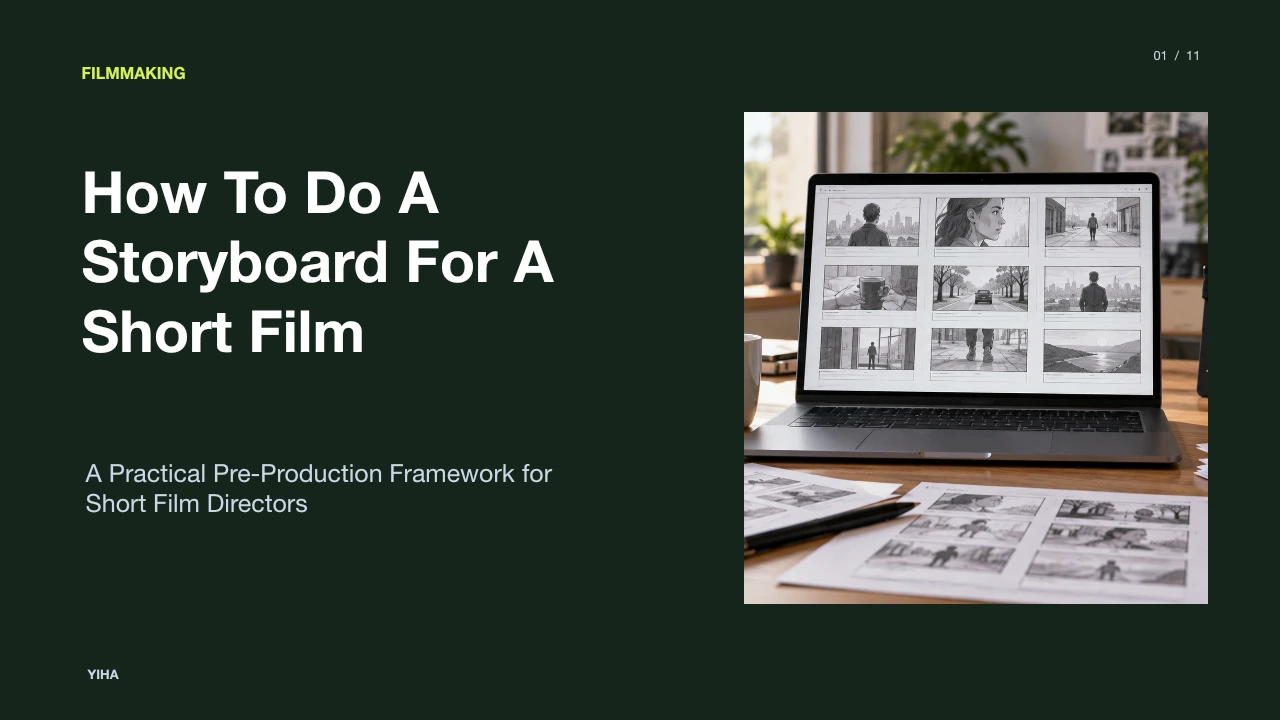
Filmmakers select their boarding methodology based on crew size, timeline flexibility, and distribution needs. Traditional physical formats—such as printable paper templates and index cards—offer immediate tactile freedom. As noted by FilmBuilder, sketching on paper allows directors to capture location angles during physical scouting and pin panels to production office walls for rapid physical rearranging.
However, paper methods introduce friction when sequences undergo revisions or require remote crew access. Digital drawing platforms and collaborative web software streamline versioning and team distribution. According to StoryboardArt's tutorial, establishing clear revision tags (such as v01, v02) and non-destructive numbering conventions (inserting Shot 12A rather than renumbering an entire sequence) protects schedules from breaking during changes. As observed by ImagineArt, while traditional sketching requires drawing proficiency and software licensing, modern digital workflows allow fast regeneration, standardized multi-user formatting, and streamlined digital exports.
Testing Narrative Pace with an Animatic
The final validation step in the storyboarding workflow is assembling the static panels into an animatic. An animatic is a timed video reel created by placing numbered storyboard drawings onto an editing timeline at their intended real-time durations, as described by StoryboardArt. By pairing panels with temporary scratch voiceover, basic sound effects, and musical cues, filmmakers experience the visual rhythm of the project prior to filming.
Viewing panels sequentially with synchronized audio exposes pacing defects, dead air, or abrupt transitions that look fine on paper but drag on screen. As highlighted by StudioBinder's production guide, converting a script into an active visual draft provides an intimate preview of how the finished film will feel. If an action sequence feels sluggish or a scene lacks essential reaction coverage, directors can delete, insert, or reframe panels inside the animatic timeline, locking down an airtight shooting plan before principal photography begins.
Research sources
- What Is a Storyboard? Meaning, Purpose and How It Works | Vancouver Film School · vfs.edu
- What is a Storyboard? Purpose & Process in Pre-Production · asmr.education · asmr.education
- Cinematic Storyboard Guide: Pre Production · www.drawstory.ai
- How to Create a Film Storyboard: Step-by-Step Guide (2026) · www.imagine.art
- Script to Storyboard: Step-by-Step Guide · dreamtowncreative.com
- How to Storyboard a Script: A Step-by-Step Guide | Induce AI Blog · inducelabs.ai
- Storyboard Template — Free Printable 16:9 Panels — FilmBuilder · filmbuilder.app
- Storyboard template: shot frames at a true aspect ratio | Grid Maker Pro · gridmakerpro.com
- How to Storyboard: Step-by-Step Storyboarding Guide (2026) | Boords · boords.com
- How to Make a Storyboard: Ultimate Step-by-Step Guide · www.studiobinder.com
- How to Storyboard With Stick Figures for Videos, Lessons, and Comics · stickfiguremaker.com
- How to Show Camera Movement in a Storyboard · scriptlyai.app
- Camera Movement for Storyboards: Plan Motion Before Animation | Story2Board Blog · story2board.com
- Storyboard Examples: Real Annotated Boards & Shot Sequences | M Studio · mstudio.ai
- Storyboard Template: Plan Shots, Action and Dialogue | Boardmix · boardmix.com
- How to Make a Storyboard for a Short Film: Step-by-Step Guide · storyboardart.org
- How to Make a Storyboard - A Complete Step-by-Step Guide (2026) · storyboardcanvas.ai
- How to Create a Film Storyboard | Easy Step-by-Step [2026] · www.studiobinder.com