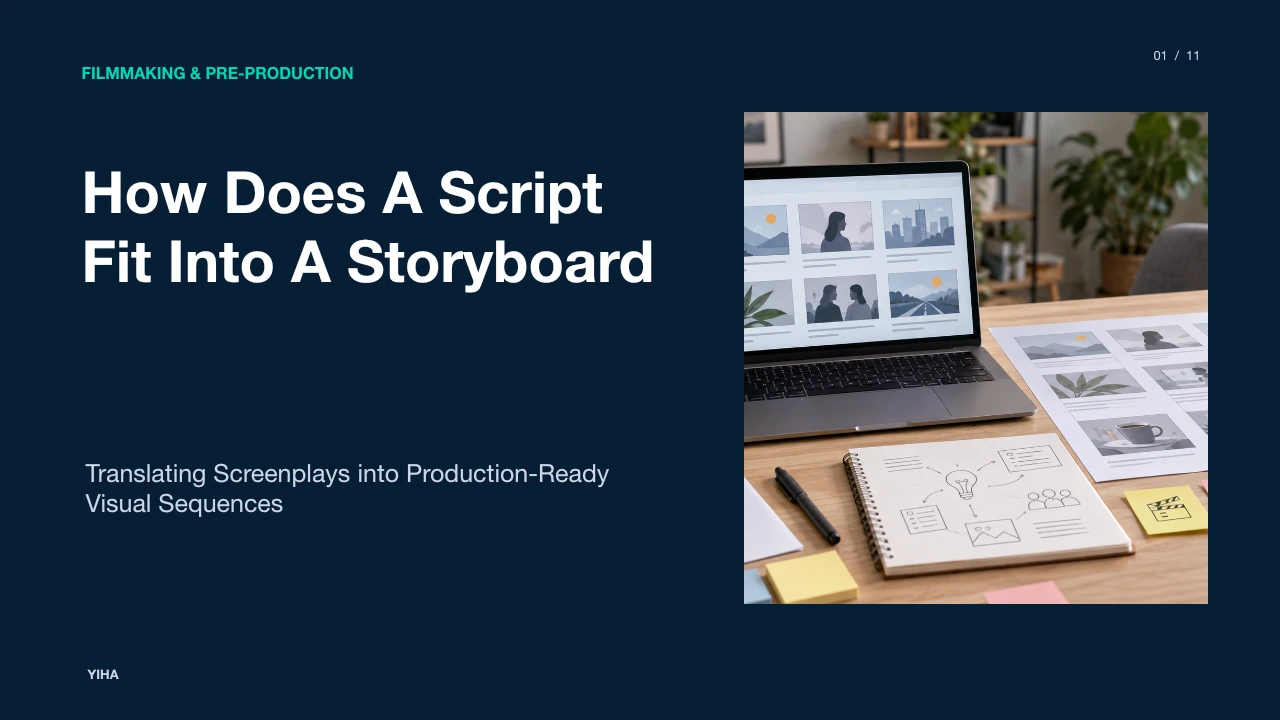
How Does A Script Fit Into A Storyboard
A comprehensive pre-production guide explaining how a written screenplay transforms into visual storyboard panels, coordinating camera grammar, shot coverage, scene metadata, and department workflows.
Free download · 4.9 MB11 editable slides · PowerPoint format
Download the editable PPTX
PPTX · 4.9 MB · 11 editable slides · Free to edit and reuse with attribution to Yiha.ai
View every slide
Use ← →, Home/End, or swipe on mobile
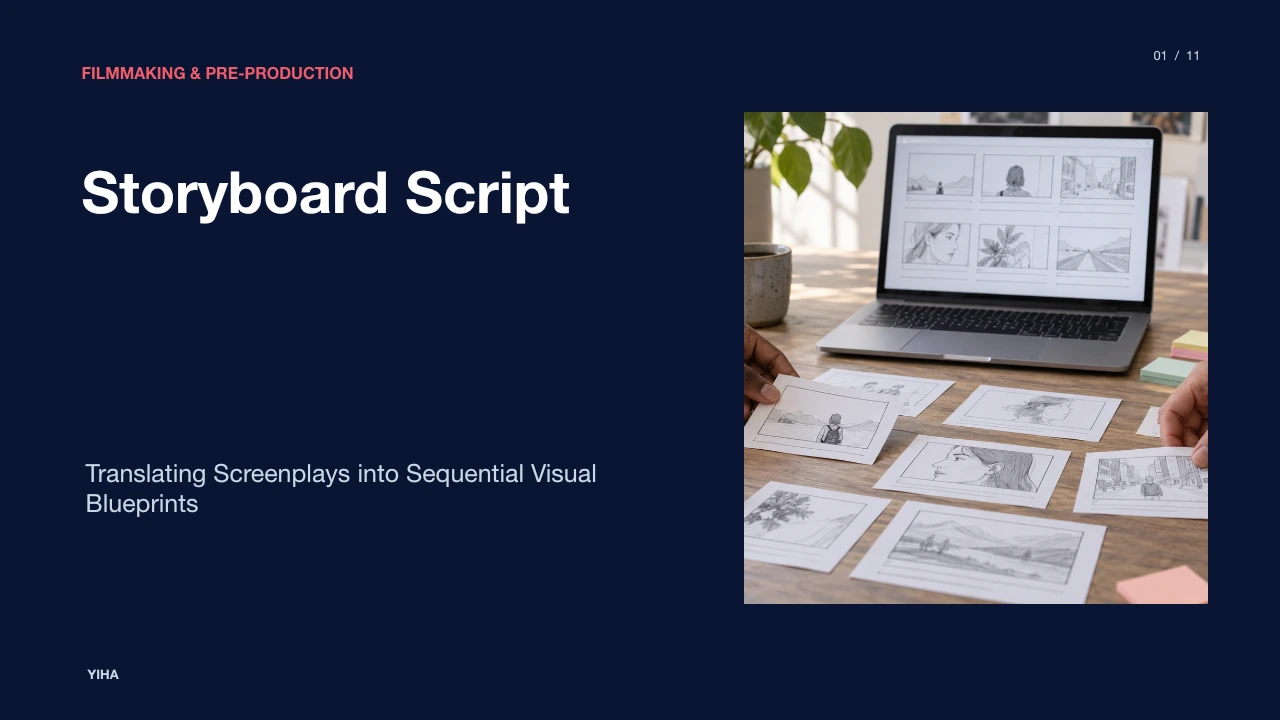
Moving a narrative project from literary script to physical production requires translating text into visual design. While a screenplay describes characters, actions, and spoken lines, it leaves lens choice, physical spacing, and visual pacing unspecified. The storyboard bridges this space, converting written scenes into sequential panels that establish what the lens sees, when the frame cuts, and how production departments execute each setup.
Closing the Gap Between Written Script and Visual Screen
A screenplay serves as the dramatic blueprint for a production, documenting narrative progression through scene headings, dialogue, and action lines. However, written sentences cannot directly instruct a camera operator or focus puller. As outlined in Storyboard vs Shot List vs Script: What's the Difference?, a script answers what happens in the story, whereas a storyboard answers what the sequence looks like on screen. The literary description of an action, such as an entrance into a crowded room, can be realized through a wide establishing frame, a tight push on a character's face, or an over-the-shoulder tracking perspective.
Directly moving from prose to set without visualization often leads to misunderstandings among heads of department. Illustrated panels make composition, subject placement, and screen perspective concrete. Pre-production planning documented by AI Storyboard Generator — Script to Visual Storyboard in Minutes illustrates that establishing locked frames allows teams and clients to evaluate scene continuity, visual pacing, and setup requirements before committing camera crew time or booking studio spaces. The visual board acts as a shared reference document where abstract storytelling converts into physical space and time.
Breaking Down Screenplay Elements into Dramatic Beats
Before drawing panels, filmmakers parse the script into discrete narrative beats. A dramatic beat represents an internal or external shift in the scene, such as a shift in power dynamics, a hidden truth coming to light, or a character making a pivotal decision. In How to Break Down a Script for Storyboarding, storyboard artists emphasize finding narrative structure and subtext before selecting shots, tracking the scene arc rather than storyboarding every line of dialogue.
Illustrative Example: If a screenplay reads "Mark realizes Sarah is lying," an artist cannot film the internal concept of realization directly. Instead, the beat is translated into an observable physical beat, such as "Mark's posture stiffens and he sets his glass down abruptly." Identifying three to seven beats in an average scene establishes the key moments that require visual frames. As noted by Free AI Storyboard Generator: Script to Visual Scenes Online, parsing a script into structured scene units ensures that camera framing matches emotional developments, shifting from wide environmental frames to tighter compositions as scene tension rises.
Translating Action and Dialogue into Shot Coverage
Translating scene blocks into camera coverage requires determining shot types based on dramatic function. Rather than creating a unique panel for every sentence, boards map setups to dramatic changes. According to Script to Storyboard with AI: Step-by-Step Guide, short scenes under a page often need only two or three panels, while dialogue encounters primarily require an establishing shot, reverse coverage, and reaction close-ups at pivotal shifts. Action sequences demand higher panel density, often requiring six to ten panels per script page.
A common standard highlighted in How to Storyboard a Script — Complete Guide (2026) is designating one shot per camera setup, capturing the key defining frame of that position. For instance, a continuous camera move like a push-in requires a starting panel and an ending panel to illustrate frame changes. Dialogue passages do not need continuous cutting. Holding a shot across multiple lines of dialogue is often a deliberate storytelling choice that anchors performance and prevents visual clutter. Directors evaluate the balance between coverage shots and master setups to preserve editorial flexibility without overcomplicating shooting schedules.
Applying Camera Movement, Framing, and Spatial Grammar
When action lines describe physical events, the storyboard translates those words into cinematic grammar. This involves choosing shot sizes, such as wide shots, medium shots, and close-ups, as well as camera heights, tilts, and movement paths. As demonstrated by Storyboarder.ai — AI Storyboard Generator, pre-visualization tools allow directors to define angles like dutch tilts, low angles, or over-the-shoulder perspectives to evaluate spatial relationships before setting physical camera rigs.
Storyboards also enforce directional continuity and the 180-degree rule. As explained in How to Turn a Script Into a Storyboard with AI — 2026 Workflow, a production board must lock shot size, camera path, and transition cuts to ensure visual continuity. Panels use directional arrows to indicate actor trajectories, lens pans, or tracking dollies. When two characters converse, establishing their eyelines on opposite sides of the visual axis in the storyboard prevents disorienting reverse cuts on set. Capturing spatial orientation during pre-production gives the camera crew clear physical boundaries.
Structuring the Storyboard Panel with Text and Metadata
A visual panel functions as a technical instruction sheet rather than standalone artwork. To link directly back to the production screenplay, each panel integrates standard metadata. Industry guidance in How to Storyboard a Script — Complete Guide (2026) identifies four core annotations needed on every panel: scene number, shot identifier, shot type abbreviation, and a concise statement of dramatic intent.
Textual excerpts from the script accompany the frame. As highlighted in AI Storyboard Generator — Script to Visual Storyboard in Minutes, dialogue lines and sound cues are typically placed directly below the visual frame so the crew understands what audio runs concurrently with the visual action. When a shot covers multiple lines, the board features truncated dialogue indicating the exact line where the visual cut occurs, giving editors and script supervisors a clear map of visual timing and coverage continuity.
Facilitating Cross-Departmental Alignment and Scheduling
When script pages are represented by sequential storyboard panels, pre-production planning shifts from subjective interpretation to objective coordination. According to Storyboard vs Shot List vs Script: What's the Difference?, while screenwriters focus on story mechanics, the director, director of photography, assistant director, and visual effects teams use storyboards to evaluate physical composition and technical setups.
Cinematographers and gaffers inspect storyboard panels to determine lighting angles, camera rigging, and track lengths required for complex shots. The first assistant director relies on these visual boards to calculate daily shooting schedules, grouping setups that share identical lighting configurations rather than shooting strictly in screenplay order. As noted in AI Storyboard Generator — Script to Visual Storyboard in Minutes, circulating approved visual boards aligns all departments around an explicit execution plan, minimizing setup changes and unbudgeted revisions during active filming.
Adapting Board Density Across Film, Ads, and Animation
The ratio of script pages to storyboard panels varies depending on the visual medium. In commercial advertising, where fifteen or thirty seconds must communicate precise brand beats, storyboard density is very high. Commercial workflows cited in AI Storyboard Generator From Script show that a 30-second commercial script is frequently broken down into dedicated panels for nearly every setup, accounting for second-by-second pacing and voiceover synchronization.
In feature live-action filmmaking, directors often board selectively, focusing on complex camera movements, visual effects, and stunt choreography while leaving straightforward dialogue to standard coverage shot lists. Conversely, in animated productions, the storyboard serves as the foundational filming process. In animation pipelines, as noted by story artist Sergio Paez in How to Break Down a Script for Storyboarding, boards must detail every staging shift, character posture, and comedic beat because animators cannot rely on live actor improvisation to resolve unscripted pauses. Board density reflects the specific operational demands of each medium.
Recognizing the Boundaries and Pitfalls of Rigid Boarding
While storyboarding clarifies narrative staging, rigid adherence to early drawings introduces clear pre-production risks. A common mistake is treating storyboard frames as final display illustrations rather than functional communication tools. In Storyboarding: Build your visual script, Liz Blazer quotes story artist Greg Araya noting that a storyboard's primary duty is clear, quick readability, reminding artists to discard panels that fail story logic even if they are well drawn.
Another significant operational challenge is maintaining character and spatial consistency across dozens of panels. As highlighted in How to Storyboard a Script — Complete Guide (2026), character inconsistency across frames breaks continuity discussions. Furthermore, boarding scenes without understanding physical location dimensions leads to unshootable plans, such as calling for impossible camera dollies inside confined real-world interiors. Storyboards should guide physical execution without blinding the director to natural blocking discoveries during actor rehearsals on set.
Transitioning Boards into Animatics and Production Sets
The final stage of fitting a script into a storyboard involves verifying pacing through an animatic before taking boards to set. An animatic places storyboard panels along a visual timeline, synchronized with scratch dialogue, tempo music, and sound design. Platform documentation from Storyboarder.ai — AI Storyboard Generator explains how adding camera motion presets and audio cues to static storyboard drawings tests scene duration and shot flow prior to live filming.
Once locked, boards transition directly to on-set management. Panels are correlated with shooting scripts and shot lists, allowing script supervisors and assistant directors to line the script with vertical lines showing exact shot coverage for every spoken word. As described in AI Storyboard Generator From Script, having clean sequential boards provides the entire production team with a clear review-ready baseline, ensuring that written dialogue, visual framing, and final editorial pacing remain completely aligned from initial concept through wrap.
Research sources
- Storyboard vs Shot List vs Script: What's the Difference? | Story2Board Blog · story2board.com
- AI Storyboard Generator — Script to Visual Storyboard in Minutes · www.topview.ai
- AI Storyboard Generator From Script | StoryboardAI.ai · storyboardai.ai
- Pitch Deck Generator For Films From Script To Storyboard | CinemaDrop · www.cinemadrop.com
- Free AI Storyboard Generator: Script to Visual Scenes Online · www.anijam.ai
- How to Break Down a Script for Storyboarding | StoryboardArt · storyboardart.org
- Script to Storyboard with AI: Step-by-Step Guide | Storytella · storytella.ai
- How to Storyboard a Script — Complete Guide (2026) | STORYLINER · www.storyliner.online
- Storyboarder.ai — AI Storyboard Generator | From Script to Storyboard in Minutes · www.storyboarder.ai
- How to Turn a Script Into a Storyboard with AI — 2026 Workflow · FlyAIgh · www.flyaigh.com
- Storyboarding: Build your visual script | Build the Storyboard | Peachpit · www.peachpit.com