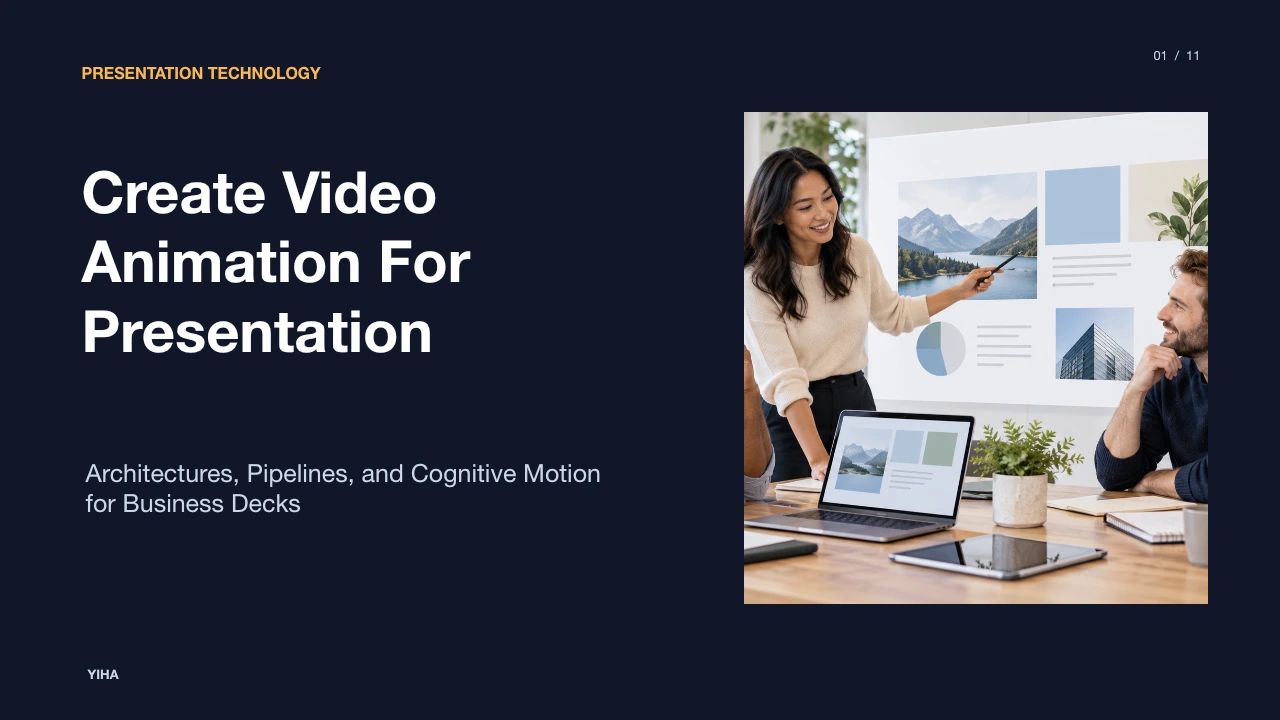
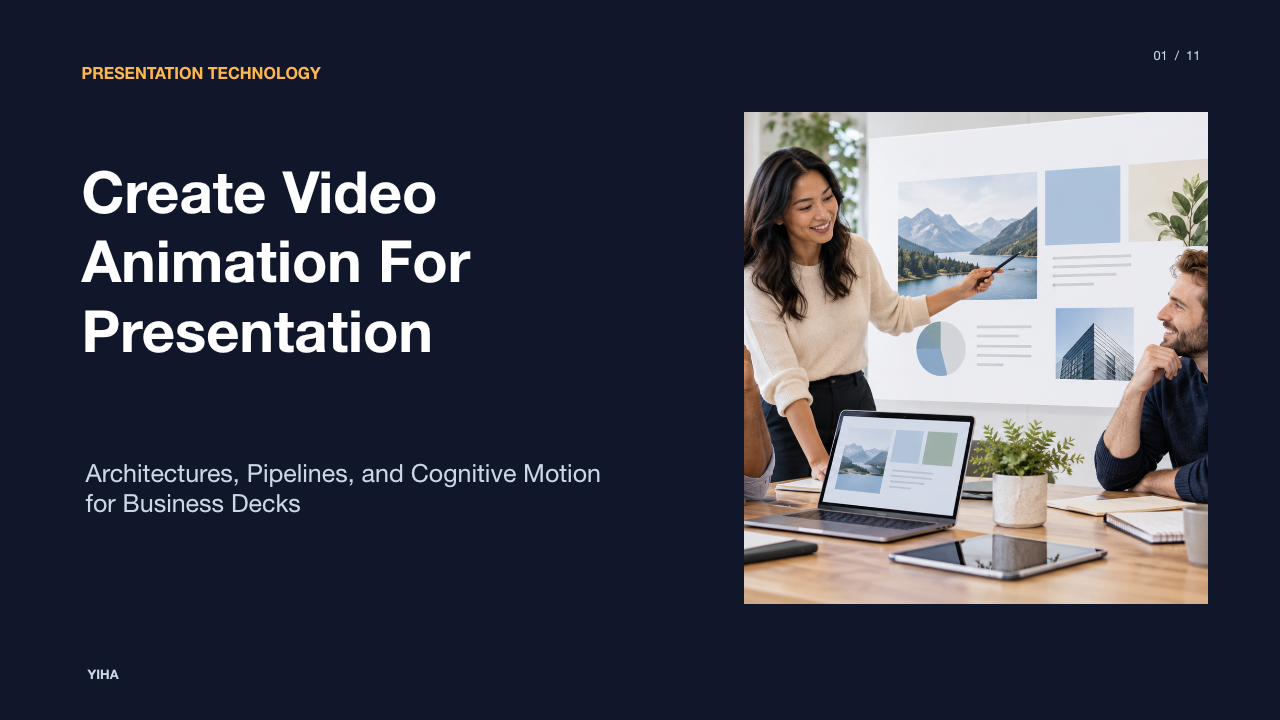
Create Video Animation For Presentation
A technical guide to converting static slide decks into animated video presentations using automated ingestion pipelines, presenter compositing, synthetic voiceovers, and procedural data motion.
Free download · 4.9 MB11 editable slides · PowerPoint format
Download the editable PPTX
PPTX · 4.9 MB · 11 editable slides · Free to edit and reuse with attribution to Yiha.ai
View every slide
Use ← →, Home/End, or swipe on mobile
Modern communication demands a shift away from dense, text-heavy slide decks toward audiovisual narratives that can be digested in asynchronous settings. Moving beyond static bulleted slides allows presenters to control cognitive pacing, integrate human delivery, and present quantitative information dynamically. Building animated presentation videos requires understanding document ingestion, multi-track compositing, procedural motion graphics, and platform governance.
The Evolution from Slide Decks to Animated Video
Traditional presentation decks were designed for live, in-person delivery where a speaker supplied context while slides functioned as static backdrops. In asynchronous environments, static slides force readers to parse dense text, interpret raw charts, and infer narrative emphasis on their own. This dynamic often results in cognitive fatigue and fragmented message delivery.
Video presentation systems convert traditional deck content into continuous multimedia assets that combine pacing, spoken narration, and animated visual cues. As documented by Mootion, video presentations function as dynamic versions of traditional slide decks that integrate visuals, synthetic or recorded narration, and data visualizations into a single on-demand stream. Platforms such as Synthesia note that adding an on-screen presenter and guided vocal delivery helps hold audience attention longer than static slides. By translating static slides into timed visual scenes, authors eliminate the ambiguity of unguided reading and ensure every stakeholder experiences the material as intended.
Cognitive Principles of Motion and Visual Pacing
Pacing in video presentations is not simply an aesthetic preference; it directly affects visual cognition and working memory. When an entire slide filled with text, diagrams, and figures appears simultaneously, viewers struggle to determine where to focus. Purposeful motion directs visual attention sequentially, aligning visual focus with spoken commentary.
Effective motion systems use staged reveals and directional transitions to guide eye tracking. As noted by VEED, structured presentation design relies on visual balance, clean transitions, and clear informational hierarchy to keep audiences engaged. Motion should introduce one concept at a time, allowing viewers to integrate auditory and visual data without overload. Tools like Vidu highlight that motion continuity between starting and ending frames establishes visual connection. However, excessive decorative animation distracts from core concepts. Movement must always signify relationship, sequence, or emphasis.
Ingestion Pipelines: Converting Slides and Assets to Video
Converting an existing slide deck into a structured video project begins with an ingestion pipeline. Manual re-creation of visual elements across tools consumes unnecessary time, making programmatic parsing of slide decks essential for scalable production.
Modern video presentation engines parse source documents into discrete scene components. According to documentation from Synthesia, platforms can ingest presentation files directly, supporting PowerPoint files (.pptx) up to 1GB and 150 slides, while also accepting document formats like PDF, DOCX, and TXT up to 50MB. During file ingestion, the software extracts editable text blocks, shape vectors, raster images, and embedded video clips into discrete timeline layers. Furthermore, the parser reads embedded presenter notes directly into the timeline as draft narration scripts, establishing the base timing for each scene.
Multi-Track Recording and Presenter Compositing
Human presence adds credibility and clarity to complex technical demonstrations. Multi-track recording workflows capture the speaker alongside high-resolution screen visuals, allowing granular timeline manipulation during post-production.
As explained by TechSmith, screen capture tools like Snagit and Camtasia allow authors to capture the screen display and webcam simultaneously to produce picture-in-picture layouts. These tools allow creators to customize camera placement, adjust picture-in-picture window dimensions, toggle full-screen views, and record separate microphone and system audio channels. Cloud video editors such as VEED expand on this workflow by offering browser-based screen and camera recording alongside one-click background isolation, background noise reduction, and timeline clipping. Isolating the presenter track from the slide track ensures that slides can be updated or resized without altering the presenter video.
Synthetic Avatars and Text-to-Speech Narration
Traditional video recording often stalls due to audio capture errors, equipment constraints, and the friction of scheduling live talent. Synthetic presenters and text-to-speech engines solve these hurdles by generating synchronized presenter footage directly from text scripts.
Platforms such as Synthesia combine photorealistic digital avatars with text-to-speech models supporting over 140 languages. Script text is mapped directly to phonemes to produce lip synchronization and natural facial expressions. When updates are required, editors can revise the text script instead of reshooting live video, allowing instant updates across video libraries. Visual generation systems documented by Vidu complement avatar workflows by generating reference-guided motion shots and B-roll clips from text prompts or still artwork, illustrating narrative concepts without camera crews.
Procedural Motion Graphics for Data and Concepts
Dense numeric tables and static charts obscure trends. Procedural motion graphics clarify complex quantitative data by animating key metrics, category comparisons, and temporal trends in sync with narration.
Platforms like Mootion emphasize that data-driven visuals such as dynamic charts, timelines, and concept illustrations make sophisticated technical topics accessible. Rather than presenting a static balance sheet or multi-variable line chart, motion graphics reveal baseline data first, followed by incremental trend lines, callout highlights, and summary figures. As detailed by Synthesia, automated motion graphics engines allow creators to generate animated charts and timelines directly from input data. Sequential visual reveals prevent information overload and allow viewers to absorb each metric in step with the spoken explanation.
Generative Video Tools Compared to Timeline Editors
Organizations producing video presentations must choose between automated generative platforms and traditional non-linear timeline editors. Each approach involves distinct architectural trade-offs between speed, control, and brand precision.
Generative AI video platforms allow rapid prototyping by turning text prompts, documents, or slide files into draft video presentations within minutes, as highlighted by Mootion and Vidu. These platforms automate layout decisions, scene transitions, and voiceover pairing, making them efficient for high-volume content. Conversely, timeline editors like VEED provide frame-accurate control across multi-track audio, custom motion annotations, video trimming, and brand asset positioning. While timeline editors require greater manual intervention, they offer absolute precision over layout rules, timing cuts, and graphic styling.
Technical Bottlenecks, Artifacts, and Governance
Despite rapid advances in video generation, deploying automated video pipelines introduces technical constraints, visual artifacts, and regulatory challenges that require active governance.
AI generation workflows often encounter visual anomalies, including inconsistent character rendering, lip-sync drift, and hallucinations during text parsing. Cloud rendering pipelines also introduce processing latency when exporting complex, high-resolution media. Enterprise compliance introduces additional requirements. As outlined in policies referenced by Synthesia and VEED, organizations must verify commercial usage rights, adhere to acceptable use terms, and secure intellectual property and employee likenesses. Furthermore, public distribution requires strict adherence to accessibility standards, necessitating verified closed captions and descriptive audio.
Implementation Blueprint: Building a Scalable Video Pipeline
Building an organizational video presentation pipeline requires a phased operational workflow. Teams must combine structured scripting, modular templating, systematic review, and targeted distribution to achieve high production velocity without sacrificing quality.
First, authors draft an explicit narration script rather than unstructured slide bullets. Second, decks and assets are parsed into a video platform, importing visual components and populating draft voiceovers. Third, editors apply motion graphics, automated captions, and presenter overlays to highlight key points, as illustrated in the browser-based workflows of VEED. Finally, completed videos are distributed across channels matched to audience needs. As shown by Stackmatix, structuring video assets around audience journey stages ensures that short, focused overviews serve discovery while in-depth, technical walkthroughs support detailed evaluation. By following this systematic workflow, organizations can convert static slide decks into engaging, high-impact video presentations.
Research sources
- AI Video Presentation Generator | Create Professional Presentations · www.mootion.com
- AI Animation Generator | Create Animated Videos with Vidu | Vidu AI · www.vidu.com
- Free AI Presentation Maker - Create AI Video Presentations · www.synthesia.io
- AI Presentation Maker - Create Video Presentations - VEED · www.veed.io
- Free Text to Video AI - Create Engaging AI Videos from Text · www.synthesia.io
- Create a Video From PowerPoint & Recording | The TechSmith Blog · www.techsmith.com
- Video Presentation Maker - Empower. Drive Results - VEED.IO · www.veed.io
- Video Marketing Funnel: What to Create at Each Stage · www.stackmatix.com