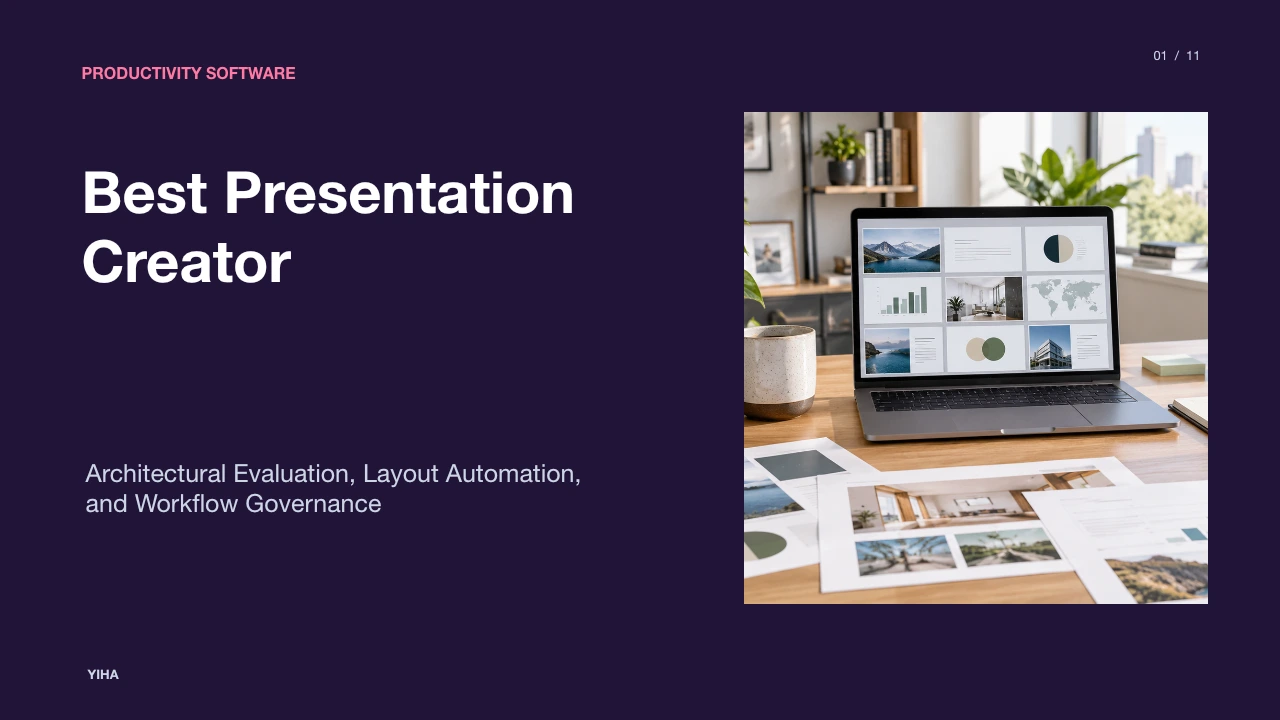
Best Presentation Creator
An objective guide to presentation creator software, analyzing technical tradeoffs between desktop engines, browser collaboration, automated layouts, and brand systems.
Free download · 4.9 MB11 editable slides · PowerPoint format
Download the editable PPTX
PPTX · 4.9 MB · 11 editable slides · Free to edit and reuse with attribution to Yiha.ai
View every slide
Use ← →, Home/End, or swipe on mobile
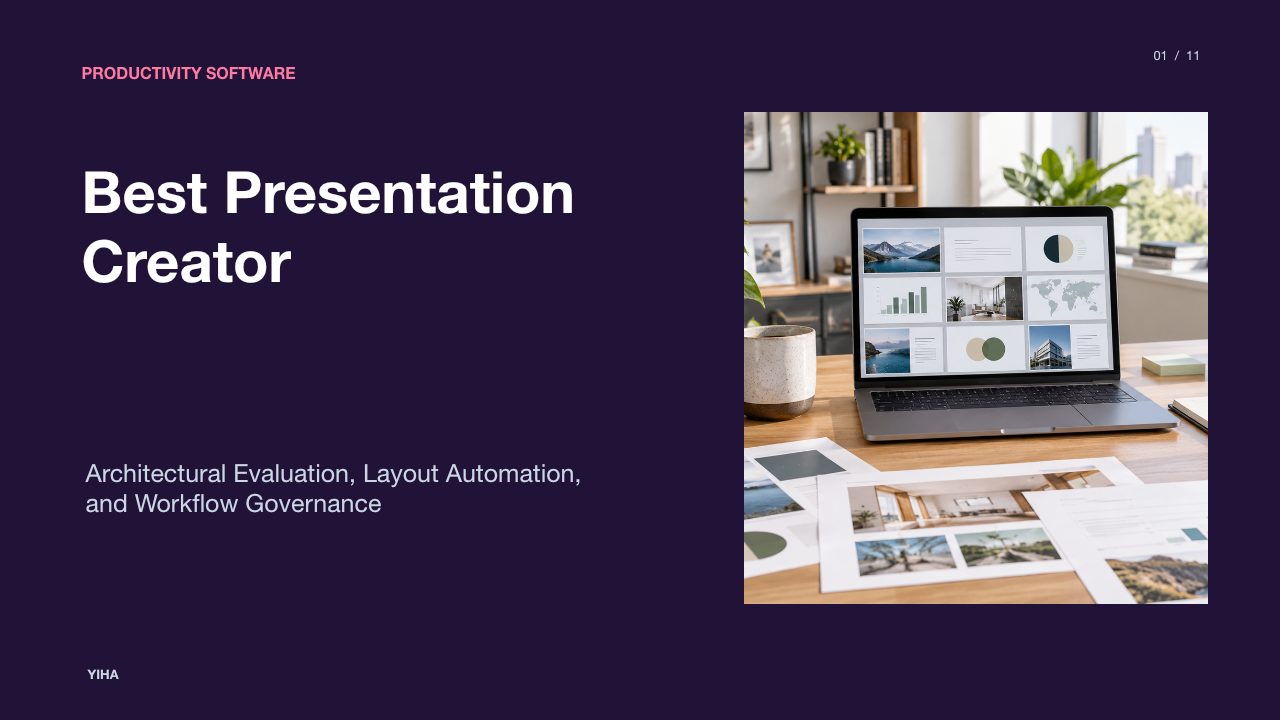
Selecting presentation creator software requires evaluating how authoring runtimes, design engines, and collaboration architectures affect deck production. While desktop-centric suites historically dominated the category through standalone file generation, modern workflows increasingly rely on browser-native platforms, rule-based layout algorithms, and shared component systems. Organizations must weigh offline rendering fidelity against simultaneous editing latency, template governance, and ecosystem interoperability.
The Evolution of Digital Presentation Architecture
Digital presentation tooling originated as desktop-first software centered on local file persistence, typically saving slide stacks into binary or zipped XML containers such as PPTX files. As outlined in the Axiobench Presentation Creator Benchmark, traditional desktop suites such as Microsoft PowerPoint and WPS Presentation established layout placeholder frameworks, slide master hierarchies, and timeline-driven animation panes. In this runtime model, computing resources for vector rendering, shape z-ordering, and multimedia playback execute entirely within local memory, ensuring deterministic performance regardless of network conditions.
Conversely, the rise of cloud-native editors transformed presentations into web applications. As noted in the Worldmetrics Presentation Creator Review, platforms such as Google Slides, Pitch, and Zoho Show execute layout composition inside browser environments. Slide assets reside in remote cloud stores rather than on local disks, fundamentally altering asset persistence and document lifecycle management. Web authoring centralizes version control and eliminates detached file attachments, but browser environments often feature less granular timeline and layer animation control than desktop engines, creating a direct architectural tradeoff between authoring depth and accessibility.
Linear Slide Sequences vs. Nonlinear Spatial Canvases
Slide creation software generally organizes visual ideas using either ordered rectangular frames or continuous spatial canvases. Conventional tools enforce a sequential progression where narrative flow relies on slide-by-slide transitions and ordered animation builds. According to the ZipDo Presentation Creator Comparison, linear editors like PowerPoint use transitions such as Morph to animate object states across sequential slides while maintaining strict page boundaries and predictable playback timing.
In contrast, non-linear tools like Prezi discard discrete rectangular stacks in favor of an open two-dimensional spatial canvas. As detailed in the Axiobench Presentation Creator Benchmark, Prezi connects visual nodes via zoom paths, moving a virtual camera across spatial groupings to illustrate hierarchical relationships between concepts. While this continuous motion model supports walkthroughs, exploratory discussions, and training sessions, it introduces sequencing complexity. When presentations require dense data tables and uniform spacing across dozens of slides, spatial canvas navigation can break strict grid alignment and demand substantial layout rework during revisions.
Constraint-Based Layout and Algorithmic Automation
Manual coordinate positioning requires authors to manage pixel offsets, alignments, and text bounding boxes by hand. Unstructured manipulation frequently leads to uneven margins and misaligned shapes when multiple contributors edit a deck. In response, modern presentation creators implement constraint-based layout engines that automate spacing and content alignment.
According to the ZipDo Presentation Creator Comparison, platforms such as Beautiful.ai apply smart layout automation that reflows text, shapes, and charts dynamically whenever slide content changes. Pitch similarly uses a template-driven layout engine to enforce consistent typography and object padding across deck versions. As observed in the Worldmetrics Presentation Creator Review, algorithmic auto-layout drastically reduces manual formatting overhead for standardized sales decks or recurring status updates. However, strict rule systems create limitations when authors attempt to construct unconventional, freeform visual layouts that conflict with built-in engine constraints.
Design Systems, Master Templates, and Brand Governance
Maintaining visual standards across enterprise teams requires technical governance rather than informal stylistic guidelines. In traditional desktop environments, brand governance relies on slide master hierarchies and theme inheritance. As reported in the Axiobench Presentation Creator Benchmark, PowerPoint's master hierarchy controls layout placeholders globally, allowing administrators to update typography and base palettes while preserving content alignment across complex decks.
Cloud platforms enforce governance through unified brand kits and shared component libraries. According to the ZipDo Presentation Creator Comparison, Canva Presentations, Adobe Express Presentation Maker, and Visme lock font pairings, color tokens, and corporate logos into centralized kits that propagate across team workspaces. The Worldmetrics Presentation Creator Review highlights how Pitch allows teams to update modular components across an entire deck library simultaneously. These guardrails prevent visual drift across distributed teams, though manual template overrides can still fragment consistency if administrative permissions are poorly managed.
Real-Time Collaboration and Review Workflows
Producing enterprise decks rarely involves a solitary author. Cloud-native architectures replace asynchronous file attachments with concurrent multi-user editing, shared workspaces, and persistent review threads. The Worldmetrics Presentation Creator Review notes that platforms like Google Slides, Pitch, and Canva Presentations combine real-time coauthoring with version history and contextual commenting inside the primary editor.
Review efficiency depends heavily on where annotations anchor. As explained in the ZipDo Presentation Creator Comparison, Google Slides anchors threaded comments directly to specific slide elements, such as individual charts or text frames, rather than whole-slide notes. This fine-grained anchoring clarifies editorial review loops by linking discussions to concrete assets. Concurrently, operational version histories allow teams to inspect author revisions and roll back formatting regressions without disrupting active coauthoring sessions.
Generative AI Drafting and Responsive Card Formats
Generative artificial intelligence has introduced prompt-driven outlining and automated draft generation into slide creation. Rather than starting from empty canvases, authors can transform text outlines or structured briefs into formatted slide decks. The Worldmetrics Presentation Creator Review highlights Gamma, which converts written text into structured deck drafts using AI-assisted media handling and layout generation.
These automated workflows frequently employ responsive card-style containers rather than rigid 16:9 fixed-pixel slides. As described in the Axiobench Presentation Creator Benchmark, web-first card layouts adjust across mobile and desktop browser viewports, expanding reading options for asynchronous consumption. Nevertheless, automated drafting tools have distinct architectural boundaries. Generated layouts often require manual fine-tuning to correct visual hierarchy, and their underlying authoring controls offer less precision than mature desktop presentation suites.
Export Fidelity, Font Embedding, and Offline Playback
Interchange fidelity remains a significant technical challenge when distributing presentations across disparate environments. Web-based link sharing ensures visual fidelity by executing inside standardized browser rendering engines, but real-world delivery often demands offline files. According to the ZipDo Presentation Creator Comparison, handoffs to external partners frequently require PPTX or PDF exports.
Fidelity issues emerge when complex decks move between browser runtimes and native desktop applications. As noted in the Axiobench Presentation Creator Benchmark, differences in local font installation, vector rendering pipelines, and advanced transition mechanisms can trigger layout shifts during export round-trips. Furthermore, the ZipDo Presentation Creator Comparison emphasizes that while tools like Visme offer HTML5 exports for web playback, native PPTX authoring environments like PowerPoint remain the safest choice when offline reliability and exact animation states are mandatory.
Ecosystem Interoperability and Workflow Integration
Presentation tools do not exist in isolation; their operational value depends on integration with adjacent software ecosystems. Tools designed around cohesive product suites enable direct data binding and asset synchronization. According to the Worldmetrics Presentation Creator Review, Zoho Show integrates natively with the broader Zoho application suite, allowing teams to embed charts linked directly to underlying business data assets.
Cross-application compatibility also drives multi-tool creative workflows. Analysis from Book Creator's AppSmashing Guide illustrates how embedding visual creators like Canva and Adobe Express directly inside host document platforms removes file export friction and centralizes asset pipelines. By contrast, stand-alone presentation editors often force teams to manually capture screenshots or export static media files, which disconnects presentation graphics from live data updates and slows revision cycles.
Organizational Selection and Implementation Strategy
Selecting an optimal presentation creator requires balancing author skills, collaboration requirements, and compliance postures. Evaluators must look beyond initial drafting speeds to evaluate ongoing maintenance overhead and governance controls. As established in the ZipDo Presentation Creator Comparison, design governance depends on whether teams maintain template discipline or allow ad hoc overrides that fragment slide standards.
Organizations standardizing their software stack should systematically score candidate platforms across four primary operational dimensions:
- Layout Control vs. Automation: Determine whether decks demand freeform coordinate precision (PowerPoint, WPS Presentation) or constraint-driven auto-reflow (Pitch, Beautiful.ai).
- Collaboration Velocity: Assess the requirement for real-time coauthoring, object-level commenting, and live version rollback (Google Slides, Pitch, Canva).
- Brand Governance: Evaluate administrative enforcement mechanisms, including centralized brand kits, slide master hierarchies, and template locking.
- Distribution and Interchange: Audit requirements for offline playback fidelity, PPTX round-trip compatibility, and live web link distribution.
As reinforced in the Worldmetrics Presentation Creator Review, understanding these architectural tradeoffs enables organizations to select software that aligns with actual team workflows rather than superficial feature checklists.
Research sources
- Top 10 Best Presentation Creator Software: 2026 Comparison · worldmetrics.org
- Best Presentation Creator Software (2026) · axiobench.com
- Top 10 Best Presentation Creator Software: 2026 Comparison · zipdo.co
- AppSmashing with Book Creator: Best EdTech Combos for Creative Classrooms and District Tech Stacks - Book Creator app · bookcreator.com