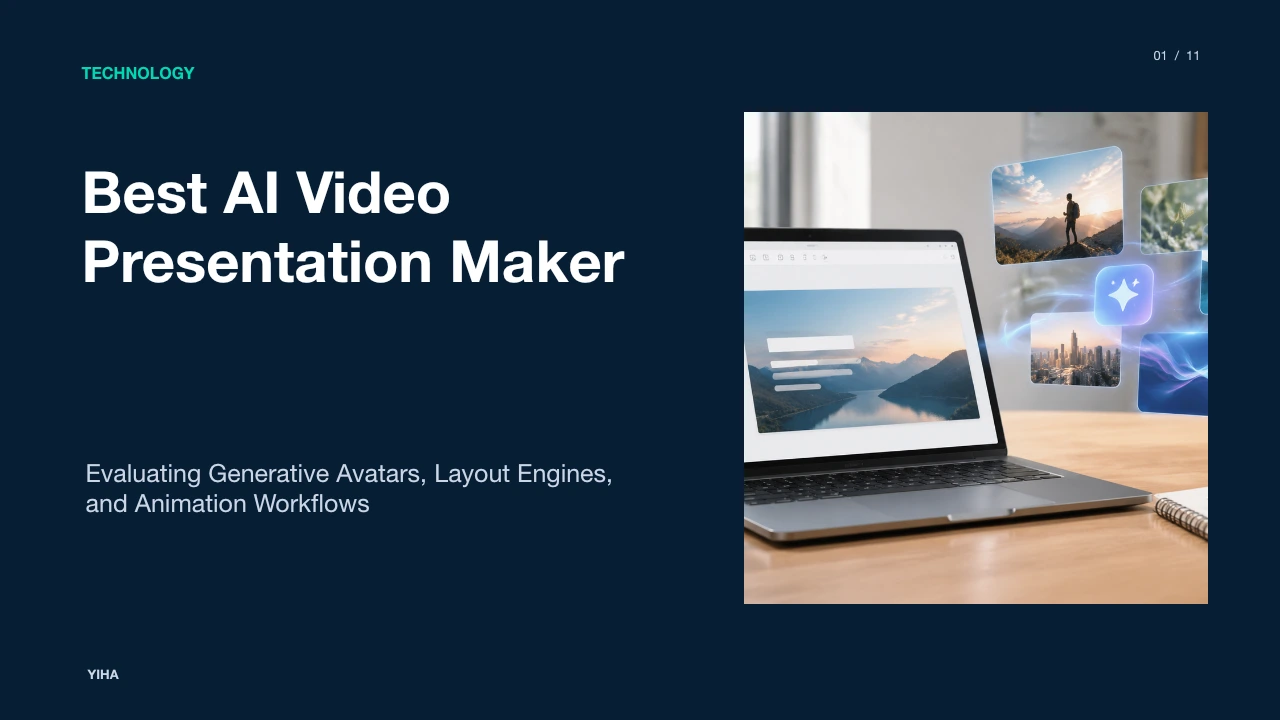
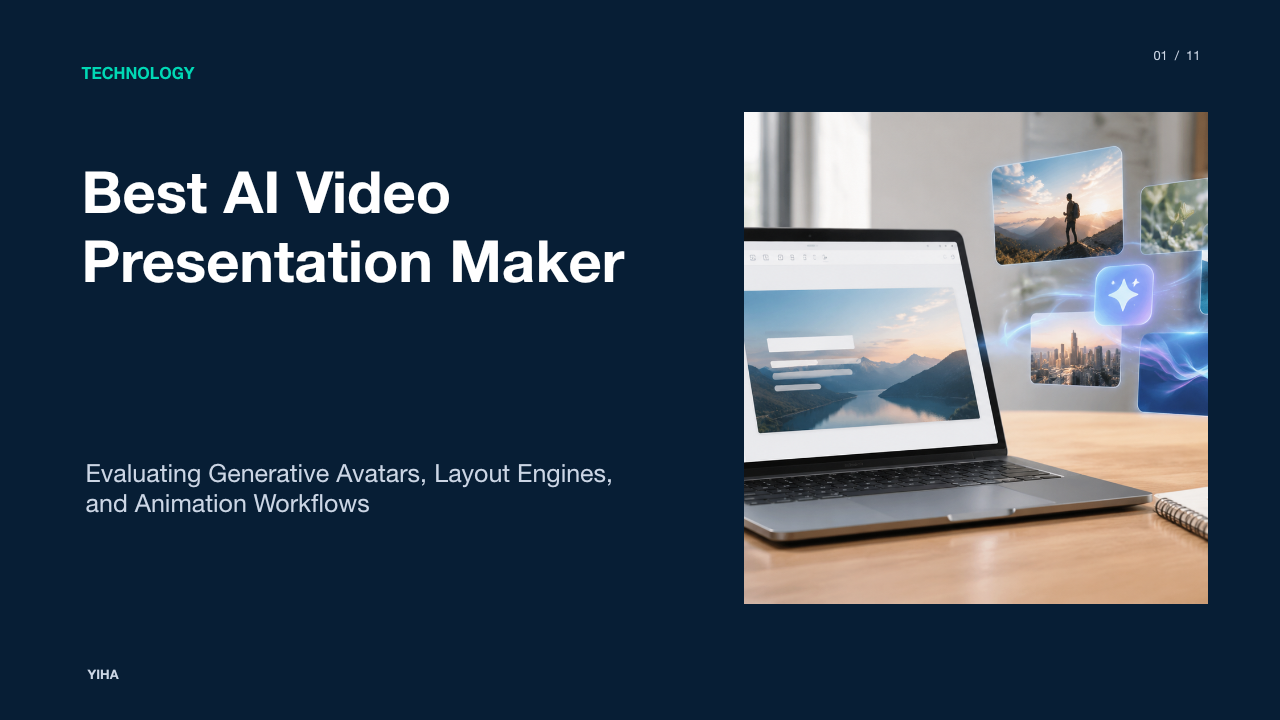
Best AI Video Presentation Maker
A technical and operational guide to selecting AI video presentation makers, evaluating avatar synthesis, keyframe controls, layout engines, and review workflows.
Free download · 4.9 MB11 editable slides · PowerPoint format
Download the editable PPTX
PPTX · 4.9 MB · 11 editable slides · Free to edit and reuse with attribution to Yiha.ai
View every slide
Use ← →, Home/End, or swipe on mobile
Modern workplaces increasingly rely on video to communicate across remote teams, onboard employees, and share procedural instructions. Traditional slide decks often fail to keep remote viewers engaged when shared without an active presenter. At the same time, scheduling live meetings across disparate time zones introduces scheduling friction and reduces daily focus time. As a result, software teams and instructional designers are turning to automated and generative video tools. This guide examines how presentation video makers convert slides, text, and outlines into narrated media, the technical trade-offs between avatar generation and keyframe animation, and how organizations evaluate these platforms for ongoing production.
The Shift from Static Slide Decks to Asynchronous Video
Organizations produce thousands of slide files every year, yet reading slide decks without live narration places a heavy cognitive burden on the recipient. According to software analysis from WifiTalents, presentation video software transforms raw slides, narrative scripts, and media into self-contained video assets designed for asynchronous walkthroughs, product updates, and employee education.
Instead of requiring a live speaker to repeat the same presentation across multiple regional offices, teams can record or synthesize a single video asset. Video pairs auditory pacing with synchronized visual aids, keeping viewer attention focused on specific elements on the screen. As noted by Aiarty, presentation videos turn static text and bullet points into dynamic visual communication by combining animations, automated voiceovers, transitions, and motion graphics without requiring manual studio production.
However, migrating to asynchronous video requires structural changes. Slide text that worked well in a live boardroom must be rewritten into conversational scripts. Slide decks meant for visual support cannot simply be recorded page by page without adjusting duration and transition timing.
How Generative Engines Convert Text and Decks to Video
Generative video software uses a structured multi-step pipeline to transform static source documents into rendered media files. As explained in software evaluations by WorldMetrics, these platforms parse slide elements, sequence scene transitions, and render the final composition to standard formats such as MP4.
First, document parsers read source files such as PowerPoint slides, structured outlines, or raw text prompts. Platforms like FlexClip provide dedicated PowerPoint-to-video tools where an engine extracts core headings and body copy, generating a narrative script for each slide. The script is broken down into timed sentences that determine how long each scene remains on screen.
Second, the platform maps visual assets to the generated script. If an author supplies bullet points about cloud data backup, the system selects relevant illustrations, diagrams, or stock footage clips from connected media libraries. Finally, the rendering pipeline combines text animations, visual media layers, and synthesized speech into a synchronized audiovisual stream. This eliminates the need for manual timeline construction while producing a complete first draft in minutes.
Synthetic Avatars and Neural Voice Synthesis Mechanics
Synthetic avatars represent a major category of AI video generation. Rather than requiring human presenters to stand in front of physical studio cameras, systems like Synthesia and HeyGen generate digital human presenters directly from written scripts. As documented in product testing by Aiarty, these tools eliminate the need for cameras, actors, and extensive studio editing while delivering script-to-video generation with synchronized lip movements.
The underlying mechanics rely on neural text-to-speech models and visual speech synthesis. When an author types text into an avatar editor, the speech engine converts written words into phonemes, which are the discrete acoustic units of human speech. As detailed by FlexClip, the platform maps these speech phonemes directly to facial movements and corresponding mouth shapes known as visemes. This phoneme-to-viseme mapping enables the avatar to speak with believable lip synchronization across dozens of languages.
Despite these benefits, synthetic avatars have limitations. Natural human body language involves subtle micro-expressions, spontaneous shifts in posture, and non-verbal pacing that neural avatar models can struggle to reproduce. When an avatar delivers highly sensitive or emotionally complex material, viewers may experience an uncanny valley effect where the delivery feels robotic or detached.
Keyframe Motion and Timeline Controls in Animated Systems
While avatar-focused tools emphasize talking-head narration, animation-first suites prioritize motion graphics, character interactions, and frame-accurate timing. As noted by WifiTalents, platforms such as Vyond center on a timeline workflow that sequences scenes, character movement, and audio narration for corporate training and internal communication.
Timeline-based editors rely on keyframe animation. A keyframe marks the starting or ending point of an action on a timeline. By assigning keyframes to characters, callout boxes, and text elements, instructional designers control exactly when an asset enters the scene, how quickly it moves across the screen, and when it exits. As reviewed by WorldMetrics, Powtoon and Vyond offer keyframe controls across scenes so creators can construct detailed visual stories that mirror classic motion graphics workflows.
This deterministic timeline model suits procedural explainers, regulatory compliance training, and complex conceptual workflows. In these scenarios, watching an animated character perform a sequence of workplace tasks often clarifies operational details better than a static talking head. However, timeline animation requires significantly more authoring time and manual alignment than one-click generative video tools.
Slide-First Layout Engines and Automated Asset Assembly
Between rigid timeline suites and fully automated avatar tools sits slide-first layout software. These applications modernize the familiar slide builder interface by adding automatic design recalculation and video rendering pipelines. In a guide on generative presentation tools, Zapier highlights platforms like Beautiful.ai and Gamma, which use smart layouts to maintain visual harmony automatically as content expands or changes.
In Beautiful.ai, dynamic smart slides hold charts, diagrams, and cards that automatically reorganize their geometry when users add new items. This automated layout logic prevents common slide design problems, such as misaligned boxes, crowded text fields, and clashing margins. Tools like Canva combine slide templates with visual editing capabilities, enabling users to animate elements per slide, apply transitions, and export the entire deck as a continuous video stream.
Slide-first engines excel at quick executive summaries, sales pitches, and sprint retrospectives. Teams can collaborate in real time on slide geometry and brand kit palettes before committing the deck to an export job. The trade-off is reduced narrative pacing control. Slide-first tools typically apply uniform transition lengths across whole pages, making it difficult to match nuanced pauses in voiceover audio.
Enterprise Applications: Onboarding, Sales, and Training
AI video presentation software delivers measurable efficiency gains across three primary corporate domains: employee onboarding, asynchronous sales outreach, and global workforce training. According to documentation from Synthesia, organizations use AI presenters and template systems to generate onboarding welcomes, sales enablement videos, and technical tutorials translated into more than 140 languages.
For employee onboarding, HR departments build modular video libraries covering company culture, software setup, and benefits policies. When software interfaces or policies change, instructional designers update the text prompt or script instead of re-recording physical video in a studio. For sales teams, account executives create personalized product walkthroughs for prospective buyers by inserting prospect names and company-specific requirements into video templates.
In global workforce training, multilingual localization is a critical advantage. Traditional studio production makes translating video into multiple languages cost-prohibitive. As detailed by Vyond, enterprise platforms integrate AI voices, stock assets, and instant translation into dozens of languages while exporting directly to Learning Management Systems using standard SCORM and MP4 packaging. This enables international teams to consume identical compliance and technical training in their primary working language.
Balancing Automated Throughput Against Editorial Control
Selecting a video presentation platform requires balancing speed against editorial precision. High-automation tools allow users to convert a text prompt or slide outline into a rendered MP4 file within minutes. However, as noted in the feature analysis by WifiTalents, the core trade-off centers on controllable editing versus automated throughput.
When speed takes priority, automated generators produce complete drafts quickly, but users often have limited control over camera angles, exact motion paths, and audio cadence. If an AI voice mispronounces an industry-specific acronym or places emphasis on the wrong syllable, fixing the problem may require phonetic spelling workarounds or full re-rendering. Conversely, timeline-first editors like Powtoon and Vyond offer frame-by-frame control over motion beats, but require hours of hands-on authoring.
Review workflows introduce another operational variable. As described by Ziflow, enterprise video production requires clear review stages, frame-accurate commenting, and automated approval notifications to prevent version clutter and missed stakeholder feedback. Tools that support shareable browser preview links allow teams to inspect drafts and request revisions before spending rendering credits on final MP4 exports.
Visual Artifacts, Audio Jitter, and Quality Governance
While generative presentation software has improved considerably, automated outputs still require systematic quality governance. Video rendering pipelines can introduce visual compression artifacts, low-resolution textures, and artificial mouth movements that distract viewers. According to technical evaluations by WorldMetrics, common pitfalls when implementing presentation video software involve handling complex visual overlays, managing synchronized webcam footage, and maintaining strict brand standards across collaborative drafts without slowing down production.
Audio artifacts and speech synchronization present additional challenges. As documented by FlexClip, while neural text-to-speech engines and avatar systems map spoken phonemes to facial movements, artificial narrations can occasionally sound unnatural or robotic if pronunciation, tone, and pacing are not carefully audited. In instructional videos containing code snippets, technical jargon, or numeric metrics, small rendering errors can undermine content credibility. Furthermore, as noted by WifiTalents, teams must evaluate how platforms handle closed captions, noting that systems relying on baked-in subtitles prevent post-render edits, whereas editable subtitle workflows allow instructional designers to review and correct transcription accuracy before final delivery.
To manage these operational risks, enterprise teams establish quality review rubrics before distribution. Evaluators verify that on-screen text remains sharp across mobile and desktop displays, brand assets adhere to style sheets, audio tracks stay level, and closed captions align accurately with speech tracks.
A Pragmatic Framework for Selecting and Deploying Tools
Because no single video tool meets every corporate requirement, teams benefit from adopting a structured evaluation rubric. The framework below outlines four practical criteria for assessing presentation video makers:
- Authoring Model: Determine whether the primary use case demands talking-head avatar delivery, character-based keyframe animation, or slide-driven template design. As shown in comparative evaluations by WorldMetrics, tools like Canva excel at slide-first brand layouts, Vyond leads in character-driven scene keyframing, and Synthesia specializes in script-driven avatar delivery.
- Brand Kit Governance: Evaluate how strictly the software enforces corporate identity. Platforms that constrain typography, hex colors, and logo positions inside the builder prevent unauthorized styling changes during collaborative editing cycles.
- Collaborative Review and Export Pipeline: Verify whether the platform supports frame-specific commenting, shareable review links, and flexible export formats including MP4, WebM, and SCORM packages for LMS hosting.
- Operational Pricing and Render Limits: Examine subscription models to identify whether costs scale per seat, per render minute, or through credit quotas for AI-generated avatars.
By matching technical requirements to specific project goals, organizations can establish predictable video creation workflows that replace static slide decks with effective asynchronous video presentations.
Research sources
- 6 Best Presentation Video Makers in 2026 (AI & Online Tools) · www.aiarty.com
- Top Presentation Video Maker Software (2026) · wifitalents.com
- Best 7 Free Video Presentation Makers Online/Desktop to Try · www.flexclip.com
- Top 10 Best Presentation Video Maker Software (2026 Review) · worldmetrics.org
- The 8 best AI presentation makers in 2026 | Zapier · zapier.com
- Free AI Presentation Maker - Create AI Video Presentations · www.synthesia.io
- Create eLearning Videos | Animated Training Videos | Vyond · www.vyond.com
- Video production workflow: The 4 stages, steps to success, and best practices · www.ziflow.com