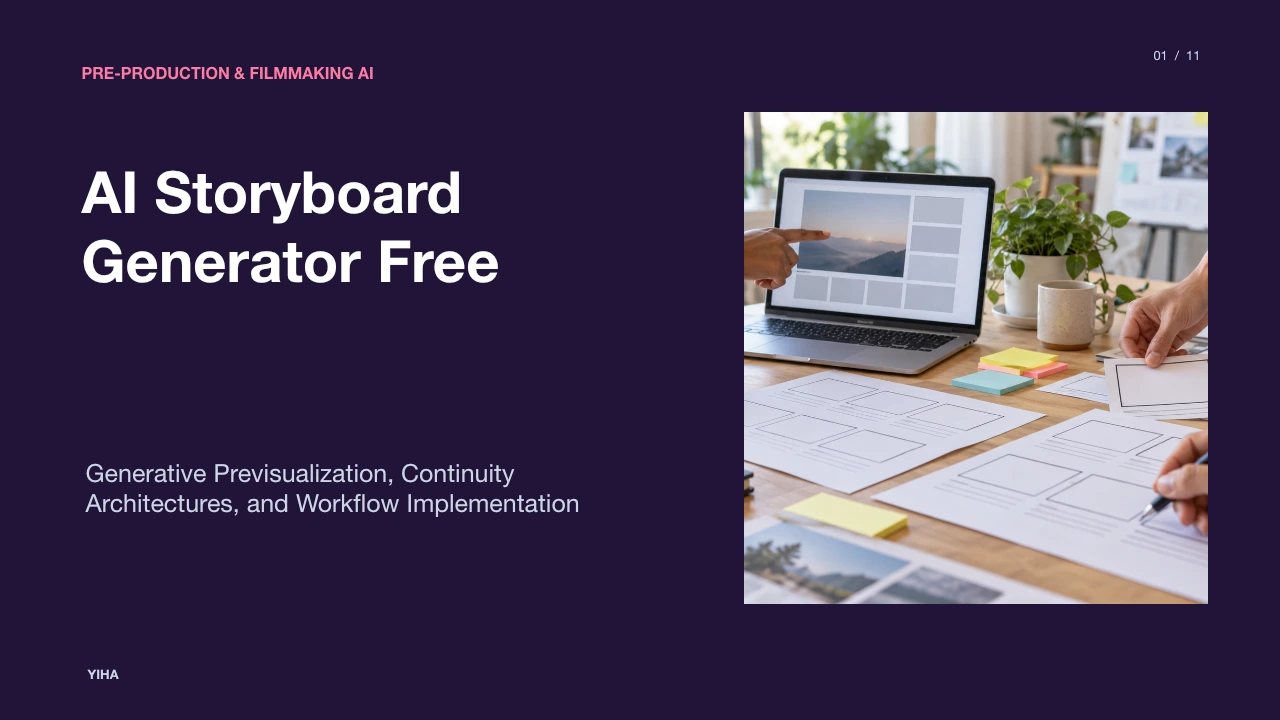
AI Storyboard Generator Free
A technical and practical guide to using free AI storyboard generators, covering multimodal screenplay parsing, latent identity anchoring, cinematic camera controls, and pre-production export pipelines.
Free download · 4.9 MB11 editable slides · PowerPoint format
Download the editable PPTX
PPTX · 4.9 MB · 11 editable slides · Free to edit and reuse with attribution to Yiha.ai
View every slide
Use ← →, Home/End, or swipe on mobile
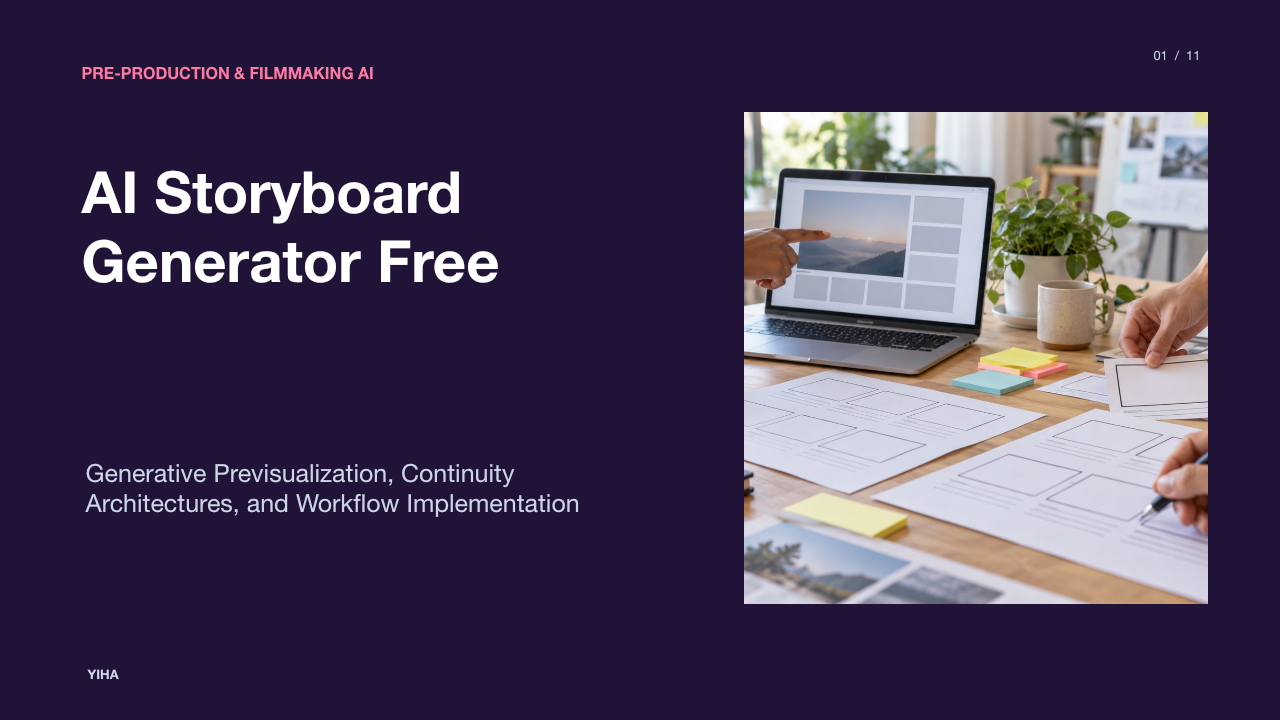
Visual planning sits at the foundation of cinematic storytelling, commercial video production, and episodic development. Historically, transforming a written script into an actionable visual storyboard required weeks of manual sketching or dedicated previsualization budgets that excluded independent creators. Today, the rise of specialized and free artificial intelligence storyboard engines bridges this divide. By coupling multimodal large language models with latent diffusion pipelines, directors and video producers can rapidly translate raw concepts, treatments, or screenplay drafts into structured, frame-by-frame visual plans.
Understanding how these tools operate requires looking beyond simple image generation. Effective previsualization demands consistent character identities across panels, precise cinematic camera designations, and structured metadata handoffs that crew members can interpret on set. This guide examines the underlying architectures, free service operational models, framing controls, technical limitations, and production practices that define modern generative visual planning.
Pre-Production Bottlenecks and Generative Visual Planning
Film pre-production has historically suffered from what directors term the logistical bottleneck between the screenplay and production execution. While a screenplay describes actions and dialogue in abstract language, filming requires concrete physical decisions: camera position, lens height, lighting direction, actor blocking, and set geometry. Traditionally, bridging this divide meant hiring storyboard illustrators or concept artists, costing thousands of dollars and requiring multiple weeks of sketching before a single shot could be scheduled. When productions skip storyboarding to save upfront time, downstream communication failures often trigger costly delays on set, mismatched coverage, and unplanned visual effects work in post-production, as documented in analysis by ORVPhotography.
Generative visual planning directly compresses this iteration cycle. Platforms detailed by Studiovity illustrate how generative previsualization allows directors to transform raw screenplay text into comprehensive visual frames within minutes. Rather than waiting days for a revised thumbnail sketch, creative teams can evaluate narrative pacing and camera continuity across dozens of panels before call sheets are drafted. Tools such as Adobe Firefly Boards enable creators without professional drawing backgrounds to map narrative sequences, arrange shots, and secure consensus across lighting, camera, and production design teams before financial commitments begin.
Script Parsing and Structured Shot List Decomposition
Modern storyboard generation begins with automated textual decomposition. Traditional script breakdown requires line-by-line tagging of elements including characters, props, exterior or interior tags, and camera movement. In an automated pipeline, large language models parse script pages into discrete narrative beats and assign structural metadata to every prospective setup. Platforms such as APOB AI demonstrate this process by segmenting narrative text into sequenced panel cards, establishing camera directions, calculated shot durations, and voiceover cues directly from narrative descriptions.
This structured parsing prevents common omissions during pre-production, such as unaccounted props or vague actor transitions. As highlighted by Template.net, decomposing a narrative brief into distinct scene templates allows creators to establish visual requirements like shot size, scene setting, and character action before generating imagery. Furthermore, the integration with tools like Adobe Firefly enables script prompts to generate corresponding visual representations directly from scene descriptions, ensuring that camera prompts match the physical rhythm of the underlying script.
Model Architectures: Multimodal LLMs and Diffusion Pipelines
Underneath automated storyboarding engines lies a multi-stage architecture connecting language reasoning with high-fidelity visual synthesis. As synthesized in research compiled on Emergent Mind, leading storyboard frameworks decouple the system into an LLM director module and a diffusion image generator backbone. Systems such as VstoryGen, DreamStory, and MM-StoryAgent utilize multimodal large language models (MLLMs) to ingest narrative text, reference character anchors, and background tokens, generating structured prompts conditioned on cinematic grammar.
The visual generation stage relies on latent diffusion models (LDMs) or Diffusion Transformers (DiTs). Rather than processing each panel in isolation, advanced architectures introduce Masked Mutual Self-Attention (MMSA) and Masked Mutual Cross-Attention (MMCA) within the diffusion network. These mechanisms ensure that subject patches in target frames query only their designated reference anchors, preventing visual identity blending across multi-character panels. Through prompt-tuning objectives that align shot types and regularize text-visual embeddings, systems documented by Adobe Firefly and APOB AI allow unified style references and spatial guidelines to transfer cleanly across successive panels.
Maintaining Character and Environmental Consistency
Maintaining visual continuity across panels represents the single greatest engineering challenge in generative storyboarding. Standard text-to-image models suffer from character drift, where clothing, facial geometry, hairstyle, and age shift unpredictably between sequential prompts. Dedicated engines resolve this by creating persistent profile-level consistency layers. As detailed by Story2Board, projects establish foundational anchors comprising character reference images, prop sheets, and environmental location boards that an AI co-director reads whenever a subsequent panel is rendered.
Industry commentary by Pixmax emphasizes that locking character identity at the profile level eliminates the need to rewrite descriptive prompts for every angle. Similarly, Adobe Firefly Boards leverages visual reference images and style matching parameters to preserve recurring lighting palettes, physical environments, and character wardrobes across sequences. By keeping character representations anchored in latent reference space, filmmakers can move a protagonist from a wide establishing exterior to a tight macro dialogue setup without sacrificing facial recognition.
Free Tier Capabilities, Local Storage, and Service Quotas
Filmmakers evaluating free AI storyboard generators encounter diverse operational structures, ranging from open web utilities to credit-governed software platforms. Service tiers vary widely in their account requirements, daily allowances, and commercial licensing terms. For instance, Magic Hour provides an in-browser workflow offering three free storyboards per day without requiring registration or applying watermarks, while restricting commercial use rights to paid subscription tiers and deleting active content after 24 hours.
Conversely, enterprise platforms like Adobe Firefly provide free access tied to an Adobe account, granting daily generative credits to test boards with options for Creative Cloud integration. As observed in industry reviews by Pixmax, creators often test multiple free workflows to evaluate ease of use and visual coherence before committing to paid production tools. Production teams utilizing free tiers must carefully evaluate whether project data is retained locally in the browser cache, stored under short cloud retention windows, or preserved in permanent cloud workspaces.
Controlling Cinematic Framing, Camera Moves, and Ratios
Translating cinematography terminology into machine-readable prompts requires an understanding of shot taxonomy and aspect ratios. A competent storyboard cannot rely solely on medium eye-level shots; it requires a deliberate visual rhythm using wide shots, extreme close-ups, Dutch tilts, and over-the-shoulder perspectives. Guides by Picasso IA note that chaining identical medium angles creates flat pacing, whereas alternating between establishing shots, reaction frames, and high-angle coverage conveys dramatic tension.
Prompt engineering frameworks documented by Template.net demonstrate how specifying camera placement directly dictates diffusion composition, including close-ups, wide angles, and low-angle views. Furthermore, aspect ratio selection fundamentally impacts framing. Planning a mobile vertical video (9:16) requires subjects and action to be clustered along the vertical axis, whereas cinematic widescreen (16:9) demands wide horizontal blocking. Platforms highlighted by Adobe Firefly provide flexible canvas tools to test framing and composition variations before locking camera orders.
Dedicated Storyboard Engines Versus General Image Generators
Creators often debate whether to use dedicated storyboard applications or standalone image generators like Midjourney or Stable Diffusion. While general image generators produce striking individual illustrations, they operate without persistent project state. A user in a standalone chat window must re-enter character descriptions, lighting directives, and stylistic rules with every generation prompt. Furthermore, general image tools lack native pre-production tooling, requiring manual assembly in desktop graphic programs to produce shot sheets.
In contrast, dedicated platforms analyzed by Story2Board integrate persistent project databases where narrative intent, location records, and character seeds are maintained continuously. Comparisons by Novi AI highlight that dedicated tools like Boords, Katalist AI, and Drawstory prioritize script-to-board automation, shot-number tracking, script revision histories, and team review comments. Dedicated systems support direct PDF exports where each panel travels alongside lens focal length notes, action summaries, and dialogue transcripts, producing documents ready for production crews as noted by Adobe Firefly.
Current Technical Limitations: Spatial Drift and Handoff Gaps
Despite rapid architectural advances, generative storyboarding software exhibits clear technological limitations. Spatial reasoning remains inconsistent in modern diffusion models. When alternating between reverse camera angles in a dialogue scene, AI engines frequently invert spatial geography, placing actors on incorrect sides of the frame and violating the 180-degree rule. As observed in technical notes by APOB AI, the software functions as a planning assistant rather than a fully autonomous cinematographer, requiring human oversight to verify screen direction, action continuities, and prop placements.
Additional friction points include text rendering flaws on signs or props, unnatural hand and limb articulation in complex physical action, and identity drift during multi-character blocking. Commentary published by Pixmax notes that scenes with multiple interacting characters and extreme camera angles represent the hardest test cases across modern engines. Consequently, production crews cannot treat raw AI outputs as binding spatial blueprints without human directorial review, as reinforced by Adobe Firefly.
A Multi-Pass Pipeline for Field-Ready Storyboard Production
To overcome generative inconsistencies and maximize free software tiers, production teams should implement a structured multi-pass pipeline. Attempting to generate a polished visual storyboard from a raw screenplay in a single automated step invariably yields continuity breakdowns and wasted generation credits. Instead, professional pre-production separates the creative process into four distinct phases.
+-------------------------------------------------------------------------+
|                    FIELD-READY STORYBOARD PIPELINE                       |
+-------------------------------------------------------------------------+
|  Pass 1: Text Breakdown                                                 |
|  - Ingest script and extract discrete narrative beats                   |
|  - Define shot types, lens choices, and mechanical camera actions       |
|  - Verify coverage and screen direction continuity                     |
+-------------------------------------------------------------------------+
                                     |
                                     v
+-------------------------------------------------------------------------+
|  Pass 2: Asset Anchor Creation                                          |
|  - Generate canonical character headshots and costume model sheets     |
|  - Lock environmental key art and recurring architectural anchors       |
|  - Establish uniform lighting palette and rendering style references   |
+-------------------------------------------------------------------------+
                                     |
                                     v
+-------------------------------------------------------------------------+
|  Pass 3: Sequential Panel Generation                                   |
|  - Render keyframes using anchor conditioning and shot metadata         |
|  - Re-roll individual defective panels without altering intact boards   |
|  - Adjust camera perspective and action blocking iteratively            |
+-------------------------------------------------------------------------+
                                     |
                                     v
+-------------------------------------------------------------------------+
|  Pass 4: Technical Shot List Assembly                                   |
|  - Append camera movement, estimated shot duration, and dialogue        |
|  - Reconcile panel sequence with equipment and schedule demands         |
|  - Export unified PDF production binder for department heads            |
+-------------------------------------------------------------------------+
Illustrative Example of Pipeline Staging: Consider an independent short film planning a sequence set inside an antique repair shop. In Pass 1, the director breaks the written scene into six specific setups: an establishing wide shot, an over-the-shoulder angle facing the watchmaker, a macro insert of clock gears, two alternating close-ups, and a low-angle tracking push. In Pass 2, the creator generates a single front-facing reference image of the watchmaker and one architectural anchor of the shop interior, testing prompts in Adobe Firefly Boards.
In Pass 3, the director generates the six frames sequentially using the reference anchors, regenerating only the macro insert when the initial diffusion output misinterprets gear geometry. In Pass 4, using tools detailed by Pixmax and APOB AI, the director attaches lens focal lengths, estimated screen durations, and dialogue lines before exporting the sequence into a unified PDF. By decoupling script structuring, anchor validation, panel drafting, and metadata assembly, creative teams convert free AI generation tools into reliable pre-production assets.
Research sources
- Free Online AI Storyboard Generator | Adobe Firefly · www.adobe.com
- AI Storyboard & Film Scheduling Revolution - Studiovity · blog.studiovity.com
- Why Skipping Storyboards Wastes Production Time (+ AI Fix) – ORVPhotography · orvphotography.com
- AI Storyboarder |Try for FREE! · apob.ai
- Free AI Storyboard Generator | Create Professional Storyboards with AI [ No Signup ] · www.template.net
- MLLM-Based Storyboard Generation · www.emergentmind.com
- AI Storyboard Generator | Story2Board · story2board.com
- 8 Best Free AI Storyboard Generators for 2026 (Ranked & Reviewed) · www.pixmax.ai
- Free AI Storyboard Generator - No Watermark, No Sign Up | Magic Hour · magichour.ai
- AI Storyboard Generator Free: From Script to Video · blog.picassoia.com
- Best 5 AI Storyboard Generators in 2026 (Free & Paid): Honest Comparisons · www.noviai.ai